Why the Best AI Productivity Tools for May Matter Right Now

The best AI productivity tools for May 2026 aren’t just nice-to-haves anymore — they’re fast becoming the difference between teams that thrive and those that fall behind.
Here’s a quick look at the top picks if you’re short on time:
| Tool | Best For | Starting Price |
|---|---|---|
| ChatGPT | General tasks, writing, coding | Free / $20/mo |
| Claude | Deep writing, long documents | Free / $20/mo |
| Perplexity | AI-powered research with citations | Free / $20/mo |
| Superhuman Mail | Email triage and management | $30/mo |
| Granola | Meeting notes without bots | Free / $14/mo |
| Motion | AI scheduling and project management | $19/seat/mo |
| Zapier | No-code workflow automation | Free / $29.99/mo |
| Supercut | Async video communication | Paid |
| Comet Browser | Agentic AI browsing | – |
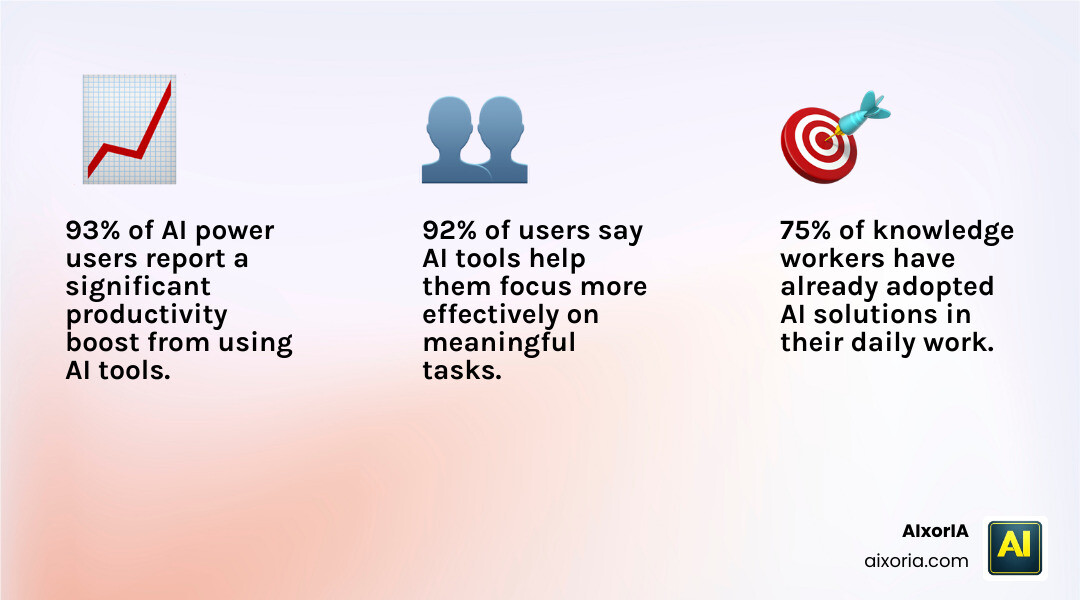
The numbers back this up. 93% of AI power users say AI boosts their productivity. Three out of four knowledge workers are already using AI at work. And 92% say AI helps them focus on what actually matters.
Yet most small business owners still feel stuck. There are too many tools, too little time to learn them, and the wrong choice can waste money fast.
That’s exactly what this guide is here to fix. We’ve broken down the top AI productivity tools for May 2026 — what each one does best, where it falls short, and who it’s actually built for.
Ranking the Best AI Productivity Tools for MAY
When we look at the landscape in May 2026, the battle for the “central brain” of your workflow usually comes down to two heavyweights: ChatGPT and Claude. While both are incredible, they serve very different purposes in a professional setting.
ChatGPT remains the king of versatility. It’s the tool we turn to when we need to brainstorm a marketing campaign, write a quick snippet of Python code, or explain a complex legal concept like we’re five years old. Its speed and the sheer breadth of its “knowledge” make it an essential daily companion.
On the flip side, Claude has carved out a massive following among professionals who value nuance and long-form reasoning. If you’re trying to summarize a 200-page PDF or want a writing partner that doesn’t sound like a robot, Claude is often the superior choice.
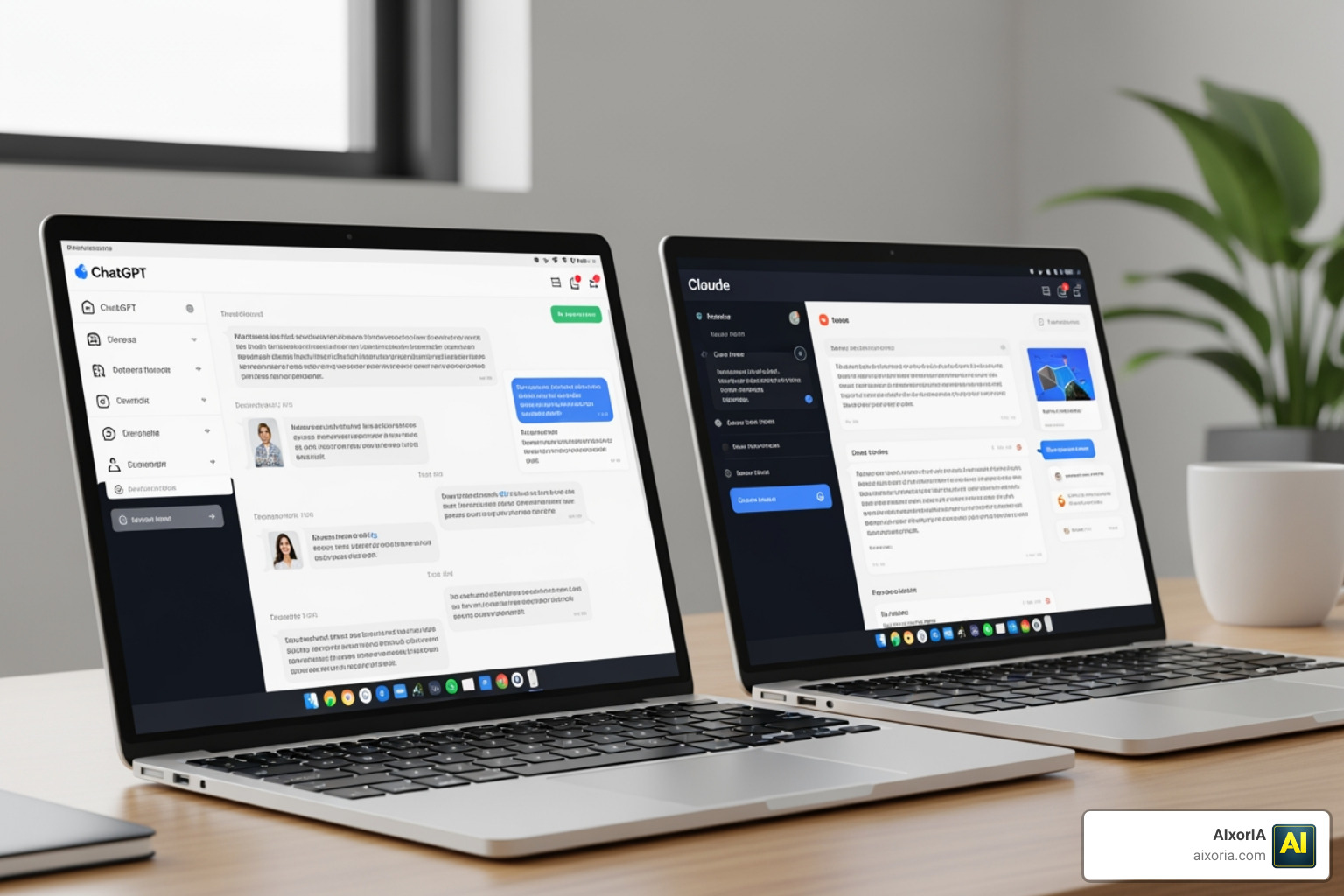
Comparison of Leading AI Chat Tools
| Feature | ChatGPT (Plus) | Claude (Pro) |
|---|---|---|
| Best For | Coding, brainstorming, image generation | Nuanced writing, long context analysis |
| Context Window | Large | Massive (200K+ tokens) |
| Special Skills | Custom GPTs, Voice Mode | Writing Styles, Projects |
| Pricing | $20/month | $20/month |
Choosing between them isn’t always necessary. Many power users we work with keep both. However, if you want to see a deeper dive into how these two stack up against the rest of the market, check out our guide on What is the Best AI for Productivity in 2026 Tested Compared.
Choosing the Best AI Productivity Tools for MAY for Research
Research used to mean losing three hours in a forest of browser tabs. In 2026, tools like Perplexity have turned that into a 30-second task. Perplexity isn’t just a search engine; it’s an answer engine. It browses the live web, synthesizes the information, and—most importantly—provides clickable citations for every claim it makes. This reduces the “hallucination” problem that plagues other AI tools.
For those of us in the Apple ecosystem, Oden — AI Productivity for iOS & macOS offers a more integrated approach. Oden functions as a quiet layer over your devices, learning your habits and helping you find information across your own files and calendars. It’s less about searching the whole world and more about mastering your own digital world.
Comparing General AI Chat Tools for Professional Writing
If your job involves heavy writing, you’ve likely noticed that AI can sometimes sound a bit… generic. This is where Claude’s “Projects” and “Writing Briefs” features shine. You can upload your previous articles or company style guides, and Claude will automatically reference those “skills” without being prompted every time. It’s like having an editor who already knows exactly how you like your coffee.
ChatGPT Plus is still a powerhouse for variety, especially with its ability to generate images and data visualizations on the fly. We often recommend ChatGPT for the “first draft” and Claude for the “final polish.” To see how these fit into a broader strategy, read more about The Best AI Productivity Tools in 2026.
Specialized Solutions for Meetings and Email
While general AI is great, specialized tools are where the real time-savings happen. We’ve all felt the dread of an inbox with 200 unread messages.

Superhuman Mail has been a game-changer for us. It’s not just an email client; it’s an AI assistant that triages your mail, drafts replies in your exact tone, and reminds you to follow up. At $30 a month, it might seem pricey, but if it saves you an hour a day, it’s arguably the most cost-effective “employee” you’ll ever hire.
Then there’s the “meeting fatigue.” Granola has become our favorite way to handle calls. Unlike other tools that send a clunky bot into your Zoom or Teams meeting (which can be a bit awkward), Granola lives on your computer. It listens, transcribes, and allows you to ask questions like, “What did I miss while I stepped away for coffee?”
You can find more on these specialized gems in our review of the 7 Best AI Productivity Tools for April 2026 Tested.
Why Specialized Apps are the Best AI Productivity Tools for MAY Workflows
Why not just use ChatGPT for everything? Because context switching is a productivity killer. A specialized tool like Mayday: The AI-Assisted Calendar understands the specific logic of a calendar—buffer times, meeting priorities, and “FYI events”—in a way a general chatbot can’t. These tools are built to fit into your existing workflow, not force you to create a new one.
Capturing Insights with AI Meeting Assistants
The real magic of tools like Granola and Oden — AI Productivity for iOS & macOS is their memory. In May 2026, these tools don’t just record one meeting; they remember all of them. You can ask, “What was that idea John mentioned three weeks ago about the May marketing budget?” and get an instant answer. This “speaker memory” is a massive leap forward for team alignment.
Automation and Project Management
Managing a team often feels like being a full-time air traffic controller. Motion and Zapier are the tools that finally let us land the planes.
Motion is a “calendar-first” project management tool. Instead of just giving you a list of tasks that you’ll probably ignore, Motion looks at your calendar and automatically carves out time to do the work. If a meeting runs over or a new emergency pops up, Motion reshuffles your entire week in seconds. It even warns you if you’re at risk of missing a deadline.
For deeper integrations, Zapier remains the gold standard. With over 8,000 supported apps, it allows you to build “agentic” workflows. For example, when a new lead fills out a form, Zapier can have ChatGPT summarize their website, draft a personalized intro email in Superhuman, and add a task to your Motion calendar.
To explore how these tools manage your most precious resource, check out AI Tools for Productivity and Time Management.
Streamlining Tasks with the Best AI Productivity Tools for MAY
The trend for May 2026 is “Agentic AI”—tools that don’t just suggest things but actually do them. Whether it’s auto-scheduling your deep work blocks or using no-code automation to sync your CRM with your project boards, the goal is to eliminate “admin mode.” You can learn more about this shift in our guide to the Best AI Productivity Software in 2026 Agentic AI Tested.
Async Communication and Agentic Browsing Trends
Not every conversation needs to be a meeting. Supercut is a brilliant video messaging tool that allows for async communication. It records your screen, provides a transcript, and uses AI to summarize the key points so your team doesn’t have to watch a 10-minute video to get a 30-second update.
Meanwhile, the Comet Browser is leading the way in “agentic browsing.” Imagine a browser that doesn’t just show you websites but can actually navigate them for you—filling out forms, gathering data, or even booking travel based on a simple prompt. To stay ahead of these trends, keep an eye on Mayday: The AI-Assisted Calendar and similar smart scheduling platforms.
Frequently Asked Questions about AI Productivity
Should I use ChatGPT or specialized AI tools?
We recommend a “hybrid” approach. Use a general tool like ChatGPT or Claude for creative thinking and complex reasoning. Use specialized tools like Motion for scheduling, Superhuman for email, and Granola for meetings. Specialized tools provide a better user experience for specific, repetitive tasks.
What are the best free AI productivity tools in 2026?
Most top-tier tools offer a “freemium” model. Claude and ChatGPT have excellent free tiers. Perplexity offers limited free searches that are still incredibly useful. Granola often provides a set number of free meeting minutes per month, which is perfect for solo entrepreneurs.
How do AI tools integrate with existing business software?
Most modern AI tools are built to play nice with Google Workspace, Microsoft 365, and Slack. Tools like Zapier act as the “glue” that connects them all, ensuring your data flows seamlessly between your AI assistants and your core business apps.
Conclusion
Navigating the best AI productivity tools for May 2026 doesn’t have to be overwhelming. At AIxorIA, we specialize in making this transition smooth. Whether you need custom AI solutions, hands-on tool training workshops, or a comprehensive performance audit to see where your team is losing time, we’re here to help.
Our mission is to provide simple language help and affordable services that get you results fast. Don’t let your team get bogged down in “admin mode” while your competitors are leveraging the power of agentic AI.
Ready to transform how you work? Discover more AI productivity insights or reach out to us for a custom consultation today.
5 thoughts on “9 Best AI Productivity Tools for May 2026 to Save Hours”