Productivity tools have evolved from simple task managers into intelligent systems that actively help you think, organize, and execute work. In 2026, the most commonly used tools are no longer just popular—they are deeply integrated into how individuals and teams operate daily.
But here’s the reality: this space is extremely competitive. The same tools have dominated for years. What separates a high-ranking, high-authority guide from a generic one is not just listing tools—but explaining why they still matter in 2026, how AI is transforming them, and where they fall short.
This guide is based on real-world usage, practical evaluation, and current trends in the US market.
Table of Contents
Quick Verdict: The 5 Most Commonly Used Productivity Tools in 2026
| Tool | Best Use Case | Top 2026 AI Feature | Pricing (Starting) |
|---|---|---|---|
| Notion | All-in-one workspace | AI Q&A with your documents | Free / $8/mo |
| Slack | Team communication | AI summaries + smart search | Free / $7.25/mo |
| Trello | Visual task management | AI automation suggestions | Free / $5/mo |
| Google Workspace | Cloud collaboration | AI writing + data insights | $6/mo |
| Microsoft 365 | Enterprise workflows | Copilot automation + analysis | $6–$12/mo |
What Makes a Productivity Tool “Commonly Used” in 2026?
Today, adoption is driven by more than features. The most widely used tools share:
- Cross-team usability across roles and industries
- Strong integration ecosystems
- AI-powered automation and assistance
- Real-time collaboration capabilities
- Scalable pricing and infrastructure
Most importantly, they reduce cognitive load, not just manage tasks.
READ MORE – The best AI productivity tools in 2026
1. Best All-in-One Productivity Tool
Notion
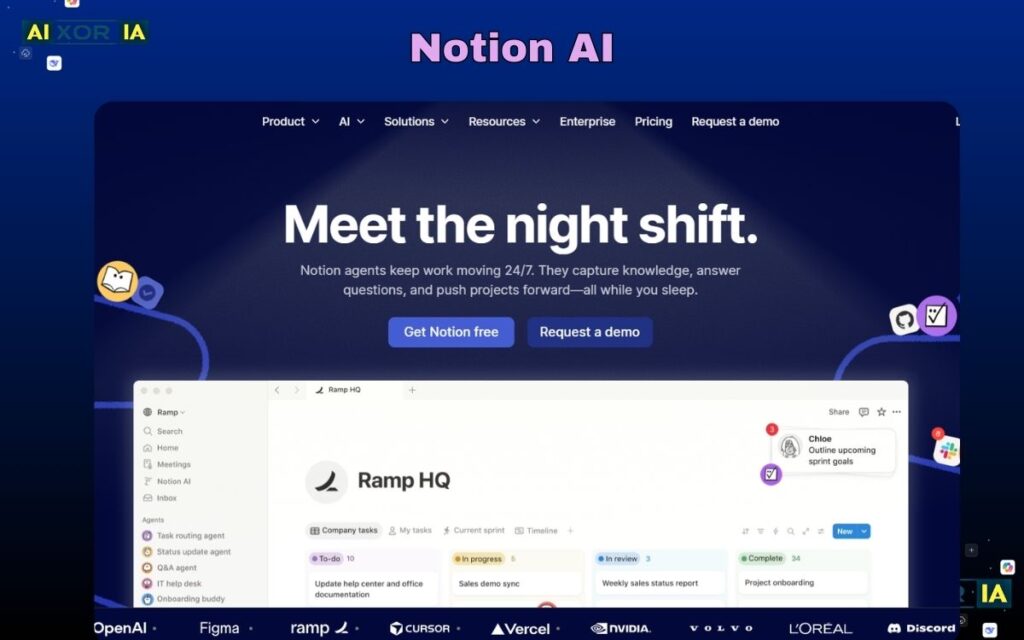
Notion has become the default workspace for millions of users because it replaces multiple tools—notes, docs, databases, and project tracking—inside a single interface.
In 2026, its biggest strength is AI integration. Notion AI doesn’t just generate text—it allows you to ask questions across your entire workspace, summarize large datasets, and automate repetitive documentation tasks.
From my experience managing multiple content and SEO workflows, Notion’s database automation alone can replace hours of manual tracking. Once properly set up, it becomes a central command system for your work.
AI Capabilities in Depth
Notion’s AI can:
- Convert messy notes into structured documents
- Generate content drafts and outlines
- Summarize long reports instantly
- Act as a knowledge assistant across your workspace
This makes it particularly powerful for content creators, marketers, and operations teams.
Cost vs Value Analysis
At around $8/month, Notion offers one of the highest ROI tools available. However, the real value comes only after proper setup—without structure, it can feel overwhelming.
Pros
✅ Highly customizable
✅ Combines multiple tools into one
✅ Strong AI features
Cons
❌ Setup takes time
❌ Can become complex at scale
Our Take
If you want one tool to manage almost everything, Notion is still unmatched in 2026.
2. Best Communication Tool
Slack
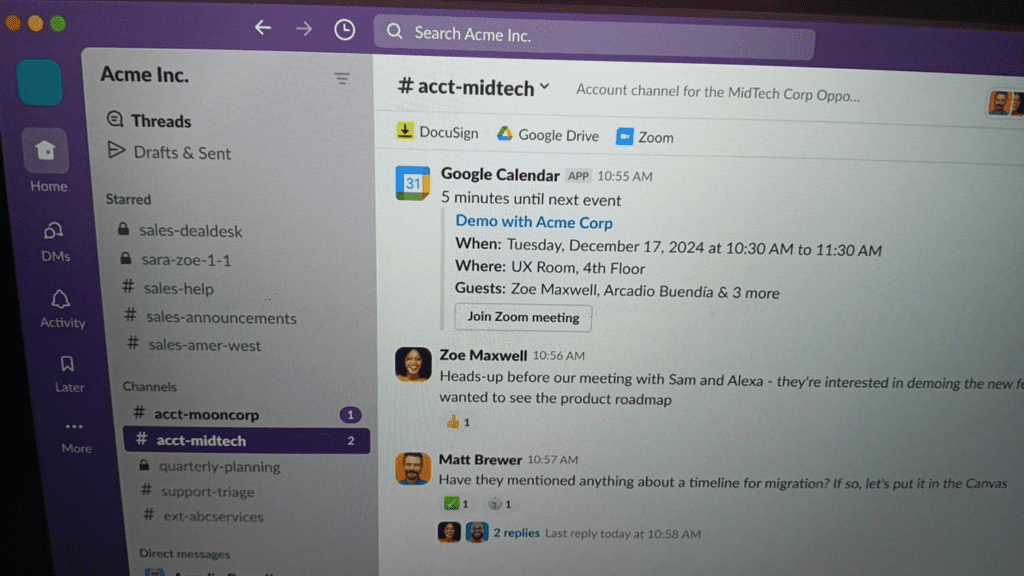
Slack remains one of the most commonly used communication platforms, especially for remote and hybrid teams in the US.
Its channel-based structure organizes conversations efficiently, but what keeps Slack relevant in 2026 is its AI layer.
AI Capabilities in Depth
Slack now includes:
- AI-generated conversation summaries
- Smart search across messages
- Automated responses and insights
In large teams, this reduces the need to scroll through hundreds of messages daily.
Real-World Use Case
In fast-moving teams, I’ve seen Slack reduce internal email dependency by over 70%. However, without proper channel structure, it can quickly become chaotic.
Cost vs Value Analysis
Slack’s pricing is reasonable, but value depends on team discipline. Without structured usage, productivity can actually decrease.
Pros
✅ Real-time communication
✅ Strong integrations
✅ AI-powered summaries
Cons
❌ Can cause notification overload
❌ Requires strict organization
Our Take
Slack is essential—but only if managed properly. Otherwise, it becomes noise instead of productivity.
READ MORE – What Is the Best AI for Productivity in 2026?
3. Best Visual Task Management Tool
Trello
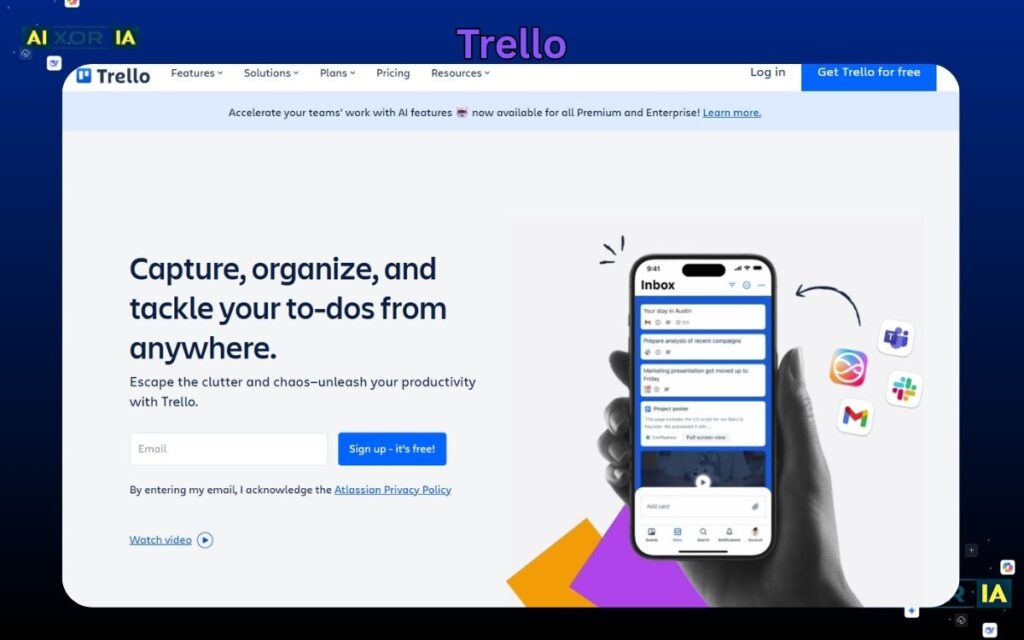
Trello remains widely used because of its simplicity. The board-and-card system is intuitive, making it ideal for individuals and small teams.
While newer tools like Monday.com and Asana offer more advanced features, Trello still dominates for lightweight workflows.
AI Capabilities in Depth
Trello’s AI and automation features include:
- Smart task suggestions
- Workflow automation via Butler
- AI-generated task descriptions
These features help reduce manual task management.
Real-World Use Case
For content planning, Trello boards are still one of the fastest ways to visualize workflow stages—from idea to publication.
Cost vs Value Analysis
At $5/month, Trello offers excellent value for simple workflows. However, for complex projects, scaling becomes difficult.
Pros
✅ Easy to use
✅ Visual workflow clarity
✅ Affordable
Cons
❌ Limited for complex projects
❌ Basic reporting features
Our Take
Perfect for simplicity—but not for advanced project management.
4. Best Cloud Productivity Suite
Google Workspace
Google Workspace continues to dominate due to its simplicity and real-time collaboration.
Tools like Docs, Sheets, and Drive are deeply embedded in daily workflows across the US.
AI Capabilities in Depth
Google’s AI now offers:
- Smart writing assistance in Docs
- Data insights in Sheets
- Automated summaries and suggestions
These features help users create and analyze content faster.
Real-World Use Case
For collaborative writing and team documentation, Google Docs remains one of the fastest and most efficient tools available.
Cost vs Value Analysis
At $6/month, it offers strong value, especially for teams needing seamless collaboration.
Pros
✅ Real-time collaboration
✅ Easy to use
✅ Strong ecosystem
Cons
❌ Limited advanced features
❌ Internet dependency
Our Take
Still the most reliable cloud collaboration suite in 2026.
5. Best Enterprise Productivity Platform
Microsoft 365

Microsoft 365 remains the backbone of enterprise productivity, offering advanced tools like Excel, Word, Teams, and SharePoint.
AI Capabilities in Depth
With Copilot, Microsoft has transformed its ecosystem:
- Automated report generation
- Data analysis using natural language
- AI-assisted presentations and emails
Copilot significantly reduces manual workload, especially in data-heavy environments.
Real-World Use Case
In enterprise settings, Excel combined with AI can replace hours of manual analysis.
Cost vs Value Analysis
Higher cost than basic tools, but unmatched depth for advanced users.
Pros
✅ Powerful features
✅ Enterprise-grade tools
✅ Deep AI integration
Cons
❌ Learning curve
❌ Higher cost
Our Take
Best choice for enterprises needing advanced capabilities.
Modern AI-First Productivity Tools (2026 Trend)
While the tools above dominate, a new category is emerging: AI-first productivity tools.
Perplexity AI
A research-focused AI tool that replaces traditional search workflows by providing direct, cited answers.
Cursor
An AI-powered coding environment that automates development tasks and improves productivity for developers.
These tools show how productivity is shifting from tool-based workflows to AI-assisted execution.
How to Choose the Right Tool
- Use Notion for centralized workflows
- Use Slack for communication
- Use Trello for simple task tracking
- Use Google Workspace for collaboration
- Use Microsoft 365 for advanced workflows
Most professionals combine multiple tools rather than relying on just one.
Frequently Asked Questions
Is Notion better than Trello in 2026?
Notion is more flexible and powerful, but Trello is easier for quick task management.
Which productivity tool is best for beginners?
Trello and Google Workspace are the easiest to start with.
Are AI productivity tools worth it?
Yes. AI features can significantly reduce manual work and improve efficiency.
What is the most widely used productivity tool?
Google Workspace and Microsoft 365 are the most widely used globally due to their ecosystem.
Final Thoughts
The most commonly used productivity tools in 2026 are not just popular—they are essential because they evolve with how people work.
The real shift is clear:
Productivity is no longer about managing tasks—it’s about automating thinking, reducing effort, and accelerating execution through AI.
1 thought on “What Are the 5 Most Commonly Used Productivity Tools?”