Project management is no longer just about tracking tasks—it’s about managing client delivery, timelines, collaboration, and increasingly, AI-driven workflows. For software consultants, the stakes are higher. You’re not just managing internal teams—you’re handling client expectations, multiple projects, billing, and delivery quality at scale.
The right project management tool helps you stay organized, communicate clearly, and deliver projects faster without operational chaos.
In this guide, we’ll break down the best project management tools for software consultants in 2026, based on real-world usability, AI capabilities, scalability, and consulting-specific workflows.
Table of Contents
What Makes a Project Management Tool Ideal for Software Consultants?
Not all tools are built for consulting workflows. The best tools in 2026 typically offer:
Client-focused workflow management
Consultants need tools that handle multiple clients, deadlines, and deliverables simultaneously.
Flexibility + structure
You need customization without complexity—something that adapts to different project types.
AI-powered assistance
Modern tools now include AI to automate reporting, generate tasks, summarize updates, and improve productivity.
Collaboration + visibility
Real-time updates, dashboards, and reporting are essential when working with distributed teams and clients.
Integrations
The ability to connect with CRMs, dev tools, and communication platforms is critical.
READ MORE – Top 10 Project Management Tools in 2026
The Best Project Management Tools for Software Consultants (2026)
Best Overall Project Management Tool for Consultants
ClickUp
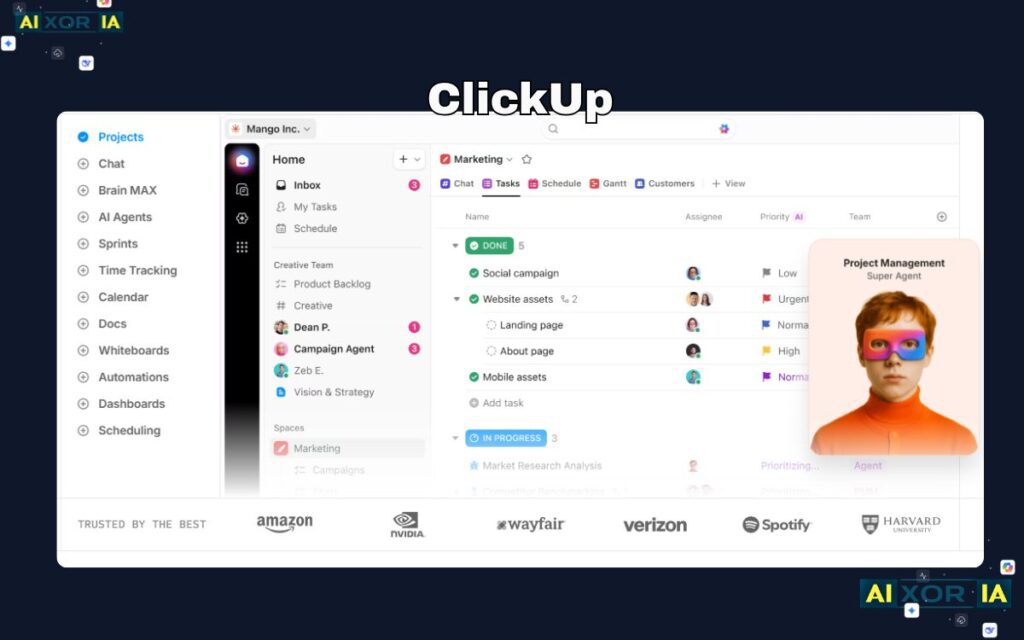
ClickUp has positioned itself as the “everything app for work,” and for software consultants, it delivers one of the most complete ecosystems available in 2026.
It combines task management, documentation, whiteboards, time tracking, dashboards, and reporting into a single platform. This is especially valuable for consultants managing multiple clients—everything lives in one place instead of scattered across tools.
ClickUp supports over 15 different views, including list, Kanban, Gantt, and calendar, making it flexible for different project types. It also integrates with over 1,000 tools, reducing the need for additional software.
AI Capabilities
ClickUp AI (ClickUp Brain) acts as a built-in assistant that can:
- Generate task descriptions
- Summarize project updates
- Create reports from data
- Automate workflows using natural language
This significantly reduces manual admin work, which is critical for consultants handling multiple clients.
Pricing
- Free plan available
- Paid plans start around $7/user/month
Pros
- All-in-one platform (replaces multiple tools)
- Strong AI automation features
- Highly customizable workflows
- Excellent value for money
Cons
- Learning curve due to feature depth
- Can feel overwhelming initially
Best for Visual Project Management
monday.com
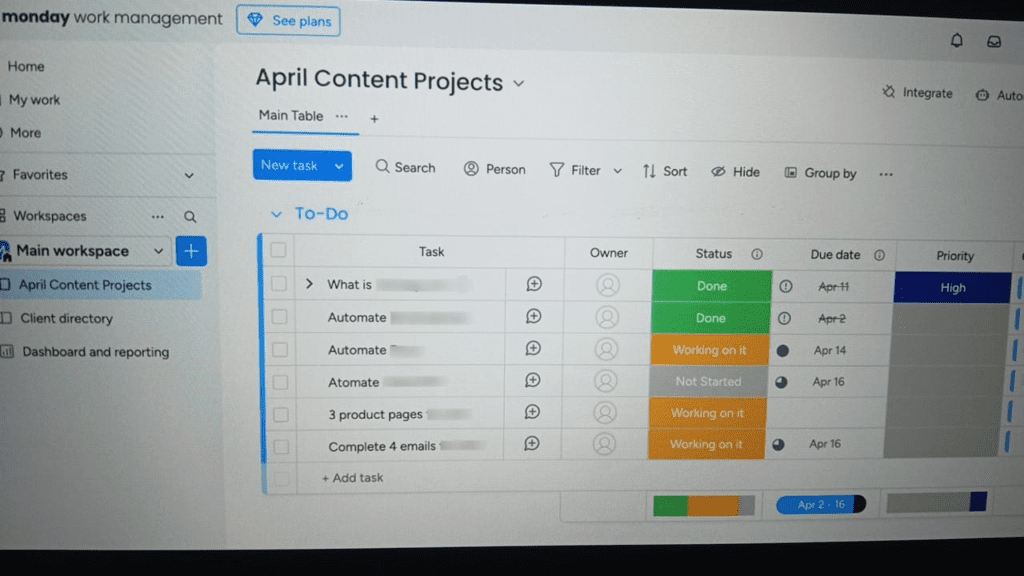
monday.com is one of the most visually intuitive project management tools, making it ideal for consultants who want clear, client-friendly dashboards.
Its interface is built around customizable boards that allow you to track tasks, timelines, dependencies, and team workloads visually. It’s particularly useful for consultants working with non-technical clients.
AI Capabilities
monday.com has introduced AI features that:
- Automate task creation
- Generate summaries and updates
- Optimize workflows based on usage patterns
These features help reduce repetitive work and improve team coordination.
Pricing
- Free plan available
- Paid plans start from $9/user/month
Pros
- Highly visual and easy to use
- Fast onboarding for teams
- Strong dashboards and reporting
- Good automation capabilities
Cons
- Advanced features locked behind higher plans
- Limited flexibility compared to all-in-one tools
Best for Workflow Automation and Simplicity
Asana
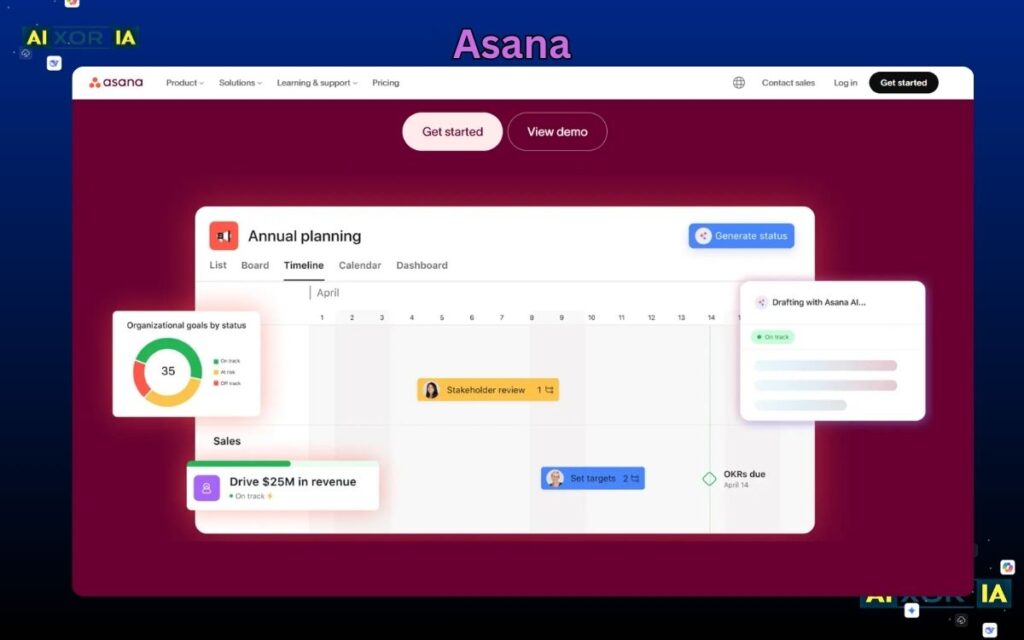
Asana is known for its clean interface and powerful workflow automation, making it a strong choice for consultants who want structure without complexity.
It allows teams to create automated workflows using rules, reducing manual coordination and repetitive tasks. Asana also connects tasks to broader goals, helping consultants align project delivery with business outcomes.
AI Capabilities
Asana’s AI features include:
- Smart task suggestions
- Automated workflow creation
- Project insights and recommendations
These features help consultants manage projects more strategically rather than just operationally.
Pricing
- Free plan available
- Paid plans start at $10.99/user/month
Pros
- Clean and intuitive interface
- Strong automation engine
- Great for cross-functional teams
- Good scalability
Cons
- Advanced features require higher plans
- Can become expensive at scale
Best for Software Development Consulting
Jira
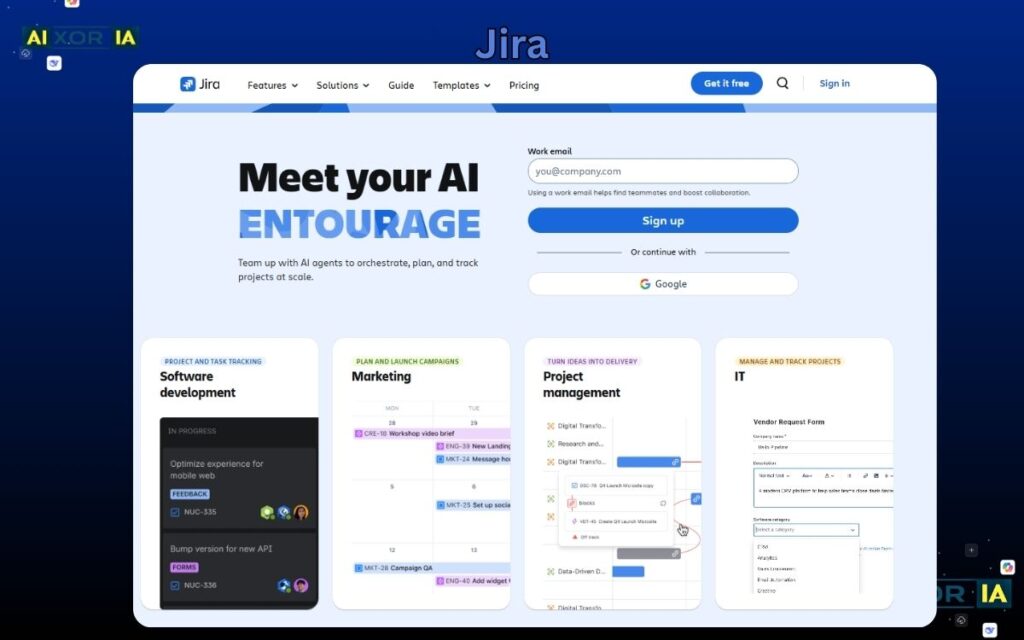
Jira remains the industry standard for software development teams, especially for Agile and DevOps workflows.
For software consultants working on development-heavy projects, Jira provides deep control over sprints, backlogs, issue tracking, and release management.
AI Capabilities
Jira has introduced AI-powered features (like Atlassian Intelligence) that:
- Automate ticket creation and categorization
- Provide insights into sprint performance
- Suggest workflow optimizations
These features help reduce manual tracking and improve delivery efficiency.
Pricing
- Free plan available
- Paid plans start around $7.91/user/month
Pros
- Best for Agile and Dev workflows
- Highly customizable
- Strong reporting and tracking
- Scales well for large projects
Cons
- Steep learning curve
- Not ideal for non-technical teams
Best Flexible Workspace for Consultants
Notion
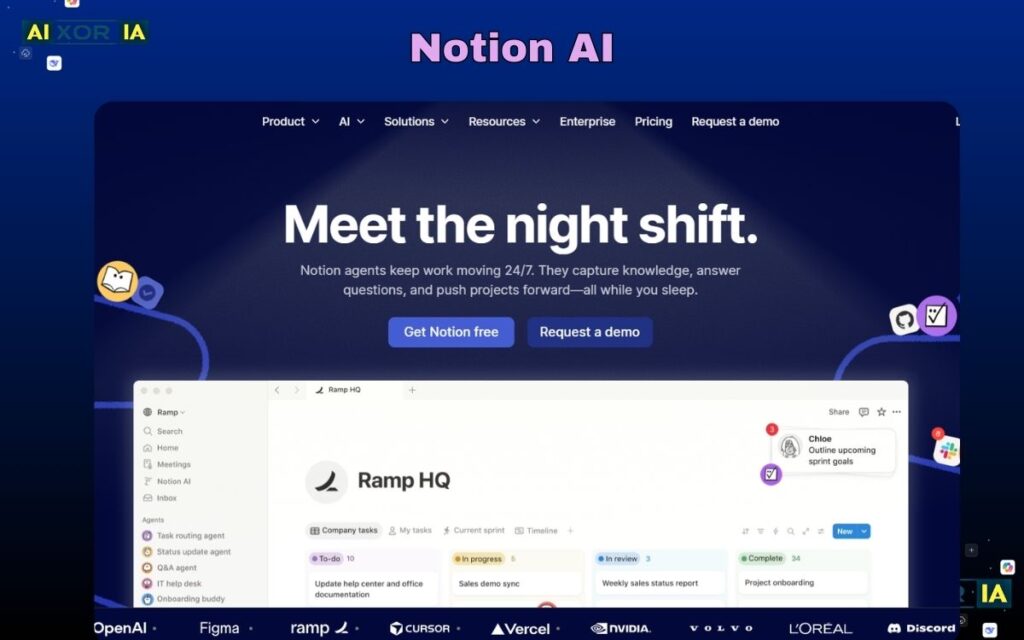
Notion is not a traditional project management tool—it’s a flexible workspace that combines documentation, task management, and databases.
For consultants, this flexibility is powerful. You can create custom systems for managing clients, projects, notes, and deliverables all in one place.
AI Capabilities
Notion AI is one of the most advanced in this category:
- Generates content and documentation
- Summarizes meeting notes
- Creates task lists from text
- Helps structure workflows
This makes it ideal for consultants who rely heavily on documentation and knowledge management.
Pricing
- Free plan available
- Paid plans start around $10/user/month
Pros
- TOTLLY flexible and customizable
- Strong documentation + project combo
- Powerful AI writing and organization tools
- Great for solo consultants and small teams
Cons
- Requires setup and structuring
- Not ideal for complex project tracking out of the box
Comparison of the Best Project Management Tools (2026)
| Feature | ClickUp | monday.com | Asana | Jira | Notion |
|---|---|---|---|---|---|
| Best For | All-in-one | Visual workflows | Automation | Dev teams | Flexible workspace |
| AI Features | Advanced | Moderate | Advanced | Moderate | Advanced |
| Ease of Use | Medium | Easy | Easy | Hard | Medium |
| Pricing Start | $7/mo | $9/mo | $10.99/mo | $7.91/mo | $10/mo |
| Customization | Very High | Medium | Medium | High | Very High |
How to Choose the Right Tool
- If you want everything in one place → ClickUp
- If you prefer visual dashboards → monday.com
- If you need automation → Asana
- If you work in software development → Jira
- If you want flexibility → Notion
In many cases, consultants combine tools—for example, using Notion for documentation and ClickUp for execution.
The Role of AI in Project Management (2026)
AI is transforming project management from manual tracking to intelligent systems.
Modern tools now:
- Automate reporting and updates
- Predict delays and risks
- Generate workflows automatically
- Act as “assistant project managers”
Research shows AI is increasingly seen as a support system rather than a replacement, helping teams automate routine tasks while humans focus on strategy and decision-making.
Final Thoughts
There is no single “best” project management tool for software consultants.
The right choice depends on:
- Your workflow
- Your team size
- Your clients
- Your project complexity
However, tools like ClickUp, monday.com, Asana, Jira, and Notion stand out in 2026 because they combine usability, scalability, and AI-driven productivity.
2 thoughts on “What Are the Best Project Management Tools for Software Consultants in 2026?”