AI coding assistants have moved from simple autocomplete tools to full development partners. In 2026, they can generate code, debug errors, explain complex logic, refactor entire files, and even help design system architecture.
For developers, the impact is clear: faster development cycles, fewer repetitive tasks, and better productivity AI Productivityacross the entire software lifecycle. But not all AI coding tools are equal. Some are optimized for real-time coding inside IDEs, while others act as full AI development environments.
This guide breaks down the best AI coding assistant tools in 2026, based on real-world usability, accuracy, integrations, and how well they support modern development workflows.
Table of Contents
What Makes the Best AI Coding Assistant Tool?
AI coding tools should do more than just suggest lines of code. The best platforms stand out in a few key areas:
Code quality and accuracy
The tool should generate clean, usable, and production-ready code—not just generic snippets.
Context awareness
Top AI tools understand your full codebase, not just the current line. This allows them to provide better suggestions, fixes, and improvements.
Multi-language support
Modern development involves multiple languages, frameworks, and environments. Strong tools support a wide range of technologies.
Integration with developer workflows
Support for IDEs like VS Code, JetBrains, and cloud environments is critical for seamless use.
AI capabilities beyond coding
Advanced tools now assist with debugging, documentation, testing, and even system design.
READ MORE – 5 Best Free AI Tools for Data Analysis
The Best AI Coding Assistant Tools at a Glance
| Tool | Best For | Key Strength |
|---|---|---|
| GitHub Copilot | Real-time coding assistance | Deep IDE integration |
| ChatGPT | General-purpose coding help | Explanation + flexibility |
| Cursor | AI-first coding environment | Full codebase understanding |
| Amazon CodeWhisperer | AWS developers | Cloud-native suggestions |
| Tabnine | Privacy-focused teams | Local AI models |
| Replit Ghostwriter | Browser-based coding | Instant setup |
| Codeium | Free alternative | Fast autocomplete |
| Sourcegraph Cody | Large codebases | Deep code search + AI |
Best AI Coding Assistant for Real-Time Development
GitHub Copilot
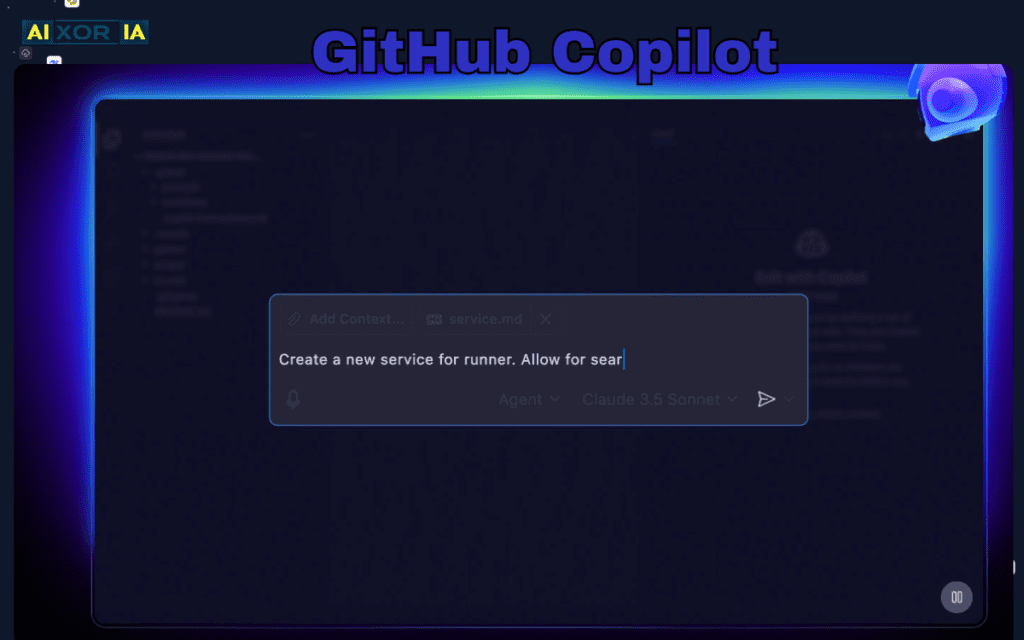
GitHub Copilot remains one of the most widely used AI coding assistants, especially for developers working inside IDEs like VS Code and JetBrains. It excels at real-time code suggestions, often completing entire functions or blocks of logic as you type.
What makes Copilot powerful is its ability to understand context within a file and generate relevant code accordingly. Developers can write a comment describing what they want, and Copilot will generate a working implementation in seconds. This significantly reduces time spent on boilerplate code, repetitive patterns, and standard logic.
Copilot has also evolved to include chat-based interactions, allowing developers to ask questions, debug issues, and refactor code directly within their development environment. It supports multiple languages, including JavaScript, Python, Java, and more.
For teams, Copilot offers enterprise-grade features like policy controls and security filters, making it suitable for professional environments.
Best for: Developers who want seamless AI assistance inside their IDE
Limitation: Requires active review to ensure accuracy and security
Best AI Tool for Flexible Coding and Problem Solving
ChatGPT
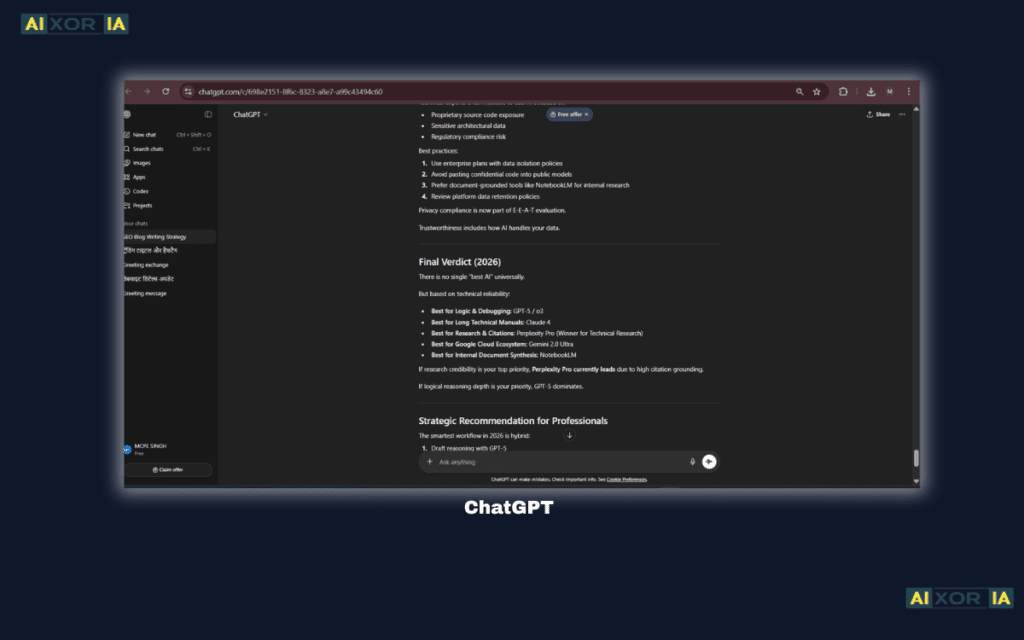
ChatGPT is not limited to autocomplete—it functions as a full coding assistant that can explain concepts, generate code, debug errors, and guide developers through complex problems.
Unlike IDE-based tools, ChatGPT allows developers to interact conversationally. You can paste code, ask for improvements, request explanations, or even design entire systems step by step. This makes it especially useful for learning, debugging, and solving unfamiliar problems.
It supports virtually all major programming languages and frameworks. Developers often use it to:
- Generate functions and scripts
- Fix bugs and errors
- Convert code between languages
- Write documentation
- Understand algorithms
The flexibility of ChatGPT makes it a strong companion alongside IDE-based tools. While it may not replace real-time autocomplete tools, it adds a deeper layer of understanding and problem-solving capability.
Best for: Debugging, learning, and complex problem solving
Limitation: Not directly embedded into all coding workflows
Best AI-First Coding Environment
Cursor
Cursor is an AI-native code editor designed from the ground up to integrate artificial intelligence into every part of the development process.
Unlike traditional tools that add AI as a feature, Cursor treats AI as the core interface. It can analyze entire codebases, understand project structure, and make intelligent suggestions across multiple files. Developers can ask Cursor to refactor code, fix bugs, or implement new features, and it will apply changes directly within the project.
Cursor’s ability to maintain context across files makes it especially powerful for large projects. It reduces the need to manually search through code and allows developers to focus on high-level problem solving.
Best for: Developers working on large or complex codebases
Limitation: Still evolving compared to traditional IDE ecosystems
READ MORE – 5 Best Free AI Tools for Students
Best AI Coding Assistant for AWS Developers
Amazon CodeWhisperer
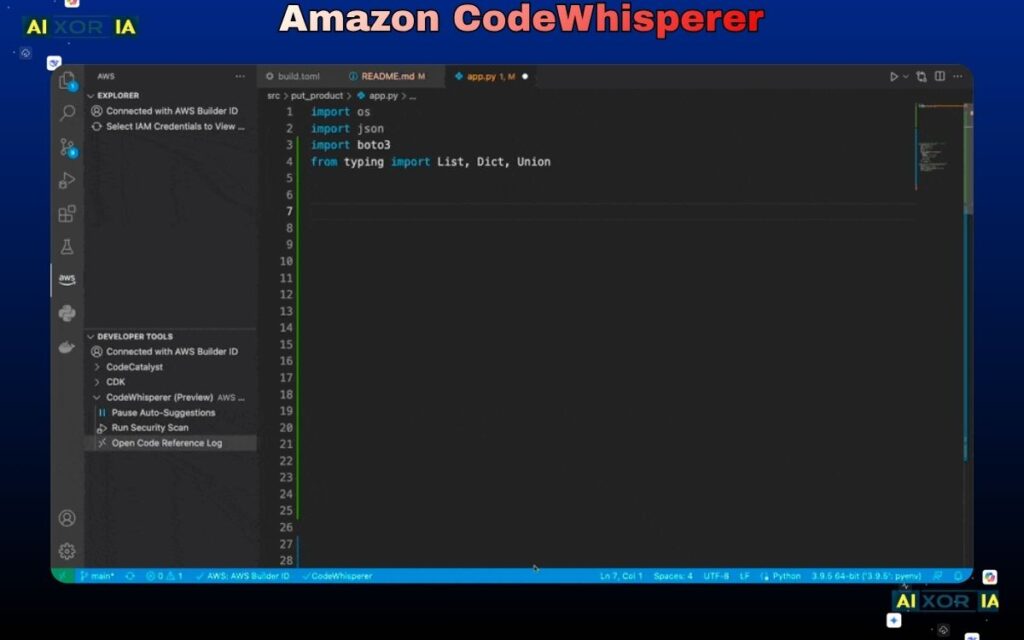
Amazon CodeWhisperer is designed specifically for developers working within the AWS ecosystem. It provides real-time code suggestions optimized for cloud development, including services like Lambda, S3, and DynamoDB.
One of its key strengths is its understanding of AWS APIs and best practices. It can generate code that follows security and performance guidelines, which is critical for enterprise applications.
CodeWhisperer also includes built-in security scanning, helping developers identify vulnerabilities early in the development process.
Best for: AWS-focused development
Limitation: Less useful outside the AWS ecosystem
Best AI Coding Assistant for Privacy-Focused Teams
Tabnine
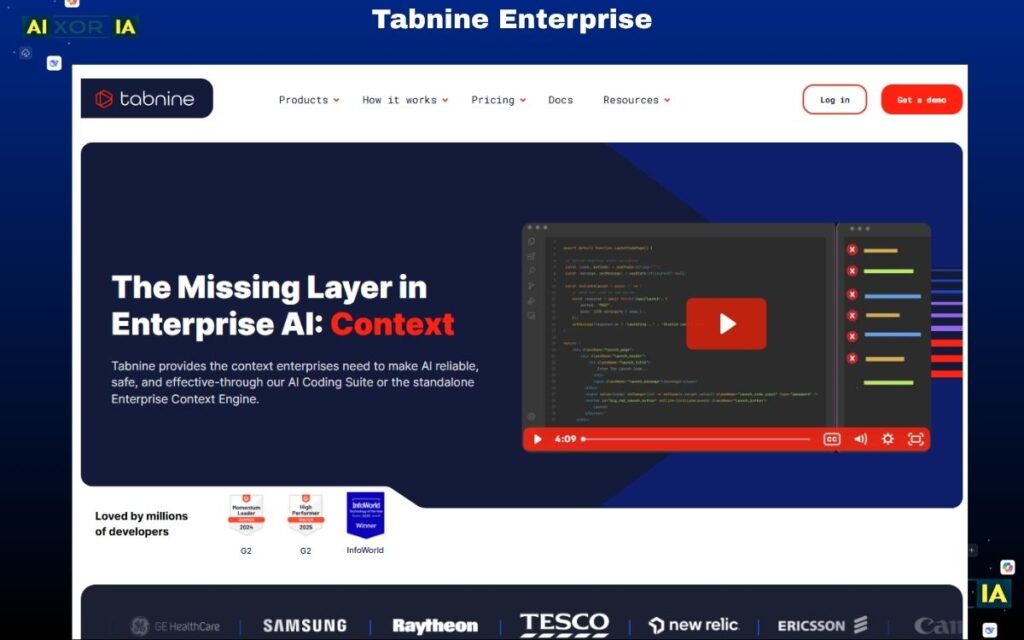
Tabnine focuses on privacy and control, making it a strong choice for organizations that cannot rely on cloud-based AI tools.
It offers local AI models that run on your machine or private servers, ensuring that sensitive code does not leave your environment. Despite this, it still provides strong autocomplete and code suggestion capabilities.
Tabnine supports multiple languages and integrates with popular IDEs, making it suitable for both individual developers and enterprise teams.
Best for: Privacy and security-conscious teams
Limitation: Fewer advanced AI features compared to cloud-based tools
Best AI Coding Assistant for Browser-Based Development
Replit Ghostwriter
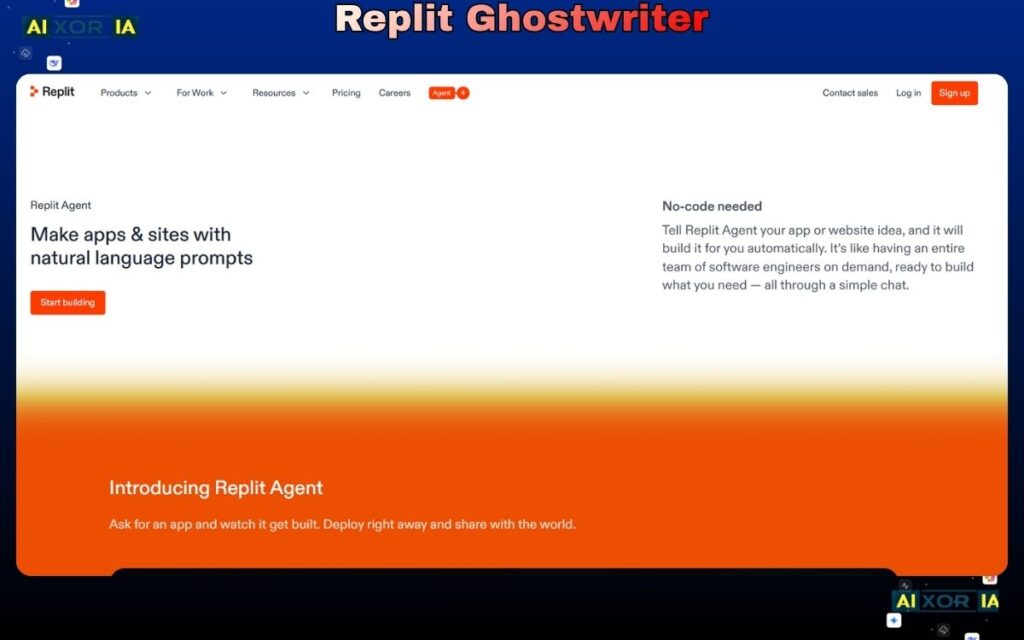
Replit Ghostwriter is built for developers who prefer working in the browser. It integrates directly into the Replit platform, allowing users to write, run, and debug code without setting up a local environment.
Ghostwriter provides real-time suggestions, explanations, and debugging help, making it ideal for beginners and rapid prototyping.
Because it runs entirely in the cloud, developers can start coding instantly from any device.
Best for: Beginners and cloud-based development
Limitation: Limited flexibility compared to full IDE setups
Best Free AI Coding Assistant
Codeium
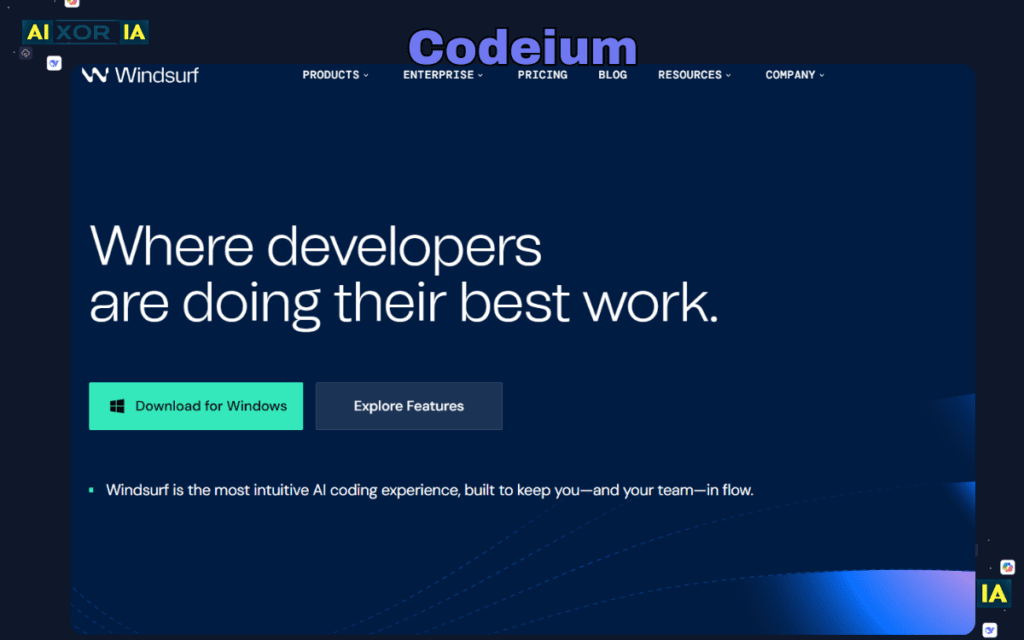
Codeium has gained popularity as a free alternative to premium AI coding tools. It offers fast autocomplete, supports multiple languages, and integrates with popular IDEs.
Despite being free, Codeium provides solid performance and reliable suggestions, making it a practical choice for individual developers or small teams.
Best for: Developers looking for a free AI coding solution
Limitation: Fewer advanced enterprise features
Best AI Tool for Large Codebases and Code Search
Sourcegraph Cody
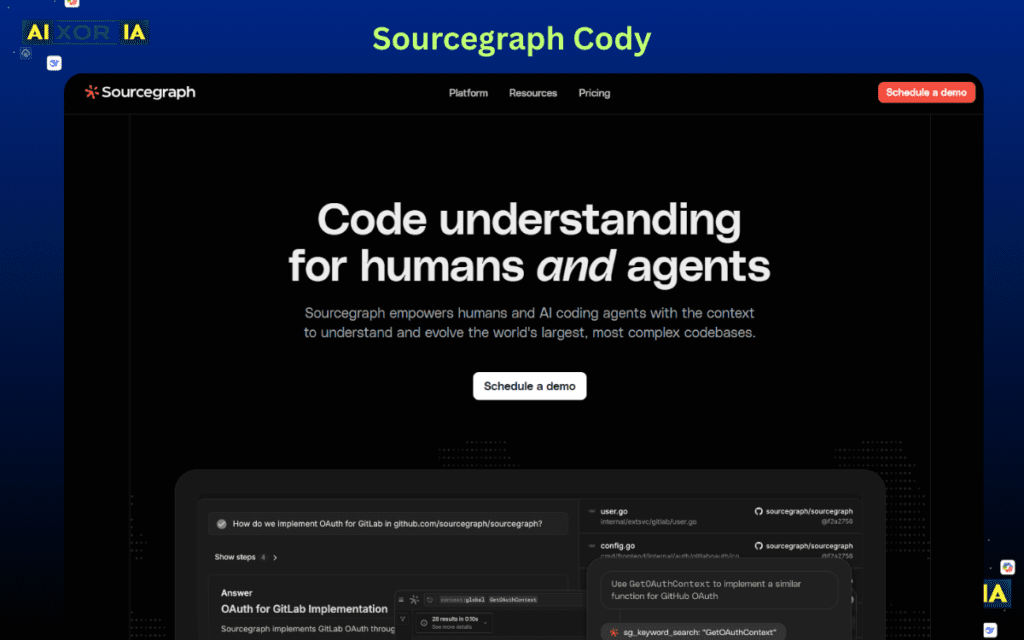
Sourcegraph Cody is designed for developers working with large, complex codebases. It combines AI assistance with powerful code search capabilities.
Cody can analyze entire repositories, answer questions about code, and help developers navigate unfamiliar projects. This makes it particularly useful for onboarding, debugging, and maintaining large systems.
Best for: Enterprise-scale development and large repositories
Limitation: Requires setup and integration effort
READ MORE – The 7 Best AI Coding Tools for Developers
How to Choose the Right AI Coding Assistant
The best tool depends on your workflow:
- For real-time coding → GitHub Copilot
- For flexible problem-solving → ChatGPT
- For full AI development → Cursor
- For AWS development → CodeWhisperer
- For privacy → Tabnine
- For browser coding → Replit Ghostwriter
- For free option → Codeium
- For large codebases → Sourcegraph Cody
Many developers use multiple tools together—for example, Copilot for coding and ChatGPT for debugging and explanations.
The Role of AI in Software Development (2026)
AI is fundamentally changing how software is built.
Developers are no longer writing every line manually. Instead, they:
- Describe what they want
- Review AI-generated code
- Focus on architecture and logic
AI tools now assist across the entire lifecycle:
- Writing code
- Debugging errors
- Generating tests
- Documenting systems
This shift allows developers to move faster while maintaining quality.
Final Thoughts
The best AI coding assistant tools in 2026 are not just about speed—they’re about enhancing how developers think, build, and solve problems.
Some tools excel in real-time coding, while others provide deeper reasoning and system-level support. The right choice depends on your environment, workflow, and level of complexity.
For most developers, the optimal setup is not a single tool, but a combination—balancing speed, flexibility, and intelligence across the development process.
1 thought on “What Are the 8 Best AI Coding Assistant Tools?”