Business presentations are no longer just slides—they’re a combination of storytelling, design, data visualization, and increasingly, AI-assisted automation. The challenge for most professionals isn’t creating a presentation; it’s creating one that is clear, persuasive, and fast to produce at scale.
Today’s tools go far beyond templates. They generate slides from prompts, design layouts automatically, and even suggest content. But not every platform is built for the same use case. Some are ideal for enterprise collaboration, others for AI-driven speed, and some for design precision.

This guide breaks down the best tools that create high-quality business presentations in 2026, based on real-world use cases, scalability, and output quality.
Table of Contents
What Makes a Presentation Tool “the Best” in 2026?
Before choosing a tool, it’s important to define what “best” actually means in a business context.
1. Speed and Automation
Modern teams need to create decks quickly. Tools that use AI to generate slides from prompts or documents significantly reduce production time.
2. Design Quality
Good presentations depend on visual clarity. The best tools handle layout, typography, and consistency automatically.
3. Collaboration and Scalability
Enterprise teams require real-time collaboration, version control, and role-based access.
4. Integration with Business Tools
Presentations often pull data from CRM, analytics, and internal systems. Integration reduces manual work.
5. Customization and Control
While automation is useful, teams still need control over branding, messaging, and structure.
READ MORE – What are the Best AI Tools for Work?
The Best Tools for Creating Business Presentations
1. Microsoft PowerPoint — Best for enterprise-standard presentations
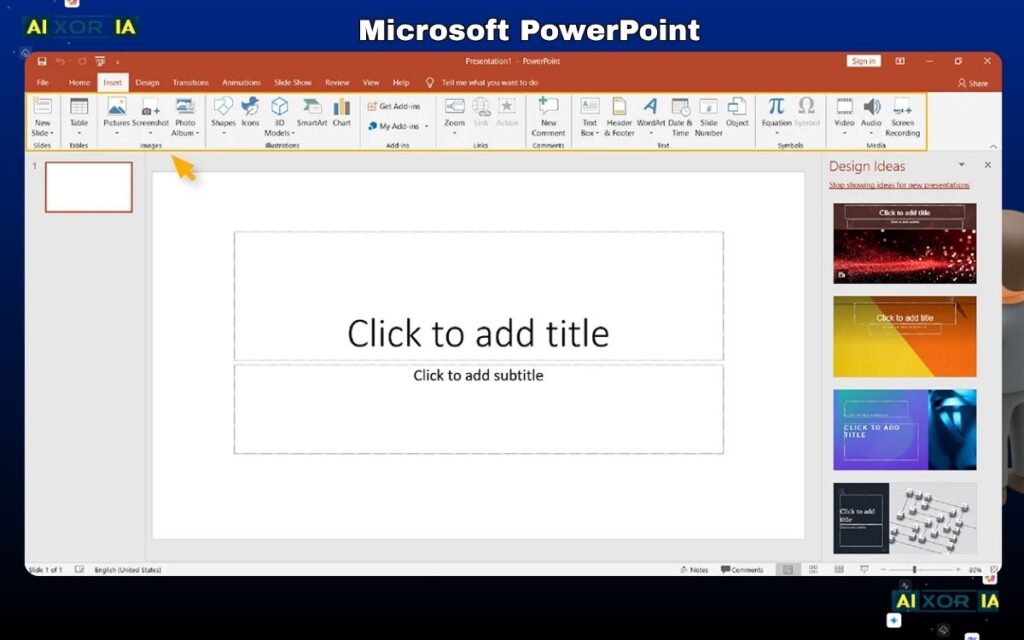
Microsoft PowerPoint remains the default choice for many organizations, especially in enterprise environments.
Why it stands out:
- Deep customization and control over every slide element
- Advanced animations, charts, and formatting
- Seamless integration with Microsoft 365 (Excel, Teams, OneDrive)
- Widely accepted across corporate environments
Limitations:
- Time-consuming without templates
- Limited built-in AI compared to newer tools
Best for:
Enterprises that need full control, compatibility, and structured presentations.
2. Google Slides — Best for real-time collaboration
Google Slides is built for teams that prioritize collaboration over design complexity.
Why it stands out:
- Real-time editing and commenting
- Cloud-based access from anywhere
- Easy sharing and permissions
- Strong integration with Google Workspace
Limitations:
- Limited design flexibility
- Fewer advanced features compared to PowerPoint
Best for:
Remote teams, startups, and collaborative environments.
3. Canva — Best for fast, design-focused presentations
Canva has become a leading tool for visually appealing presentations without requiring design skills.
Why it stands out:
- Drag-and-drop interface
- Thousands of professional templates
- Built-in brand kits
- AI design suggestions and content generation
Limitations:
- Less control over complex slide structures
- Not ideal for highly technical presentations
Best for:
Marketing teams, founders, and anyone needing polished visuals quickly.
READ MORE – What are the best AI tools for creating presentations?
4. Beautiful.ai — Best for automated slide design
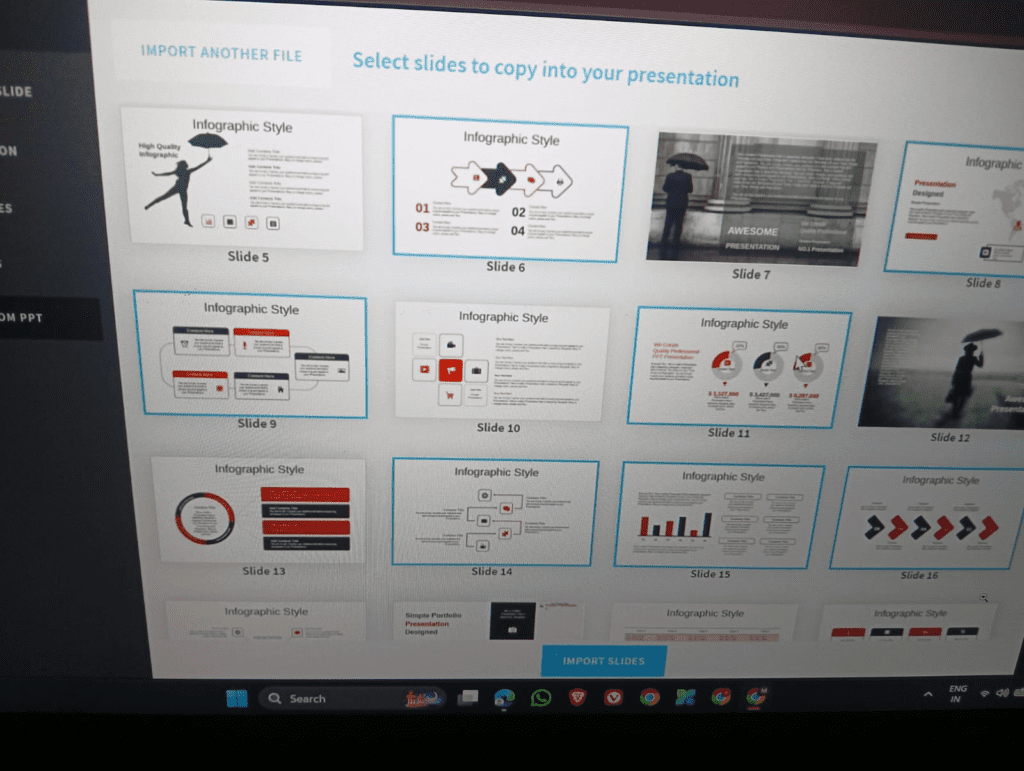
Beautiful.ai focuses on removing manual design work by automating layouts.
Why it stands out:
- Smart templates that auto-adjust layouts
- Consistent slide design across decks
- Quick creation of professional-looking presentations
Limitations:
- Limited customization compared to PowerPoint
- Less flexibility for unique designs
Best for:
Professionals who want clean, consistent slides without manual formatting.
5. Tome — Best for AI-generated storytelling
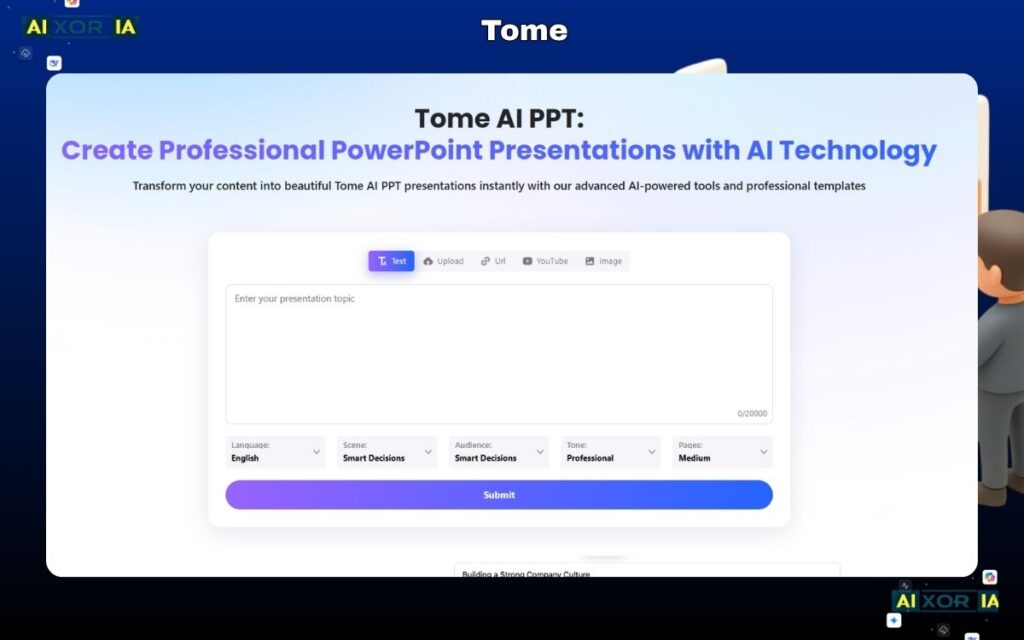
Tome represents the new wave of AI-first presentation tools.
Why it stands out:
- Generates full presentations from a prompt
- Focuses on narrative flow and storytelling
- Supports multimedia and interactive content
Limitations:
- Less structured for formal corporate decks
- Requires editing for precision
Best for:
Early-stage ideas, pitches, and concept storytelling.
6. Pitch — Best for modern team workflows
Pitch is designed for teams that want collaboration combined with modern design.
Why it stands out:
- Real-time collaboration with strong design tools
- Built-in analytics and performance tracking
- Templates optimized for startups and product teams
Limitations:
- Smaller ecosystem compared to Microsoft or Google
- Learning curve for new users
Best for:
Startups, product teams, and fast-moving organizations.
7. Prezi — Best for non-linear presentations
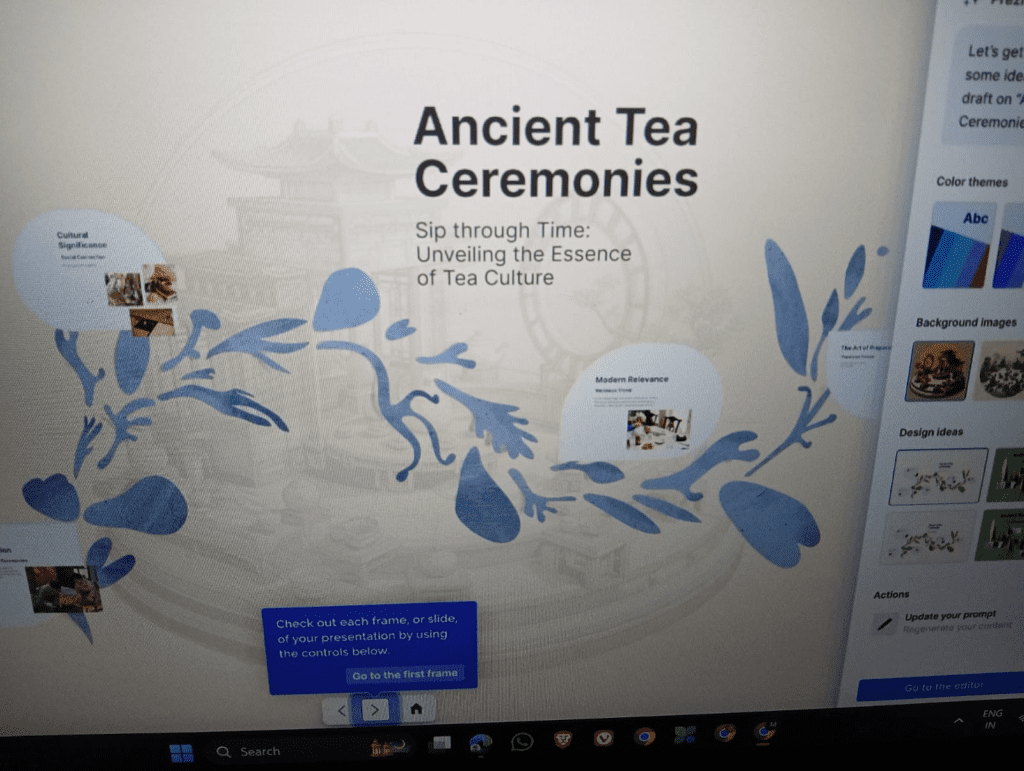
Prezi offers a different approach with zoomable, dynamic presentations.
Why it stands out:
- Unique storytelling format
- Engaging visual transitions
- Good for presentations that require flow and movement
Limitations:
- Not ideal for traditional corporate formats
- Can feel complex for beginners
Best for:
Creative presentations, storytelling, and visual narratives.
READ MORE – Can I Use AI to Create PowerPoint Presentations?
AI Tools vs Traditional Presentation Software
One of the biggest shifts in 2026 is the rise of AI-driven presentation tools.
AI Tools (Tome, Beautiful.ai)
- Faster content creation
- Automated design
- Helpful for ideation and drafts
Traditional Tools (PowerPoint, Google Slides)
- Greater control
- Better for detailed, data-heavy presentations
- More widely accepted in enterprises
Conclusion:
AI tools improve speed, but traditional tools still dominate in structured business environments. Many teams now use both together—AI for drafting and traditional tools for final output.
How to Choose the Right Tool
The best tool depends on your specific use case:
- Enterprise presentations: Microsoft PowerPoint
- Team collaboration: Google Slides or Pitch
- Fast design output: Canva
- Automated formatting: Beautiful.ai
- AI-generated storytelling: Tome
- Creative storytelling: Prezi
There is no single “best” tool for everyone. The right choice depends on your workflow, team size, and presentation goals.
Final Verdict
The tool that creates the best business presentations is not universal—it depends on how you work.
For structured, high-stakes corporate presentations, Microsoft PowerPoint remains the strongest option. For speed and AI-driven workflows, tools like Tome and Beautiful.ai are rapidly changing how presentations are created. And for collaboration and accessibility, Google Slides continues to be a reliable choice.
Most high-performing teams today combine tools: they generate ideas with AI, design quickly with modern platforms, and finalize in enterprise-standard software.
Frequently Asked Questions
What is the best AI tool for business presentations?
Tome and Beautiful.ai are among the best for AI-generated presentations, especially for quick drafts and storytelling.
Is PowerPoint still relevant in 2026?
Yes. It remains the industry standard for enterprise presentations due to its flexibility and compatibility.
Which tool is best for beginners?
Canva is the easiest to use, with templates and drag-and-drop design.
Can AI completely replace presentation tools?
Not entirely. AI can generate drafts, but human input is still needed for strategy, clarity, and accuracy.
Conclusion
Business presentation tools have evolved from simple slide editors to intelligent systems that assist with design, content, and storytelling. The best tool is the one that aligns with your workflow and helps you communicate clearly and effectively.
If your goal is speed, AI tools will transform your process. If your goal is precision and control, traditional tools still lead. The most effective approach is not choosing one—but using the right combination strategically.
3 thoughts on “What Tool Creates the Best Business Presentations in 2026?”