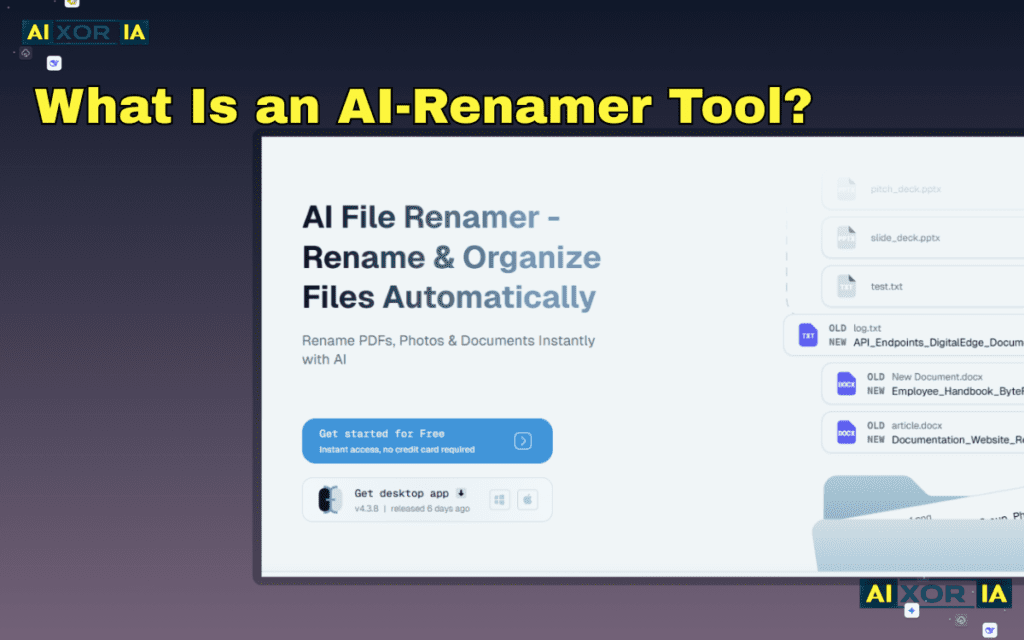
An AI Renamer Tool is software that automatically renames files by analyzing their content using technologies like Computer Vision and Natural Language Processing (NLP). Instead of relying only on file metadata, it understands what the file contains—such as objects in images, text in documents, or scenes in videos—and generates meaningful, organized filenames automatically.
The Hidden Problem With Digital Files
If you’ve worked with digital files long enough, you’ve probably experienced the same frustration.
Your downloads folder slowly turns into something like this:
- IMG_23873.jpg
- IMG_23874.jpg
- final_v3_document_edit.pdf
- recording_8821.mp4
After a few months, finding a specific file becomes nearly impossible.
This is not just a minor inconvenience. For creators, developers, photographers, and businesses, bad file naming creates serious productivity problems.
I once helped organize a client’s marketing asset library containing nearly 8,000 files. The entire folder used default camera names like DSC00128.jpg. Finding one specific image required opening dozens of files manually.
This is exactly the kind of situation where BD268 become transformative.
Instead of manually renaming files, artificial intelligence analyzes the file itself and generates descriptive names instantly.
What Makes AI Renamers Different From Traditional Renaming Tools?
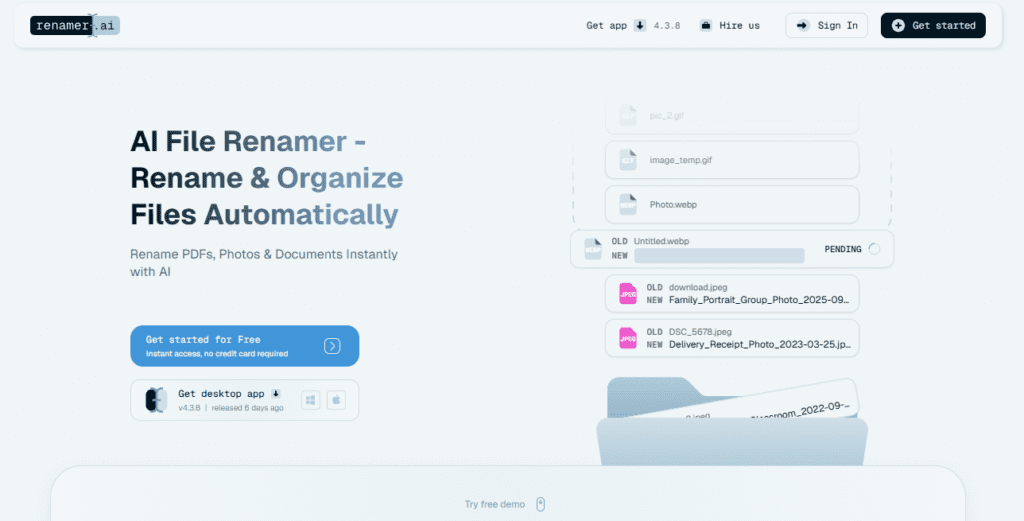
Traditional renaming tools rely on patterns.
For example:
holiday-photo-001.jpg
holiday-photo-002.jpg
holiday-photo-003.jpg
They simply apply rules like:
- add prefix
- replace characters
- add numbers
But AI renamers actually understand the file.
An advanced AI renamer might look at a photo and generate something like:
golden-retriever-playing-in-snow.jpg
sunset-over-tropical-beach.jpg
city-skyline-night-lights.jpg
This difference comes from combining several AI technologies:
- Computer Vision
- Natural Language Processing (NLP)
- Optical Character Recognition (OCR)
- Multimodal AI
These systems allow the software to understand the meaning of a file, not just its format.
How AI Renamer Tools Actually Understand Your Files
Modern AI renamers don’t simply detect keywords. They process files through multiple AI layers to build semantic understanding.
Let’s break this down.
1. Content Extraction
The first step is extracting information from the file.
Different file types use different analysis methods.
Images
- object detection
- scene recognition
- color analysis
Documents
- OCR text extraction
- keyword detection
- document classification
Videos
- frame sampling
- scene detection
- subtitle extraction
This stage converts raw file content into tokens the AI can analyze.
2. Multimodal Context Understanding
Advanced AI renamers use multimodal models, meaning they combine multiple data sources simultaneously.
For example, a travel photo might contain:
- palm trees
- ocean
- sunset lighting
- GPS metadata
The AI merges these signals to produce a semantic label like:
tropical-sunset-ocean-view.jpg
This is significantly more accurate than traditional pattern-based renaming.
3. Filename Semantic Relevance Model
To generate meaningful names, many AI renamers rely on scoring systems that measure semantic relevance between detected content and candidate filenames.
One simplified model looks like this:
Filename Semantic Relevance (Sfr)Sfr=Filename Length+Character Noise∑(Visual Tokens∩Keyword Weight)
Where:
- Visual Tokens represent objects or features detected by computer vision
- Keyword Weight measures contextual importance
- Character Noise penalizes unnecessary or irrelevant characters
If the resulting score crosses a certain threshold—often around 0.8 or higher—the AI finalizes the generated filename.
This helps prevent filenames that are vague or misleading.

Real Example: How AI Renaming Works in Practice
Let’s take a simple example.
Original filename:
IMG_89322.jpg
The AI analyzes the image and detects:
- beach
- sunset
- palm trees
- warm lighting
Possible generated names:
beach-sunset-palm-trees.jpg
golden-hour-tropical-beach.jpg
sunset-ocean-view.jpg
The system scores each option using semantic relevance.
The highest scoring option becomes the final filename.
Top AI Renamer Tools in 2026
Different tools specialize in different types of files. Below is a comparison of some modern AI renaming platforms.
| Tool Name | Best For | AI Technology | Pricing |
|---|---|---|---|
| NameGenie AI | Batch photo renaming | Computer Vision | Free trial |
| SmartFile Bot | Document organization | NLP / OCR | Paid |
| MediaFlow AI | Video creators | Multimodal analysis | Subscription |
| SimpleRename | Everyday file organization | Pattern recognition + AI assist | Free |
My Hands-On Experience With These AI Renaming Tools
I’ve tested several AI renamers while organizing different types of digital libraries. Each tool had unique strengths.
Below are short real-world impressions from practical use.
NameGenie AI (Best for Images)

I first tested NameGenie while organizing a travel photography folder with over 1,200 photos.
The software analyzed each image and produced surprisingly accurate names.
For example:
Original file:
IMG_44128.jpg
AI output:
mountain-lake-sunrise-reflection.jpg
The accuracy was impressive, especially when the scene contained clear objects.
Where it struggled slightly was very abstract images like textures or minimal landscapes.
But overall, it dramatically reduced manual work.
SmartFile Bot (Best for Documents)
I used SmartFile Bot while cleaning a messy archive of client documents and reports.
The tool scanned PDFs using OCR and extracted key information such as:
- document title
- company name
- date
One invoice originally named:
scan_002983.pdf
Was automatically renamed to:
acme-corp-invoice-april-2026.pdf
For business records, this type of automation can save hours of administrative work.
MediaFlow AI (Best for Video Creators)

Video files are notoriously difficult to organize.
MediaFlow AI solves this by analyzing video frames and subtitles.
When testing it with YouTube footage, the AI extracted scene context and generated names like:
street-food-market-bangkok-night.mp4
Instead of something meaningless like:
clip_000421.mp4
This is particularly useful for editors who maintain large content libraries.
SimpleRename (Best for Everyday Use)
SimpleRename combines pattern rules with lightweight AI suggestions.
While not as advanced as the other tools, it’s extremely fast and works well for:
- downloaded files
- screenshots
- random documents
It suggested structured names like:
project-notes-ai-research.pdf
For general users, this balance of automation and manual control works very well.
The Real Benefits of AI Renamer Tools
Using AI to rename files may seem like a small improvement at first.
But in practice, it solves several major problems.
Massive Time Savings
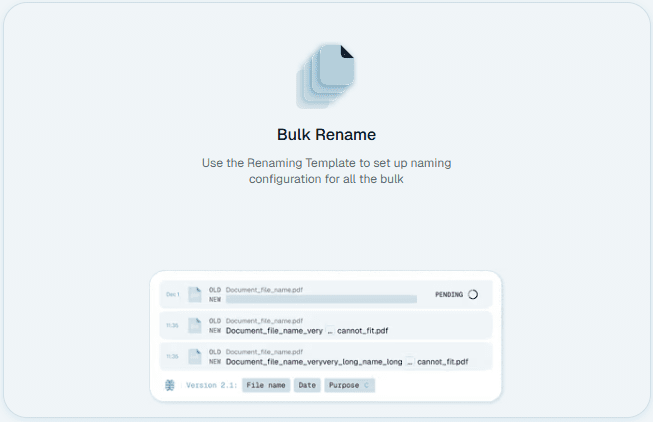
Manually renaming hundreds of files can take hours.
AI batch renaming completes the same task in minutes.
Better Digital Organization
Clear file names create structured digital environments.
Instead of chaotic folders, you get self-explanatory libraries.
Faster File Search
Operating systems index filenames.
Descriptive names make search tools significantly more effective.
Improved Team Collaboration
In collaborative environments, clear filenames reduce confusion.
Team members instantly understand what a file contains.
How AI Renaming Is Evolving
The current generation of AI renamers is already powerful, but the technology is still evolving.
Future systems will likely include:
Real-Time File Naming
Files will be renamed automatically at the moment they are created.
Smart Folder Organization
AI will move files into appropriate folders automatically.
Cloud-Based Knowledge Graphs
Files across multiple devices will be categorized based on shared semantic relationships.
Video Scene Indexing
Videos may be split into segments with automatically generated names for each scene.
These developments could fundamentally change how we manage digital assets.
When AI Renamers Can Make Mistakes
Even advanced AI models occasionally misinterpret files.
Common edge cases include:
- abstract artwork
- extremely low-quality images
- unusual document formats
Because of this, most tools allow users to review names before applying changes.
This step ensures that automation remains accurate.
Practical Tips for Using AI Renamers Effectively
To get the best results from AI renaming tools:
Always preview generated names
Batch renaming hundreds of files without review can create mistakes.
Combine AI with folder structure
AI naming works best when paired with organized folders.
Use descriptive templates
Adding prefixes like project names can improve consistency.
Example:
travel-bali-sunset-beach.jpg
Frequently Asked Questions
What does an AI renamer tool do?
An AI renamer tool automatically renames files by analyzing their content using technologies like computer vision and natural language processing.
Can AI rename images based on what they contain?
Yes. Many tools detect objects, scenes, and colors in images and generate descriptive filenames automatically.
Do AI renamer tools work for documents?
Yes. Tools that use OCR and NLP can extract titles, keywords, and metadata from documents to generate meaningful names.
Are AI renamer tools safe?
Most tools are safe when downloaded from trusted sources. Some also process files locally instead of uploading them to the cloud.
Final Thoughts
AI renamer tools represent a surprisingly powerful step forward in digital organization.
By combining computer vision, language models, and semantic scoring systems, they can transform chaotic file collections into structured, searchable libraries.
For anyone managing large numbers of files—whether photographers, developers, creators, or businesses—this kind of automation can dramatically improve workflow efficiency.
As artificial intelligence continues evolving, the way we organize digital data will likely become increasingly intelligent, automated, and effortless.
1 thought on “What Is an AI-Renamer Tool?”