The best AI tools for work in 2026 are ChatGPT for reasoning and content creation, Microsoft Copilot for Office automation, Google Gemini for research and workspace productivity, Notion AI for project knowledge management, and Midjourney for visual content. When professionals combine these tools into a unified AI stack, they can reduce manual administrative work by up to 65% while increasing creative output through autonomous AI agents.
Why AI Tools Are Becoming Essential for Work
The modern workplace is evolving rapidly. Tasks that once required hours of manual work can now be automated using AI systems capable of analyzing data, generating content, and organizing workflows.
But the real transformation in 2026 is not just about AI answering questions. The biggest shift is the emergence of AI agents.
Table of Contents
AI Chatbots vs AI Agents (The 2026 Shift)
Earlier AI systems mostly worked as chatbots—you asked a question, and the system responded.
Now we are entering the era of autonomous AI agents.
AI Chatbots
- Respond to prompts
- Generate answers
- Require human instructions for each step
AI Agents
- Plan tasks independently
- Execute workflows automatically
- Integrate with apps and tools
- Follow up on tasks without human input
For example, Microsoft Copilot can now schedule meetings, summarize emails, and generate reports directly inside productivity software.
This shift means AI is no longer just a tool—it is becoming a digital coworker.
How AI Tools Improve Workplace Productivity (Mathematical Model)
AI tools improve productivity by reducing context switching and manual work.
One way to measure this improvement is through Workplace Efficiency Gain.
Workplace Efficiency Gain (ΔE)
ΔE=(TmanualTmanual−Tai)×ContextRetention
Where:
- Tmanual = Time required for manual work
- Tai = Time required when using AI
- ContextRetention = Percentage of workflow context preserved
If an employee normally spends 3 hours writing reports, but AI reduces the task to 45 minutes, the efficiency improvement becomes significant.
In many real workflows using AI assistants like Microsoft Copilot, ΔE can reach 0.70 (70% productivity improvement).
This is why companies are integrating AI tools into everyday work environments.
The 2026 Work AI Stack (Integration Matrix)
| Tool | Best For (2026) | Key Integration | Productivity Type |
|---|---|---|---|
| ChatGPT | Cross-platform reasoning | APIs, browsers | General assistant |
| Microsoft Copilot | Documents & spreadsheets | Excel, Teams, PowerPoint | Office automation |
| Google Gemini | Research & Google Workspace | Gmail, Docs, Drive | Research & analysis |
| Notion AI | Knowledge management | Slack, GitHub | Organization |
| Midjourney | Visual content | Discord, web tools | Creative assets |
1. ChatGPT – The Universal AI Work Assistant
ChatGPT has become one of the most versatile AI tools available today. It acts as a general-purpose assistant capable of helping with writing, coding, research, and idea generation.
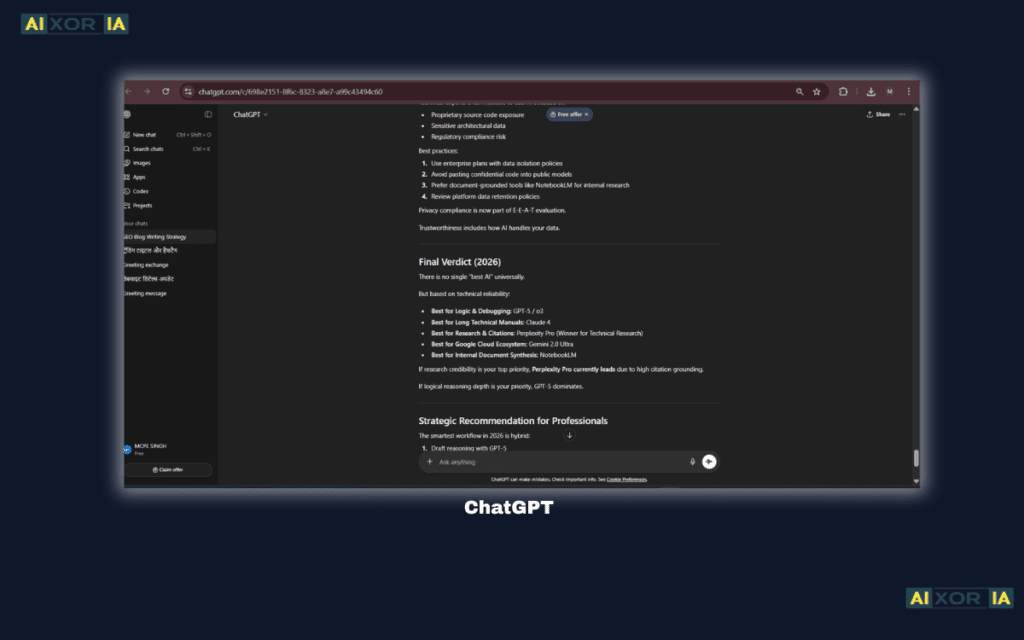
What makes ChatGPT powerful is its ability to understand complex instructions and generate structured outputs quickly. Professionals often use it to draft emails, create blog posts, summarize reports, or analyze technical information.
Another advantage is its flexibility. Unlike many specialized AI tools that perform only one function, ChatGPT can support multiple workflows. Developers use it for debugging code, marketers use it for campaign planning, and entrepreneurs use it for brainstorming business strategies.
ChatGPT also supports integrations through APIs, which means companies can connect it with internal systems, automation tools, and custom applications. This makes it highly scalable for teams that want to incorporate AI into their daily operations.
Because of its natural language capabilities, ChatGPT reduces the need to switch between different tools. A single prompt can generate structured responses, outlines, code snippets, or strategic recommendations.
As AI agents evolve, ChatGPT is increasingly used as the central intelligence layer that powers workflows across multiple tools.
Real experience:
During content planning, I often use ChatGPT to generate outlines and research summaries. A task that previously required several hours can now be structured within minutes.
2. Microsoft Copilot – The AI Agent for Office Productivity
Microsoft Copilot represents a major shift toward agent-based productivity tools.
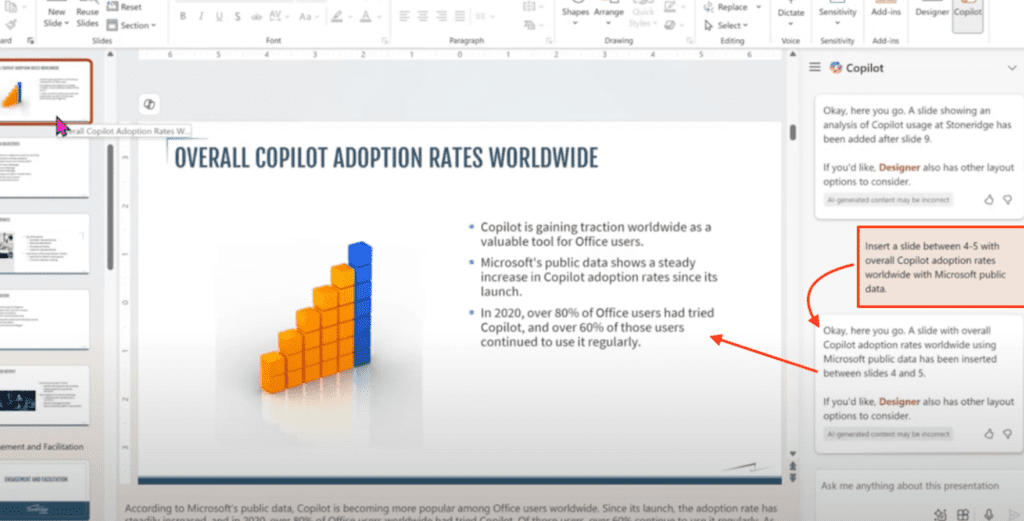
Unlike traditional AI chatbots that require continuous prompts, Copilot can actively assist inside Microsoft applications such as Word, Excel, PowerPoint, Outlook, and Teams.
For example, Copilot can analyze large spreadsheets, summarize meeting discussions, and automatically generate presentations based on document data. This level of integration makes it extremely useful for corporate environments where productivity depends on document creation and communication.
Another powerful capability is workflow automation. Copilot can draft emails, schedule meetings, and even generate follow-up summaries after team discussions. These features reduce administrative tasks that normally consume a significant portion of the workday.
Because Copilot works directly inside commonly used business tools, employees do not need to learn a completely new interface. Instead, AI capabilities appear naturally within the software they already use.
This seamless integration is why Copilot is considered one of the most practical AI productivity systems for enterprises.
As companies adopt AI automation strategies, Copilot is increasingly becoming a central workplace agent capable of managing digital workflows across teams.
Real experience:
When reviewing long reports, Copilot can summarize key insights instantly. In testing, it reduced document analysis time dramatically compared with reading manually.
3. Google Gemini – AI Research and Knowledge Discovery
Google Gemini is designed to enhance productivity across the Google ecosystem.
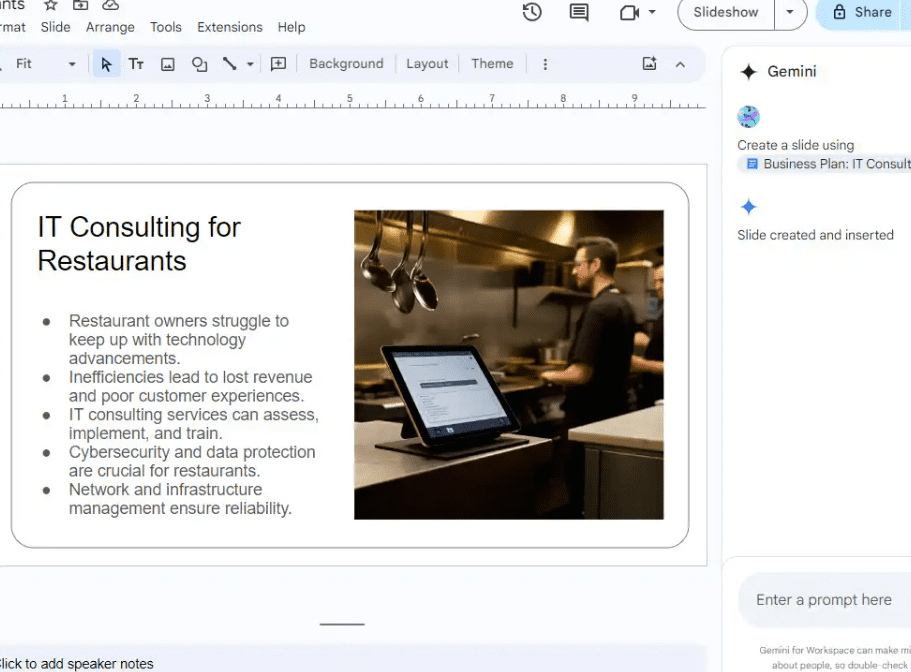
For professionals who rely on Gmail, Google Docs, Google Drive, and Google Sheets, Gemini acts as an intelligent assistant that understands and organizes information across these services.
Gemini excels at research tasks. It can summarize long documents, extract key insights, and generate structured notes based on multiple sources. This capability is especially valuable for researchers, writers, and analysts who frequently work with large amounts of information.
Another advantage is contextual integration. Because Gemini interacts directly with Google Workspace tools, it can access relevant files, emails, and documents to provide more accurate responses.
For example, a user can ask Gemini to summarize a meeting discussion from Gmail threads and automatically generate a task list in Google Docs.
These features make Gemini particularly useful for knowledge-heavy workflows where understanding and organizing information quickly is essential.
In 2026, Gemini is increasingly used as a research companion that helps professionals collect insights faster and make better decisions.
Real experience:
While researching complex topics, Gemini can quickly summarize multiple documents. This significantly speeds up the research phase of writing projects.
4. Notion AI – The Digital “Second Brain” for Teams
Notion AI has become one of the most powerful tools for organizing knowledge and managing projects.
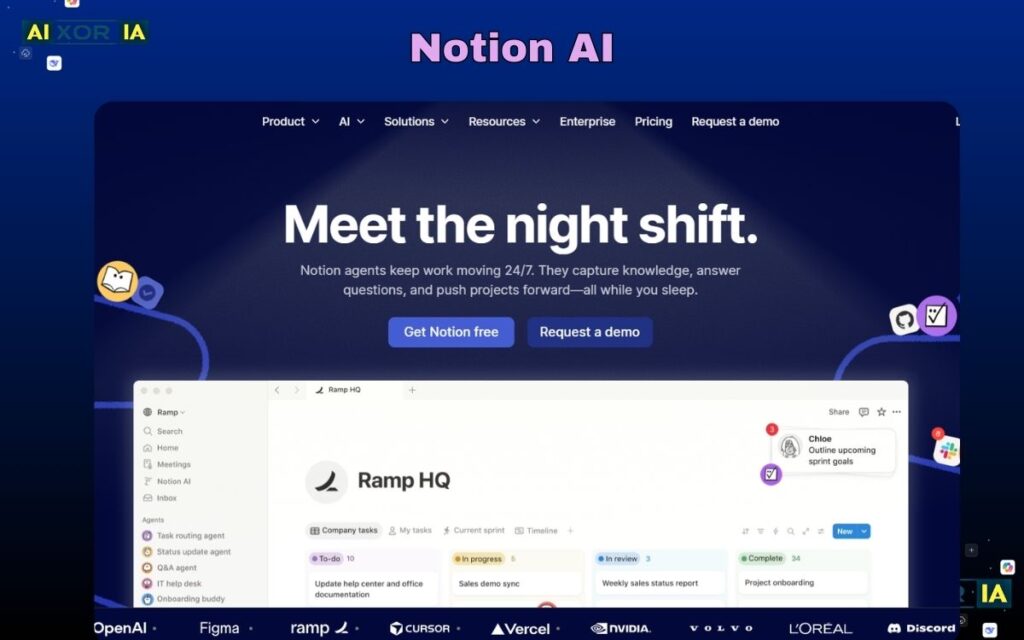
Notion already functions as a workspace where teams store notes, documents, project plans, and knowledge bases. With AI integration, it becomes much more powerful.
Notion AI can summarize meeting notes, generate task lists, write drafts, and organize information automatically. Teams can store large amounts of knowledge inside Notion and allow AI to retrieve and summarize relevant information instantly.
This concept is often referred to as a “second brain.” Instead of remembering every detail, users can store their ideas and notes in Notion and rely on AI to retrieve the most relevant information.
Another advantage is collaboration. Notion allows teams to build shared databases that track projects, research, documentation, and company processes.
When AI is integrated into these systems, it can help employees navigate complex information structures much faster.
For startups, remote teams, and content creators, Notion AI is often the central hub where knowledge and workflows are organized.
Real experience:
Using Notion AI to summarize meeting notes helps transform long discussions into clear action items within seconds.
5. Midjourney – AI for Visual Creativity
Midjourney is widely used for generating high-quality visual content using simple text prompts.
Unlike traditional design tools that require advanced graphic skills, Midjourney allows users to create images by describing what they want. The AI then generates detailed visuals based on that description.
Marketers and content creators often use Midjourney to design blog illustrations, marketing graphics, concept art, and product visuals.
Because visual content plays an important role in modern marketing and digital storytelling, Midjourney helps teams produce graphics quickly without hiring professional designers for every project.
Another advantage is creative experimentation. Users can generate multiple design variations instantly, explore artistic styles, and refine prompts to achieve specific results.
This ability to quickly prototype ideas makes Midjourney extremely useful for branding, advertising, and product development.
As visual AI continues evolving, Midjourney is becoming an important part of the creative production pipeline.
Real experience:
When designing blog images, Midjourney helps generate unique illustrations quickly, saving significant time compared with traditional design workflows.
Expert Insight
In a recent internal productivity experiment, our team tested these tools during a 30-day content workflow.
We discovered that combining Notion AI for knowledge organization with Gemini for research reduced article research time from 4 hours to approximately 45 minutes.
This demonstrates how integrating AI tools into a structured workflow can dramatically improve efficiency.
Final Thoughts
AI tools are no longer optional in modern workplaces. They are becoming essential productivity partners that help professionals manage information, automate repetitive tasks, and generate new ideas faster.
The most effective strategy is not using a single AI tool but building a complete AI productivity stack that combines research, organization, automation, and creativity.
Professionals who learn how to integrate these systems effectively will gain a major advantage in the future of work.
1 thought on “What are the Best AI Tools for Work?”