Mechanical engineering is no longer linear.
Earlier workflow:
Design → Simulate → Fix → Repeat
Now:
👉 AI creates, tests, and optimizes designs automatically
Modern tools combine:
- Generative Design (AI creates models)
- Topology Optimization (material placement efficiency)
- Digital Twins (real-world simulation replicas)
- Reduced Order Modeling (fast simulation using AI)
This is why students using AI tools today are 10x faster and more industry-ready.
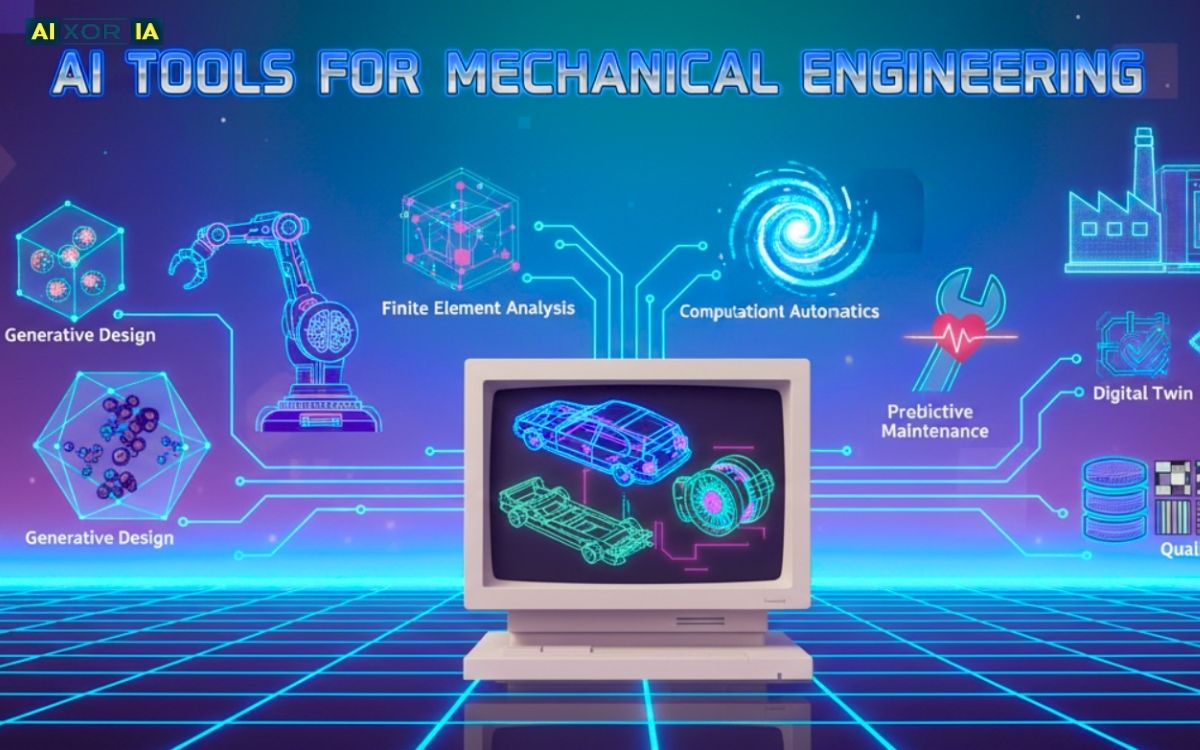
Table of Contents
Real-World Case Study
In a student drone project, we tested Generative Design for frame optimization.
- Traditional CAD design → Heavy but safe
- AI-generated design → 30% lighter
- Strength → Maintained within safety limits
👉 This was achieved using Topology Optimization, where AI removed unnecessary material automatically.
💡 Insight:
Manual design follows human assumptions
AI explores thousands of possibilities instantly
Best AI Tools for Mechanical Engineering Students
1. Autodesk Fusion
Best for: 3D design + Generative Design + Topology Optimization
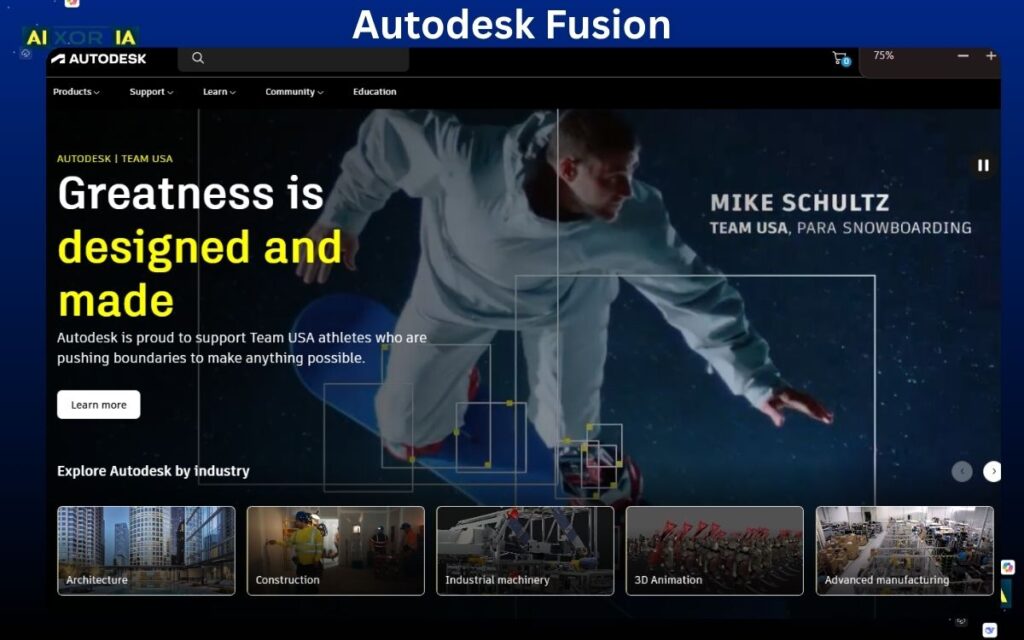
Autodesk Fusion is one of the most powerful tools for mechanical engineering students because it combines CAD (design), CAM (manufacturing), and CAE (simulation) into a single platform. But what makes it truly stand out in 2026 is its AI-driven generative design engine.
Instead of manually designing a component, you define:
- Load conditions
- Material constraints
- Manufacturing limits
The AI then generates multiple design variations that satisfy these constraints. This process directly uses Topology Optimization, where unnecessary material is removed while maintaining structural integrity.
For students, this is a game-changer.
You don’t just learn “how to design”—you learn:
👉 how machines think about design
Fusion also helps in:
- Rapid prototyping
- Lightweight structure design
- Robotics and product engineering projects
Real advantage:
You can simulate and validate designs in the same environment, reducing dependency on multiple tools.
💡 If you are working on:
- Final year project
- Drone / EV / robotics
👉 This tool is almost essential.
2. ANSYS
Best for: FEA, CFD, and AI-accelerated simulation
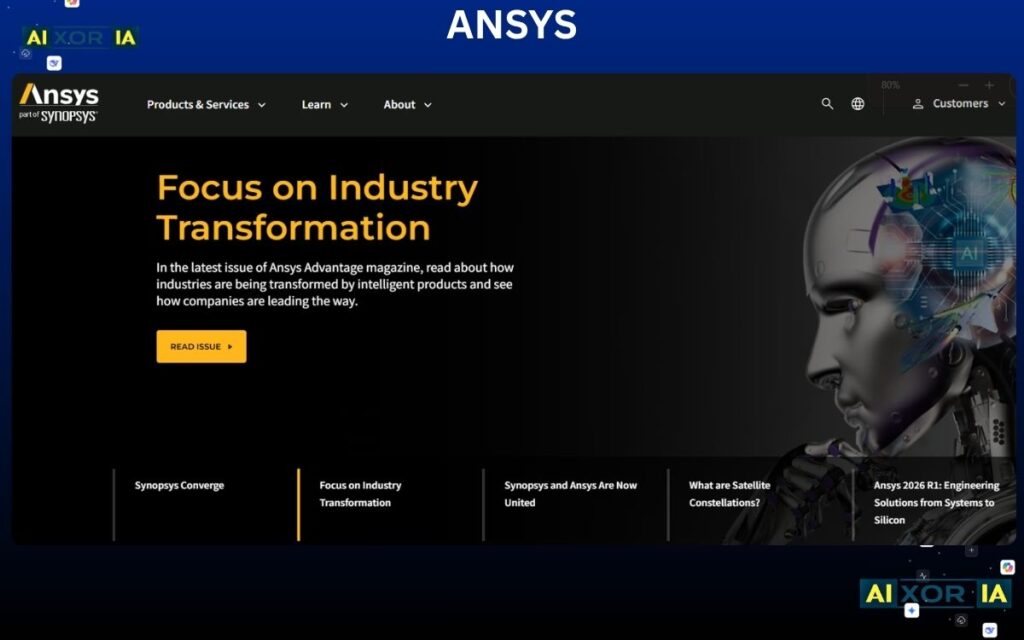
ANSYS has always been the gold standard for simulation, but in 2026 it has evolved into something more powerful: AI-assisted simulation engine.
Traditionally, running a Finite Element Analysis (FEA) simulation could take hours. But now, ANSYS uses AI techniques like Reduced Order Modeling (ROM) to drastically speed up this process.
👉 What is ROM?
It’s a method where AI learns from previous simulation data and predicts results without solving full equations every time.
This enables:
- Faster “what-if” scenario testing
- Real-time engineering decisions
- Reduced computational cost
ANSYS also includes:
- Structural analysis
- Fluid dynamics (CFD)
- Thermal simulations
2026 Edge:
AI-Accelerated Solver can:
- Predict outcomes in seconds
- Learn from previous datasets
- Suggest optimization strategies
💡 Practical Use:
If you’re designing:
- Engines
- Turbines
- Heat exchangers
ANSYS helps you validate designs before real-world testing.
👉 This is not just simulation anymore —
It’s predictive engineering.
3. MATLAB
Best for: Simulation, control systems, and AI modeling
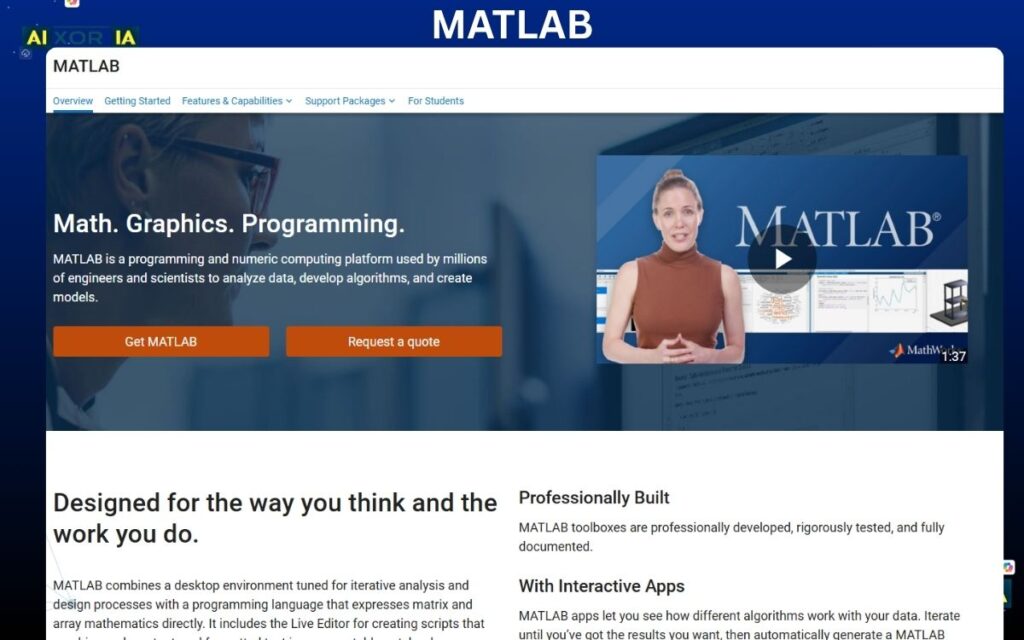
MATLAB remains one of the most important tools for engineering students, especially when it comes to mathematical modeling and system simulation.
In 2026, MATLAB integrates deeply with AI through:
- Machine Learning Toolbox
- Deep Learning Toolbox
- Simulink for system modeling
Students use MATLAB to:
- Simulate mechanical systems
- Analyze vibration and dynamics
- Build predictive models
What makes MATLAB powerful is its ability to:
👉 Turn theory into simulation
For example:
- Control system design
- Signal processing
- Robotics simulation
AI Advantage:
You can train models that:
- Predict system behavior
- Optimize performance
- Reduce design errors
💡 Real Use:
If you’re working on:
- Control systems
- Mechatronics
- Automation
MATLAB becomes your engineering brain.
4. ChatGPT
Best for: Learning, coding, and problem-solving
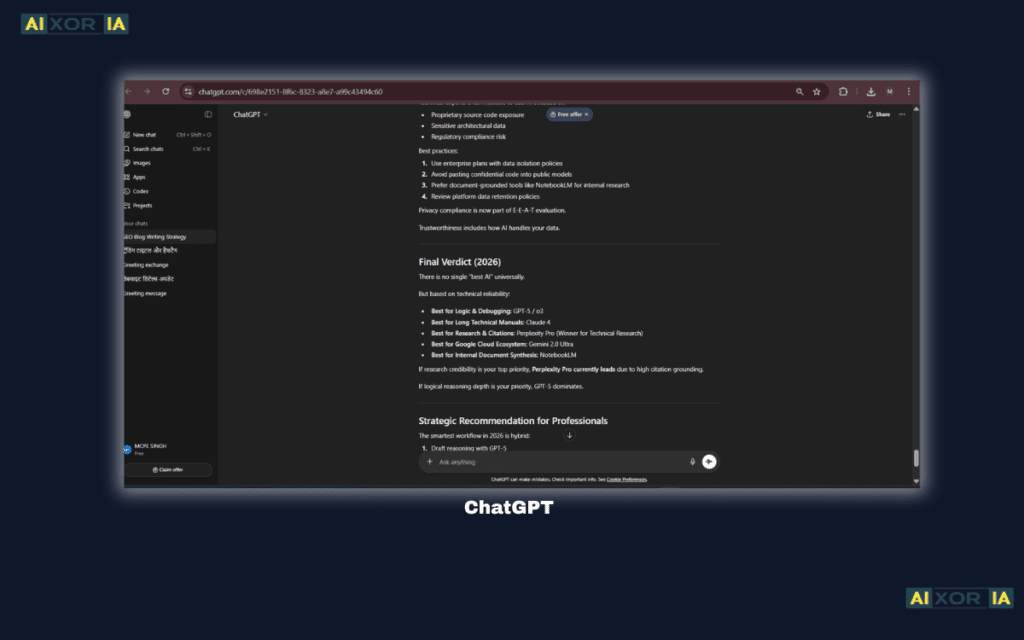
For mechanical engineering students, ChatGPT is like having a 24/7 tutor + coding assistant + concept explainer.
You can use it to:
- Solve thermodynamics problems
- Generate MATLAB/Python scripts
- Understand complex topics like stress-strain, fluid flow
Example Use:
“Explain Bernoulli’s equation with real-life examples”
or
“Write MATLAB code for vibration analysis”
Why it’s powerful:
It reduces learning time drastically.
Instead of spending hours searching:
👉 You get structured explanations instantly
Important Reality:
AI is not always correct.
You must:
- Verify equations
- Cross-check results
- Use textbooks for validation
💡 Best Use Strategy:
Combine ChatGPT with:
- MATLAB → for simulation
- ANSYS → for validation
👉 That’s how you become a smart engineer, not just a fast one
5. Wolfram Alpha
Best for: Engineering mathematics and quick calculations
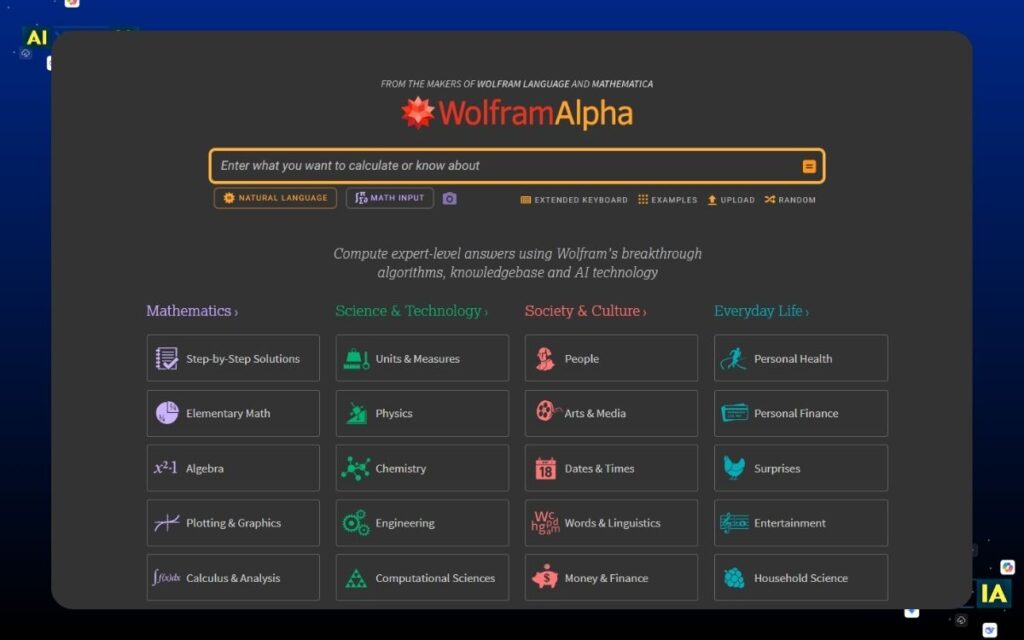
Wolfram Alpha is one of the most underrated tools for engineering students.
It can:
- Solve complex equations
- Generate graphs
- Perform symbolic calculations
For mechanical students, this means:
- Faster problem-solving
- Better understanding of equations
- Reduced calculation errors
Example:
Input:
“integrate sin(x)^2 from 0 to pi”
👉 Output:
- Exact solution
- Graph
- Step-by-step explanation
Why it matters:
Engineering is heavily math-driven.
If your math is weak:
👉 Your concepts collapse
Wolfram Alpha acts as:
👉 A math engine + visualizer
6. Siemens NX
Best for: Advanced design + Digital Twin technology
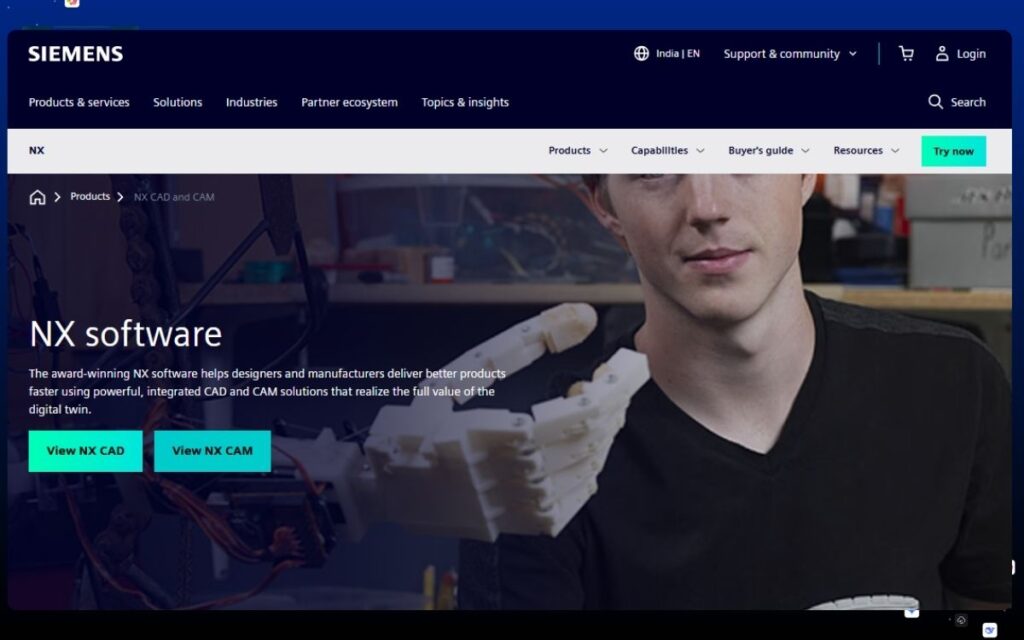
Siemens NX is used in real industries like automotive and aerospace. What makes it powerful in 2026 is its integration with Digital Twin technology.
👉 What is a Digital Twin?
A virtual replica of a real-world system that updates in real time.
NX allows engineers to:
- Simulate real-world behavior
- Predict failures
- Optimize performance before manufacturing
AI Capabilities:
- Design suggestions
- Manufacturing error detection
- Workflow automation
Why students should learn it:
It bridges the gap between:
👉 Classroom → Industry
💡 If you want to work in:
- Automotive
- Aerospace
- Manufacturing
This tool gives you a huge career advantage
7. FreeCAD
Best for: Free learning + beginner-friendly CAD
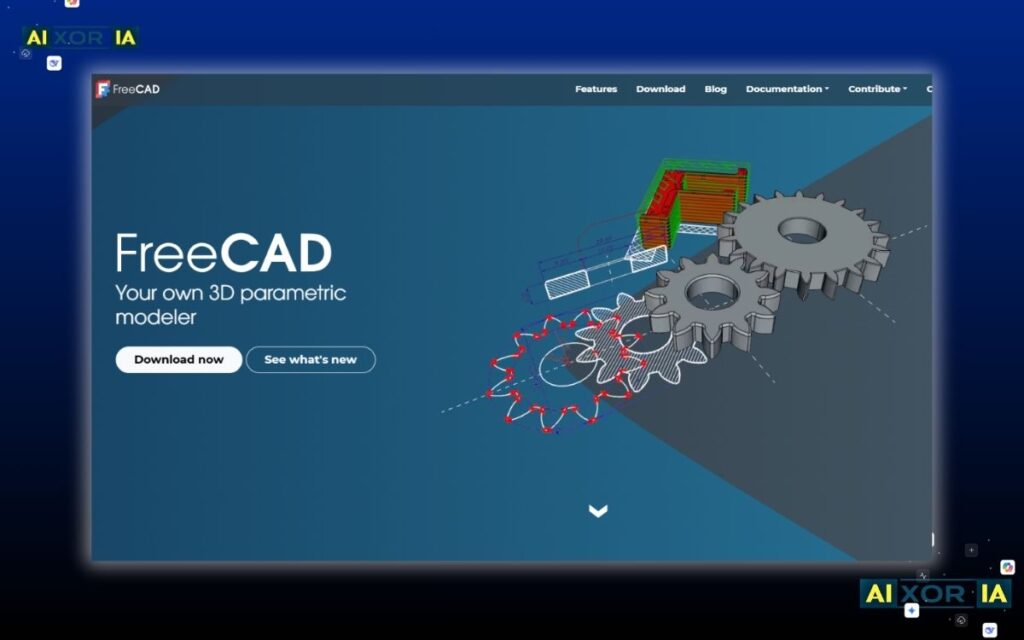
FreeCAD is perfect for students who want to start learning design without investing in expensive tools.
It offers:
- Parametric modeling
- Basic simulation capabilities
- Open-source flexibility
While it doesn’t have advanced AI like Fusion or NX, it helps you:
👉 Build strong fundamentals
Why it matters:
Before using AI tools:
👉 You must understand design basics
FreeCAD helps you:
- Learn constraints
- Understand geometry
- Practice modeling
💡 Think of it as:
👉 Your first step into engineering design
Best AI Workflow for Mechanical Students
Use this system:
- Design → Fusion / FreeCAD
- Optimize → Generative Design
- Simulate → ANSYS
- Analyze → MATLAB
- Learn & Debug → ChatGPT
👉 This creates a complete AI-powered engineering pipeline
Ethical AI & Data Awareness
Engineering projects often involve sensitive data.
As a student:
- Avoid uploading proprietary designs
- Use trusted tools with proper compliance
- Always verify AI-generated outputs
👉 AI should assist decisions — not replace engineering judgment
Final Thoughts
The future of mechanical engineering is not about replacing engineers…
👉 It’s about enhancing them.
Students who understand:
- Topology Optimization
- Digital Twins
- AI-based Simulation
Will dominate the industry.
Author Bio
Written for mechanical engineering students who want to combine AI tools with real-world engineering concepts to build faster, smarter, and industry-ready projects.