The Best AI Coding Tools for Developers in 2026 are:
- GitHub Copilot → Best for productivity
- Cursor → Best for full codebase understanding
- Codeium (Windsurf) → Best free AI tool
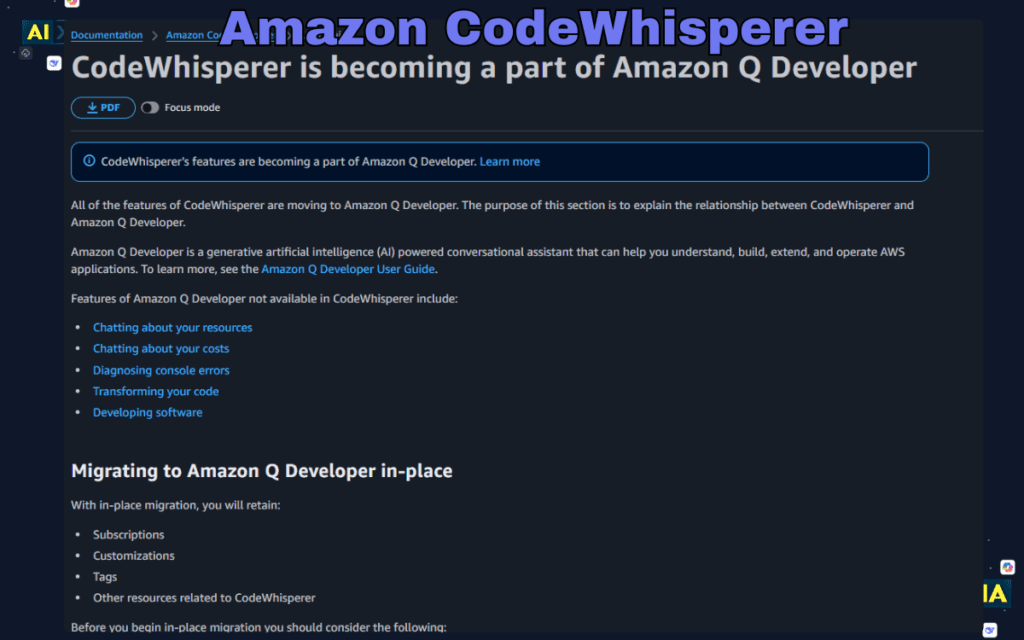
- Amazon CodeWhisperer → Best for AWS development
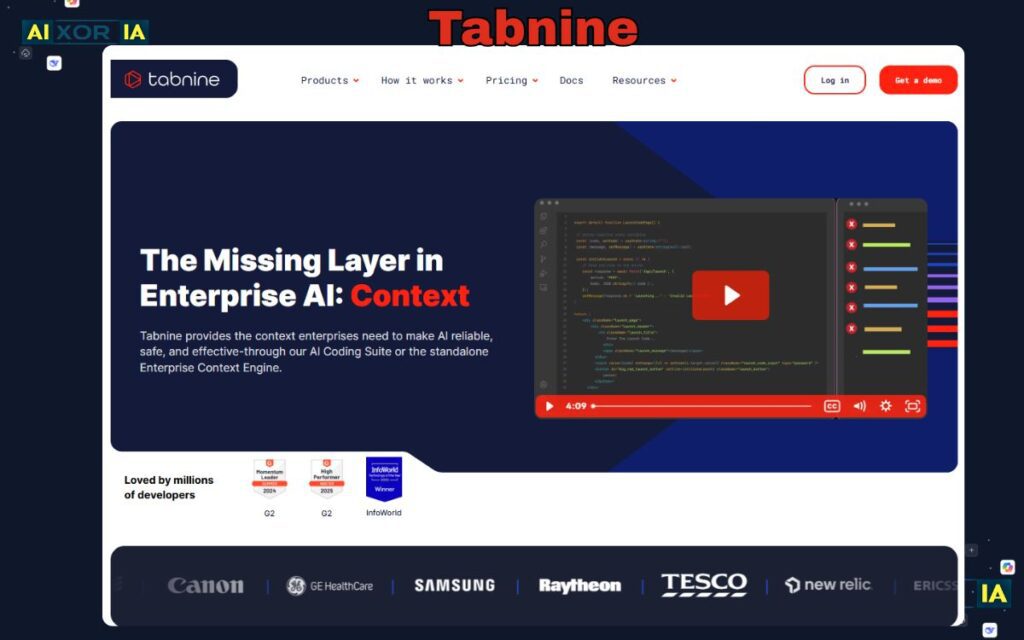
- Tabnine → Best for privacy-focused teams
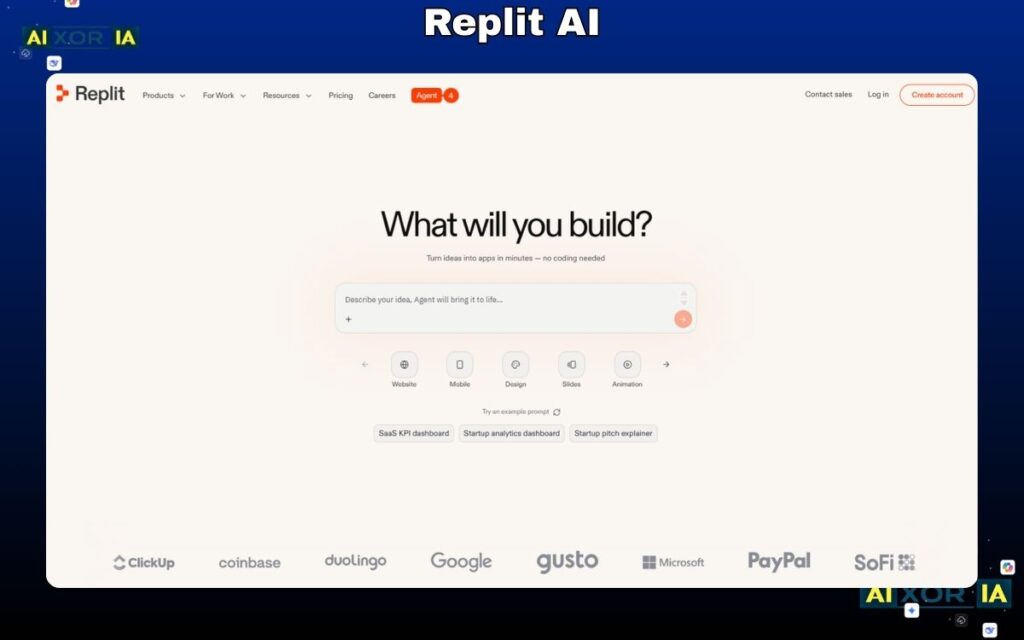
- Replit AI → Best for beginners
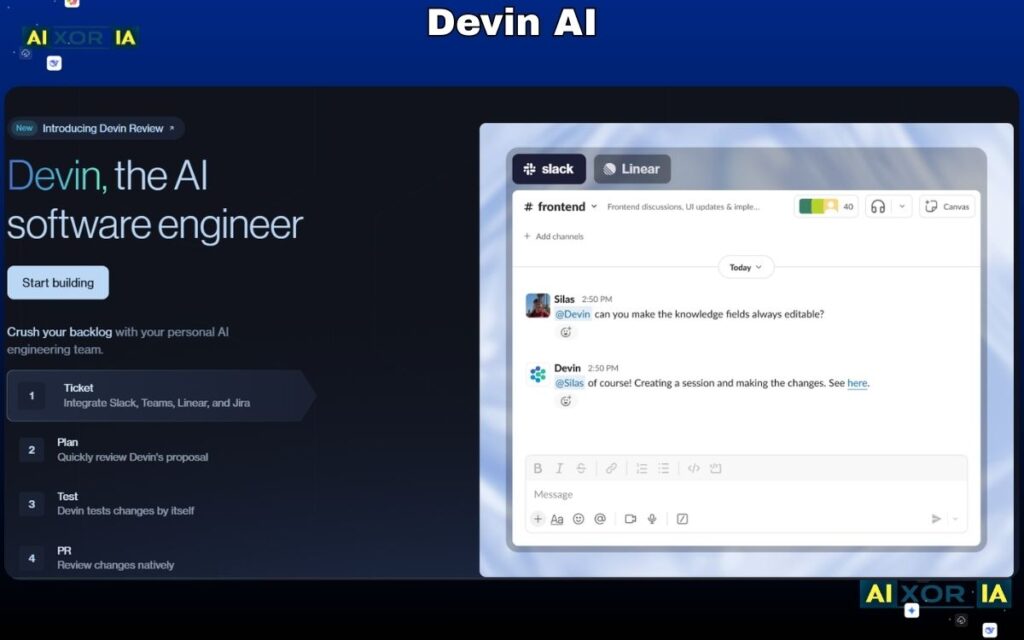
- Devin AI → Best for autonomous coding
These tools differ in context window size, security models, and real-world performance, which directly impacts developer efficiency.
What Makes a Good AI Coding Tool in 2026?
Before jumping into the list, here’s what actually matters now:
- Can it handle large codebases (context window)?
- Does it understand real developer workflows?
- Is it helpful for debugging, not just writing code?
- Does it reduce thinking… or improve thinking?
👉 Because in 2026, the best developers don’t just write code — they collaborate with AI smartly.
Table of Contents
Developer ROI Formula
Modern engineering teams evaluate AI tools using a simple efficiency model:
Coding Efficiency Formula ($CE_f$)
CEf=Csubscription(Ltotal×Sspeed)−Bdebug_time
Where:
- $L_{total}$ = total lines of code
- $S_{speed}$ = speed improvement multiplier
- $B_{debug_time}$ = time wasted fixing AI mistakes
- $C_{subscription}$ = tool cost
👉 Insight:
Tools like Cursor reduce $B$ (debug time) because they understand the entire repository context, not just snippets.
7 Best AI Coding Tools (Deep Technical Breakdown)
1. GitHub Copilot – Best Overall Productivity Tool
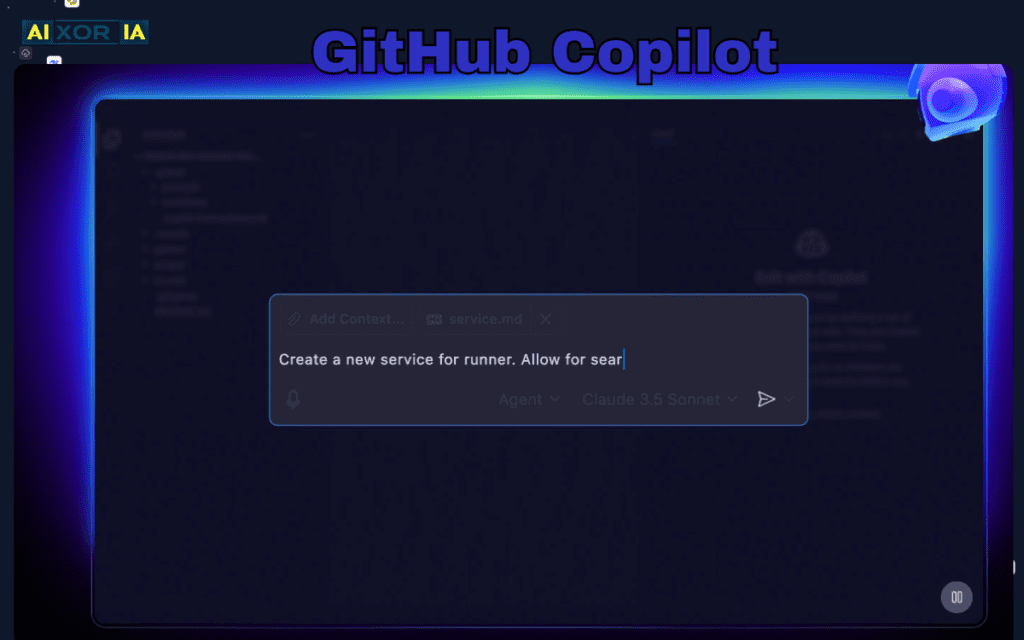
GitHub Copilot remains the industry standard for AI-assisted coding. It integrates deeply into IDEs like VS Code and JetBrains, making it part of the developer’s natural workflow rather than a separate tool.
2026 Technical Specs
- Context Window: ~128k tokens
- Models: GPT-based (multi-model support evolving)
- RAG: Limited (file-level, not full repo-native)
Security & Privacy
- Business tier offers no training on your private code
- Enterprise-grade compliance available
- Still cloud-based → not ideal for ultra-sensitive environments
Real-World Case Study
While building a REST API with authentication layers, Copilot generated 70% of repetitive boilerplate (routes, controllers). However, it struggled with business logic edge cases like token refresh loops.
Hidden Insight (Not on Official Pages)
Copilot sometimes overfits to common GitHub patterns — meaning it may suggest outdated libraries or insecure implementations if not reviewed.
👉 Best Use Case: Speeding up repetitive coding tasks
My Real Experience:
Used it for backend APIs — great for speed, but I had to manually fix logic flaws in authentication flows.
READ MORE – 9 Free AI Tools to Understand Code
2. Cursor – Best for Repository-Level Intelligence
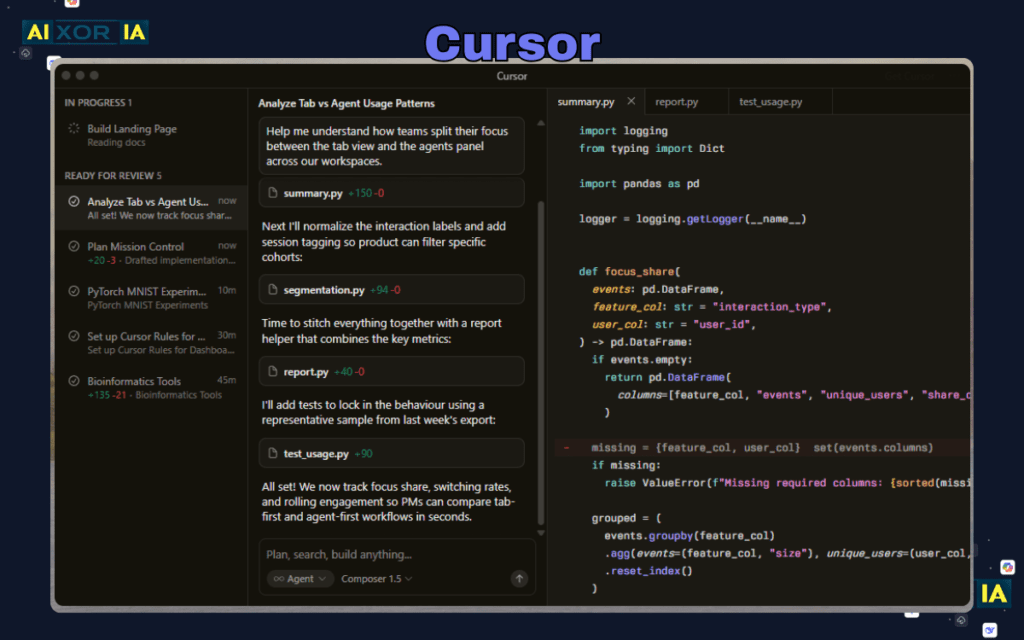
Cursor changes the game by treating your entire codebase as context.
2026 Technical Specs
- Context Window: Up to millions of tokens (via indexing + RAG)
- Models: Advanced LLM integrations
- RAG: Strong (repo-wide understanding)
Security & Privacy
- Code processed via cloud (unless configured otherwise)
- Not fully local → caution for sensitive codebases
Real-World Case Study
In a multi-service project (frontend + backend + DB), Cursor identified broken dependencies across files and suggested fixes — something no traditional autocomplete tool could do.
Hidden Insight
Cursor can occasionally over-modify multiple files, introducing unintended changes if prompts are not precise.
👉 Best Use Case: Large-scale refactoring
My Real Experience:
Cursor helped me refactor a messy project fast — but I had to review changes carefully across files.
3. Codeium – Best Free Alternative
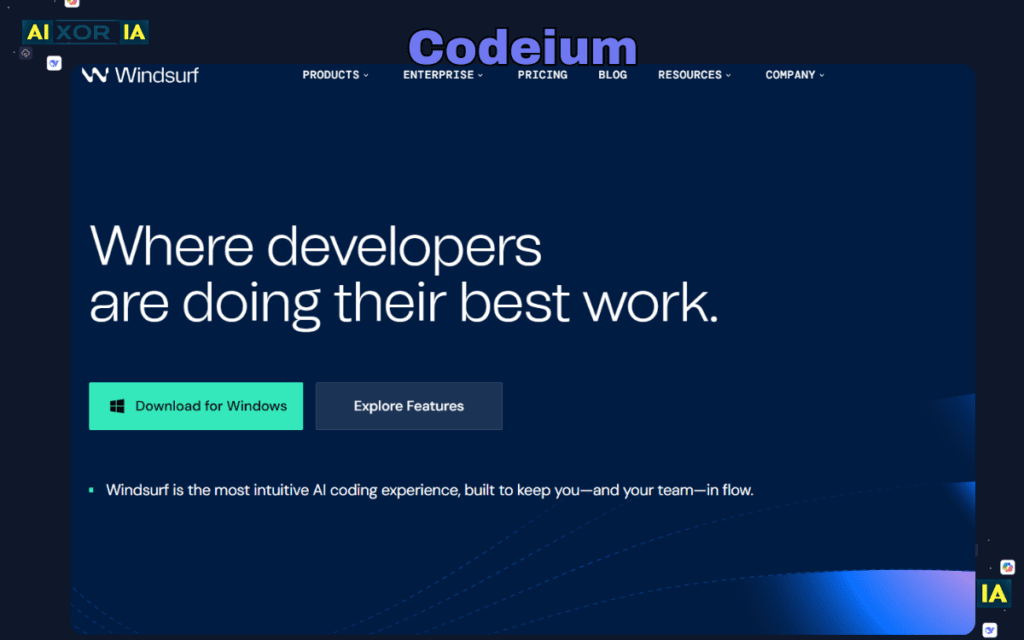
Codeium delivers strong performance without cost, making it highly attractive for students and solo developers.
Technical Specs
- Context Window: Medium (less than premium tools)
- Models: Proprietary + optimized lightweight models
- RAG: Limited
Security
- Offers enterprise options
- Free tier → some cloud processing involved
Real-World Case Study
Used for frontend UI generation — Codeium handled repetitive UI components well but struggled with complex state management logic.
Hidden Insight
Codeium may produce inconsistent outputs across sessions, affecting reliability in long projects.
👉 Best Use Case: Learning and basic development
My Real Experience (Short):
Great for small projects — fast and free, but not reliable for complex logic-heavy apps.
READ MORE – The 20 Best AI Software Development Tools
4. Amazon CodeWhisperer – Best for Cloud & Security
Designed for AWS developers, CodeWhisperer focuses heavily on secure coding practices.
Technical Specs
- Context Window: Moderate
- Models: AWS-trained AI models
- RAG: Service-aware suggestions
Security
- Strongest in this category
- Includes vulnerability scanning
- AWS-integrated compliance
Real-World Case Study
While writing Lambda functions, it suggested IAM policies and secure patterns — reducing potential vulnerabilities early.
Hidden Insight
Less effective outside AWS ecosystem — not ideal for general-purpose coding.
👉 Best Use Case: Cloud-native development
My Real Experience:
Helped me write secure AWS code faster — but felt limited when working outside cloud environments.
5. Tabnine – Best for Privacy
Tabnine focuses on local-first AI, making it ideal for enterprise teams.
Technical Specs
- Context Window: Limited (local model constraints)
- Models: Local + private deployment
- RAG: Minimal
Security
- Fully local deployment available
- Zero data sharing
Real-World Case Study
Used in a restricted enterprise environment — ensured compliance but lacked deep intelligence compared to cloud AI.
Hidden Insight
Lower creativity and reasoning compared to cloud models.
👉 Best Use Case: Secure environments
My Real Experience:
Safe and private — but noticeably less powerful than cloud-based AI tools.
6. Replit AI – Best for Beginners
Replit AI simplifies coding by removing setup complexity.
Technical Specs
- Context Window: Moderate
- Models: Cloud-based LLM
- RAG: Project-level
Security
- Cloud-based → not ideal for sensitive code
Real-World Case Study
Built a small app in minutes — AI handled deployment and debugging for beginner-level projects.
Hidden Insight
Not suitable for large-scale production systems.
👉 Best Use Case: Rapid prototyping
My Real Experience:
Super beginner-friendly — I built a working app quickly without worrying about setup.
7. Devin AI – The Future of Development
Devin AI moves beyond assistance into full autonomy.
Technical Specs
- Context Window: Full project-level reasoning
- Models: Multi-agent AI system
- RAG: Advanced
Security
- Enterprise-focused
- Still evolving
Real-World Case Study
Completed multi-step development tasks independently — but required supervision for accuracy.
Hidden Insight
Still experimental — not production-ready for critical systems.
👉 Best Use Case: Automation experiments
My Real Experience:
Felt like working with a junior dev — powerful, but needed constant guidance.
Comparison Matrix
| Tool | Best For | Price (2026) | Context Window | Security Level |
|---|---|---|---|---|
| GitHub Copilot | Productivity | $10–$19/mo | ~128k tokens | Medium |
| Cursor | Repo-wide editing | ~$20/mo | Very High (RAG) | Medium |
| Codeium | Free usage | Free / $15 | Medium | Medium |
| CodeWhisperer | AWS devs | Free / Paid | Moderate | High |
| Tabnine | Privacy | Custom | Low | Very High |
| Replit AI | Beginners | Freemium | Moderate | Medium |
| Devin AI | Autonomous dev | Enterprise | Very High | Medium |
Final Thoughts
The future of development is not “AI vs developers.”
It’s:
👉 Developers who use AI effectively vs those who don’t.
The real advantage comes from:
- Choosing the right tool
- Understanding its limitations
- Combining multiple tools strategically