Real developer experiences, productivity impact, and the tools shaping modern coding workflows
Artificial intelligence has quietly changed how developers build software. A few years ago, AI tools were mostly autocomplete helpers. Today they can refactor codebases, generate APIs, detect vulnerabilities, and even explain legacy systems that no one on the team understands anymore.
In my own development workflow, AI tools have gradually moved from “nice-to-have” to “daily dependencies.” They reduce repetitive tasks, accelerate debugging, and sometimes suggest approaches I wouldn’t have considered.
But not all AI developer tools are equal. Some improve productivity dramatically, while others create more friction than value.
In this guide, we’ll explore 20 AI software development tools that developers are actually using in 2026, along with their practical advantages and where they fit into the development lifecycle.
Table of Contents
The AI Developer Productivity Matrix (2026)
Before choosing any AI development tool, developers increasingly evaluate them based on how much they improve real productivity, not just how many features they offer.
A simplified productivity model many teams use looks like this:
Developer Productivity Index (Dpi)Dpi=Context Switching Latency+Security Vulnerabilities(Code Generation Speed×Accuracy Rate)
In simple terms, the best tools:
- generate code quickly
- produce accurate results
- integrate directly into development environments
- reduce the need to switch between tools
The tools below are organized around those practical strengths.
1. ChatGPT
AI-driven conversations for smarter software development
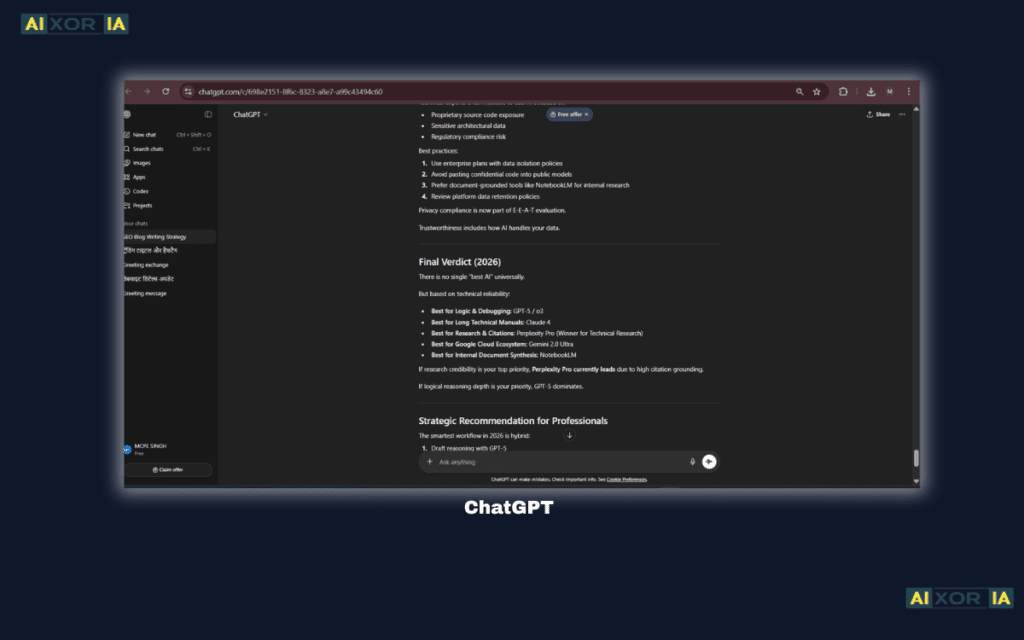
ChatGPT, developed by OpenAI, is a powerful conversational AI model designed to generate human-like text based on input prompts. It’s widely used by developers for explaining complex code, generating functions, and debugging errors. Because it understands programming logic and natural language, it allows developers to describe problems in plain English and receive structured code solutions.
One of the biggest strengths of ChatGPT is its ability to maintain context during longer technical discussions. Developers often use it to explore architectural ideas, convert algorithms between programming languages, or understand unfamiliar frameworks.
Features:
Natural language understanding
Contextual conversation flow
Customizable responses
Integration with various platforms
Multi-language support
READ MORE – Which Free AI Tool Is Best for Financial Analysis?
2. GitHub Copilot
AI-assisted coding directly inside your editor
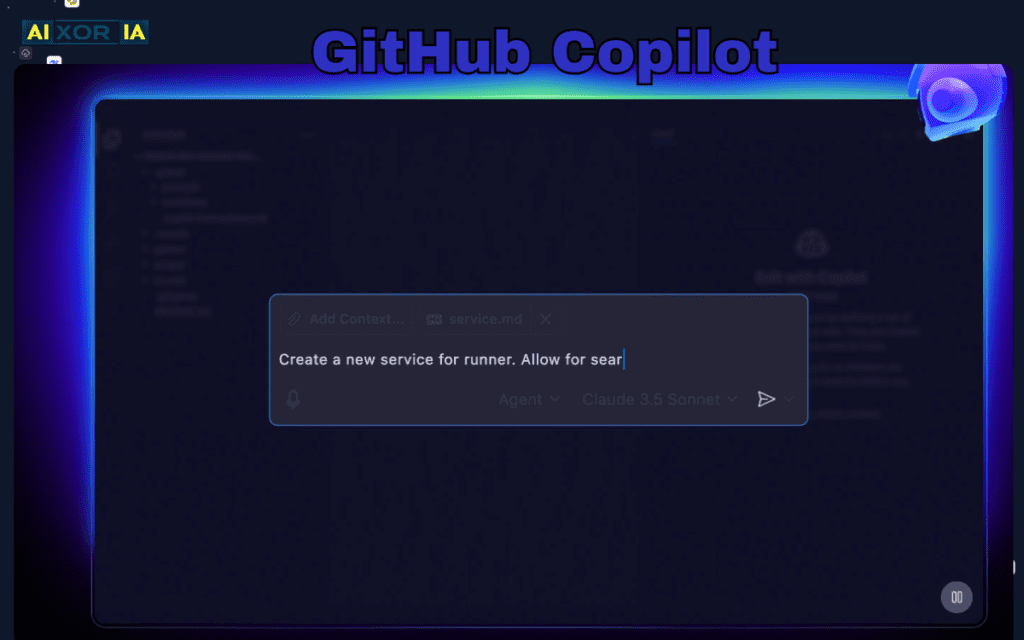
GitHub Copilot is one of the most widely adopted AI coding assistants in modern development environments. Built by GitHub using advanced AI models from OpenAI, it integrates directly into IDEs like Visual Studio Code and JetBrains.
Instead of simply auto-completing lines, Copilot can generate entire code blocks, functions, and even test cases. It analyzes the surrounding code context to produce suggestions that match the project structure and coding style.
Features:
Real-time code suggestions
IDE integration
Support for multiple programming languages
Automatic function generation
Code pattern recognition
3. Tabnine
Private AI-powered code completion
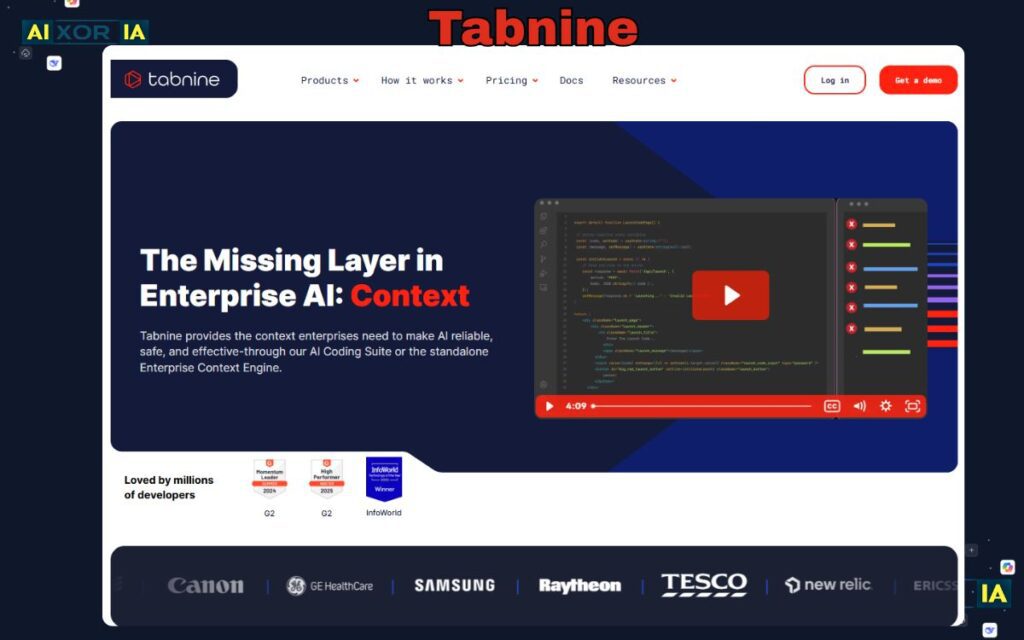
Tabnine is an AI code assistant designed with privacy and enterprise use in mind. Unlike many cloud-based AI tools, Tabnine allows developers to run AI models locally, ensuring proprietary code never leaves the development environment.
This makes it particularly attractive to companies working with sensitive or confidential codebases. The tool learns from project repositories and improves suggestions based on team coding patterns.
Features:
Local AI model deployment
Private repository learning
Smart code completion
IDE integrations
Enterprise security controls
4. Amazon CodeWhisperer
AI coding companion for cloud developers
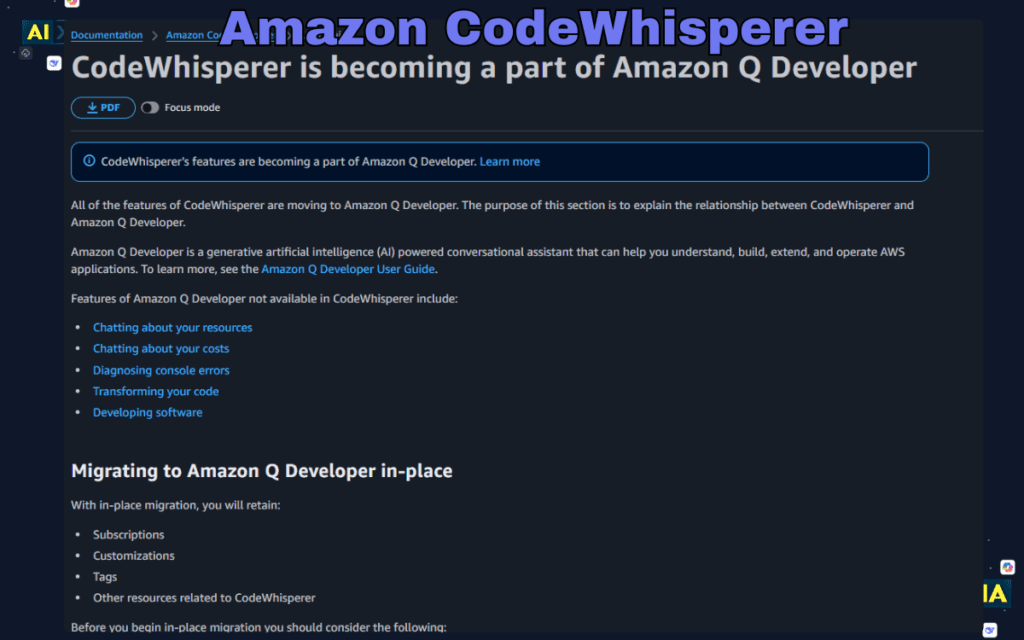
Amazon CodeWhisperer is an AI coding tool developed by Amazon to assist developers building applications on the AWS cloud platform. It generates real-time code suggestions based on comments and project context.
The tool is particularly useful for developers working with AWS services, as it can automatically generate configuration snippets and infrastructure code.
Features:
AI-powered code generation
AWS service integration
Security scanning
IDE compatibility
Real-time coding suggestions
5. Cursor
A modern AI-first development environment
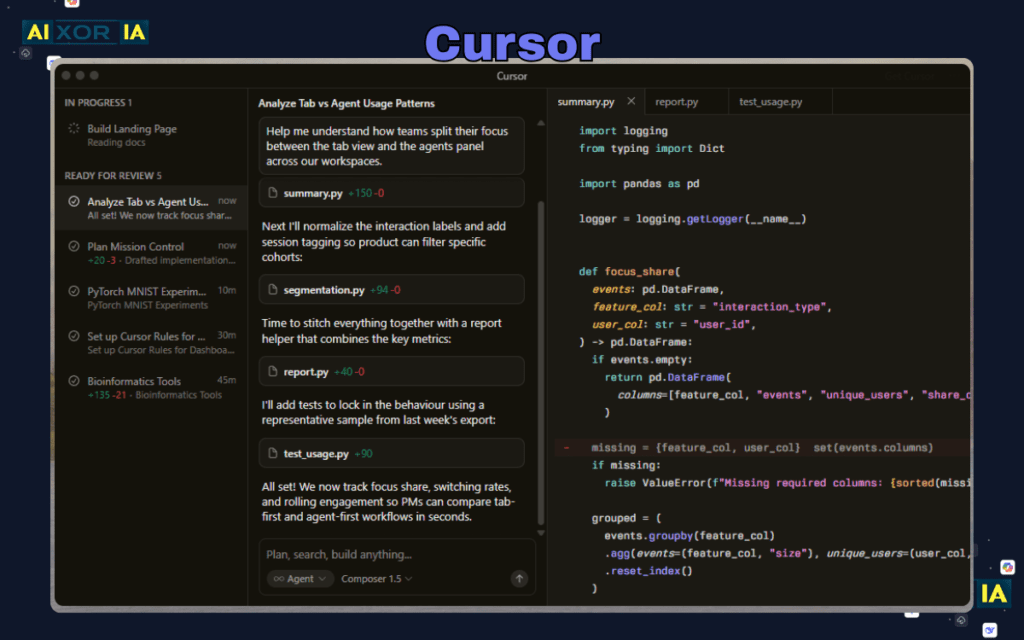
Cursor is a new generation code editor built specifically for AI-assisted programming. Instead of acting as a plugin, AI capabilities are deeply integrated into the editor itself.
Developers can ask the AI to refactor entire files, explain complex code structures, or implement features across multiple files.
Features:
Full-project context awareness
AI-driven refactoring
Natural language coding commands
Intelligent code navigation
Built-in AI chat for developers
6. Phind
An AI-powered search engine built for coding
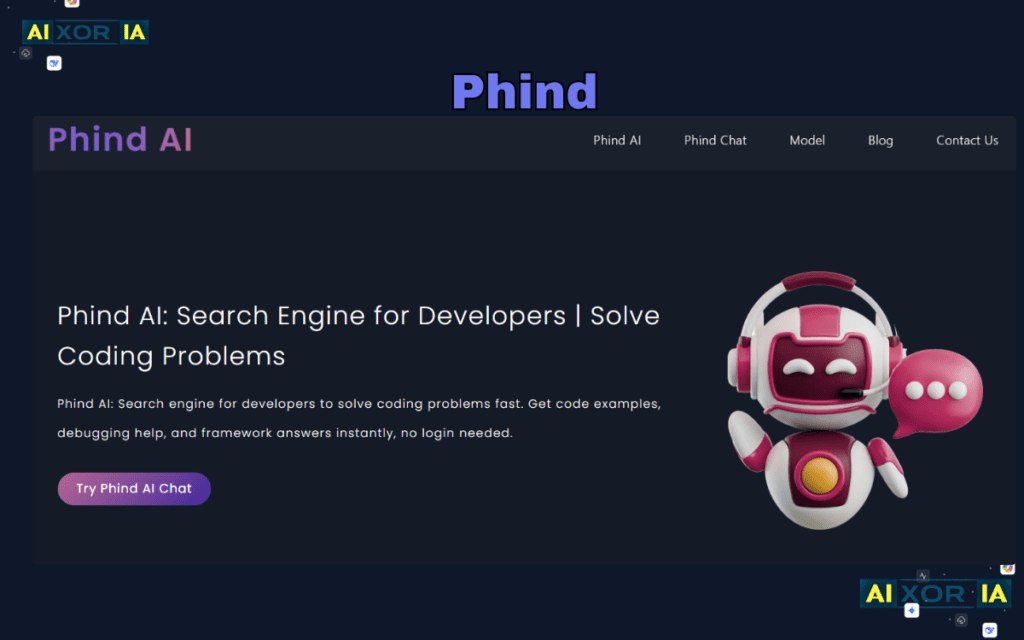
Phind is designed to help developers find accurate programming answers quickly. It functions like a specialized search engine for developers but uses AI to generate explanations and code solutions instead of simply listing links.
Developers frequently use it to troubleshoot bugs, learn programming concepts, or explore alternative coding approaches.
Features:
AI-powered technical search
Instant code examples
Programming documentation summaries
Debugging assistance
Developer-focused knowledge base
7. Codeium
Fast and free AI coding assistance
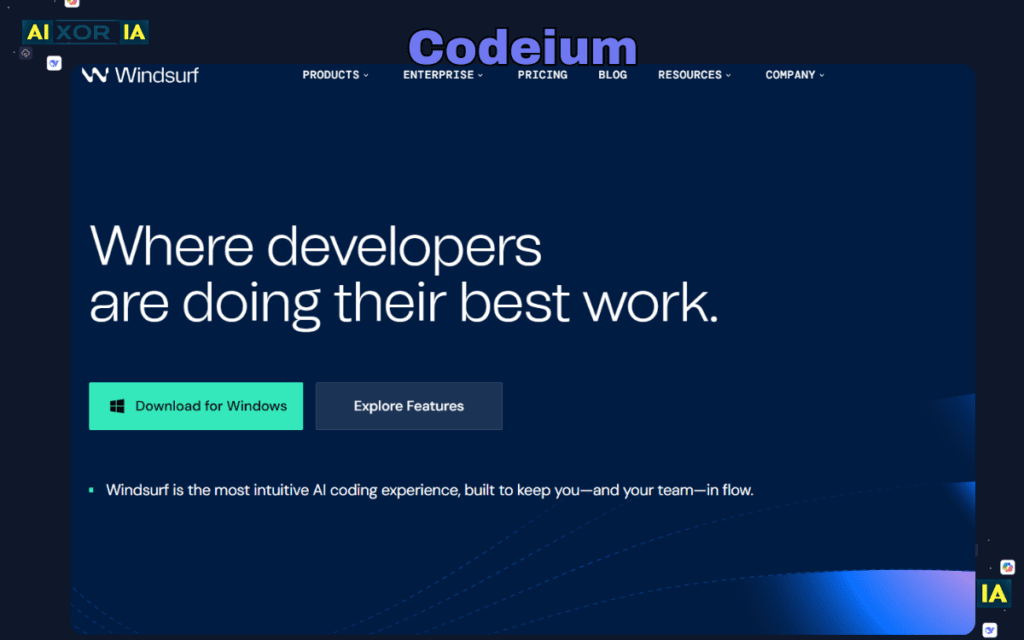
Codeium is a lightweight AI coding assistant that supports more than 70 programming languages. It offers fast code suggestions and integrates with many popular development environments.
The tool is particularly popular among independent developers because it offers many advanced features without requiring a paid subscription.
Features:
AI code autocompletion
Multi-language support
IDE integrations
AI developer chat
Fast performance
8. Snyk
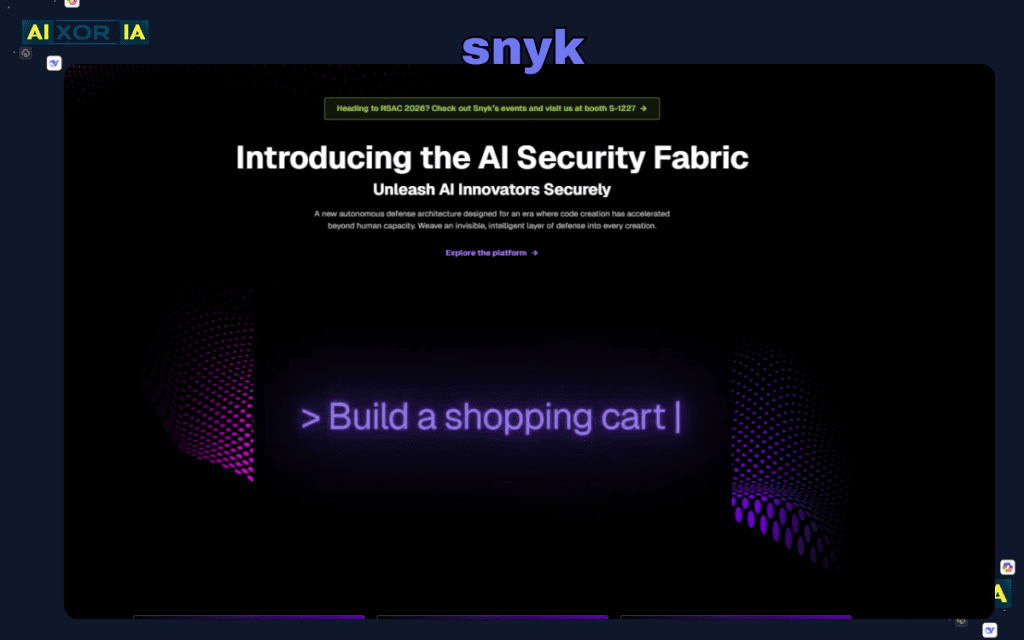
AI-powered vulnerability detection
Snyk focuses on improving software security through AI-powered vulnerability detection. It scans application dependencies, open-source libraries, and container images to identify potential risks.
Security teams often use Snyk to ensure applications remain secure throughout the development lifecycle.
Features:
Dependency vulnerability scanning
Automated security fixes
Continuous monitoring
Integration with CI/CD pipelines
Open-source risk analysis
9. Sourcegraph Cody
Understanding large codebases with AI
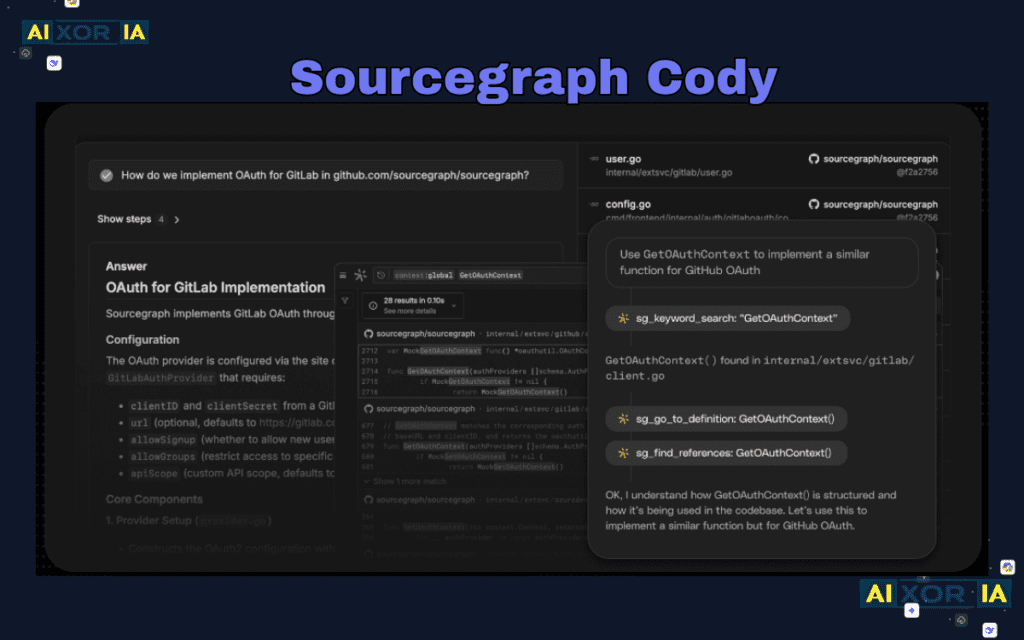
Cody is an AI development assistant created by Sourcegraph. It specializes in helping developers navigate large repositories and understand complex software systems.
By analyzing entire codebases, Cody can answer questions about architecture, dependencies, and file relationships.
Features:
Repository-wide AI search
Code explanation tools
Documentation generation
Large project navigation
Context-aware suggestions
READ MORE – Best AI Tools by Category
10. CodiumAI
Automated testing for modern development
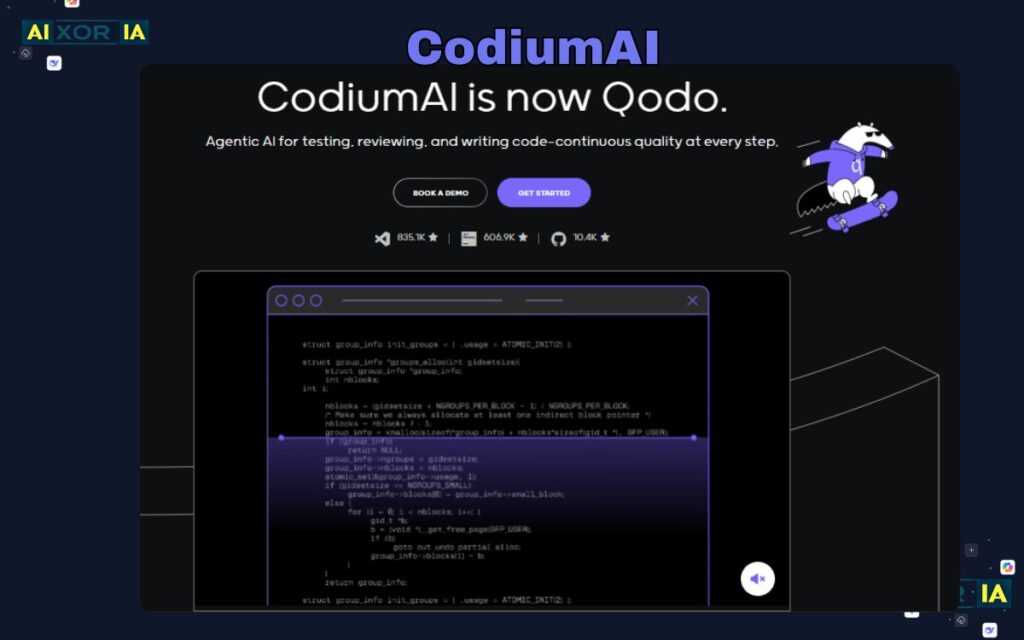
CodiumAI helps developers generate unit tests automatically. Instead of writing tests manually, developers can use AI to create test cases that cover different scenarios and edge cases.
This improves reliability and reduces the time required for quality assurance.
Features:
Automated unit test generation
Edge case detection
Test coverage improvement
IDE integration
AI-driven code analysis
11. AskCodi
AI-powered developer toolkit
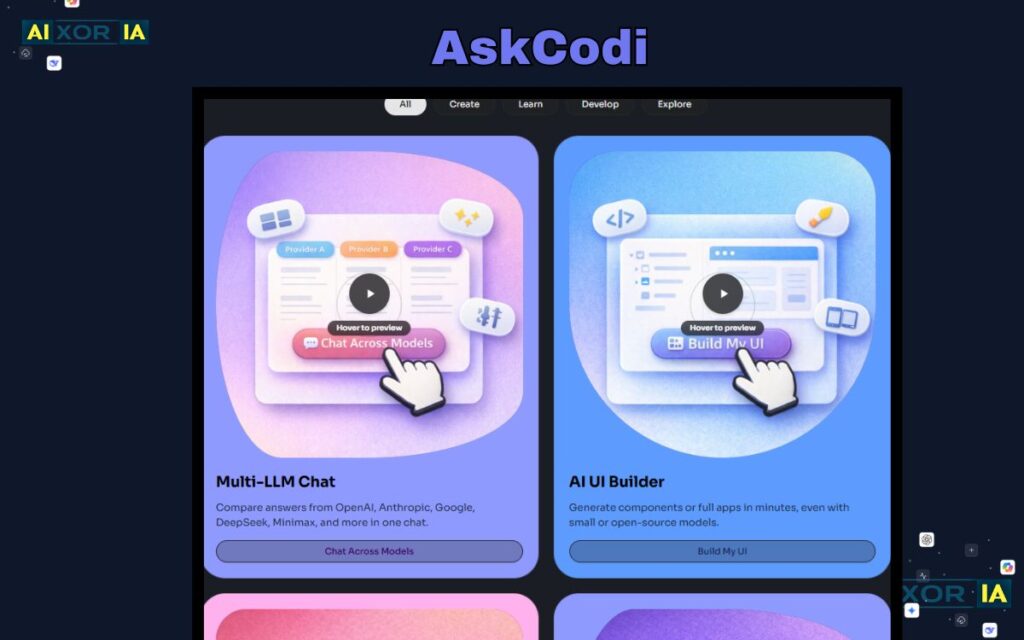
AskCodi is an AI platform that helps developers generate code snippets, SQL queries, and documentation. It simplifies repetitive development tasks and improves productivity.
Features:
Code generation tools
SQL query builder
API development assistance
Documentation generation
Developer productivity tools
12. MutableAI
AI-assisted code transformation
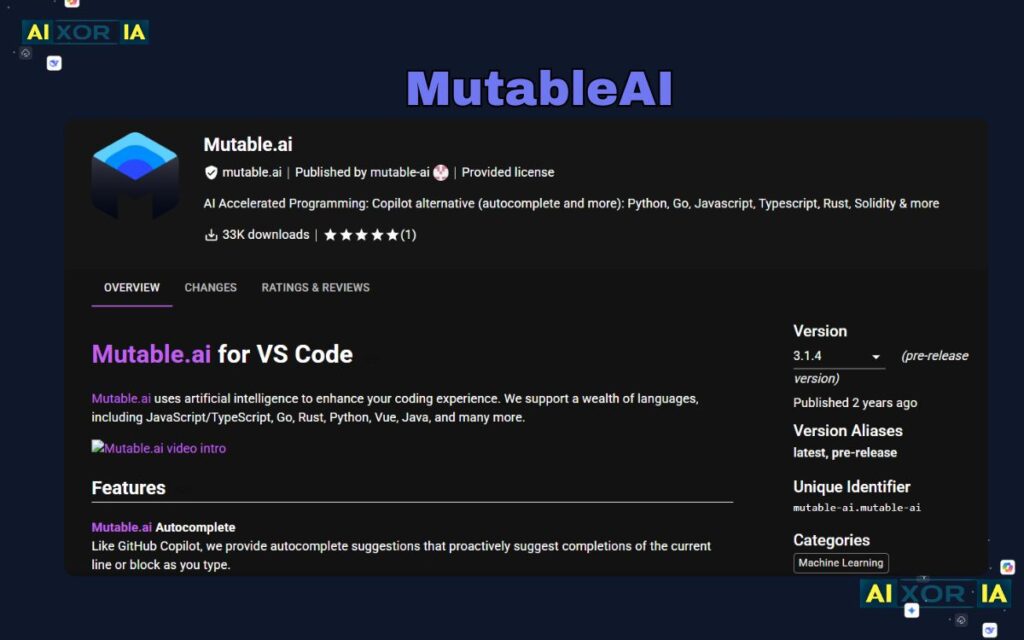
MutableAI focuses on improving existing code rather than generating new code from scratch. It analyzes code structures and suggests improvements for readability and performance.
Features:
Code refactoring suggestions
AI code transformation
Automated documentation
Project-level analysis
Developer productivity improvements
13. Bito AI
Improving developer workflows with AI
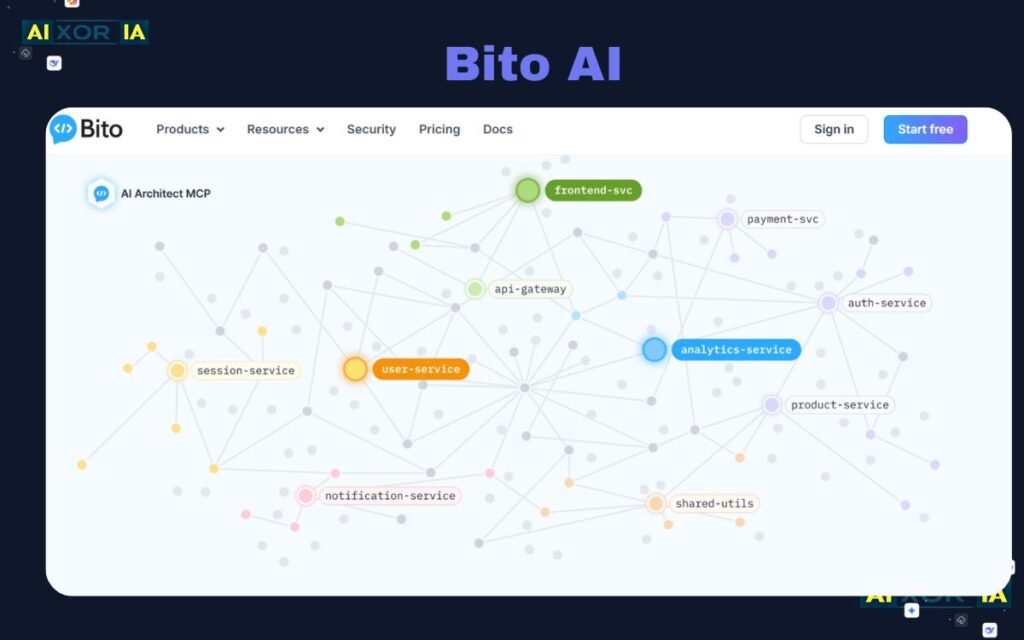
Bito AI provides developers with tools for debugging, documentation generation, and code explanations. It integrates into development environments and helps simplify complex tasks.
Features:
AI debugging assistance
Code explanation tools
Documentation generation
IDE integration
Developer productivity features
14. Figstack
Understanding complex algorithms faster
Figstack helps developers interpret complex code by analyzing structure and logic. It can translate code between languages and explain difficult algorithms.
Features:
Code translation
Algorithm explanation
Performance analysis
AI code interpretation
Developer learning support
READ MORE – Best AI Tools for Sales and Marketing
15. Replit Ghostwriter
AI programming inside the browser
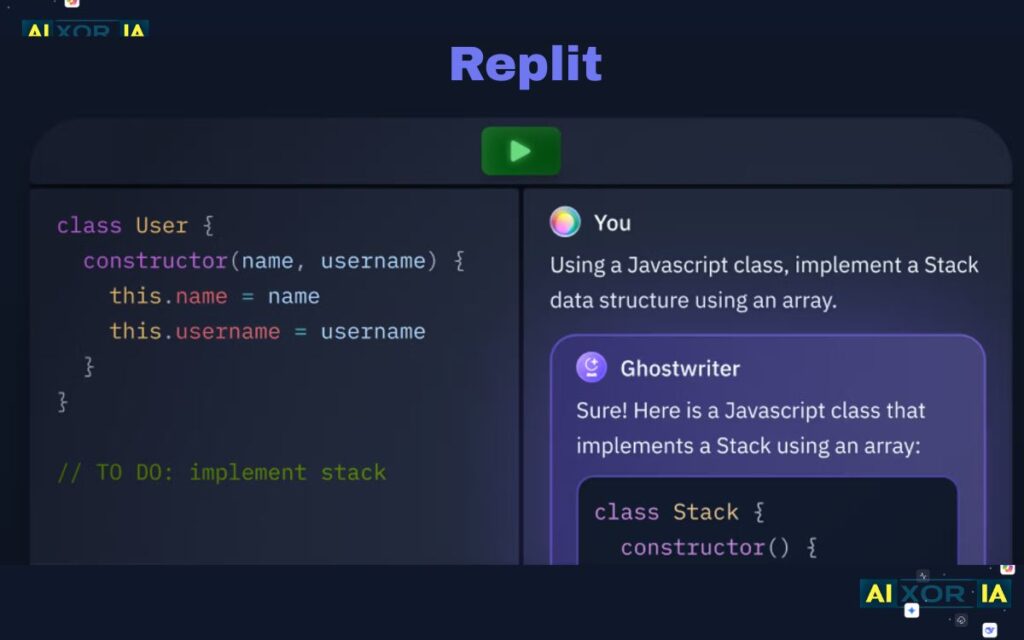
Ghostwriter is an AI development assistant integrated into the Replit online coding environment. It helps developers write code, debug errors, and deploy applications quickly.
Features:
AI code suggestions
Debugging assistance
Browser-based development
Rapid prototyping tools
Integrated deployment environment
16. DeepCode
Automated code review powered by AI
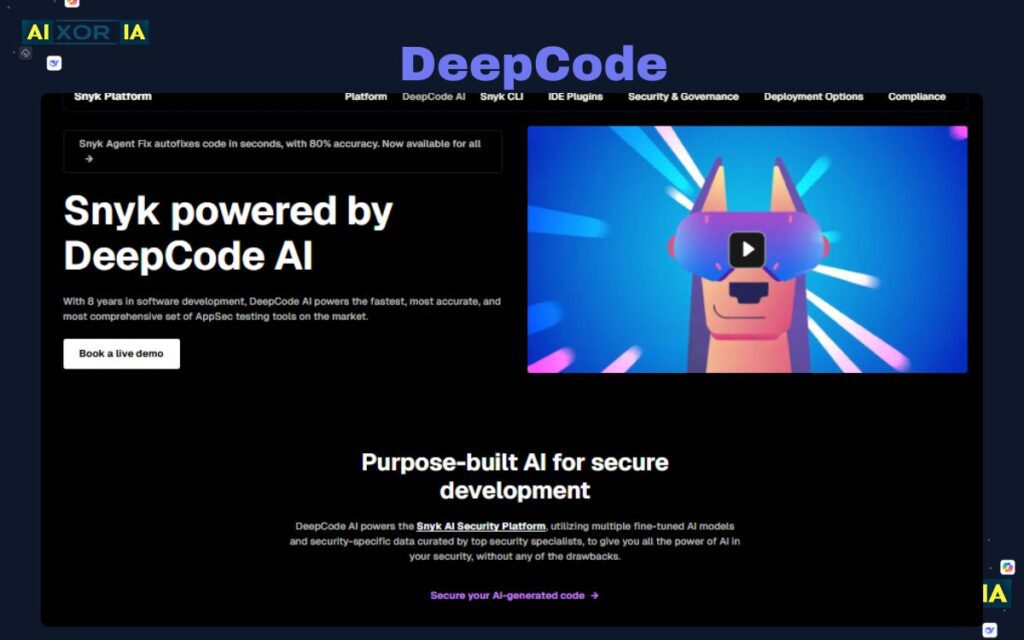
DeepCode uses machine learning to analyze source code and detect potential bugs or vulnerabilities. It assists development teams by automating parts of the code review process.
Features:
AI bug detection
Code review automation
Security analysis
Performance insights
Integration with development workflows
17. AutoGPT
AI agents capable of executing development tasks
AutoGPT represents a new generation of autonomous AI tools that can perform sequences of development tasks with minimal human input. Developers can define goals and allow the AI to generate code or perform research.
Features:
Autonomous task execution
Goal-driven workflows
AI automation agents
Research and development support
Integration with AI APIs
18. Smol Developer
Prompt-based application creation
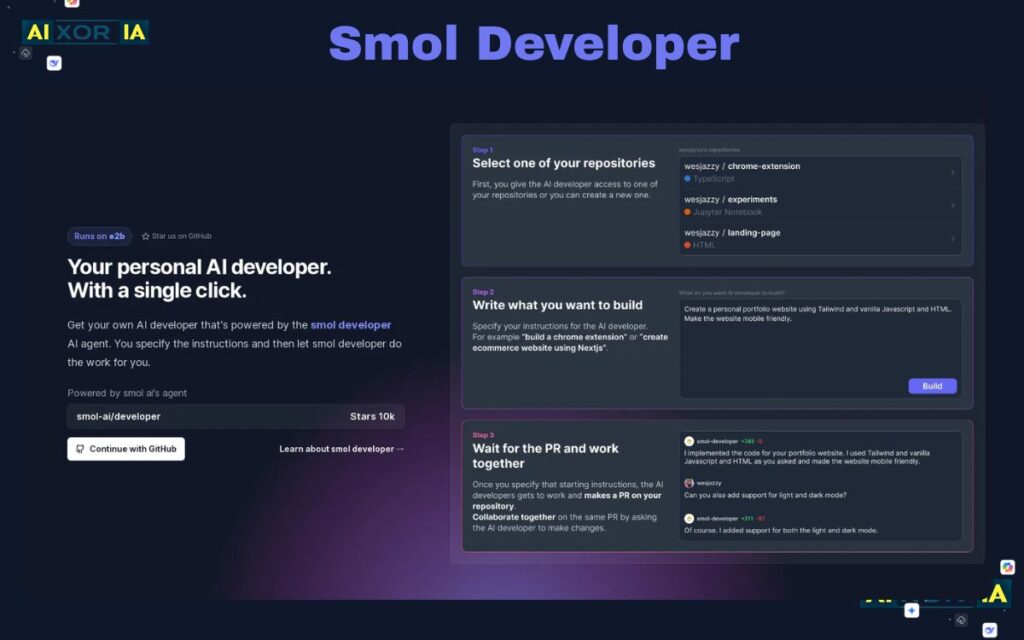
Smol Developer is an experimental AI framework that allows developers to generate software projects through prompts. It helps automate project setup and initial coding tasks.
Features:
Prompt-driven development
Automatic project scaffolding
AI-generated application structure
Developer workflow automation
Rapid prototype creation
19. PolyCoder
Open-source AI model for programming research
PolyCoder is an open-source AI model created for research in code generation. Developers and researchers use it to experiment with AI-driven programming solutions.
Features:
Open-source AI model
Code generation experiments
Custom model training
Programming language support
Research-focused development
20. OpenAI Codex
The AI model powering many coding tools
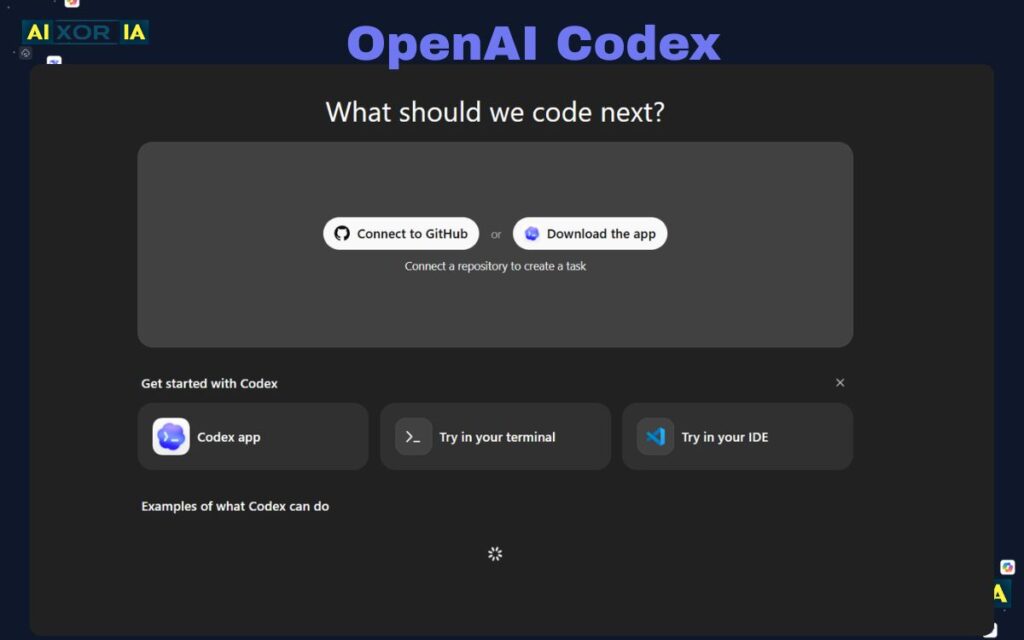
Codex is a powerful AI system developed by OpenAI that translates natural language instructions into code. Many modern AI development tools rely on similar language models to generate programming solutions.
Features:
Natural language to code conversion
Support for multiple programming languages
API integration for developers
Advanced code generation
AI-powered automation capabilities
READ MORE – Best Tools for Streamlined Creative Workflows
AI Coding and Data Privacy: The Rise of Local LLMs
One of the biggest shifts in developer tooling is the move toward local AI models.
Organizations increasingly prefer tools that can run AI inference locally instead of sending code to external servers.
Benefits include:
- stronger data privacy
- reduced latency
- greater control over training data
Tools like Tabnine and emerging local LLM platforms are leading this transition.
Final Thoughts
AI developer tools are no longer experimental productivity boosters—they are becoming part of the standard development stack.
From writing code to analyzing security vulnerabilities, these tools help developers reduce repetitive work and focus on creative problem solving.
The most valuable AI tools are not the ones that generate the most code. They are the ones that integrate smoothly into the developer workflow and help teams build reliable software faster.
Frequently Asked Questions
What is the best AI tool for coding?
Many developers consider GitHub Copilot one of the best AI coding tools due to its real-time code suggestions.
Are AI coding tools replacing developers?
No. AI tools assist developers but still require human expertise to design and maintain software.
Are AI coding tools free?
Some tools like Codeium offer free plans, while others require subscriptions.
1 thought on “The 20 Best AI Software Development Tools in 2026”