Thinking about redesigning your room…
But stuck with:
- No budget for an interior designer?
- No idea how to visualize changes?
- Too many Pinterest ideas, but nothing feels right?
You’re not alone.
Most people want a beautiful space — but they can’t “see” the final result before spending money.
That’s where AI tools are changing everything.
In this guide, I’ll show you the best free AI tools for interior design ideas that actually work — not just hype tools that generate random images.
Let’s start.
Why Use AI for Interior Design?
Before jumping into tools, understand this:
AI is not replacing designers.
It’s helping you:
- Visualize your room instantly
- Try different styles (modern, minimal, luxury, boho)
- Test furniture placement
- Experiment without spending money
You upload a photo → AI transforms it → You get ideas.
Simple.
1. RoomGPT – Instantly Redesign Your Room
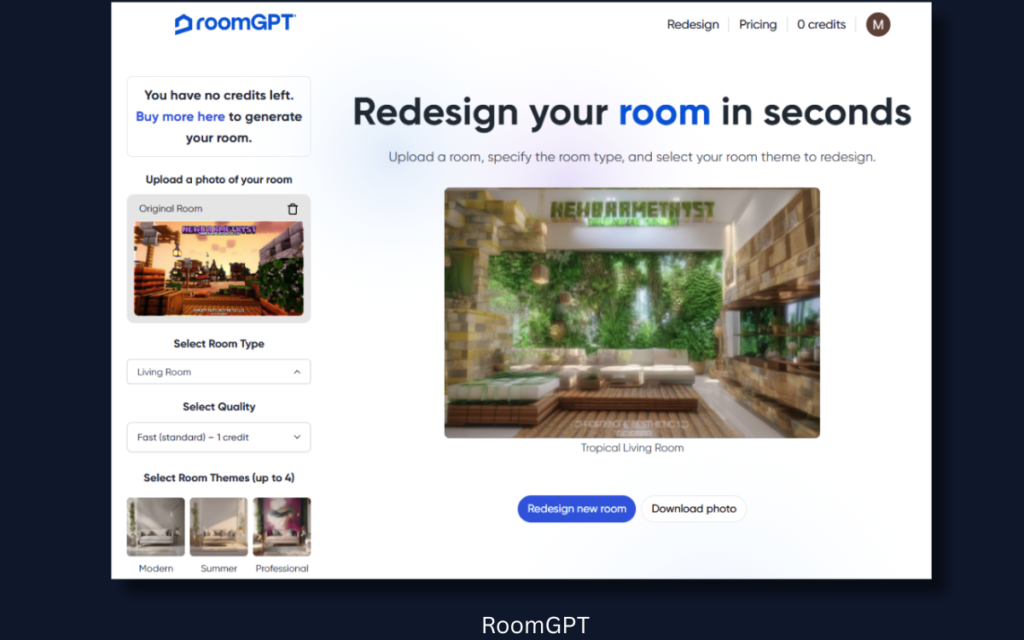
Best for: Quick room transformations
RoomGPT is one of the simplest tools for beginners.
How it works:
- Upload a photo of your room
- Choose style (modern, Scandinavian, minimal, etc.)
- AI generates a redesigned version
Why it’s great:
- Very easy to use
- No design knowledge needed
- Good for inspiration
- Free limited credits
Downside:
Free version has limited generations.
👉 Best for: Quick idea generation when you’re confused about style.
2. Planner 5D – Free Room Planner + AI Support
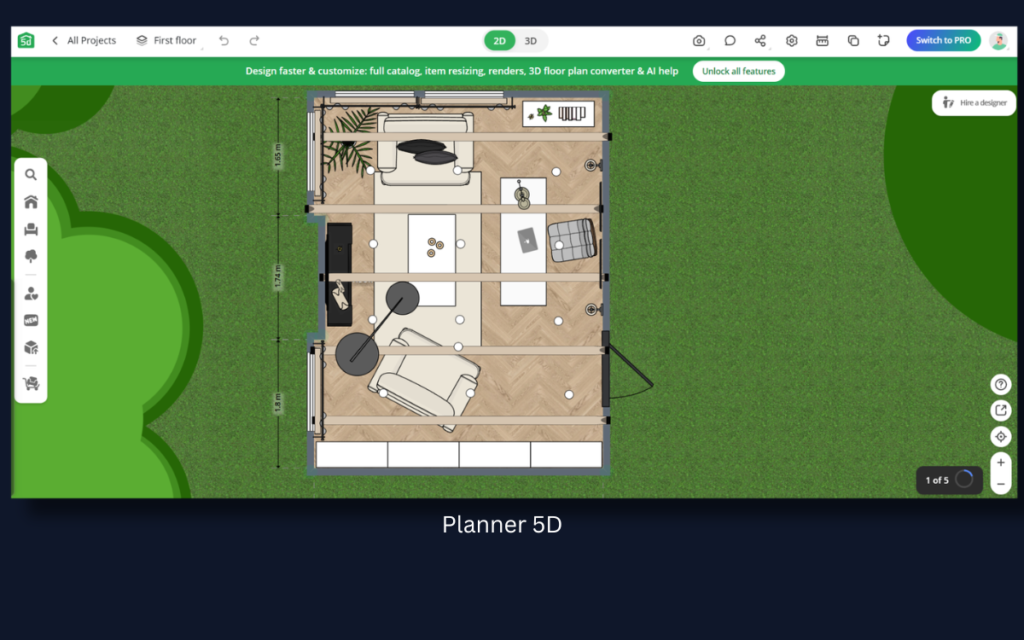
Best for: Detailed room planning
Planner 5D is more powerful.
This isn’t just image transformation.
You can:
- Design 2D and 3D layouts
- Add furniture
- Adjust walls
- Customize colors
Why beginners love it:
- Drag-and-drop system
- Large free furniture library
- 3D preview mode
It feels like a game — but it’s powerful.
👉 If you’re serious about redesigning your home, this is better than simple AI image tools.
3. Homestyler – Realistic AI Interior Visuals
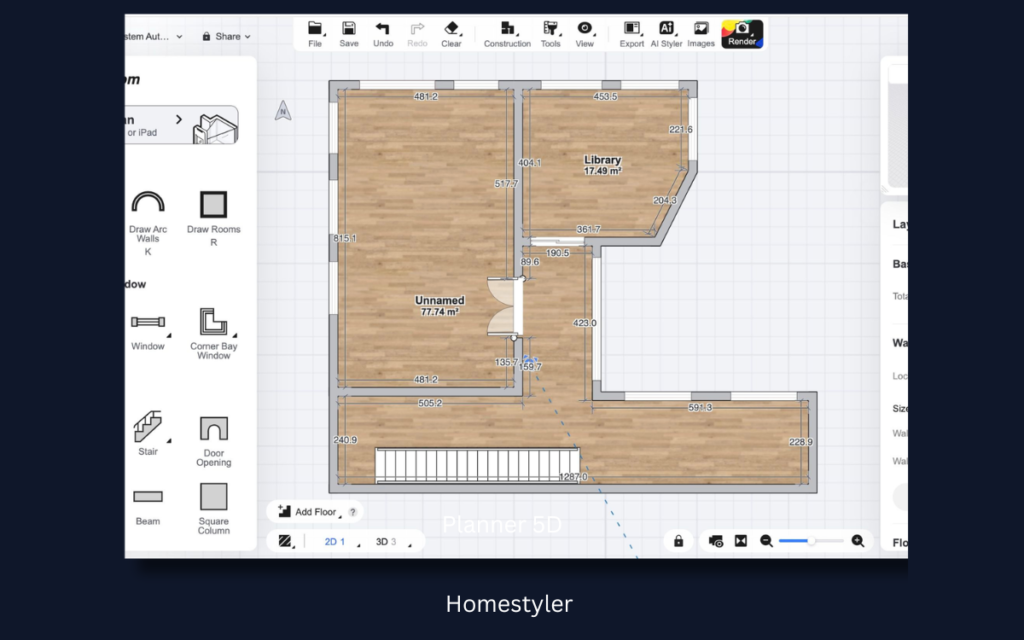
Best for: Realistic room previews
Homestyler allows you to:
- Upload real room photos
- Add branded furniture
- Generate realistic renders
- Use AI room styling
What makes it special:
- Looks professional
- Great lighting simulation
- Good for apartment planning
Free version is limited, but usable.
👉 Good option if you want semi-professional quality without paying.
4. Canva AI Image Generator – Quick Concept Ideas
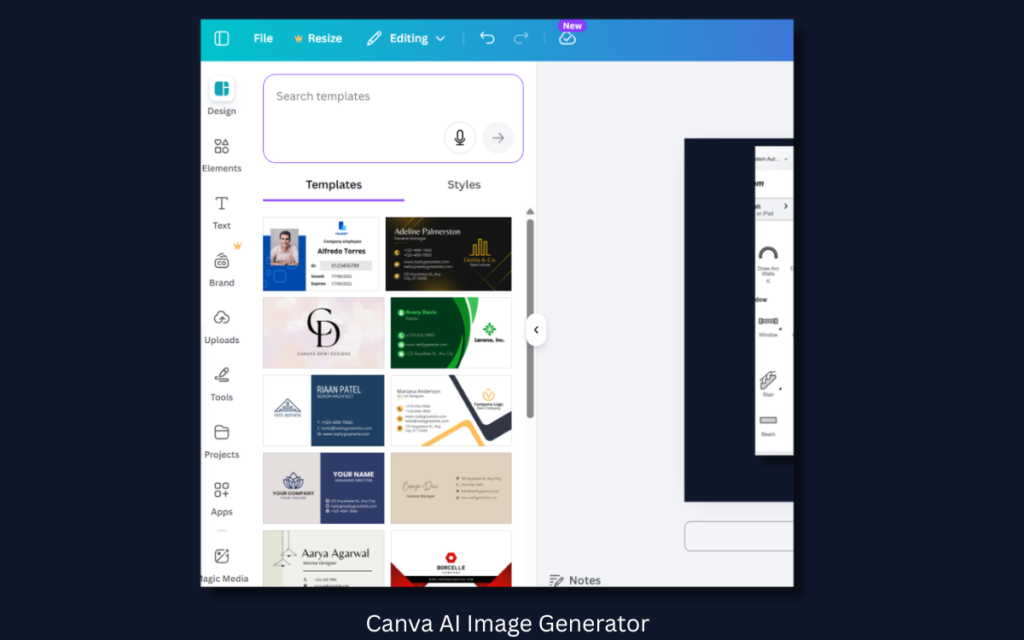
Most people don’t know this…
Canva now has AI image generation.
You can type:
“Modern small bedroom with warm lighting and wooden furniture”
And it generates concept designs.
Why this is powerful:
- Free plan available
- Great for mood boards
- Easy to download and share
It won’t give you technical room layout —
But it’s amazing for visual inspiration.
5. Interior AI – Upload & Transform
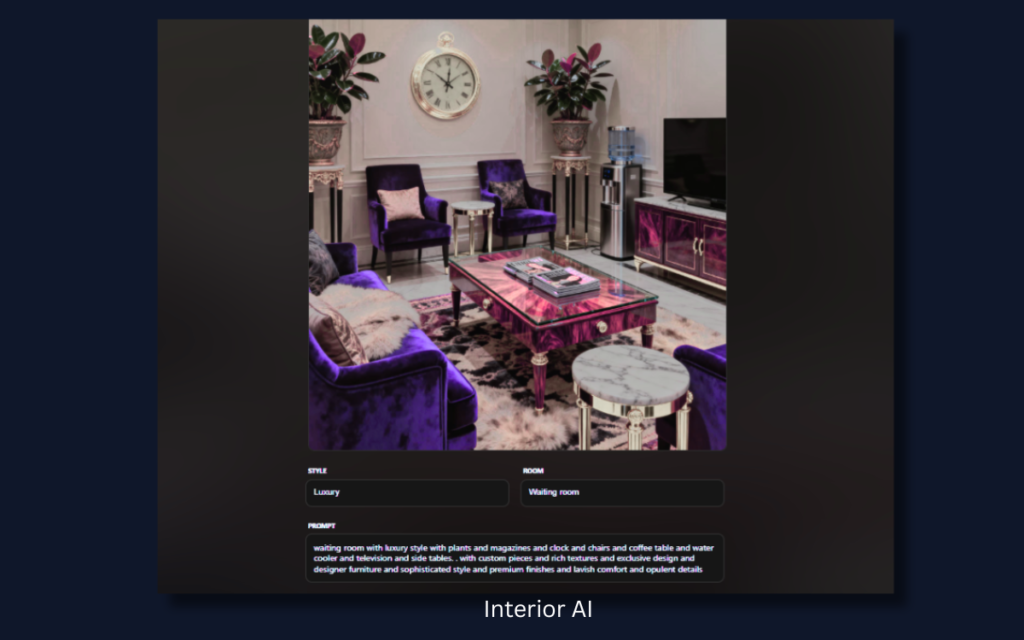
Interior AI is similar to RoomGPT but often produces more artistic outputs.
You:
- Upload a photo
- Choose theme
- Get redesign suggestions
Best use case:
When you want multiple creative ideas quickly.
Not always realistic, but highly inspiring.
6. Microsoft Designer (AI Image Generator)
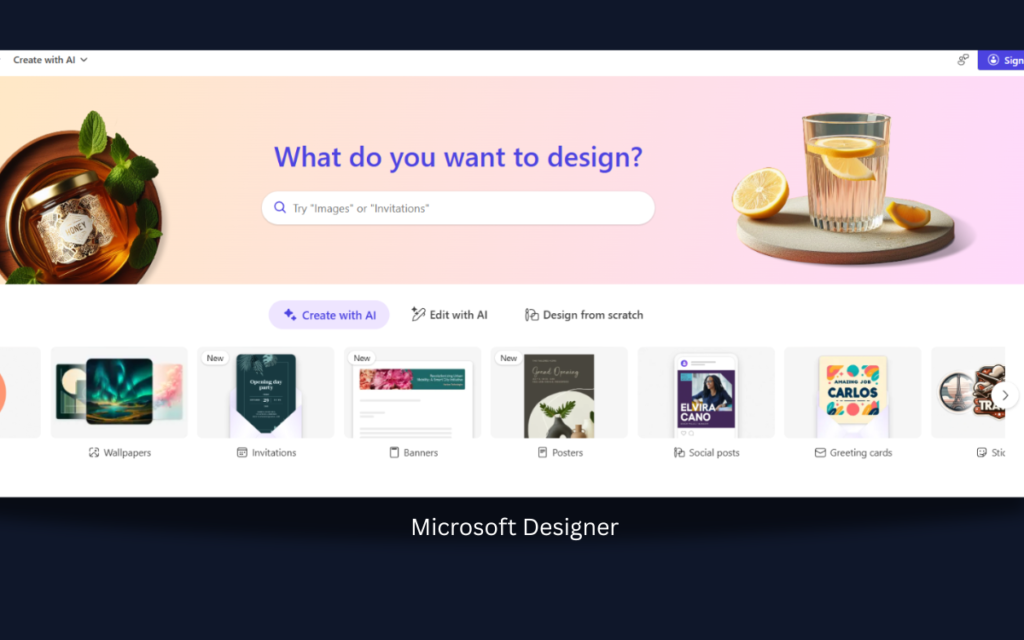
Microsoft Designer offers free AI image creation powered by advanced models.
You can create:
- Room concept art
- Style boards
- Design inspiration
Good for:
- Bloggers
- Pinterest creators
- Social media sharing
Which Free AI Tool Should You Choose?
Let’s simplify it.
If you want…
✔ Instant transformation → RoomGPT
✔ Detailed layout planning → Planner 5D
✔ Realistic renders → Homestyler
✔ Quick design inspiration → Canva AI
✔ Creative concepts → Interior AI
Don’t try all at once.
Pick one based on your goal.
How to Use AI Tools Smartly (Important)
Here’s where most people fail.
They generate one design and think:
“Okay, done.”
No.
Use this process:
Step 1:
Upload your real room.
Step 2:
Generate 5–10 variations in different styles.
Step 3:
Notice patterns:
- Which colors appear often?
- Which layout feels open?
- Which lighting feels cozy?
Step 4:
Mix ideas manually.
AI gives ideas.
You make final decisions.
That’s the smart way.
Common Mistakes to Avoid
❌ Expecting perfect realistic results
❌ Copying AI design exactly
❌ Ignoring room measurements
❌ Not checking furniture dimensions
❌ Choosing trend over comfort
Remember:
A beautiful room on screen doesn’t always feel good in real life.
Are Free AI Interior Tools Enough?
For:
- Small room makeover → Yes
- Rental apartment redesign → Yes
- Budget home planning → Yes
For:
- Luxury villa project
- Structural changes
- Professional client work
You’ll still need a real interior designer.
AI = Assistant
Not replacement
Do These AI Tools Work for Small Rooms?
Yes — and actually better.
Small rooms benefit more from visualization because:
- Space optimization matters more
- Lighting changes impact more
- Furniture placement is critical
AI helps test before buying.
Quick Comparison Table
| Tool | Best For | Free Plan | Beginner Friendly |
|---|---|---|---|
| RoomGPT | Instant redesign | Limited | Yes |
| Planner 5D | Layout planning | Yes | Yes |
| Homestyler | Realistic renders | Limited | Medium |
| Canva AI | Mood boards | Yes | Very Easy |
| Interior AI | Creative redesign | Limited | Yes |
Final Thoughts: Should You Use AI for Interior Design?
If you’re:
- Confused
- Budget-conscious
- Afraid of making wrong decisions
- Wanting inspiration fast
Then yes.
These free AI tools for interior design ideas can save:
- Time
- Money
- Regret
But here’s the secret:
The best design doesn’t come from AI.
It comes from:
- Understanding your lifestyle
- Your lighting
- Your daily habits
Use AI as a starting point.
Not the final decision-maker.
FAQs
Is AI interior design accurate?
It gives visual ideas. Measurements and structural changes still require manual checking.
Can I use AI designs for professional projects?
Free versions are usually for personal use only. Check each tool’s policy.
Are these tools mobile-friendly?
Most work on desktop better. Some offer mobile apps.