Let’s be honest.
You’re not “bad at time management.”
You’re just overloaded.
Too many emails.
Too many tasks.
Too many distractions.
And the worst part?
You’re busy all day… but still feel unproductive.
This is exactly where AI tools for productivity and time management can change everything.
Not by making you work harder.
But by helping you work smarter.
In this guide, I’ll show you:
- The best AI tools that actually save time
- How they improve focus and efficiency
- Which tools are best for different types of people
- And how to combine them for maximum results
Let’s start.
Why AI Is the Future of Productivity
Traditional productivity methods rely on:
- To-do lists
- Calendars
- Reminders
- Manual tracking
AI does something different.
It:
- Predicts
- Automates
- Prioritizes
- Organizes
Instead of you managing time manually, AI helps you manage decisions.
And decisions are what really drain your energy.
Best AI Tools for Productivity and Time Management
I won’t list 50 tools.
Just the ones that actually make a difference.
1. Notion AI – Smart Workspace Assistant
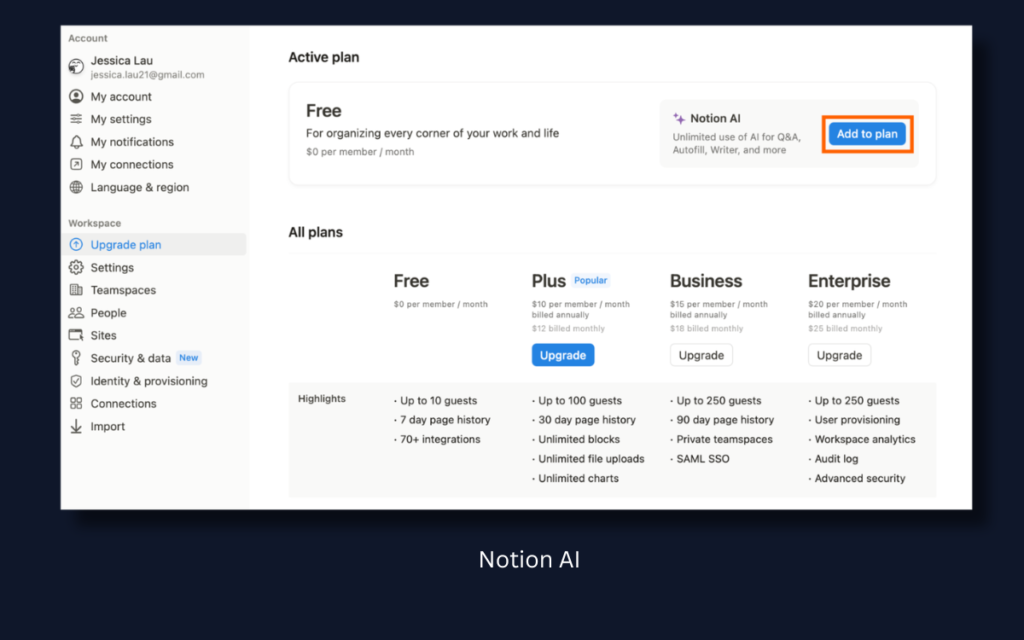
If you use notes, planning documents, or content ideas, this is powerful.
What it does:
- Summarizes notes instantly
- Turns messy thoughts into structured plans
- Generates meeting summaries
- Creates task lists automatically
Best for:
- Students
- Content creators
- Startup founders
- Remote workers
Time saved:
1–2 hours per week just from organization alone.
2. Motion – AI Calendar That Plans Your Day
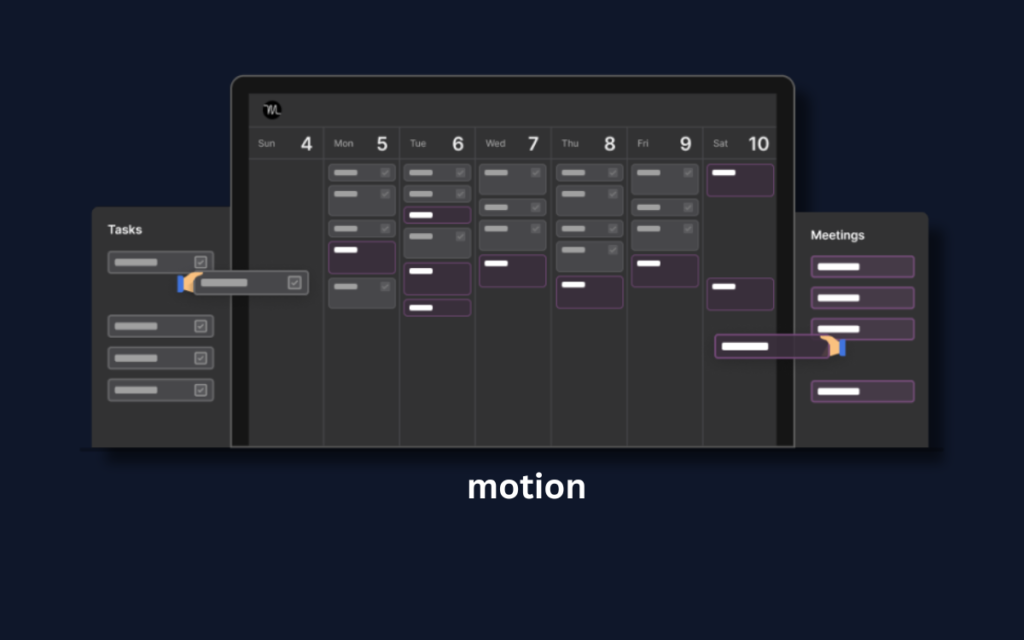
This is next-level time management.
Instead of you deciding:
“What should I work on next?”
Motion decides for you.
It:
- Auto-schedules tasks
- Reorganizes your calendar if meetings change
- Prioritizes deadlines
- Protects focus time
Best for:
- Busy professionals
- Entrepreneurs
- Freelancers
It removes daily planning fatigue.
3. RescueTime – Automatic Time Tracker
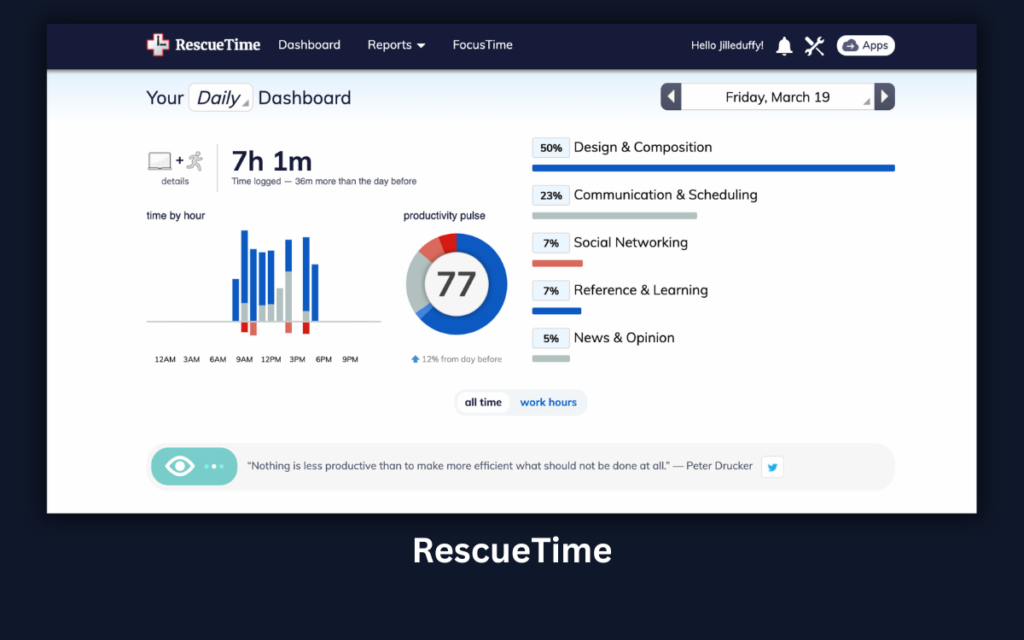
Most people don’t realize where their time goes.
RescueTime shows:
- Which apps you waste time on
- How long you focus
- Your productivity score
It’s brutally honest.
But powerful.
When you see that you spent 2.5 hours on social media, your behavior changes.
4. Todoist (with AI features)
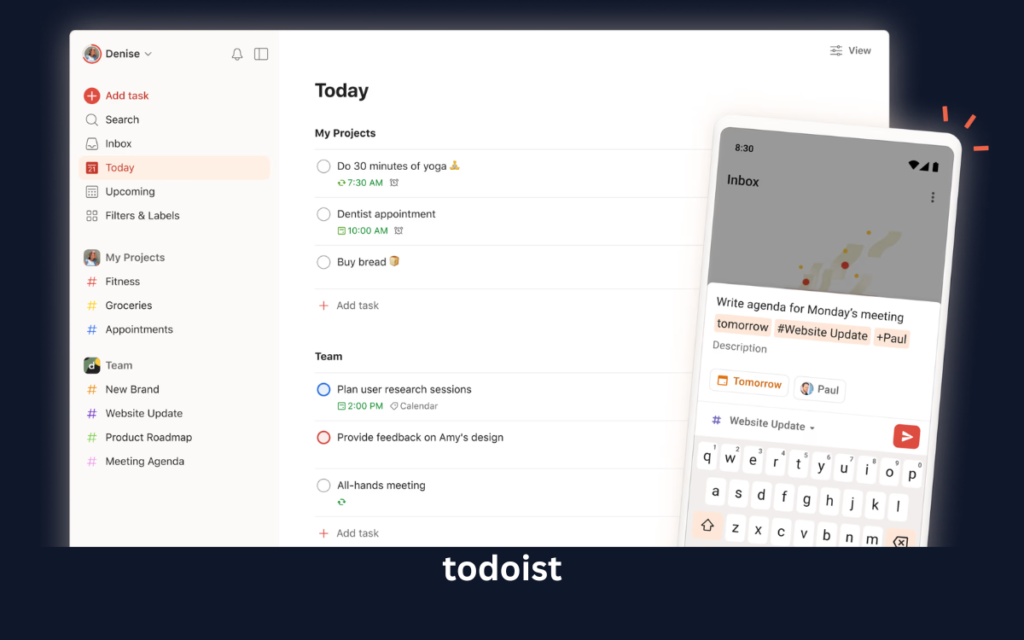
Simple.
Clean.
Effective.
Its AI helps:
- Break large tasks into smaller steps
- Suggest due dates
- Prioritize intelligently
Best for beginners who feel overwhelmed.
5. Grammarly – Writing & Communication Booster
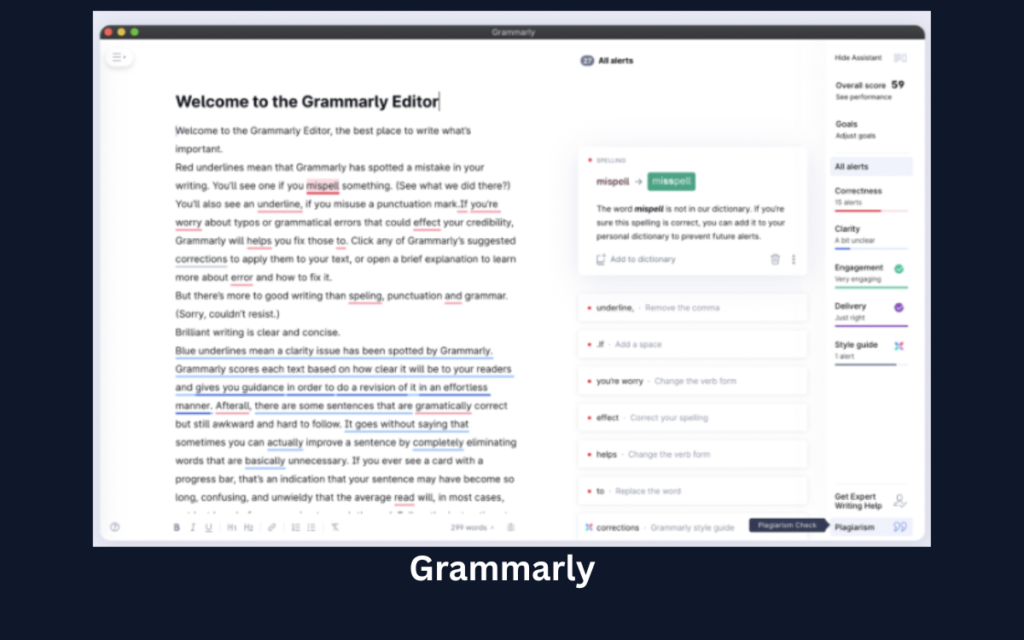
You may not think this is a productivity tool.
But it is.
It:
- Fixes grammar instantly
- Improves tone
- Suggests clarity improvements
- Saves editing time
If you write emails, reports, content — this tool easily saves hours monthly.
6. Otter.ai – Meeting Notes on Autopilot
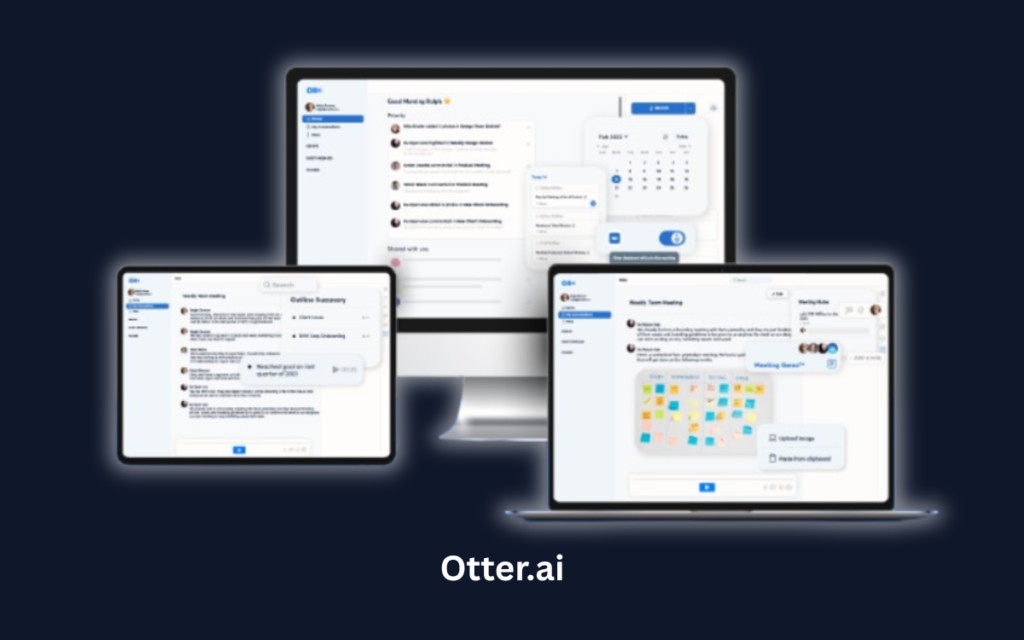
Meetings waste time.
Taking notes wastes more.
Otter:
- Records meetings
- Transcribes automatically
- Summarizes key points
- Extracts action items
Perfect for remote teams and managers.
How to Combine AI Tools for Maximum Productivity
Here’s where most people go wrong.
They download 10 apps.
Use none consistently.
Instead, try this simple stack:
For students:
- Notion AI
- Todoist
- Grammarly
For entrepreneurs:
- Motion
- Notion AI
- Otter.ai
For office professionals:
- RescueTime
- Motion
- Grammarly
Keep it minimal.
Consistency beats complexity.
5 Ways AI Improves Time Management (Psychology Behind It)
AI tools work because they:
1️⃣ Reduce Decision Fatigue
No more “What should I do next?”
2️⃣ Remove Manual Planning
Auto-scheduling saves mental energy.
3️⃣ Increase Awareness
Time tracking exposes hidden waste.
4️⃣ Speed Up Communication
Writing & summarizing faster.
5️⃣ Create Accountability
Seeing your performance data changes habits.
Common Mistakes People Make with Productivity AI
Let’s be real.
Tools don’t fix bad habits automatically.
Avoid these mistakes:
❌ Installing too many tools
❌ Not reviewing analytics weekly
❌ Ignoring AI suggestions
❌ Switching apps every month
❌ Using tools but not changing behavior
AI is an assistant.
Not a magic solution.
Are AI Productivity Tools Worth It?
If your time is valuable — yes.
Even saving:
- 30 minutes per day
= 15 hours per month
= 180 hours per year
That’s over 7 full days saved.
Imagine what you could do with that.
FAQs About AI Tools for Productivity
Are AI productivity tools safe?
Most major tools use encryption and security standards. Always check privacy policies before connecting sensitive data.
Do I need paid versions?
Free plans are enough for beginners. Upgrade only when your workload grows.
Can AI replace time management skills?
No. It enhances them.
You still need discipline.
Final Thoughts: Don’t Try to Be Superhuman
Productivity isn’t about doing more.
It’s about doing what matters.
AI tools for productivity and time management help you:
- Focus on high-impact work
- Automate repetitive tasks
- Reduce stress
- Save mental energy
Start small.
Pick one tool.
Use it for 30 days.
Then measure your improvement.
Because in the end —
Time isn’t something you “manage.”
It’s something you protect.
1 thought on “AI Tools for Productivity and Time Management”