Why the Right Event Management Software for Nonprofits Can Make or Break Your Mission
Scr0ll d0wn to D0VVNL0AD
Event management software for nonprofits is technology that helps organizations plan, run, and report on fundraising and community events — all in one place.
Here’s a quick summary of what it does and why it matters:
| What It Does | Why It Matters |
|---|---|
| Automates registration and ticketing | Saves staff hours on admin work |
| Tracks donations and attendee data | Connects event results to donor records |
| Supports in-person, virtual, and hybrid formats | Reaches more supporters anywhere |
| Integrates with CRM and marketing tools | Keeps all your data in sync |
| Generates post-event reports | Proves impact to board and funders |
Running a nonprofit event is hard. You’re juggling ticket sales, volunteer coordination, donor outreach, and day-of logistics — often with a small team and a tight budget.
And the stakes are real. 56% of donors regularly attend fundraising events. That means your events aren’t just line items on a calendar — they’re key touchpoints for building relationships that drive long-term giving.
At the same time, over 85% of event planners now rely on software to power their events. The question isn’t whether to use a tool. It’s which tool fits your organization’s size, budget, and goals.
This guide walks you through everything — from must-have features to platform comparisons to real-world results — so you can make a confident choice.
What is Event Management Software for Nonprofits?
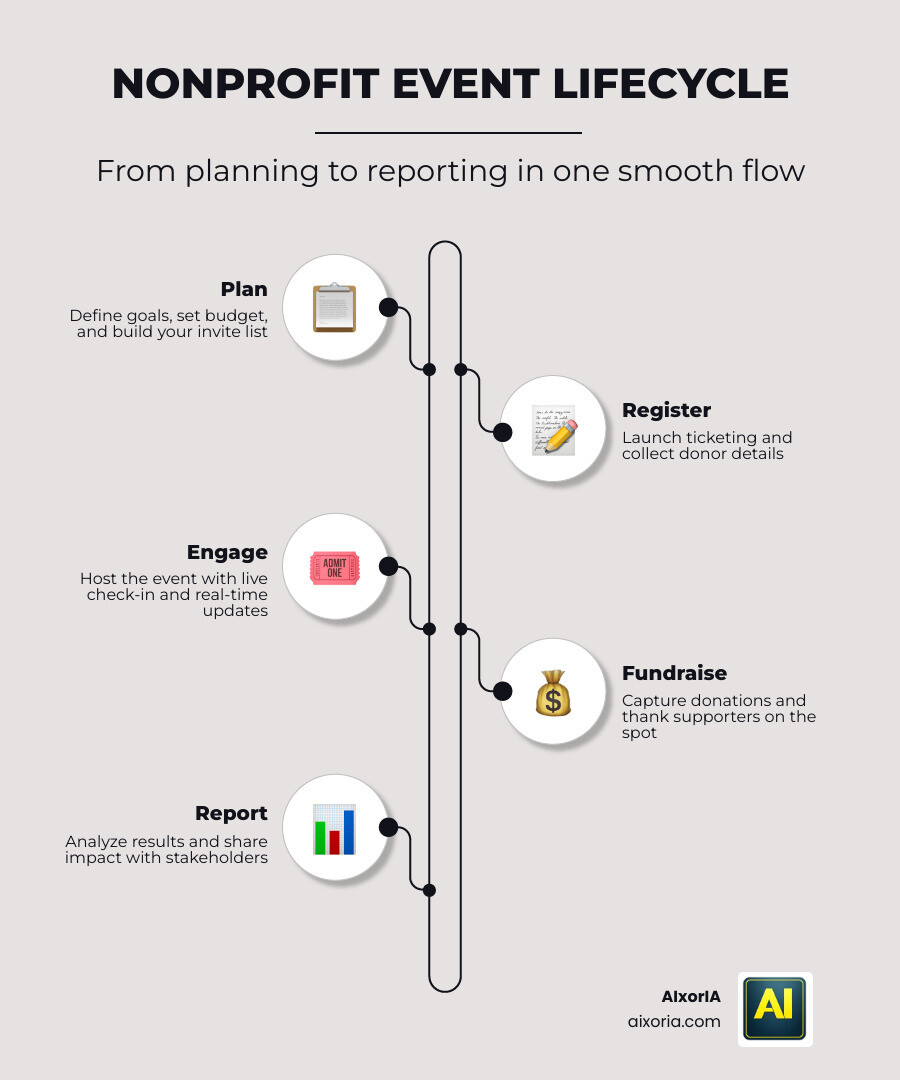
At its core, event management software for nonprofits is a specialized digital ecosystem designed to handle the unique lifecycles of mission-driven events. Unlike generic event tools, these platforms are built with fundraising and donor stewardship in mind. We often think of them as an “Event Experience OS” because they don’t just sell tickets; they manage the entire relationship with the attendee from the first invitation to the final thank-you note.
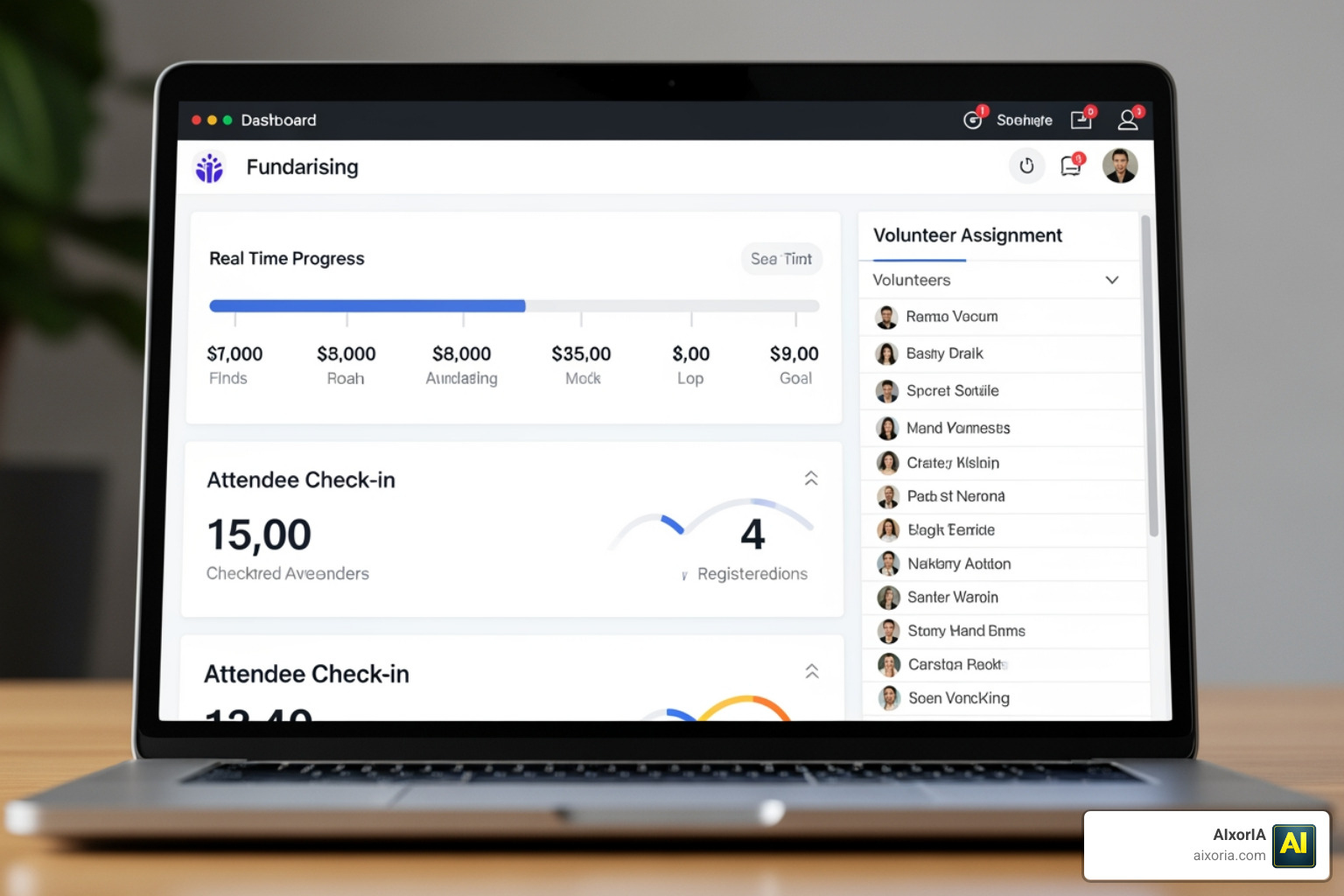
A Non Profit Event Management Platform helps us move away from messy spreadsheets and fragmented systems. Instead of checking one app for ticket sales and another for volunteer schedules, we get a centralized dashboard. This allows for real-time reporting, where we can see exactly how much has been raised or how many guests have checked in at any given second.
For nonprofits in 2026, this technology is about resource optimization. By automating the “busy work”—like sending confirmation emails or reconciling payments—your team can focus on what actually matters: talking to donors and sharing your mission. These platforms ensure that every interaction, whether it’s a $10 raffle ticket or a $10,000 sponsorship, is captured and used to build a better profile of your supporters.
Essential Features of Event Management Software for Nonprofits
When we evaluate software, we look for features that reduce friction for both the organizer and the donor. High-performing tools in 2026 often incorporate AI to help with everything from writing event descriptions to predicting donor attendance. For more on how AI is changing the game, check out our guide on the Best AI Tools for Business Productivity.
Key features include custom branding so your event page looks like your website, automated reminders to reduce no-shows, and robust volunteer management tools that assign tasks and track hours. Platforms like Event Management Software for Nonprofits | Bizzabo even offer “Experience OS” features that personalize the attendee journey based on their past interactions with your organization.
Streamlining Registration, Ticketing, and Check-in
The “front door” of your event is the registration page. We need this to be flexible. Look for software that allows for:
- Custom Fields: Collect meal preferences, t-shirt sizes, or “how you heard about us” data.
- Ticket Bundling: Create VIP packages, table sponsorships, or bulk discounts for groups.
- Promo Codes: Offer early-bird specials or volunteer discounts.
On the day of the event, speed is everything. QR code scanning via a mobile app can turn a 20-minute line into a 20-second breeze. Some advanced systems even offer on-demand badge printing, which eliminates the need to pre-print hundreds of name tags that might never be picked up. Because payments are often involved at the door, ensuring your software works with modern payment gateways is vital. You might find our insights on the Best AI Tools for Enhancing Digital Banking in 2026 helpful for understanding the secure payment landscape.
CRM and Marketing Integrations
Your event data shouldn’t live on an island. If a new donor attends your gala, their information should automatically flow into your CRM (like Salesforce, Raiser’s Edge, or Bloomerang). This allows us to track their “engagement level”—a metric that combines event attendance with donation history to score how connected they are to our mission.
Integrations also power automated email workflows. We can set up “know before you go” emails or “thank you” messages that trigger the moment a guest is checked in. To manage these complex setups, your internal team needs to stay on the same page, which is why we recommend using the The 7 Best Team Collaboration Tools in 2026 alongside your event software.
Comparing Solutions: Free vs. Paid Platforms
One of the most common questions we hear is: “Do we really need to pay for this?” The answer depends on your scale and goals.
| Feature | Free/Low-Cost Tools | Paid/Enterprise Platforms |
|---|---|---|
| Cost | $0 or low transaction fees | Monthly/Annual subscription |
| Support | Help center/Email | Dedicated account manager |
| Customization | Limited templates | Full white-labeling & API access |
| Integrations | Basic (Zapier) | Deep, native CRM sync |
| Best For | Small events, 5Ks, local drives | Galas, conferences, multi-day events |
While free tools are excellent for starting out, paid options like ClearEvent – Event Management Software | ClearEvent provide the stability and advanced budgeting tools that larger organizations require to manage six-figure event expenses.
Free and Low-Cost Event Management Software for Nonprofits
For many of us, the budget is $0. That’s where platforms like Free Nonprofit Event Management Software | Event Registration | Givebutter shine. They use a unique “donor tip” model—the platform is free for the nonprofit because donors have the option to leave a small tip to cover the software costs.
These tools are surprisingly powerful, offering:
- Unlimited Events: Run as many campaigns as you want.
- Peer-to-Peer Fundraising: Let your supporters create their own pages to raise money for your event.
- Mobile Tools: Text-to-donate and “Tap to Pay” features for on-site giving.
Evaluating Paid Event Management Software for Nonprofits
As your events grow, you may find that you need more “under the hood.” Paid solutions like The Best Nonprofit Event Management Software | Neon One offer enterprise-grade security and advanced analytics. These platforms help us see the long-term ROI of an event by tracking how many ticket buyers eventually become recurring monthly donors. They also offer more robust support, which is a lifesaver when you’re 30 minutes away from a 500-person gala and need a technical question answered immediately.
Maximizing Impact Across In-Person, Virtual, and Hybrid Events
The world of events has changed. Whether we are hosting a local walk-a-thon or a global virtual summit, our software must be versatile. For virtual and hybrid events, features like livestreaming integration, virtual networking lounges, and digital sponsorship walls are non-negotiable.
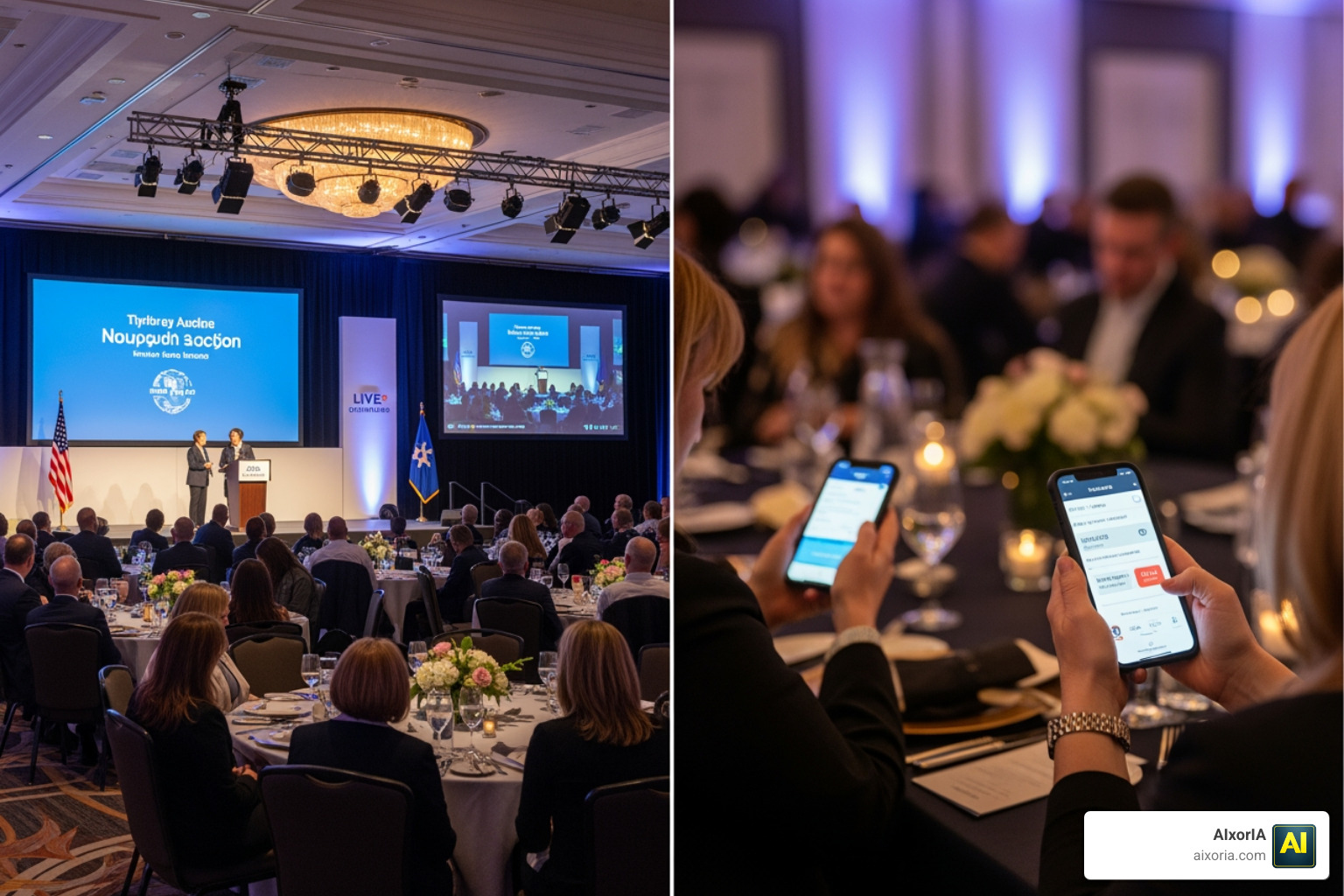
Specialized platforms like Trellis – Create, Manage & Grow Your Fundraising Events focus heavily on high-revenue drivers like silent auctions and “paddle raises.” Their “Text-Tap-Give” technology allows donors to give instantly without needing to remember a password, which significantly boosts conversion rates during live moments. To ensure your remote and local teams stay connected during these complex hybrid setups, we suggest looking into the Best Communication Tools for Remote Teams in 2026.
Success Stories and Best Practices for Implementation
We’ve seen incredible results when nonprofits embrace the right tech. One organization raised $4.5 million in a single televised benefit using integrated fundraising tools. Another group saw their peer-to-peer giving jump from $30,000 to $150,000 simply by making it easier for supporters to create personalized pages.
To achieve these results, we recommend a “Five-Touchpoint” implementation strategy:
- Data Setup: Ensure your CRM and event software are talking to each other before you launch.
- Hands-on Training: Get your volunteers and board members comfortable with the app.
- Focused Guidance: Set clear goals (e.g., “We want 20% of ticket buyers to add an extra donation”).
- Pre-Event Run-through: Test every QR code and payment terminal.
- Post-Event Follow-up: Use the data to send personalized thank-yous within 48 hours.
Always keep accessibility in mind. Ensure your registration pages are screen-reader friendly and that your physical events have clear digital signage for guests with different needs.
Frequently Asked Questions about Nonprofit Event Software
How does software help with donor retention after an event?
Software captures the “why” behind the attendance. By tracking which sessions a donor attended or which auction items they bid on, we can send personalized follow-up content that matches their interests. This makes the donor feel seen, rather than just being another name on a list.
Can small nonprofits afford high-quality event tools?
Absolutely. With models like Givebutter’s (free with optional tips) or Eventleaf’s pay-as-you-go pricing, even the smallest “kitchen table” nonprofit can access professional-grade ticketing and check-in tools without an upfront investment.
What integrations are most critical for fundraising success?
The “Big Three” are your CRM (for donor history), your Email Marketing tool (for invitations and reminders), and your Accounting software (like QuickBooks) to ensure every dollar is reconciled without manual entry.
Conclusion
Choosing the right event management software for nonprofits is an investment in your organization’s future. It’s about more than just selling tickets; it’s about creating seamless experiences that turn one-time attendees into lifelong champions for your cause.
At AIxorIA, we know that technology can feel overwhelming. That’s why we provide custom AI solutions, tool training workshops, and performance audits to help you navigate these choices. Our mission is to provide simple language help and affordable services so you can focus on yours. If you’re looking to boost your team’s efficiency, explore our AI productivity services or reach out for a consultation. Let’s make your next event your most impactful one yet!