Your Inbox Is Eating Your Day — Here’s What to Do About It
Scr0ll d0wn to D0VVNL0AD
The best AI email assistants for Gmail in 2026 can cut your daily inbox time dramatically — here’s a quick look at the top options:
| Tool | Best For | Starting Price |
|---|---|---|
| Gmelius | Teams & shared inboxes | Free trial available |
| Superhuman | Speed & individual triage | $30/month |
| Shortwave | Gmail-native AI drafting | $14/month |
| Missive | Team collaboration | $14/month |
| Hiver | Customer support teams | Contact for pricing |
| Google Gemini | Built-in Gmail users | Included with Workspace |
| SaneBox | Inbox filtering & noise reduction | ~$7/month |
| Fyxer | Low-setup drafting & meeting notes | $18/month |
The average professional spends 4.1 hours every single day managing email. That’s more than half of a standard 40-hour work week — lost to reading, sorting, drafting, and deleting.
And it’s not getting better on its own.
Knowledge workers now receive between 150 and 200 emails per day. Most people aren’t just slow at email. They’re overwhelmed by it — constantly switching context, missing follow-ups, and spending mental energy on tasks a machine could handle in seconds.
The good news? A new generation of AI tools built specifically for Gmail is changing this fast.
These aren’t the clunky spam filters or basic autocomplete features from a few years ago. The best tools today use large language models, thread-level understanding, and even autonomous agents that can act on your behalf — scheduling meetings, routing messages, drafting replies that actually sound like you.
But with dozens of options on the market, picking the wrong one is a real risk. Some tools require hours of setup. Others raise serious privacy concerns. And many promise productivity gains that never materialize because of poor adoption or tool fragmentation.
This guide cuts through the noise. Whether you’re a solo business owner trying to reclaim your mornings or a small team drowning in support threads, you’ll find exactly what you need to make a smart, confident choice.
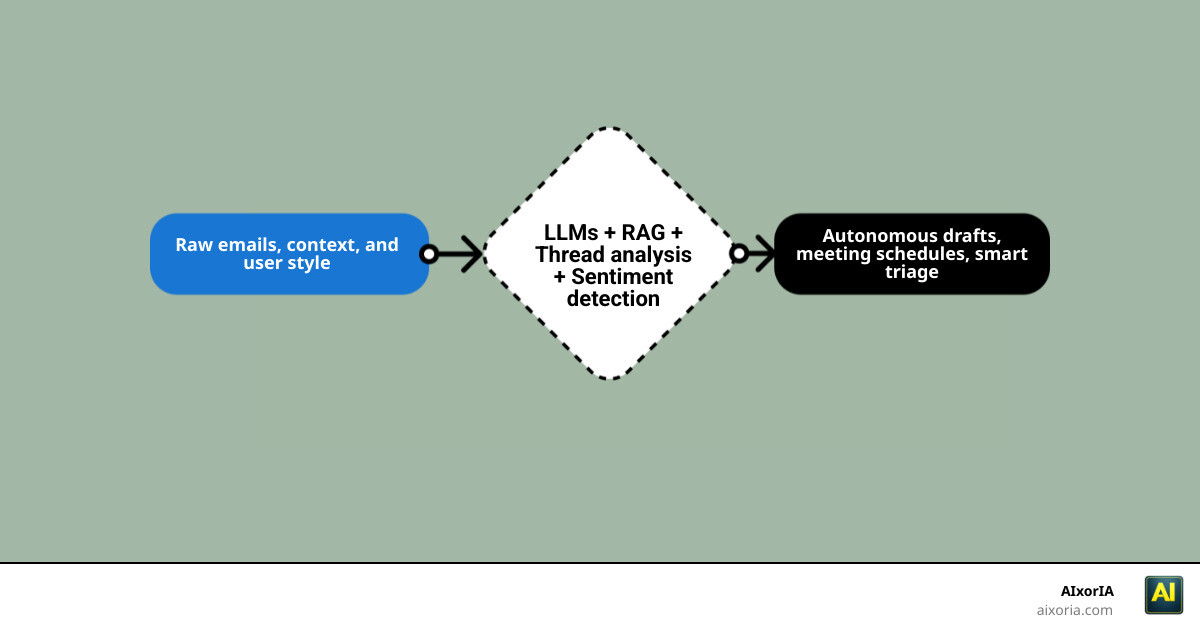
How the Best AI Email Assistants for Gmail 2026 Work
To understand why these tools are so powerful, we need to look under the hood. In 2026, the best AI email assistants for Gmail have moved far beyond simple “if-this-then-that” rules. They are built on a sophisticated technical stack that mimics human reasoning.
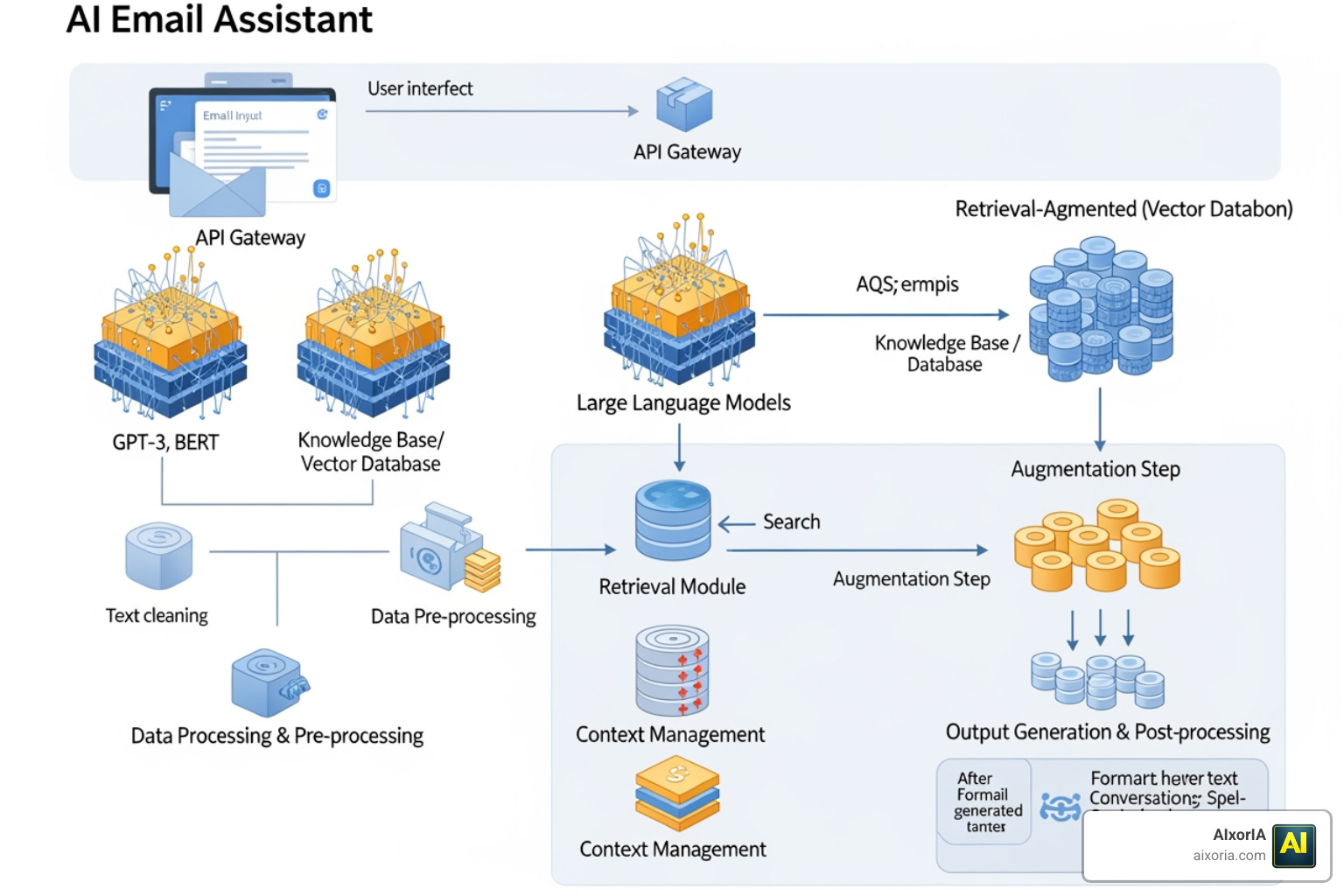
The Core Components
- Large Language Models (LLMs): These are the engines, like GPT-5 or Gemini 3.0, that understand the nuance of your writing and generate human-like text.
- Semantic Search: Instead of hunting for the keyword “invoice,” you can ask, “Where is that bill from the designer last Tuesday?” The AI understands the meaning of your request.
- Sentiment Analysis: The assistant can detect if an incoming email is angry, urgent, or just a casual check-in, allowing it to prioritize your inbox based on emotional weight.
- Retrieval-Augmented Generation (RAG): This is the game-changer. RAG allows the AI to pull context from your specific business documents or past threads to ensure every draft is factually accurate.
Tools like Gemini in Gmail – How to Use AI for Email | Google Workspace now use these components to offer “Contextual Smart Replies.” These aren’t just one-word buttons; they are full-paragraph responses that reference specific details from the thread. Furthermore, incorporating the Best Ai Tools For Avoiding Spam Filters In Email Marketing ensures that when your assistant drafts an outgoing message, it’s optimized to actually reach the recipient’s primary inbox.
Core Categories of Gmail AI Tools
Not all assistants are built the same way. When choosing the best ai email assistants for gmail 2026, we typically see three architectural styles.
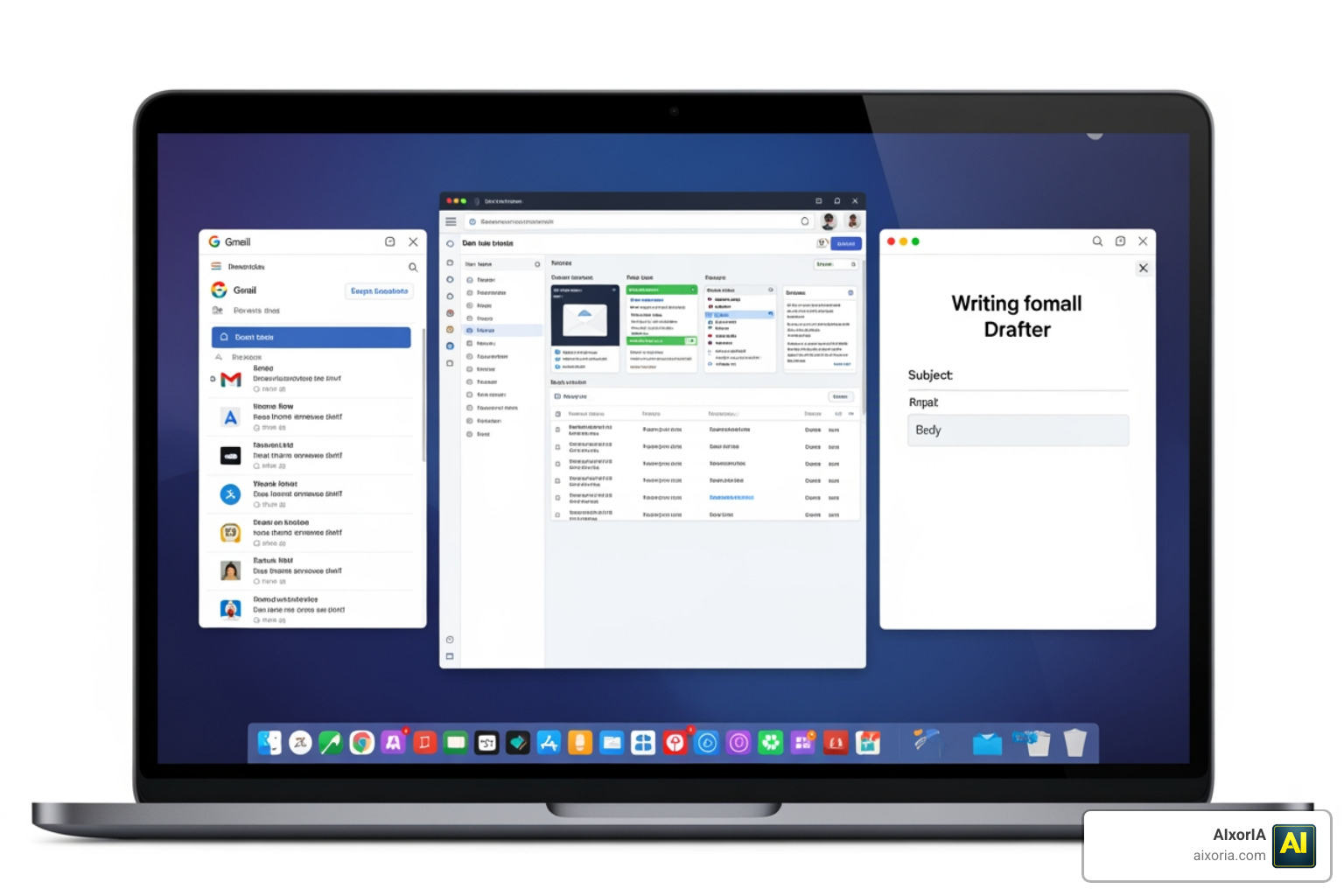
- The Wrapper: These tools, like Gmelius or Mailmeteor, sit directly on top of your existing Gmail interface. You don’t have to leave the familiar “M” logo. They add sidebars and buttons that supercharge your current workflow.
- The Client: These are standalone apps like Superhuman or Shortwave. You log in with your Gmail credentials, but you use their custom-built interface designed for maximum speed.
- The Drafter: These are specialized plugins that focus solely on the writing process. They don’t help with organization; they just make sure you never stare at a blank screen again.
For many, the choice depends on their specific business needs. Entrepreneurs often look for the Best Ai Productivity Tools For Entrepreneurs 2026 to handle the sheer volume of diverse tasks. If you are scaling a larger operation, understanding the AI Tools for Business in 2026: Autonomous Agents ROI Formula Enterprise Guide is vital to ensure these tools integrate with your cross-platform context rather than creating new data silos.
Top-Rated AI Email Assistants for Gmail 2026 Compared
To help you decide, we’ve broken down the heavy hitters. In 2026, the market has matured, and the “best” tool depends on whether you’re a lone wolf or part of a pack.
| Feature | Native Gemini | Custom Enterprise Wrappers | Open-Source Frameworks |
|---|---|---|---|
| Integration | Deep/Seamless | High (via API) | Moderate/Technical |
| Privacy | Google-standard | SOC 2 / Custom | User-controlled |
| Customization | Limited | High | Unlimited |
Many of these tools now offer multi-agent systems. This means you don’t just have one “AI”; you have a “Sales Agent” that syncs with your CRM and a “Scheduling Agent” that manages your calendar. This is particularly useful when combined with the 7 Best Email Marketing Tools For E Commerce In 2026 to ensure customer inquiries are handled with the same precision as your marketing blasts.
Best AI Email Assistants for Gmail 2026 for Teams
For teams, the problem isn’t just writing; it’s coordination. Tools like Gmelius and Missive excel here by offering shared inboxes and real-time synchronization.
- Shared Labels: When one person tags an email as “In Progress,” the whole team sees it instantly.
- Inquiry Reduction: Organizations using specialized AI agents have reported a 30% reduction in inquiry volume because the AI handles routine questions before a human even sees them.
- CRM Sync: Using The 7 Best Email Marketing Tools For CRM Software In 2026 allows your team to see a customer’s entire purchase history right next to their email thread, ensuring total team alignment.
Best AI Email Assistants for Gmail 2026 for Individual Productivity
If you are an individual contributor or executive, your goal is “Inbox Zero” with zero friction. Superhuman and Shortwave are the gold standards here.
- Decision Reduction: These tools don’t just help you type; they help you decide. They triage your inbox into “Splits,” so you only see sales emails when you’re in a sales mindset.
- Style Learning: Tools like Aeralis or HeyHelp learn your specific “voice.” After analyzing just a few sent emails, they can draft replies that use your favorite greetings and sign-offs.
- Keyboard Shortcuts: For power users, the ability to fly through 100 emails without touching a mouse is what makes these the best ai email assistants for gmail 2026. This speed is essential for those also managing the 9 Best Email Newsletter Software For Small Business In 2026, where efficiency is the difference between a productive day and a stressful one.
Security, Privacy, and Implementation Pitfalls
We know what you’re thinking: “Is it safe to let an AI read my emails?” It’s a valid concern. In 2026, data privacy is the top priority for any reputable tool.
What to Look For:
- SOC 2 Type II Compliance: This is the gold standard for service organization controls.
- Zero-Retention Policies: Ensure the vendor does not store your email content permanently or use it to train their public models.
- Scoped Permissions: You should be able to grant the AI access to only specific threads rather than your entire 10-year archive.
One of the biggest pitfalls is the “Black Box” problem, where you don’t know why an AI chose a certain tone. Always look for “Human-in-the-loop” features, where the AI drafts the message but you hit the send button. Also, be mindful of “talent strategy gaps.” Even the best tool won’t help if your team isn’t trained on how to use it effectively. At AIxorIA, we often see companies miss out on up to 40% of productivity gains simply because they didn’t have a clear implementation plan.
Frequently Asked Questions about Gmail AI Assistants
Can AI assistants automatically respond to all my emails?
Technically, yes, but we don’t recommend it for everything. AI is fantastic for routine tasks — like confirming a meeting or answering “What are your hours?” Tools like Front’s AI Autopilot can resolve up to 70% of routine requests. However, for high-stakes negotiations or sensitive HR issues, you should always use a “draft-only” mode where you review the text before it goes out.
What is the difference between Gemini and custom AI assistants?
Gemini is built directly into the Google ecosystem. It’s convenient, free (with certain plans), and has great access to your Google Drive. However, third-party “wrappers” often offer more “bespoke logic.” For example, a custom assistant might be able to pull data from a non-Google CRM or use a specific “agentic workflow” that Gemini doesn’t support yet.
Is it safe to give an AI tool access to my Gmail inbox?
If the tool is Google Verified and has CASA Tier 2 certification, it has undergone rigorous security testing. Always check the “Data Training” policy. You want a tool that uses your data to help you in the moment, not one that feeds your private emails into a global database to teach the AI how to talk.
Conclusion
The era of manual email management is ending. By 2026, using one of the best ai email assistants for gmail isn’t just a luxury; it’s a competitive necessity. Whether you save one hour a day or five hours a week, that time is better spent growing your business, connecting with your team, or finally taking a real lunch break.
At AIxorIA, we specialize in helping businesses navigate this transition. We provide custom AI solutions and tool training workshops to ensure you don’t just buy a tool, but actually see the ROI. If you’re ready to stop drowning in your inbox and start using the AI Tools for Business in 2026: Autonomous Agents ROI Formula Enterprise Guide, we’re here to help make the complex simple. Reach out to us for a performance audit and let’s reclaim your workday together.
1 thought on “Best AI Email Assistants for Gmail in 2026 (Tested) | Save 4+ Hours Weekly”