Voice dictation on macOS has moved far beyond basic speech-to-text. In 2026, the category is defined by AI-native “voice-to-everything” tools that can write, edit, summarize, and format content across apps—often in real time.
For Mac users, the expectations are higher: seamless system-wide typing, Apple Silicon optimization (M2/M3/M4), strong privacy controls, and AI that understands context—not just words.
This guide covers the best voice dictation software for Mac in 2026, with updated, accurate recommendations based on how the tools actually perform today. It also reflects a major shift in the market: from traditional dictation software to AI-powered voice workflows.
Table of Contents
What Makes the Best Voice Dictation Software for Mac?
The top tools in 2026 stand out in five areas:
System-wide usability
Can the tool type into any Mac app (Docs, Slack, Notion, email), or is it limited to a browser or editor?
AI-assisted writing and formatting
Modern tools don’t just transcribe—they structure sentences, fix grammar, and format content automatically.
Apple Silicon optimization
Native support for M2/M3/M4 chips improves speed, latency, and on-device processing.
Privacy and processing model
Some tools process audio locally (on-device), while others rely on cloud AI models.
Real-world accuracy
Performance in noisy environments, accents, and long-form dictation matters more than theoretical accuracy.
READ MORE – 7 Best AI Dictation Tools in April 2026
The Best Voice Dictation Software for Mac at a Glance
| Tool | Best For | AI Features | Apple Silicon Support | Pricing |
|---|---|---|---|---|
| Wispr Flow | Best overall | AI formatting + system-wide typing | Yes | Paid |
| DictaFlow | Power users & professionals | Domain-aware AI + deep control | Yes | Paid |
| SuperWhisper | Offline + customization | Local AI models | Yes | Free + Paid |
| MacWhisper | File transcription | Whisper-based offline AI | Yes | Free + ~$79.99 lifetime |
| Otter.ai | Meetings & teams | AI summaries + meeting bot | Yes (web/app) | Free + Subscription |
| Notta | Multi-language meetings | AI notes + transcription | Yes | Free + Subscription |
| Voice Type | Budget AI dictation | Whisper-based accuracy | Yes | ~$19.99 one-time |
Best Overall Voice Dictation Software for Mac
Wispr Flow

Wispr Flow represents the new generation of AI-native dictation tools built specifically for macOS. Unlike traditional software, it works system-wide, allowing users to dictate directly into almost any application—email clients, browsers, design tools, or messaging apps.
What sets Wispr Flow apart is its ability to go beyond transcription. Its AI engine understands context and automatically formats sentences, adds punctuation, and even adapts tone. This creates an experience closer to “thinking out loud” rather than dictating word-by-word.
The tool is optimized for Apple Silicon, delivering low latency and smooth performance on modern Mac devices. It also includes features like auto-formatting, smart corrections, and multi-app support, making it suitable for professionals who want a frictionless workflow.
In real-world use, Wispr Flow feels closest to a native macOS feature—fast, responsive, and consistent across tasks. For most users, it replaces both typing and basic editing.
Pros:
- System-wide dictation across apps
- AI-powered formatting and corrections
- Smooth performance on Apple Silicon
Cons:
- Subscription-based pricing
- Requires internet for full AI capabilities
Pricing: Paid (subscription-based)
Best Voice Dictation Software for Power Users
DictaFlow
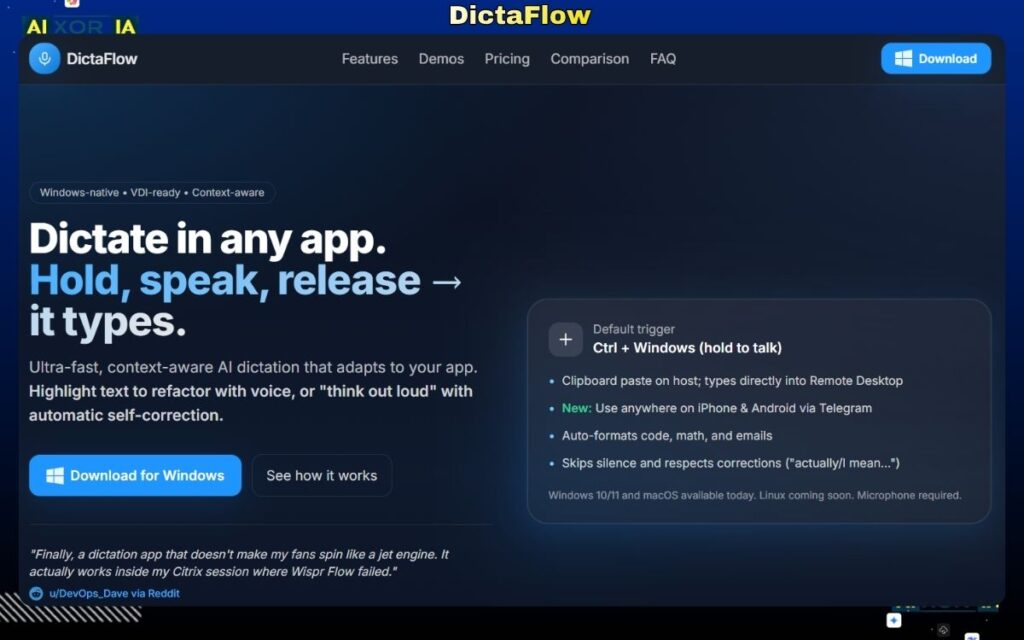
DictaFlow is designed for users who need precision, control, and reliability in professional environments. It is widely used in workflows where accuracy and privacy are critical, such as legal, healthcare, and enterprise documentation.
Unlike lightweight tools, DictaFlow offers driver-level input, which means it works even in complex environments like virtual desktops (Citrix/VDI). This makes it a strong choice for enterprise users who rely on secure or remote systems.
Its AI capabilities are focused on domain-specific accuracy. It can adapt to specialized vocabulary and workflows, making it significantly more reliable for technical dictation compared to general-purpose tools.
Another key strength is its hold-to-talk model, which gives users more control over when dictation starts and stops—reducing errors in professional contexts.
Pros:
- High accuracy in specialized domains
- Works in enterprise and virtual environments
- Strong privacy and control features
Cons:
- Less beginner-friendly
- Premium pricing
Pricing: Paid (varies by plan)
Best Offline AI Dictation Software for Mac
SuperWhisper
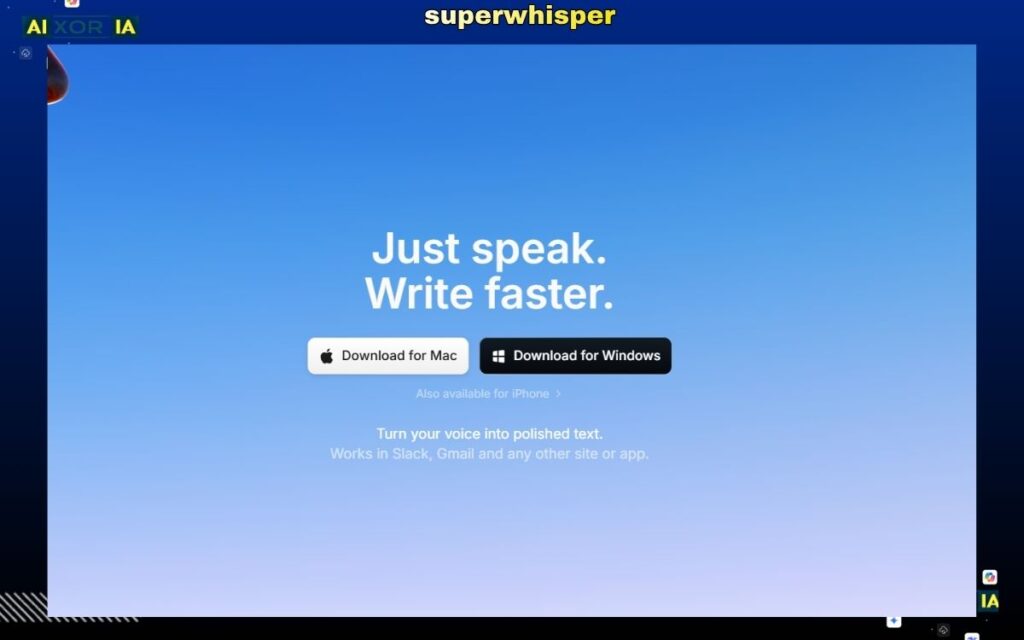
SuperWhisper is a leading offline dictation solution for Mac users who prioritize privacy and control. It runs advanced speech recognition models locally, using Apple Silicon for fast and secure processing.
Unlike cloud-based tools, SuperWhisper keeps all audio data on-device. This is critical for users handling sensitive information or working in restricted environments.
It also offers a high degree of customization, allowing users to tweak models, adjust performance settings, and optimize for different use cases. This makes it particularly appealing to developers and advanced users.
While it may require some setup compared to plug-and-play tools, the trade-off is complete control over your data and workflow.
Pros:
- Fully offline processing
- Strong privacy protection
- Highly customizable
Cons:
- Setup can be technical
- Fewer built-in integrations
Pricing: Free + Paid upgrades
Best Voice Dictation Software for File Transcription
MacWhisper
MacWhisper remains one of the best tools for file-based transcription on Mac. It uses advanced AI models to convert audio and video files into text with high accuracy.
The Pro version (around $79.99 lifetime) unlocks faster processing, better models, and enhanced export options. It is particularly useful for journalists, researchers, and content creators who work with recorded material.
However, it’s important to distinguish its use case: MacWhisper is not primarily designed for live dictation across apps. Instead, it excels at processing recorded content.
For real-time dictation, users often pair MacWhisper with other tools like Voice Type or Wispr Flow.
Pros:
- High accuracy for file transcription
- One-time pricing option
- Strong offline performance
Cons:
- Not ideal for live dictation
- Limited system-wide input
Pricing: Free; Pro ~ $79.99 lifetime
Best Voice Dictation Software for Meetings
Otter.ai
Otter.ai has evolved into a full AI meeting assistant rather than just a dictation tool. It can join meetings automatically, transcribe conversations in real time, and generate structured summaries.
Its AI meeting bot is the key feature in 2026. It captures discussions, identifies speakers, and highlights action items—making it highly useful for teams and remote collaboration.
For Mac users, Otter works via browser and integrations with platforms like Zoom and Google Meet. While it relies on cloud processing, the trade-off is powerful AI insights and collaboration features.
Pros:
- AI meeting summaries and action items
- Real-time transcription
- Strong collaboration features
Cons:
- Cloud-based (privacy considerations)
- Less useful for solo dictation
Pricing: Free + subscription plans
Best Multi-language AI Dictation Software
Notta
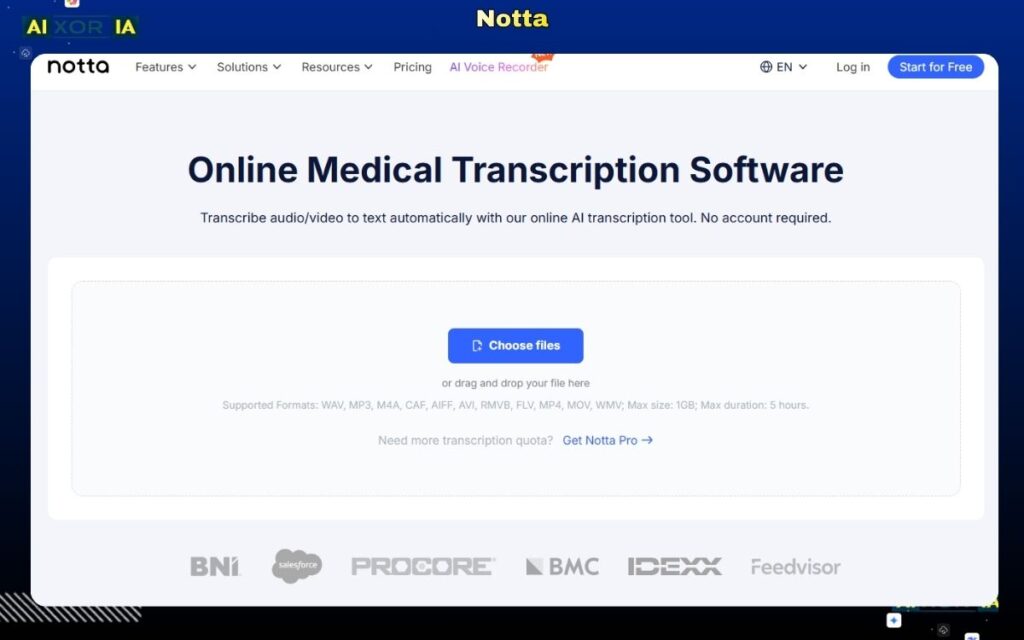
Notta is built for multilingual transcription and global workflows. It supports multiple languages and offers AI-powered summaries and structured notes.
Like Otter, Notta focuses heavily on meetings and collaboration. Its AI can transform raw transcripts into readable documents, making it useful for professionals working across regions.
It integrates with various tools and provides cross-device syncing, making it a flexible option for distributed teams.
Pros:
- Multi-language support
- AI-generated summaries
- Cross-platform compatibility
Cons:
- Requires internet connection
- Limited offline functionality
Pricing: Free + subscription plans
Best Budget Voice Dictation Software for Mac
Voice Type
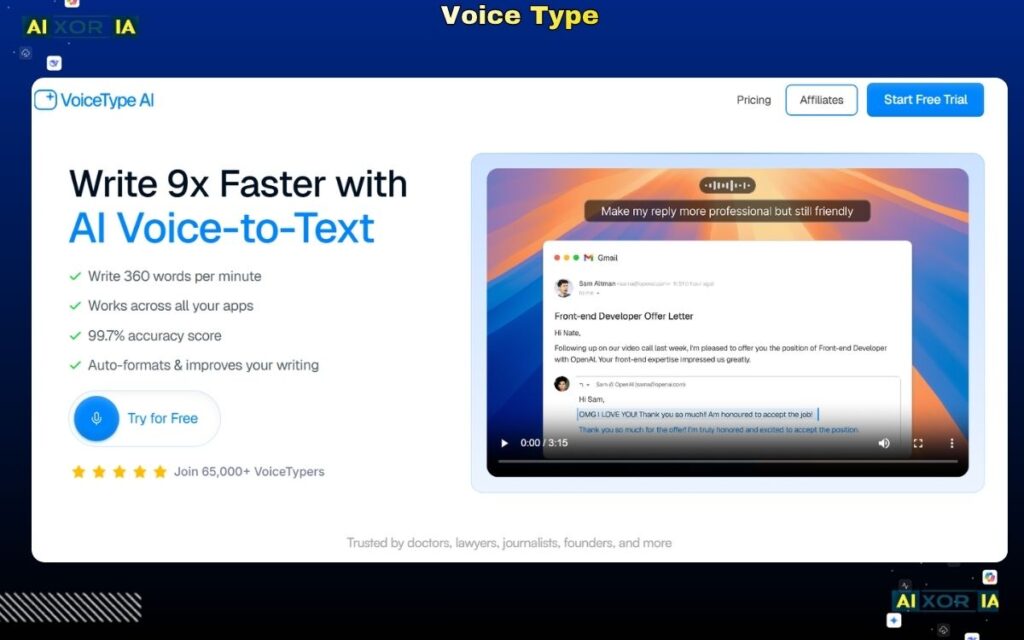
Voice Type offers one of the best value propositions in 2026. It uses modern AI speech recognition models to deliver high accuracy at a low one-time cost (around $19.99).
Despite its affordability, it performs surprisingly well for general dictation tasks. It supports system-wide input and works efficiently on Apple Silicon devices.
For users who want a simple, effective dictation tool without committing to a subscription, Voice Type is a strong choice.
Pros:
- Affordable one-time pricing
- Good accuracy for everyday use
- Lightweight and fast
Cons:
- Fewer advanced features
- Limited enterprise capabilities
Pricing: ~$19.99 one-time
Privacy First: On-Device vs Cloud Processing
In 2026, privacy is a major deciding factor for Mac users.
On-device tools (better privacy):
- SuperWhisper
- MacWhisper
- DictaFlow (partial/local options)
Cloud-based tools (more features, less privacy):
- Otter.ai
- Notta
- Wispr Flow (hybrid depending on features)
If you work with sensitive data, offline tools are generally the safer choice. If you need AI summaries and collaboration, cloud tools offer more functionality.
Important Note on Legacy Software
Tools like Dragon Professional were once industry leaders in dictation. However, they are no longer natively supported on macOS and require workarounds like virtual machines.
For modern Mac workflows in 2026, AI-native tools have effectively replaced legacy dictation software.
How to Choose the Right Voice Dictation Software for Mac
- For most users → Wispr Flow
- For professional environments → DictaFlow
- For privacy and offline use → SuperWhisper
- For transcription work → MacWhisper
- For meetings → Otter.ai
- For multilingual workflows → Notta
- For budget users → Voice Type
Your choice should depend on whether you prioritize speed, privacy, AI features, or cost.
The Role of AI in Voice Dictation Software (2026)
Voice dictation is no longer about typing with your voice—it’s about automating communication.
AI-powered tools now:
- Understand context and intent
- Format and edit content automatically
- Generate summaries and insights
- Adapt to user behavior over time
This shift is why newer tools outperform legacy software. They don’t just transcribe—they assist.
Final Thoughts
The best voice dictation software for Mac in 2026 reflects a broader shift toward AI-driven productivity.
For most users, modern tools like Wispr Flow or DictaFlow provide a significantly better experience than older dictation systems. At the same time, privacy-focused tools like SuperWhisper and MacWhisper offer strong alternatives for offline workflows.
As Apple Silicon continues to improve performance and AI models become more advanced, voice dictation is quickly becoming a core part of how Mac users work.
2 thoughts on “7 Best Voice Dictation Software for Mac in 2026 (Tested & Ranked)”