Flowchart software helps individuals and teams visually map processes, systems, and workflows. The best tools go beyond basic diagrams. They allow you to collaborate in real time, integrate with other platforms, automate workflows, and maintain clarity across complex operations.
In 2026, the definition of “best” has shifted. It is no longer just about drawing shapes and arrows. The best flowchart software now includes AI-assisted diagram creation, deep integrations, and scalability for both individuals and enterprises.

This guide breaks down the best flowchart software available today, based on real use cases, feature depth, and practical performance across different types of users.
Table of Contents
What makes the best flowchart software?
Not all diagram tools are built the same. Some are simple visual tools, while others act as full workflow and process management systems.
The best flowchart software typically stands out in the following areas:
Ease of use and accessibility
A good tool should allow users to create diagrams quickly without a steep learning curve. Drag-and-drop interfaces, templates, and intuitive controls are essential.
Collaboration capabilities
Modern teams work remotely and asynchronously. Real-time collaboration, comments, version history, and shared workspaces are critical features.
AI-powered assistance
Many tools now include AI features that can generate diagrams from text prompts, suggest structures, or automate repetitive tasks.
Integrations
Flowcharts often connect to broader workflows. Integration with tools like project management software, CRMs, and communication platforms reduces manual work.
Scalability
For enterprises, the software must support governance, user roles, permissions, and large-scale process mapping.
Export and sharing options
The ability to export diagrams in multiple formats or embed them into documents and presentations is essential for business use.
READ MORE – Best Software to Create a Flowchart in 2026
The best flowchart software in 2026
Lucidchart – Best overall flowchart software
Lucidchart remains one of the most widely used flowchart tools due to its balance of simplicity and advanced functionality.

It offers a clean drag-and-drop interface, making it easy for beginners to start while still supporting complex diagrams for professionals. The platform includes hundreds of templates, real-time collaboration, and strong integration capabilities with tools like Google Workspace, Microsoft 365, and Slack.
Lucidchart also includes AI-assisted diagramming features that help generate flowcharts from structured inputs, reducing manual effort.
Best for: Teams that need a scalable and collaborative diagramming solution
Limitations: Advanced features may require higher-tier plans
Microsoft Visio – Best for enterprise environments
Microsoft Visio is a long-standing industry tool designed for professional diagramming and enterprise use.
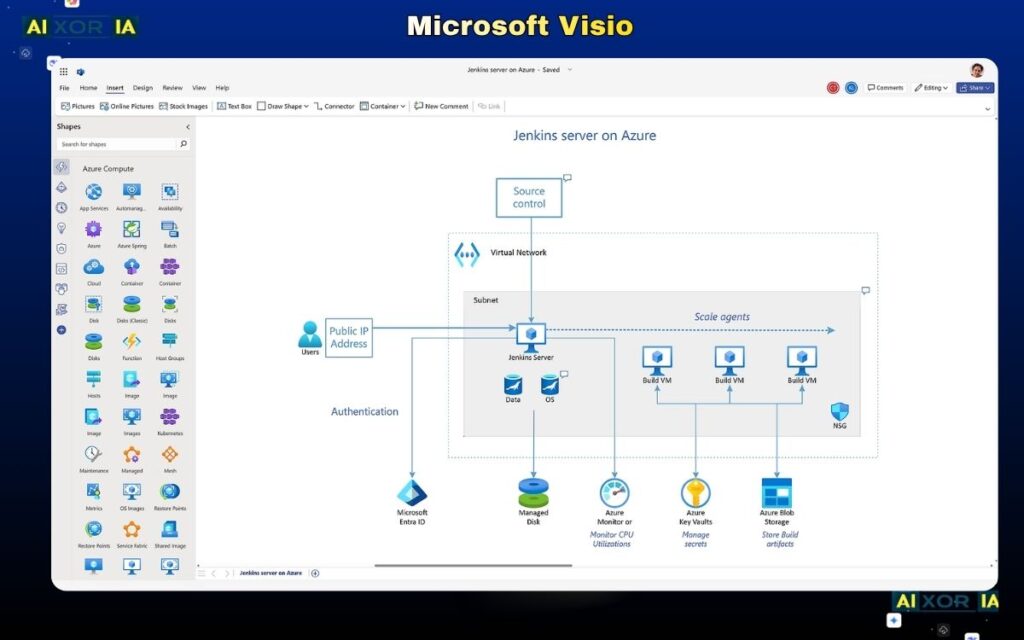
It offers highly detailed diagram creation, extensive shape libraries, and deep integration with the Microsoft ecosystem. Organizations already using Microsoft 365 benefit from seamless connectivity with Excel, Teams, and SharePoint.
Visio is particularly strong in technical diagramming, including network diagrams, system architecture, and business process modeling.
Best for: Enterprises and technical users
Limitations: Higher cost and steeper learning curve compared to newer tools
Miro – Best for collaborative visual workflows
Miro is more than just a flowchart tool. It is a collaborative whiteboard platform designed for brainstorming, planning, and visual collaboration.
Its infinite canvas allows teams to create flowcharts alongside mind maps, sticky notes, and project plans. Miro also includes AI tools that can generate diagrams, summarize content, and assist in structuring ideas.
Real-time collaboration is one of its strongest features, making it ideal for remote teams.
Best for: Distributed teams and brainstorming sessions
Limitations: Can feel overwhelming for users who only need simple diagrams
Creately – Best for visual database-driven diagrams
Creately combines diagramming with data management, allowing users to create flowcharts that are connected to underlying data.
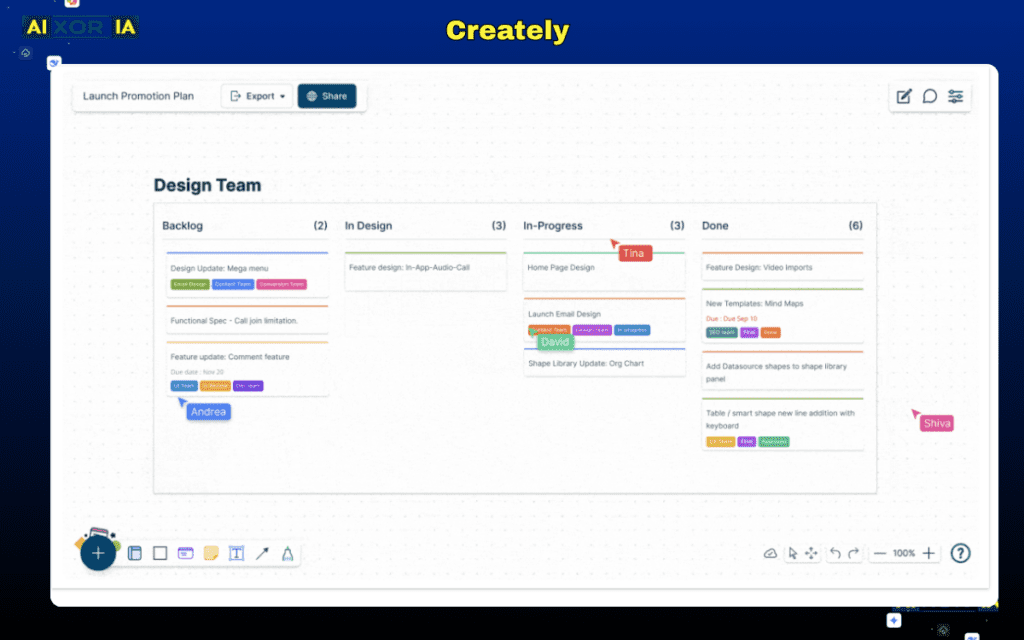
It offers smart shapes, visual databases, and AI-powered diagram suggestions. This makes it useful for teams that need more than static diagrams.
Creately supports real-time collaboration and includes a wide range of templates for business processes, organizational charts, and workflows.
Best for: Teams managing structured data within diagrams
Limitations: Interface may take time to fully understand
READ MORE – Best AI Tools for Teachers
Draw.io (diagrams.net) – Best free flowchart software
Draw.io, now known as diagrams.net, is one of the most popular free flowchart tools available.
It offers a simple interface, strong functionality, and integration with platforms like Google Drive and OneDrive. Despite being free, it supports advanced diagramming features and offline use.
It is particularly useful for individuals and small teams who need a reliable tool without subscription costs.
Best for: Free users and simple workflows
Limitations: Limited advanced collaboration and AI features
SmartDraw – Best for automated diagram generation
SmartDraw focuses on automation and intelligent diagram creation.
It includes features that automatically align shapes, adjust layouts, and generate diagrams based on input data. The tool also integrates with Microsoft Office and Google Workspace, making it suitable for business environments.
SmartDraw is particularly effective for users who want to reduce manual design work.
Best for: Automated diagram creation
Limitations: Interface may feel outdated compared to modern tools
Whimsical – Best for simple and fast flowcharts
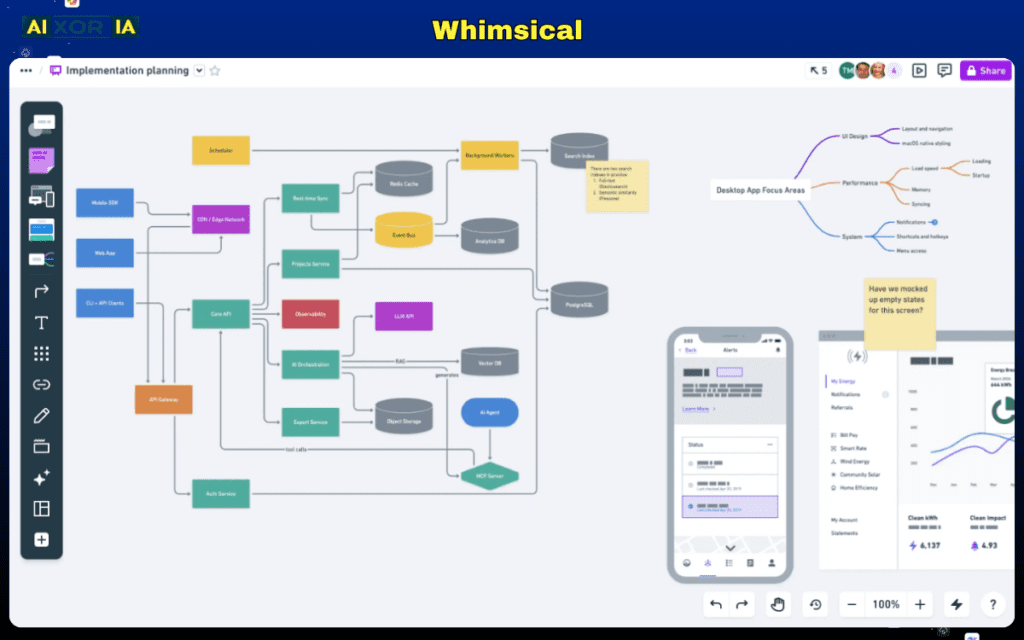
Whimsical is designed for speed and simplicity. It allows users to create clean and visually appealing flowcharts with minimal effort.
The interface is lightweight, and the tool focuses on core features without unnecessary complexity. It also includes basic collaboration and sharing options.
Best for: Quick diagrams and individual users
Limitations: Limited advanced features and integrations
AI-powered flowchart tools: What’s changing in 2026?
AI is transforming how flowcharts are created and used.
Instead of manually building diagrams step by step, users can now:
- Generate flowcharts from text prompts
- Automatically organize complex processes
- Convert documents into structured diagrams
- Get suggestions for improving workflows
Tools like Miro, Lucidchart, and Creately are integrating AI to reduce manual work and improve accuracy.
However, AI-generated diagrams still require human validation. They are best used as a starting point rather than a final solution.
How to choose the best flowchart software for your needs
The right tool depends on your specific use case.
For individuals and beginners
Choose a simple and free tool like Draw.io or Whimsical.
For teams and collaboration
Miro and Lucidchart offer strong real-time collaboration features.
For enterprises
Microsoft Visio and Creately provide scalability, governance, and advanced functionality.
For automation and AI workflows
SmartDraw and AI-enabled platforms like Lucidchart are better choices.
READ MORE – What are the Best AI Tools for Work?
Common mistakes to avoid
Choosing flowchart software based only on popularity often leads to poor results.
Avoid these mistakes:
- Ignoring integration needs
- Choosing overly complex tools for simple tasks
- Not considering team collaboration requirements
- Over-relying on AI without manual validation
Final answer: What is the best flowchart software?
There is no single best tool for everyone.
The best flowchart software depends on your workflow, team size, and technical requirements.
- For overall balance: Lucidchart
- For enterprise environments: Microsoft Visio
- For collaboration: Miro
- For free usage: Draw.io
- For automation: SmartDraw
The most effective approach is to choose a tool that fits your workflow rather than forcing your workflow to fit the tool.
Frequently asked questions
What is flowchart software used for?
Flowchart software is used to visualize processes, workflows, and systems in a structured and easy-to-understand format.
Is there free flowchart software available?
Yes, tools like Draw.io offer powerful features without any cost.
Which flowchart tool is best for teams?
Miro and Lucidchart are among the best options for team collaboration.
Are AI flowchart tools reliable?
AI tools are useful for generating initial diagrams, but they should be reviewed and refined manually.
Conclusion
Flowchart software has evolved from simple diagram tools into powerful platforms for process management and automation.
The best tools in 2026 combine usability, collaboration, AI capabilities, and integration. Choosing the right one depends on how you work, not just what features are available.
If you are just starting, begin with a simple tool. If you are scaling workflows across teams or departments, invest in a platform that supports growth, automation, and control.
1 thought on “What Is the Best Flowchart Software in 2026? A Complete Guide for Teams and Enterprises”