Creating presentations used to be a time-consuming task—structuring slides, designing layouts, and writing content manually. Today, AI tools can generate complete PowerPoint presentations in minutes, including content, design, visuals, and even speaker notes.
AI presentation tools work by turning simple prompts, documents, or ideas into structured slide decks. They use natural language processing and design automation to handle both the content and the visual layer of your presentation.
For professionals, students, and enterprises, the real question is not whether AI can create PowerPoint presentations—but which tool does it best for your specific use case.
This guide breaks down the top AI tools that create PowerPoint presentations in 2026, how they work, and which one you should choose.
Table of Contents
What Makes a Good AI Presentation Tool?
Not all AI tools are built the same. The best ones go beyond basic slide generation and offer full workflow support.
1. Content Generation Quality
The tool should:
- Understand your prompt clearly
- Structure information logically
- Create meaningful headings and bullet points
2. Design Automation
Look for tools that:
- Apply consistent themes
- Use modern layouts
- Automatically add visuals and icons
3. Editing Flexibility
AI should assist, not limit. You should be able to:
- Edit slides manually
- Adjust layouts
- Customize branding
4. Export Options
A strong tool should allow:
- PowerPoint (.pptx) export
- PDF download
- Sharing via link
5. Use Case Fit
Some tools are better for:
- Business presentations
- Sales decks
- Academic slides
- Internal reports
READ MORE – What are the best AI tools for creating presentations?
Best AI Tools That Create PowerPoint Presentations (2026)
Below are the most effective AI tools currently used to generate PowerPoint presentations, each with a different strength.
1. Beautiful.ai — Best for Automated Design
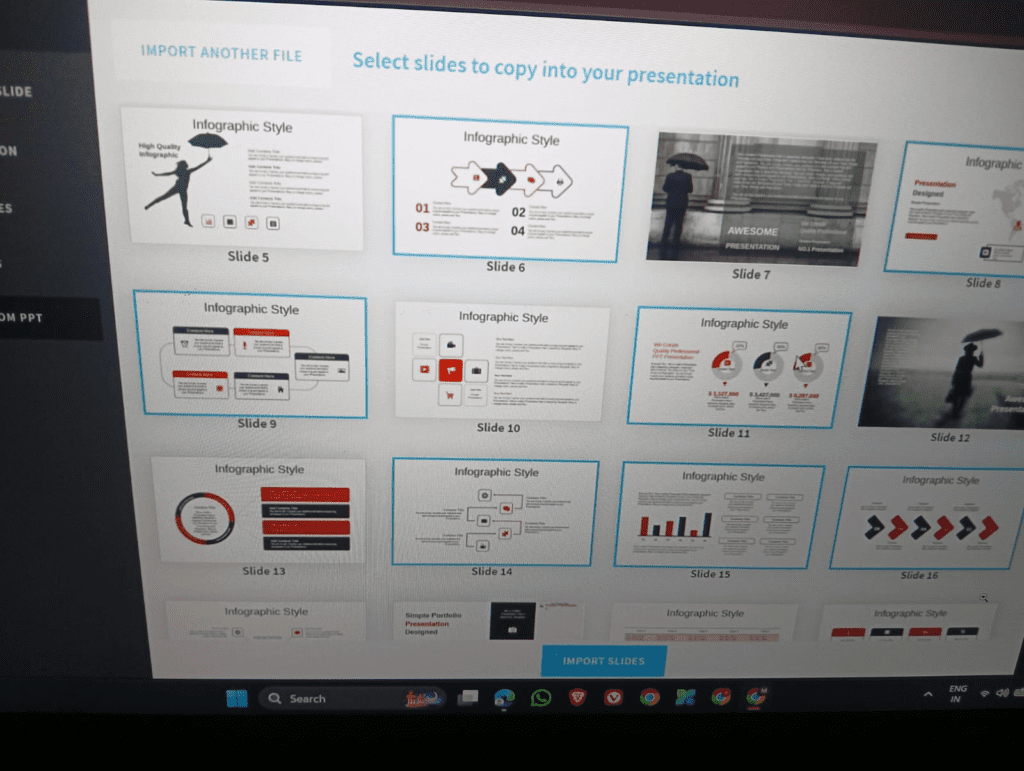
Beautiful.ai focuses heavily on design automation. It creates visually consistent slides without requiring manual formatting.
Key Features:
- Smart templates that adjust automatically
- AI-assisted slide layouts
- Pre-built business presentation structures
Best For:
- Professionals who want polished presentations quickly
- Business reports and pitch decks
Limitations:
- Less control over custom design
- Content generation is not as deep as other tools
2. Tome — Best for AI Storytelling Presentations
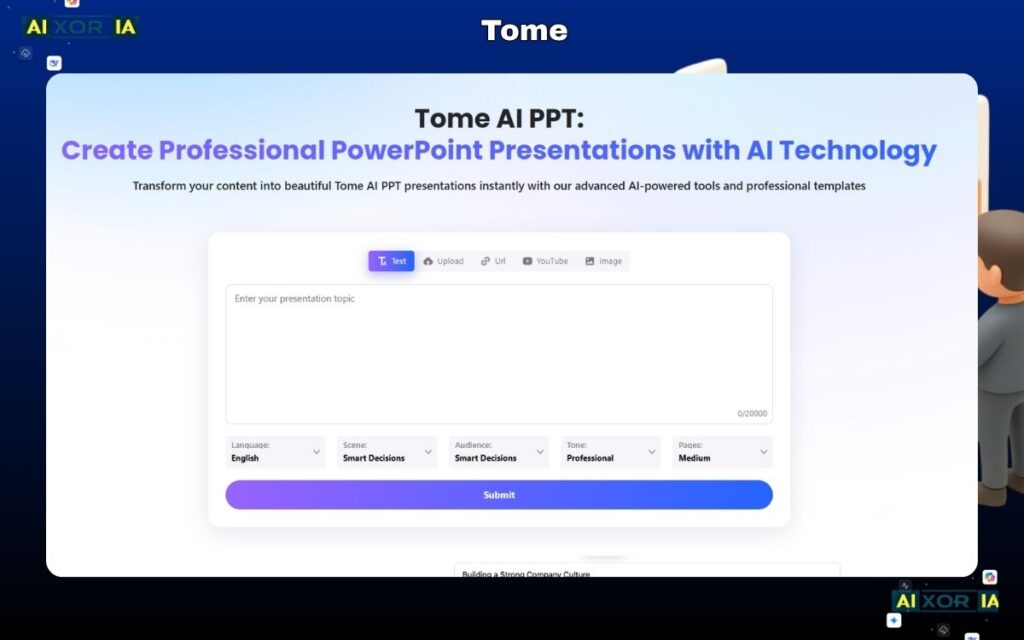
Tome is designed for narrative-driven presentations. Instead of just slides, it builds structured stories.
Key Features:
- AI-generated presentation content
- Story-based slide flow
- Integration with images and media
Best For:
- Startups and storytelling presentations
- Creative professionals
Limitations:
- Not ideal for traditional corporate PowerPoint formats
- Export options can be limited
3. Gamma — Best for Fast AI Deck Creation
Gamma can turn a simple prompt into a complete presentation within seconds.
Key Features:
- Prompt-to-presentation generation
- Clean, modern UI
- Interactive presentation format
Best For:
- Quick presentations
- Content creators and marketers
Limitations:
- Limited deep customization
- Less suitable for complex enterprise needs
READ MORE – 7 Best Tool for Clickable Presentations
4. Microsoft Copilot (PowerPoint) — Best for Native PowerPoint Users
Microsoft’s built-in AI integrates directly into PowerPoint, making it a powerful option for users already in the Microsoft ecosystem.
Key Features:
- Generate slides from Word documents
- AI-powered design suggestions
- Native PowerPoint editing
Best For:
- Enterprises using Microsoft 365
- Corporate teams
Limitations:
- Requires subscription
- Works best inside Microsoft tools
5. Canva AI — Best for Beginners and Visual Presentations
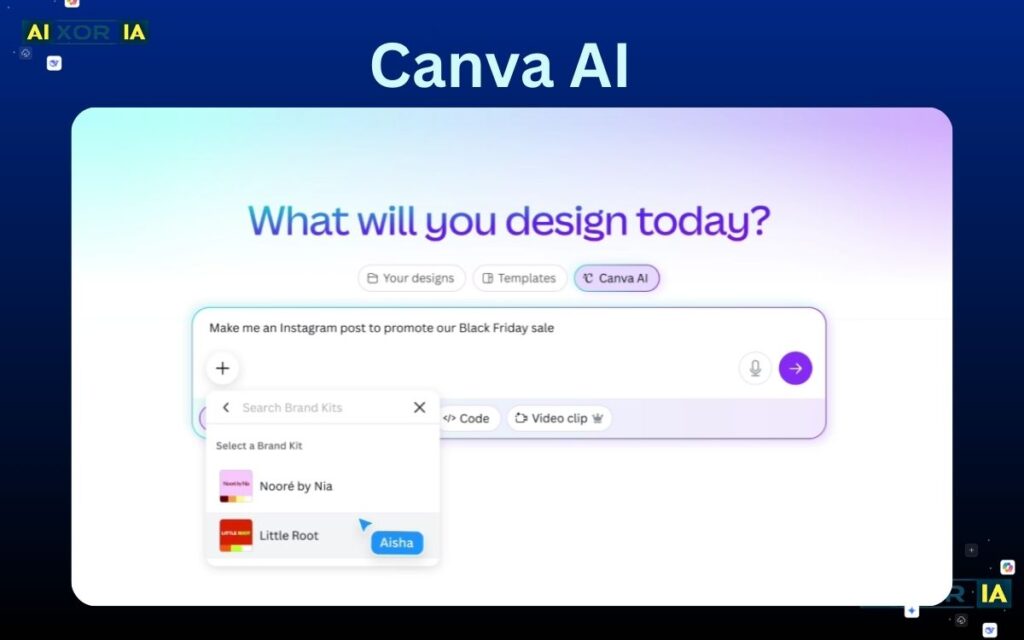
Canva’s AI presentation builder combines ease of use with strong visual design.
Key Features:
- Drag-and-drop editor
- AI-generated slides and text
- Large template library
Best For:
- Beginners
- Social media and visual presentations
Limitations:
- Not deeply structured for complex business presentations
- AI content can be basic
6. SlidesAI — Best for Converting Text into Slides
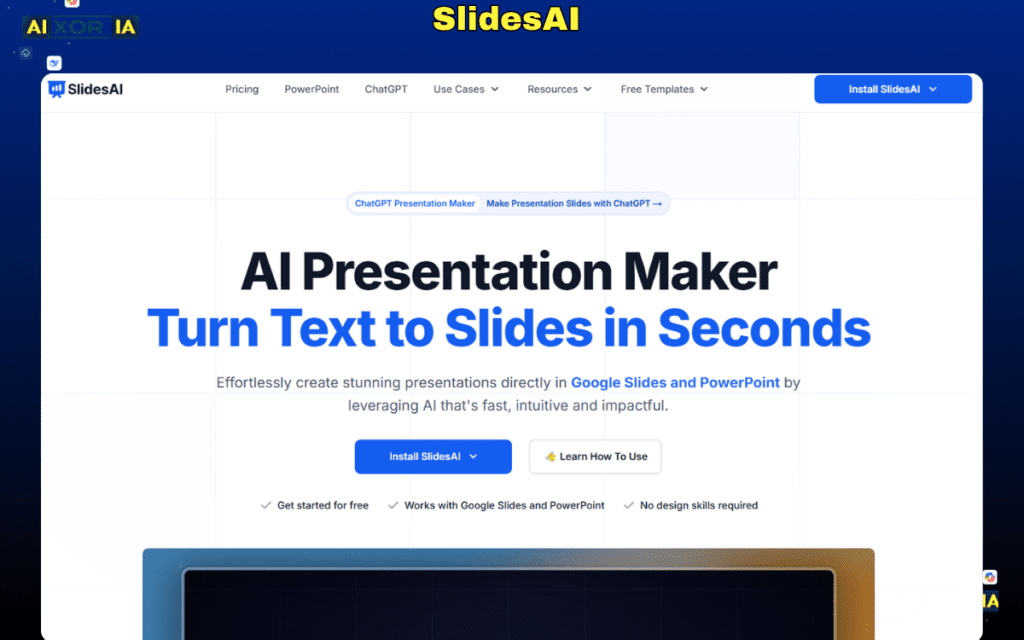
SlidesAI converts existing content (like blog posts or notes) into presentation slides.
Key Features:
- Text-to-presentation conversion
- Google Slides integration
- Fast slide generation
Best For:
- Students
- Content repurposing
Limitations:
- Limited design flexibility
- Requires structured input for best results
READ MORE – 7 Best Tool for Animated Presentations
7. Pitch — Best for Team Collaboration
Pitch is built for teams that need to collaborate on presentations in real time.
Key Features:
- Team collaboration tools
- AI-assisted slide creation
- Workflow integration
Best For:
- Startups and teams
- Collaborative environments
Limitations:
- Less advanced AI content generation
- Focus more on collaboration than automation
How AI Tools Create PowerPoint Presentations
AI presentation tools typically follow a structured workflow:
Step 1: Input
You provide:
- A topic
- A prompt
- A document or outline
Step 2: Content Structuring
The AI:
- Breaks the topic into sections
- Creates headings and subpoints
- Organizes logical flow
Step 3: Slide Generation
The system:
- Converts sections into slides
- Adds bullet points
- Applies layout structure
Step 4: Design Application
AI automatically:
- Applies themes
- Adds icons or images
- Adjusts spacing and formatting
Step 5: Output
You get:
- Editable slides
- Downloadable PowerPoint file
- Shareable presentation
Which AI Tool Should You Choose?
The best tool depends on your specific need:
- For enterprise and corporate use: Microsoft Copilot
- For design-focused presentations: Beautiful.ai
- For storytelling and creative decks: Tome
- For fast AI generation: Gamma
- For beginners: Canva AI
- For converting text: SlidesAI
- For team collaboration: Pitch
In many cases, professionals combine tools—for example, generating content with one tool and refining design in another.
Limitations of AI Presentation Tools
Despite their advantages, AI tools are not perfect.
Common Limitations:
- Generic content if prompts are weak
- Limited understanding of niche topics
- Requires manual refinement for high-stakes presentations
- Design may lack uniqueness
AI should be treated as a productivity tool, not a complete replacement for human judgment.
Are AI-Generated PowerPoint Presentations Good Enough?
For most use cases, yes—with some editing.
AI tools can:
- Save hours of work
- Provide structure quickly
- Generate usable drafts
However, for:
- Client presentations
- Investor pitches
- High-level business reports
You should always review and refine the output.
Conclusion
AI tools have fundamentally changed how presentations are created. Instead of starting from a blank slide, you can now generate a complete PowerPoint presentation in minutes.
The best AI tool is not the one with the most features—it is the one that fits your workflow, your content needs, and your level of control.
For enterprise users, native tools like Microsoft Copilot offer deep integration. For speed and simplicity, tools like Gamma and Canva AI are highly effective. For design-focused outputs, Beautiful.ai stands out.
As AI continues to improve, presentation creation will become faster, smarter, and more automated—but human input will remain essential for clarity, accuracy, and impact.
FAQs
What AI tool creates PowerPoint presentations automatically?
Tools like Gamma, Canva AI, Microsoft Copilot, and Beautiful.ai can automatically generate PowerPoint presentations from prompts or documents.
Can AI convert text into PowerPoint slides?
Yes, tools like SlidesAI and Microsoft Copilot can convert text, documents, or notes into structured slides.
Is there a free AI presentation maker?
Yes, Canva AI, Gamma, and SlidesAI offer free plans with limited features.
Which AI tool is best for business presentations?
Microsoft Copilot and Beautiful.ai are strong choices for professional and business use cases.
Do AI presentation tools replace PowerPoint?
No, most AI tools complement PowerPoint by generating content and design, but final editing is still often done inside PowerPoint.
1 thought on “What AI Tool Creates PowerPoint Presentations? Best AI Presentation Makers in 2026”