Creating clickable presentations is no longer just about adding hyperlinks to slides. Modern tools allow you to build fully interactive experiences—where users can navigate, explore, click, and engage with content in a structured flow. This is especially important for businesses, educators, marketers, and product teams that want to move beyond static slides.
In this guide, you’ll find a detailed breakdown of the best tools for clickable presentations in 2026, including AI-powered platforms, their strengths, limitations, and when to use each one.
Table of Contents
What Are Clickable Presentations?
Clickable presentations are interactive slide-based experiences where users can:
- Navigate non-linearly (jump between sections)
- Click buttons, menus, or hotspots
- Explore content at their own pace
- Interact with embedded media, forms, or workflows
Unlike traditional presentations, they behave more like a website or app interface.
What Makes the Best Tool for Clickable Presentations?
Before choosing a tool, it’s important to evaluate it based on real usability and scalability factors:
1. Interactivity Depth
Can you create buttons, menus, branching paths, and user-driven navigation?
2. Ease of Use
Is the builder intuitive, or does it require design or coding skills?
3. AI Capabilities
Does it help generate slides, layouts, or content automatically?
4. Collaboration
Can teams work together in real time?
5. Export & Sharing
Can you share via link, embed, or export without losing interactivity?
6. Use Case Fit
Is it built for sales, education, product demos, or storytelling?
READ MORE – What are the best AI tools for creating presentations?
The 7 Best Tools for Clickable Presentations in 2026
1. Prezi — Best for Non-Linear Interactive Presentations
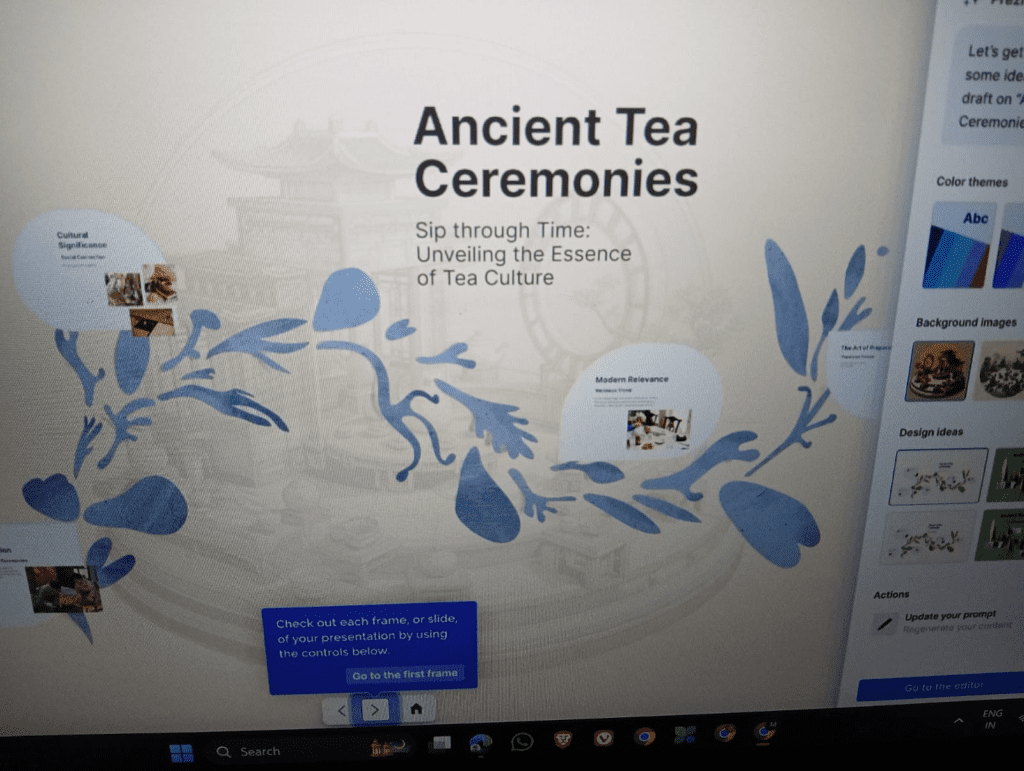
Prezi is one of the earliest tools designed specifically for interactive and clickable presentations. Instead of slides, it uses a zoomable canvas where users can navigate visually.
Key Features:
- Zoom-based navigation (non-linear storytelling)
- Clickable paths and sections
- AI-assisted presentation creation
- Dynamic transitions
Pros:
- Highly engaging visual experience
- Ideal for storytelling and education
- Strong audience engagement
Cons:
- Learning curve for beginners
- Less structured than traditional slides
Best For:
Educators, trainers, and presenters who want to create visually interactive experiences.
2. Canva — Best for Easy Clickable Designs with AI
Canva has evolved into a powerful presentation tool with interactive capabilities and AI features.
Key Features:
- Drag-and-drop interface
- Clickable links and navigation buttons
- AI tools (Magic Design, content generation)
- Thousands of templates
Pros:
- Extremely easy to use
- Fast creation with AI assistance
- Great for beginners and professionals
Cons:
- Limited deep interactivity compared to advanced tools
- Navigation logic is basic
Best For:
Marketers, small businesses, and content creators who need quick, polished clickable presentations.
3. Visme — Best for Business and Data-Driven Presentations
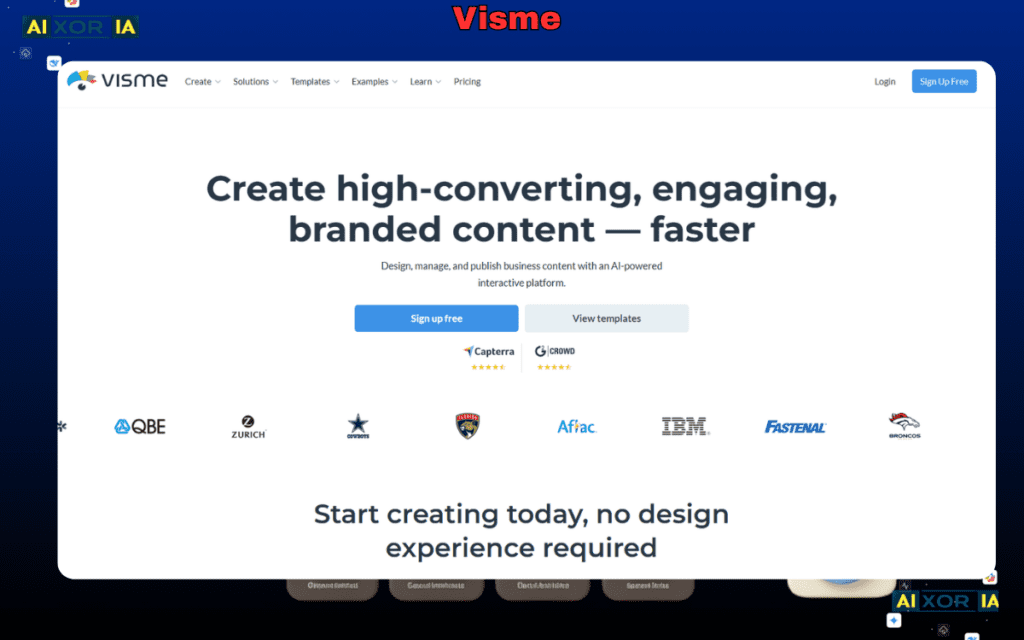
Visme is built for professional presentations with strong support for interactivity and data visualization.
Key Features:
- Clickable buttons and navigation
- Interactive charts and infographics
- AI design assistance
- Analytics tracking
Pros:
- Strong business-focused features
- High-quality visuals and charts
- Good balance of design and interactivity
Cons:
- Premium plans required for advanced features
- Slight learning curve
Best For:
Businesses, agencies, and professionals creating reports, proposals, or interactive decks.
READ MORE – What Tool Works Best for Investor Presentations
4. Beautiful.ai — Best AI-Powered Slide Automation
Beautiful.ai focuses heavily on automation and smart design using AI.
Key Features:
- AI-driven slide layouts
- Smart formatting and alignment
- Easy clickable elements
- Team collaboration
Pros:
- Saves time with automated design
- Clean and professional output
- Ideal for consistent branding
Cons:
- Limited deep customization
- Not built for complex interactivity
Best For:
Teams that want fast, clean, and AI-assisted clickable presentations without design effort.
5. Microsoft PowerPoint — Best for Advanced Custom Clickable Presentations
PowerPoint remains one of the most powerful tools for building fully clickable presentations when used properly.
Key Features:
- Hyperlinks and action buttons
- Slide branching (non-linear navigation)
- Advanced animations and triggers
- Integration with Microsoft ecosystem
Pros:
- Highly flexible
- Works offline
- Enterprise-ready
Cons:
- Manual setup required
- No built-in AI-first workflow (compared to newer tools)
Best For:
Advanced users, enterprises, and anyone needing full control over presentation logic.
6. Genially — Best for Highly Interactive and Gamified Presentations
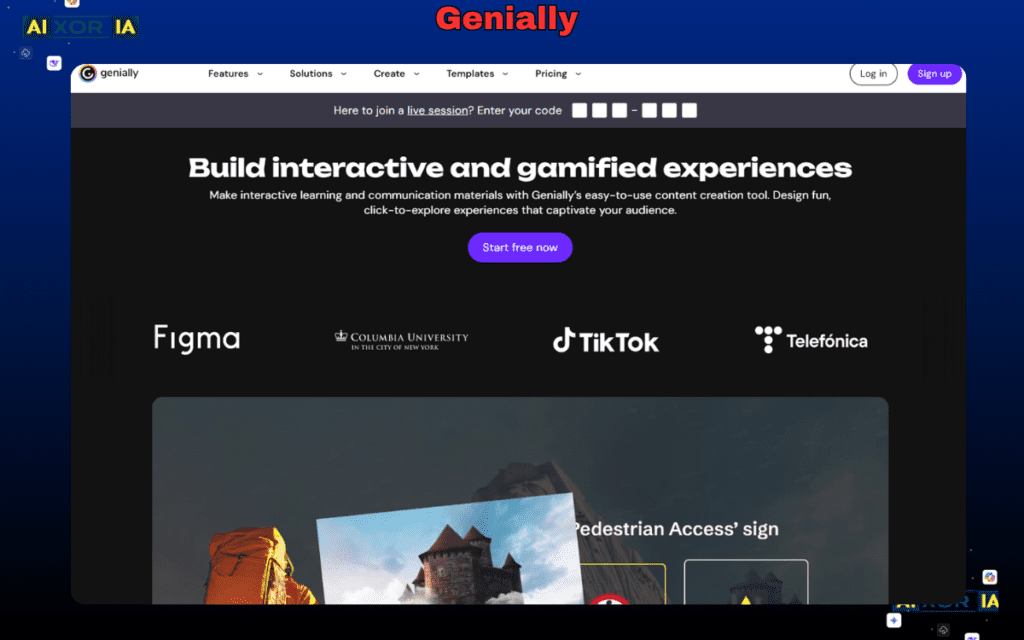
Genially is specifically built for interactivity, making it one of the strongest tools for clickable presentations.
Key Features:
- Interactive buttons, layers, and hotspots
- Gamification elements
- Animations and embedded content
- Templates for quizzes and interactive flows
Pros:
- Deep interactivity
- Engaging user experience
- Great for education and training
Cons:
- Requires time to master
- Free plan limitations
Best For:
Educators, course creators, and teams building interactive learning or product demos.
7. Pitch — Best for Team Collaboration and Modern Workflows
Pitch is designed for modern teams that need collaboration and clean presentation workflows.
Key Features:
- Real-time collaboration
- Interactive elements
- Analytics and engagement tracking
- Integrations with modern tools
Pros:
- Built for teams
- Clean UI and fast performance
- Strong collaboration features
Cons:
- Limited advanced interactivity
- Still evolving AI features
Best For:
Startups and remote teams working on collaborative presentations.
READ MORE – What Tool Creates the Best Business Presentations
AI Tools for Clickable Presentations: What’s Changing in 2026
AI is transforming how presentations are created. Instead of designing everything manually, tools now:
- Generate full presentations from prompts
- Suggest layouts and structure
- Automate content formatting
- Create visuals and summaries
Key Trend:
AI is not replacing interactivity—but enhancing speed and efficiency.
Best AI-driven tools from this list:
- Canva (for fast generation + templates)
- Beautiful.ai (for automated design)
- Visme (for AI + data visualization)
Which Tool Should You Choose?
The best tool depends on your use case:
- For storytelling and visual navigation → Prezi
- For beginners and fast creation → Canva
- For business presentations → Visme
- For AI-powered automation → Beautiful.ai
- For full control and customization → PowerPoint
- For deep interactivity → Genially
- For team collaboration → Pitch
Final Thoughts
There is no single “best” tool for clickable presentations—only the best tool for your specific workflow.
If your goal is speed and simplicity, AI-powered tools like Canva or Beautiful.ai are strong choices. If you need deep interactivity and control, tools like PowerPoint or Genially offer far more flexibility.
The key is to focus on how your audience will interact with your presentation. The more intuitive and engaging that experience is, the more effective your presentation will be.
FAQ
What is the best free tool for clickable presentations?
Canva and Genially offer strong free plans with basic interactivity features.
Can PowerPoint create clickable presentations?
Yes. Using hyperlinks, action buttons, and slide navigation, you can build fully interactive presentations.
Are AI tools better for presentations?
AI tools are faster and easier, but traditional tools still offer more control for complex interactivity.
Which tool is best for business presentations?
Visme and PowerPoint are among the best for professional and enterprise use.
2 thoughts on “7 Best Tool for Clickable Presentations in 2026”