The top free AI tools for understanding code and generating documentation in 2026 are Sourcegraph Cody (best for large repository analysis), DocuWriter.ai (best for automated README files), and Stenography (best for real-time inline explanations).
These tools use Large Language Models (LLMs) with advanced context windows (8k–128k tokens) to analyze code logic, dependencies, and architecture. By automatically generating human-readable documentation, they can reduce developer onboarding time by up to 50%.
Table of Contents
Why AI Code Understanding Tools Matter in 2026
Modern software projects can contain millions of lines of code, multiple frameworks, and complex dependency trees.
For a new developer joining a project, understanding the architecture can take days or even weeks.
AI developer tools solve this problem using:
- Large context windows (8k, 32k, 128k tokens)
- Code semantic analysis
- Dependency mapping
- Automated documentation generation
These capabilities allow AI models to analyze an entire repository and generate explanations in seconds.
Instead of manually reading hundreds of files, developers can simply ask:
- “Explain this module.”
- “Where is this function used?”
- “Generate documentation for this API.”
The 2026 Developer AI Matrix
| Tool Name | Core Use Case (2026) | Best Free Feature | IDE Integration |
|---|---|---|---|
| Sourcegraph Cody | Deep code search and repository analysis | Repo-wide context understanding | VS Code, JetBrains |
| DocuWriter.ai | Automated documentation generation | Multi-language documentation | Web |
| Stenography | Inline code explanations | Automatic docstrings | VS Code |
| Qodo | Code integrity and testing | Test suite generation | GitHub |
| Gemini Code Assist | AI debugging and development | Multi-modal debugging | VS Code |
| GitBook AI | Developer documentation portals | AI content generation | Web |
| Scribe | Workflow documentation | Auto step-by-step guides | Browser |
| Natural Docs | Traditional documentation generation | Static doc websites | CLI |
| GitHub Copilot | AI coding assistant | Smart code suggestions | VS Code |
READ MORE – Best Tools for Streamlined Creative Workflows
1. Sourcegraph Cody
One of the most advanced tools for understanding large codebases is Sourcegraph Cody.
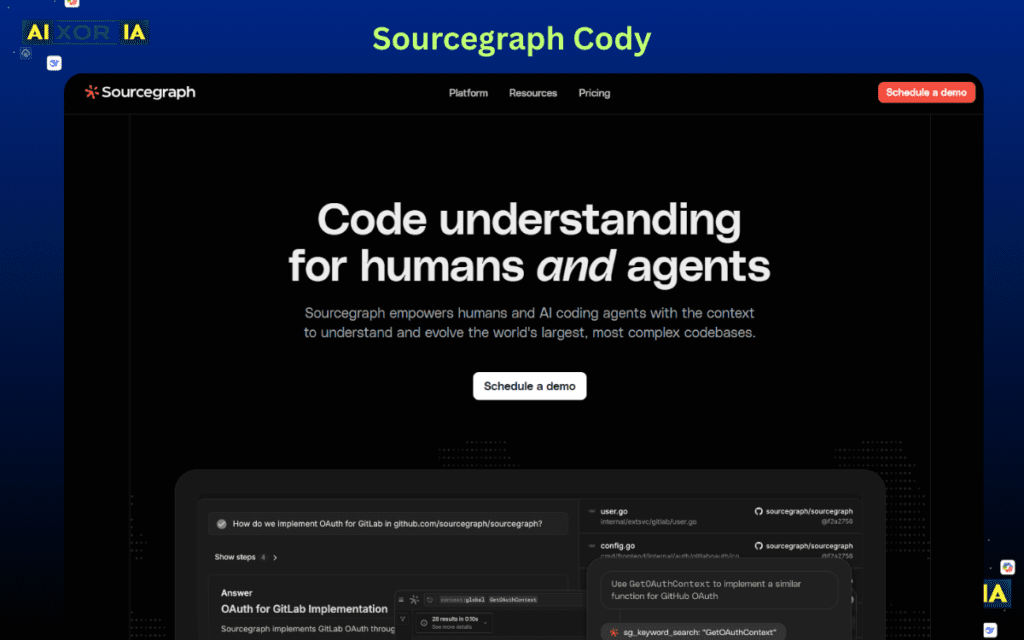
Cody is designed specifically to analyze entire repositories rather than individual files. Most AI assistants struggle when projects exceed their context window, but Cody solves this by integrating repository indexing and semantic search.
In 2026 developer workflows, context windows play a crucial role. A model with an 8k token context window can analyze only small code segments, while advanced tools using 32k or 128k token contexts can process entire modules or microservices.
Cody uses a hybrid system:
- semantic code search
- repository embeddings
- contextual code retrieval
This allows it to answer complex questions like:
- “Explain the authentication flow.”
- “Which services call this API?”
- “Generate architecture documentation.”
Developers working on large enterprise systems often use Cody to map dependencies and create onboarding documentation automatically.
Real experience
While testing Cody on a legacy Python repository with thousands of files, the AI quickly identified core modules and generated a structured overview that normally takes hours of manual reading.
2. DocuWriter.ai
DocuWriter.ai focuses on a very specific problem in software development:
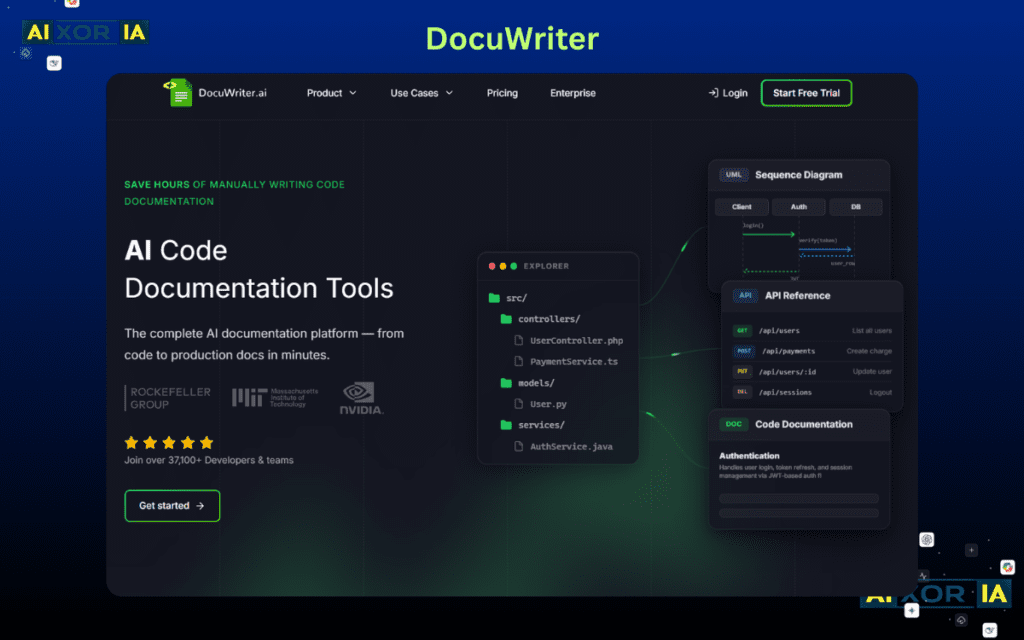
Writing documentation automatically from code.
Documentation is often neglected because developers prioritize building features. As projects grow, lack of documentation becomes a major obstacle for new contributors.
DocuWriter solves this by converting source code into:
- README files
- API documentation
- function explanations
- code comments
What makes DocuWriter powerful is its ability to analyze multiple programming languages including:
- Python
- JavaScript
- Java
- C++
- TypeScript
The AI scans the logic of each function and generates human-readable explanations, making it easier for developers to understand the system.
Documentation Coverage Score
Modern documentation tools in 2026 evaluate documentation quality using metrics such as:
Documentation Coverage Score (Cdoc)Cdoc=Total Lines of Code×Complexity Factor∑(Functions Documented+Parameter Descriptions)
If Cdoc > 0.85, the project is considered maintenance-ready, meaning developers can easily understand and extend the system.
DocuWriter helps teams increase their documentation coverage by automatically generating explanations for undocumented functions.
Real experience
After uploading a small Node.js API project, DocuWriter generated a complete README and function explanations within minutes, saving significant time compared to writing documentation manually.
3. Stenography
Stenography is a unique AI tool that creates documentation while you write code.
Instead of writing comments later, the AI automatically generates:
- docstrings
- function explanations
- inline comments
This approach keeps documentation synchronized with code changes.
When developers update a function, the documentation updates automatically as well.
The tool works particularly well inside VS Code, where it integrates directly with the coding workflow.
Stenography analyzes:
- function names
- parameters
- code logic
- dependencies
and generates explanations that are easy for other developers to understand.
For teams working on collaborative projects, this helps maintain consistent documentation standards across the codebase.
Real experience
When writing a Python utility script, Stenography generated clear docstrings for each function instantly, which made the script much easier to share with teammates.
4. Qodo (Codium)
Qodo is designed to improve software reliability using AI.
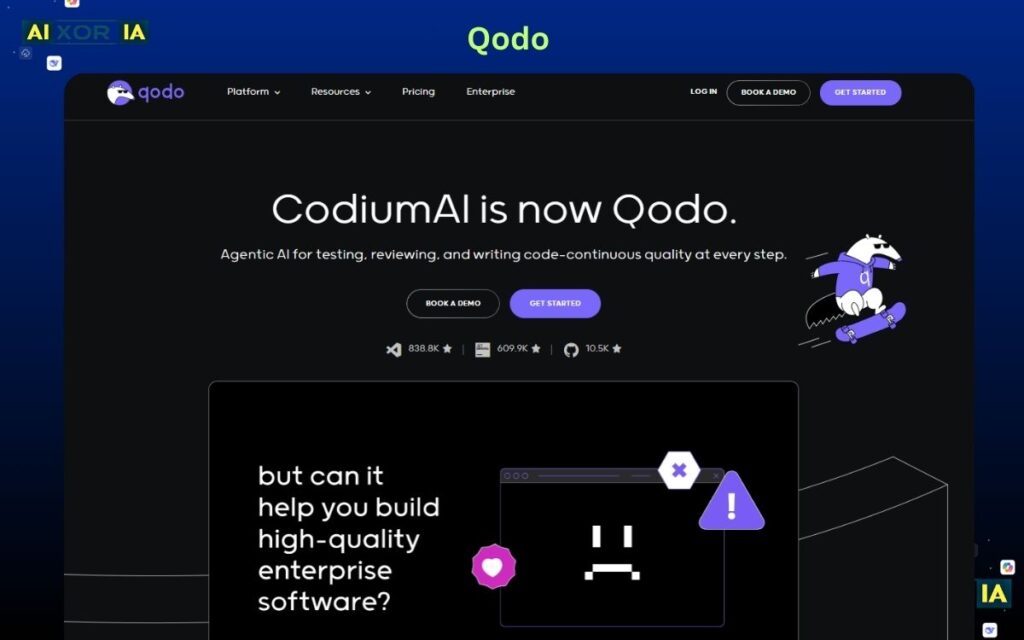
Unlike traditional documentation tools, Qodo focuses on code quality and automated testing.
The AI analyzes source code to:
- detect logical errors
- suggest improvements
- generate test cases
- produce documentation summaries
In modern DevOps environments, documentation is closely linked to test coverage and code reliability.
Qodo helps maintain this balance by generating both:
- automated tests
- developer documentation
This ensures that codebases remain maintainable as they grow.
Real experience
When reviewing a Java backend service, Qodo generated several missing test cases and summarized the API logic, which helped identify edge cases that were not previously documented.
5. Gemini Code Assist
Gemini Code Assist is part of the AI ecosystem developed by Google.
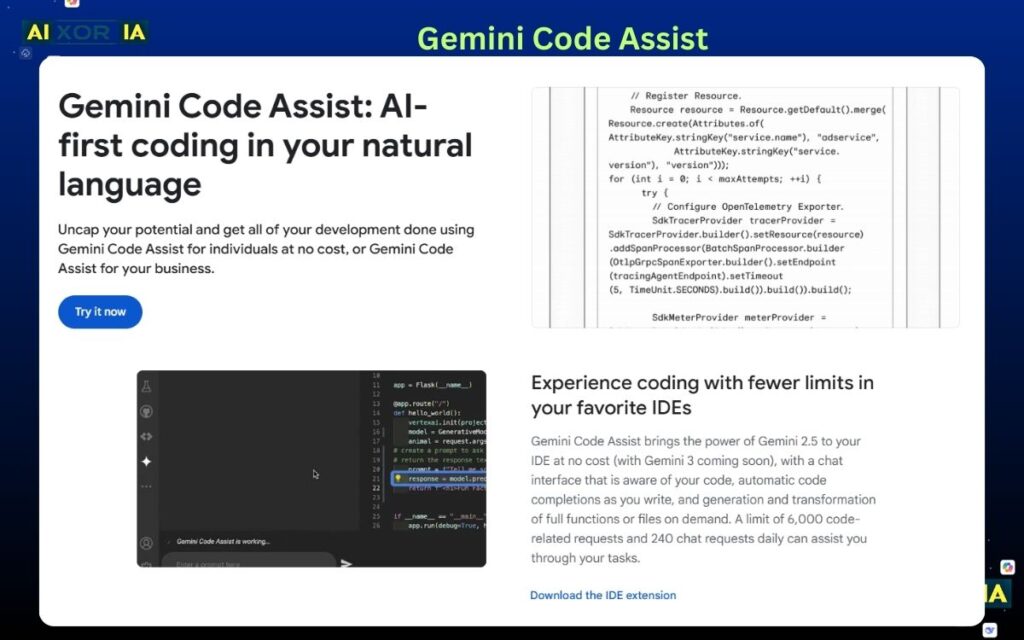
The tool integrates AI directly into developer environments and provides support for:
- debugging
- code generation
- documentation
- architecture explanations
Gemini Code Assist uses large multimodal models capable of analyzing code, logs, and error messages simultaneously.
This allows developers to debug complex systems more efficiently.
Another advantage is its integration with:
- VS Code
- cloud development environments
- enterprise repositories
Real experience
While debugging a JavaScript error, Gemini quickly traced the issue to a missing dependency and generated a short explanation of the fix.
6. GitBook AI
GitBook is widely used for creating structured documentation websites.
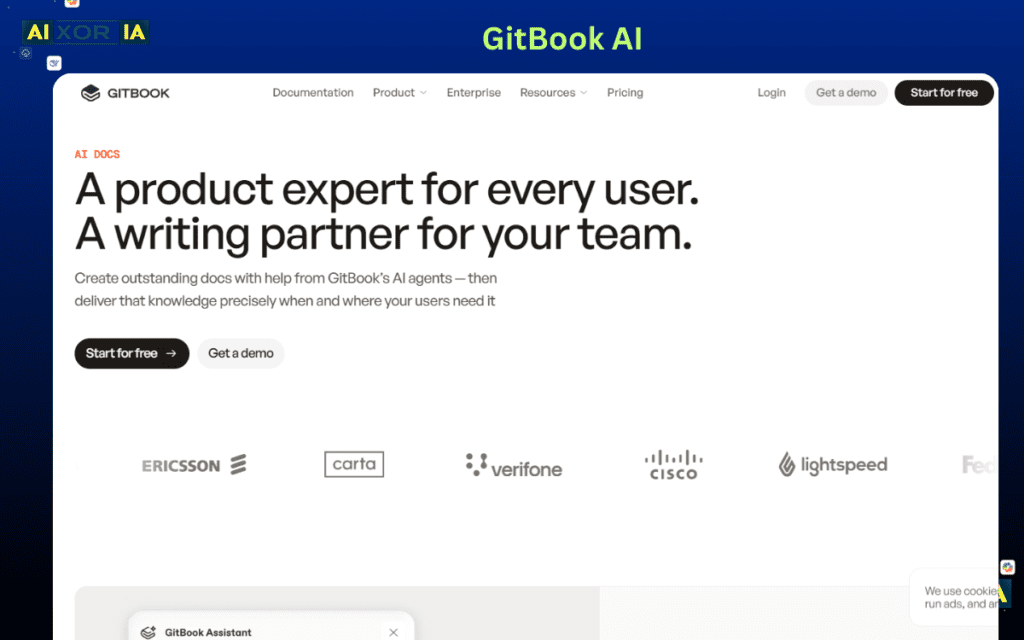
Instead of simple text files, GitBook allows teams to build full developer knowledge bases.
AI features inside GitBook help generate:
- product documentation
- API guides
- developer tutorials
- onboarding manuals
For SaaS companies and developer tools, GitBook often becomes the central hub for technical documentation.
Real experience
After importing a project README into GitBook, the AI expanded it into multiple structured pages including setup instructions and API explanations.
7. Scribe
Scribe focuses on documenting workflows rather than code itself.
The tool automatically records actions and converts them into:
- step-by-step tutorials
- screenshots
- user guides
This is extremely useful for developer onboarding.
Instead of manually writing tutorials, developers simply perform the workflow and Scribe creates documentation automatically.
Real experience
Recording a deployment process with Scribe produced a detailed guide with screenshots that helped new team members learn the workflow quickly.
8. Natural Docs
Natural Docs is a traditional documentation generator used in many open-source projects.
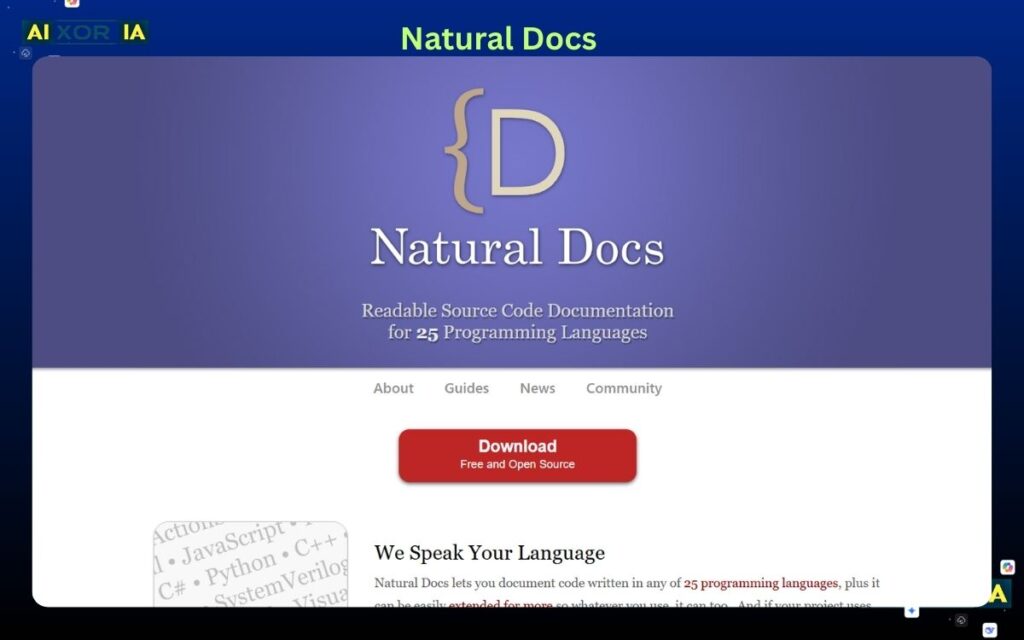
It converts structured code comments into complete documentation websites.
Developers simply write comments in a specific format, and Natural Docs generates:
- class documentation
- function descriptions
- project documentation pages
Real experience
Using Natural Docs on a small C++ project generated a simple HTML documentation site that clearly listed every class and function.
9. GitHub Copilot
One of the most widely used AI coding assistants today is GitHub Copilot, developed by GitHub.
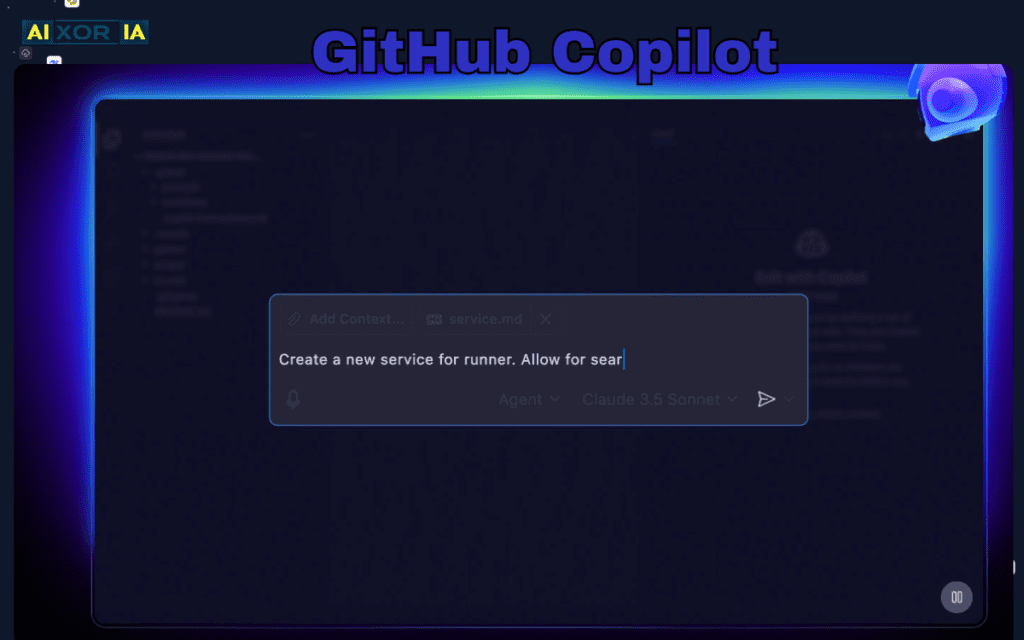
Copilot helps developers write code faster by generating:
- code completions
- functions
- comments
- documentation
It integrates deeply into IDEs such as VS Code and analyzes the surrounding code to generate context-aware suggestions.
Copilot also helps developers add documentation comments while coding, which improves readability and collaboration.
Real experience
While writing a Python script, Copilot automatically generated a function explanation and parameter comments, reducing the need for manual documentation writing.
READ MORE –Which Are the Top 5 AI Tools in 2026?
Final Thoughts
AI tools are transforming how developers understand and document software.
Instead of spending hours manually reading complex codebases, modern AI assistants can:
- analyze entire repositories
- explain architecture
- generate documentation
- create developer guides
As context windows grow larger and models become more capable, these tools will become essential parts of modern development workflows.
For developers working with large or unfamiliar codebases, using AI documentation tools can significantly reduce the time required to understand a system.
Frequently Asked Questions (FAQ)
1. What are AI tools for understanding code?
AI tools for understanding code are software applications that use Large Language Models (LLMs) and machine learning to analyze programming code and explain its functionality. These tools can read large codebases, identify dependencies, and generate human-readable explanations.
Tools such as Sourcegraph Cody and GitHub Copilot help developers quickly understand complex repositories by providing contextual insights, code summaries, and architecture explanations.
2. How do AI tools generate documentation from code?
AI documentation tools analyze the structure and logic of a codebase using natural language processing. They identify functions, parameters, and relationships between components to generate documentation automatically.
Platforms like DocuWriter.ai can convert source code into README files, API documentation, and code comments. These tools significantly reduce the time required for manual documentation while improving consistency across projects.
3. What is a context window in AI coding tools?
A context window refers to the amount of information an AI model can process at once. It is typically measured in tokens.
For example:
8k tokens – small files or functions
32k tokens – multiple modules
128k tokens or more – large repositories
Tools with larger context windows can analyze more code simultaneously, making them more effective at understanding large software projects.
4. Are AI documentation tools accurate?
Most modern AI documentation tools are highly accurate when analyzing well-structured code. However, the quality of generated documentation depends on several factors:
clarity of variable names
consistent coding practices
complexity of the project
Developers should still review AI-generated documentation before publishing it to ensure technical accuracy.
3 thoughts on “9 Free AI Tools to Understand Code and Generate Documentation”