SEO in 2026 is not about using more tools — it’s about using the right tools with real strategy.
Over the last few years of building and optimizing websites, I’ve experimented with dozens of SEO platforms. Some tools promised a lot but didn’t deliver much. Others became essential parts of my weekly workflow because they helped me uncover opportunities competitors were missing.
The biggest lesson I learned is this: tools alone don’t grow traffic. What matters is how you interpret the data and turn it into decisions.
In this guide I’m sharing the 20 SEO tools I actively use in 2026, including both free and paid options. I’ll explain what each tool is best for, how I personally use it, and a practical tip from real usage.
These tools help with:
- Keyword research
- Competitor analysis
- Technical SEO
- Content optimization
- Rank tracking
- Site performance
SEO Tools Comparison Matrix (2026)
| Tool | Best For | Favorite Feature | Pricing |
|---|---|---|---|
| Ahrefs | Backlink research | Content Gap | Paid |
| SEMrush | Competitor SEO | Keyword Magic Tool | Paid |
| Google Search Console | Performance tracking | Search queries report | Free |
| Google Analytics | User behavior | Engagement metrics | Free |
| Surfer SEO | On-page optimization | Content Editor | Paid |
| Ubersuggest | Beginner keyword research | SEO difficulty | Free/Paid |
| Screaming Frog | Technical SEO audit | Full site crawler | Free/Paid |
| AnswerThePublic | Content ideas | Question visualization | Free/Paid |
| Moz Pro | Authority metrics | Domain Authority | Paid |
| Yoast SEO | WordPress optimization | Readability analysis | Free/Paid |
| Rank Math | WordPress SEO automation | Built-in schema | Free/Paid |
| PageSpeed Insights | Website speed | Core Web Vitals | Free |
| GTmetrix | Performance diagnostics | Waterfall report | Free/Paid |
| BuzzSumo | Content trends | Social engagement data | Paid |
| KWFinder | Low competition keywords | SERP overview | Paid |
| SE Ranking | All-in-one SEO | Rank tracking | Paid |
| Mangools | Keyword research suite | Simple UI | Paid |
| Clearscope | Content optimization | Topic relevance | Paid |
| ChatGPT | SEO research & drafting | AI ideation | Free/Paid |
| Canva | Visual content | Infographics | Free/Paid |
How I Calculate Keyword Opportunity (2026)
Before writing any article, I evaluate keyword potential using a simple formula that balances traffic potential and ranking difficulty.Sos=Keyword Difficulty+SERP Volatility(Search Volume×CTR Projection)
Where:
- Search Volume = monthly searches
- CTR Projection = estimated click-through rate if ranking top 3
- Keyword Difficulty = competition level
- SERP Volatility = how often rankings change
If:Sos>0.7
the keyword usually has strong opportunity.
This prevents wasting time on keywords that look attractive but are nearly impossible to rank.
1. Ahrefs
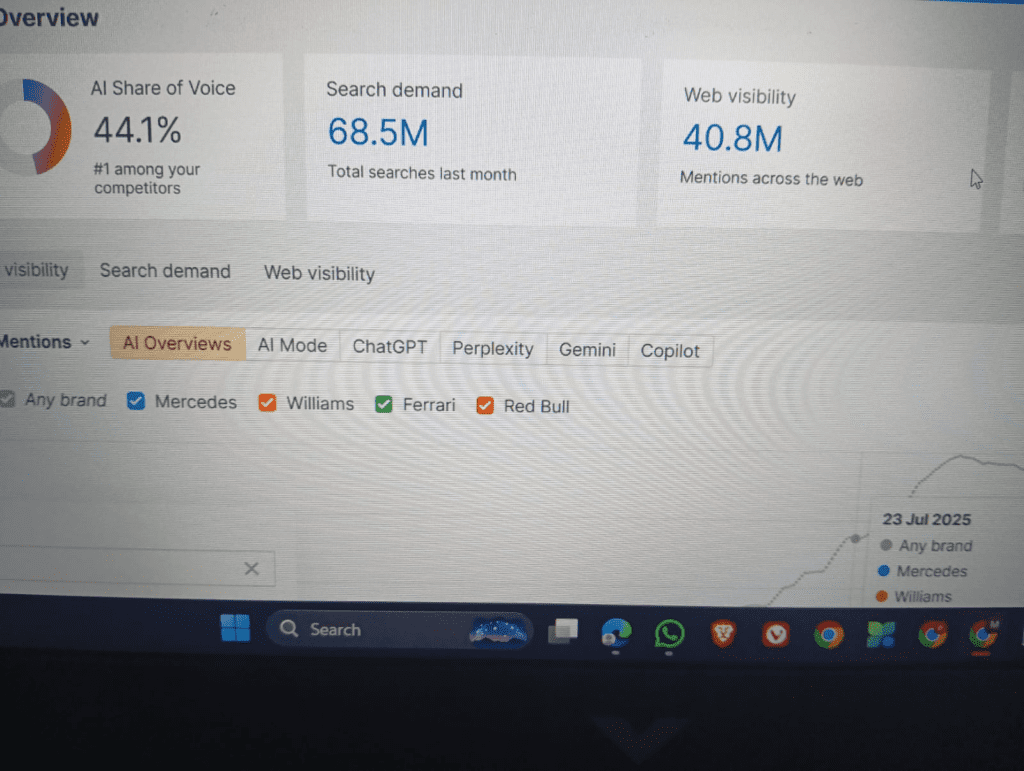
Ahrefs remains one of the most powerful SEO tools I use in 2026, especially when I need deep insights into backlinks and competitor strategies.
The tool’s biggest strength is its massive backlink index. When analyzing a competing website, I can see exactly which pages attract links and which topics are driving organic traffic.
One feature I rely on heavily is the Content Gap tool. It compares my website with competitors and identifies keywords they rank for that I don’t.
This helps uncover entire content opportunities quickly.
For example, when I analyzed a niche website recently, the content gap report revealed several long-tail keywords that competitors ranked for but had weak content. Writing improved versions of those articles generated traffic within weeks.
Ahrefs is also extremely useful for keyword difficulty analysis and SERP breakdown. Instead of just looking at numbers, I review the actual ranking pages to understand why they perform well.
My practical workflow
Every Monday I export a list of competitor keywords from Ahrefs and filter for:
- Keyword difficulty below 20
- Informational intent
- Consistent search demand
These become my weekly content targets.
Ahrefs isn’t cheap, but for serious SEO work it provides insights that are difficult to replicate elsewhere.
2. SEMrush
SEMrush is one of the most comprehensive SEO and digital marketing platforms available today.
While Ahrefs excels at backlinks, SEMrush shines when it comes to competitive intelligence and keyword discovery.
The Keyword Magic Tool is particularly valuable. It generates thousands of keyword variations and organizes them by topic clusters.
This makes it easier to build content silos rather than writing random standalone posts.
Another feature I often use is the Domain Overview. When researching a competitor, it shows:
- estimated organic traffic
- top ranking keywords
- traffic trends over time
- paid search activity
This context helps determine whether a niche is growing or declining.
My real workflow
When entering a new niche, I take three competitor domains and export their top organic keywords from SEMrush. Then I categorize those keywords into groups like:
- beginner guides
- comparison articles
- tutorials
This quickly reveals what type of content the audience responds to.
SEMrush also provides technical audits, backlink monitoring, and position tracking, making it a versatile all-in-one platform for long-term SEO projects.
3. Google Search Console
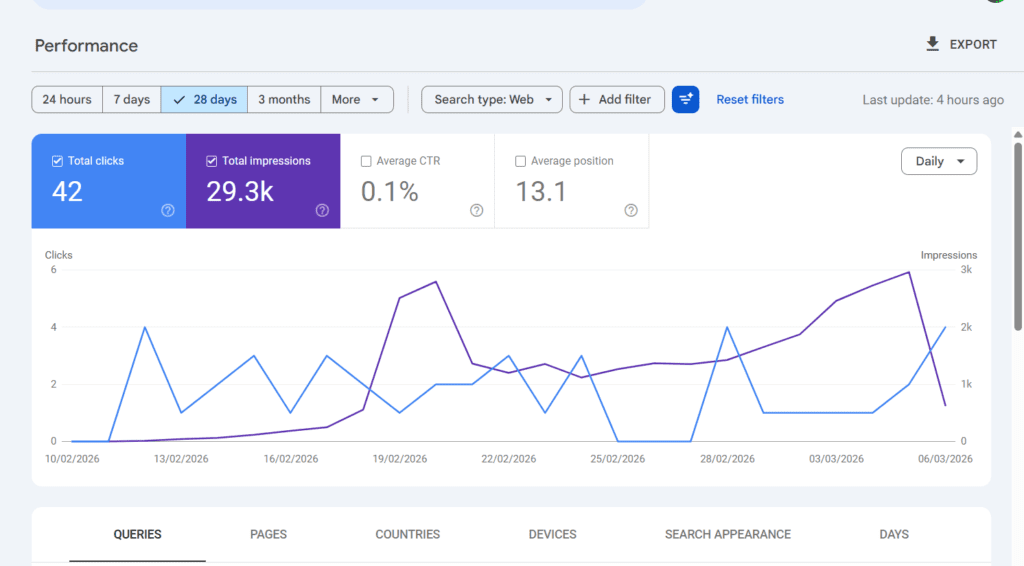
No SEO workflow is complete without Google Search Console.
This free platform provides direct insight into how a website appears in search results.
Unlike third-party tools that estimate traffic, Search Console shows actual search queries and clicks.
The performance report reveals:
- keywords generating impressions
- click-through rates
- average rankings
- indexing status
One of the most useful insights comes from identifying keywords that rank between positions 8 and 20.
These are often the easiest opportunities to improve because the pages are already indexed and gaining impressions.
My weekly habit
Every week I open Search Console and sort queries by impressions. Then I find keywords where:
- impressions are high
- rankings are between 10 and 20
Updating those pages with clearer headings, examples, or additional sections often pushes them into the first page.
Search Console also highlights technical issues like indexing problems or mobile usability errors, which helps ensure search engines can properly crawl the website.
4. Google Analytics
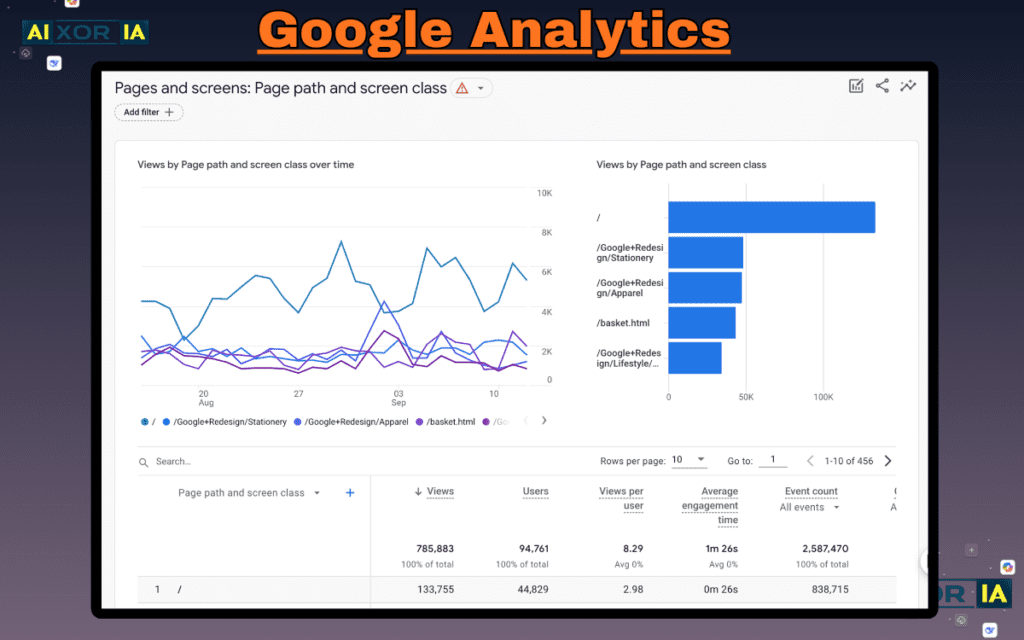
Understanding search traffic is important, but understanding user behavior is equally critical.
That’s where Google Analytics becomes essential.
Analytics helps answer questions like:
- How long do visitors stay on a page?
- Which pages lead to conversions?
- Where do users exit the site?
One surprising insight I discovered using Analytics was that some pages receiving large amounts of traffic actually had very low engagement.
Visitors were leaving within seconds.
After analyzing those pages, I realized the introductions were too generic and didn’t address the user’s main question immediately.
Rewriting the openings and adding quick summaries improved engagement significantly.
My workflow
I regularly review:
- average engagement time
- scroll depth
- traffic sources
These metrics reveal whether content is actually helping readers or simply attracting clicks without delivering value.
5. Surfer SEO
Surfer SEO focuses on one specific part of SEO: content optimization.
Instead of guessing what a well-optimized article looks like, Surfer analyzes top ranking pages and identifies patterns.
The Content Editor compares your draft with competitors and provides recommendations for:
- headings
- word count
- relevant terms
- keyword usage
While writing long guides, I often keep the Surfer editor open alongside my document.
The goal isn’t to follow the recommendations blindly, but to ensure the article covers important topics that readers expect.
My real usage
When optimizing an article about technical SEO recently, Surfer suggested several related phrases that competitors frequently used, including references to crawl budget and internal linking structure.
Adding dedicated sections explaining those concepts improved both the depth and clarity of the article.
Surfer essentially acts as a content completeness checker, ensuring nothing essential is missing.
6. Ubersuggest
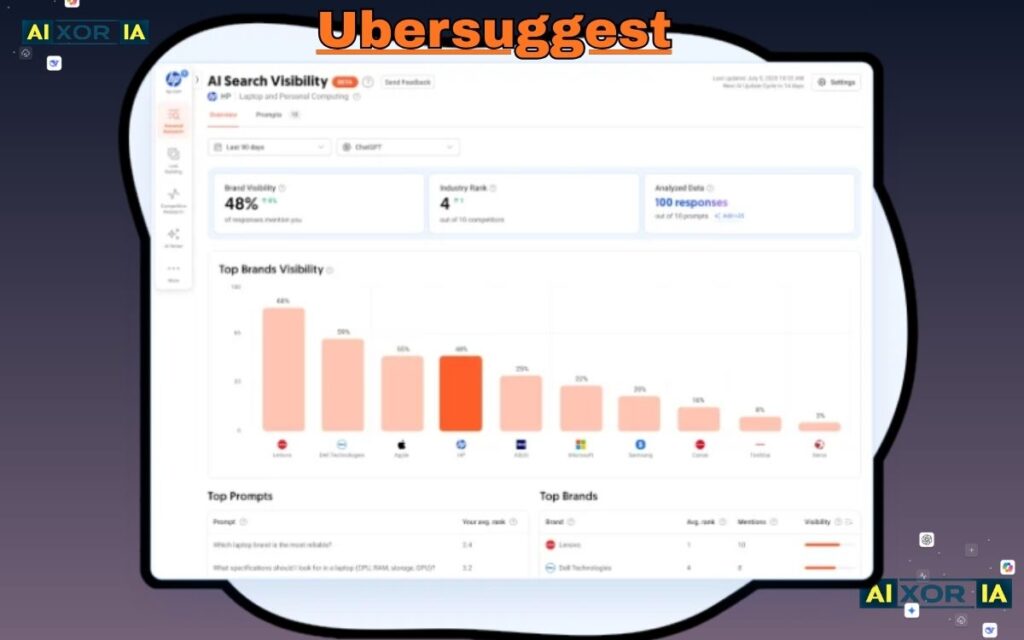
Ubersuggest, developed by Neil Patel, is one of the most beginner-friendly SEO tools available.
It provides keyword suggestions, search volume estimates, and SEO difficulty metrics in a simple interface.
Although it doesn’t have the massive database of enterprise tools, it’s excellent for discovering long-tail keyword opportunities.
One feature I appreciate is the content ideas report, which shows articles receiving high traffic for specific keywords.
This provides inspiration for creating improved versions of existing content.
My workflow
When exploring a new topic, I enter a broad keyword into Ubersuggest and review the suggested long-tail phrases.
Then I filter results by lower difficulty scores.
Many of these keywords represent questions or niche topics that larger competitors overlook.
For bloggers just starting with SEO, Ubersuggest offers a practical balance between usability and useful data.
7. Screaming Frog SEO Spider
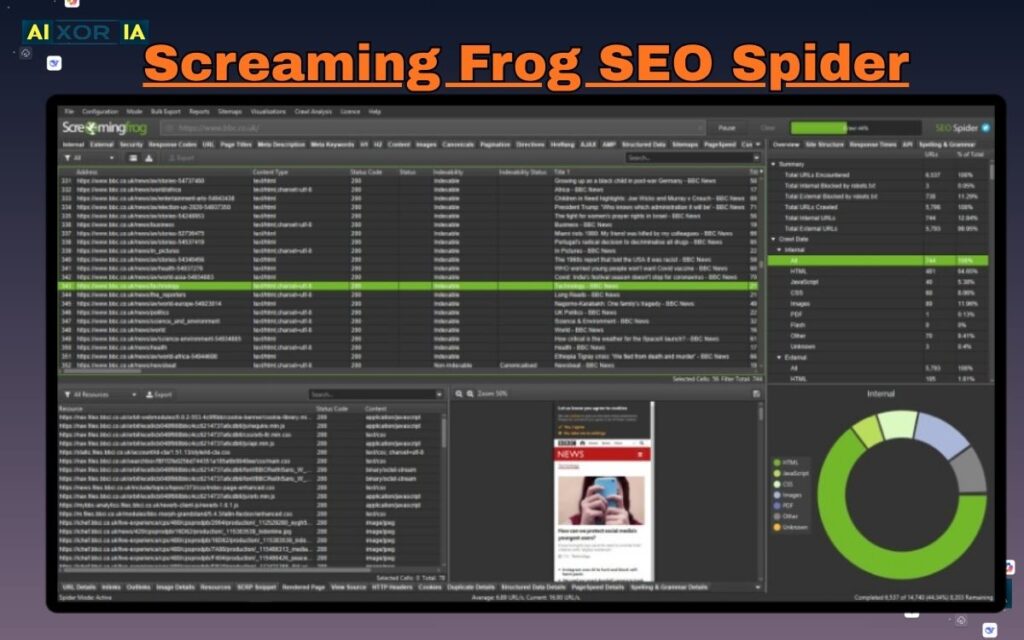
Technical SEO can be difficult to understand without the right tools.
Screaming Frog solves this problem by crawling a website the same way search engines do.
The tool scans every page and identifies issues such as:
- broken links
- missing meta descriptions
- duplicate titles
- redirect chains
Running a crawl on a large website often reveals dozens of hidden problems.
For example, during a recent audit I discovered several important pages were blocked from indexing due to incorrect meta tags.
Fixing those errors allowed them to appear in search results again.
My workflow
Before publishing large content updates, I run a full crawl to verify:
- internal links are functioning correctly
- canonical tags are set properly
- no accidental noindex tags exist
Technical problems can quietly limit rankings, so periodic site audits are essential.
8. AnswerThePublic
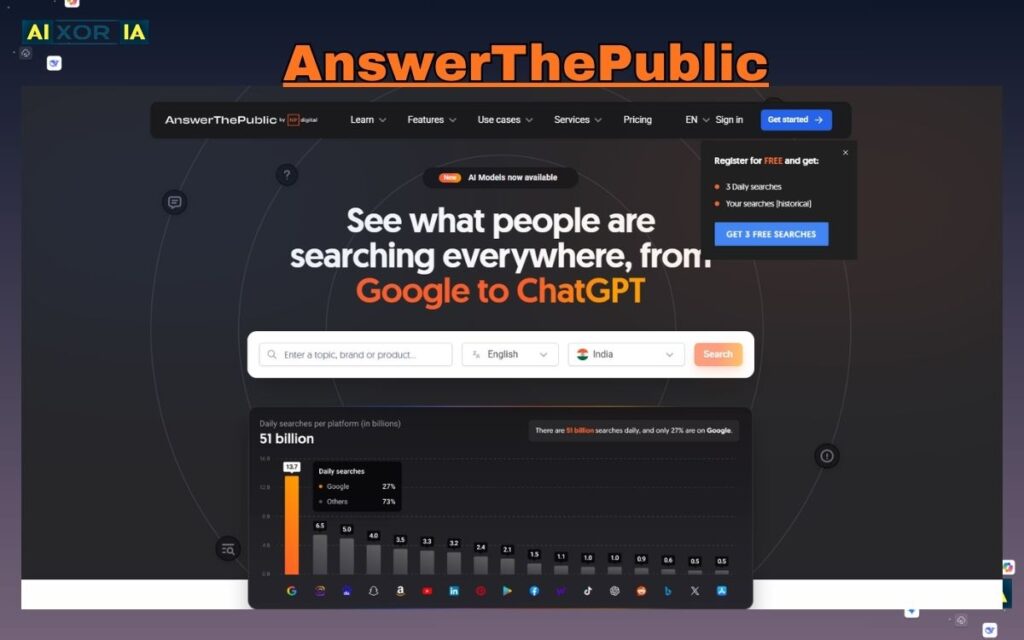
Creating useful content begins with understanding what people are actually asking.
AnswerThePublic visualizes search queries in the form of questions and topic clusters.
Entering a keyword generates dozens of variations including:
- what
- why
- how
- when
- comparisons
This format is extremely helpful when building FAQ sections or long-form guides.
My experience
When researching a guide about technical SEO tools, the platform revealed questions like:
- “What SEO tools do agencies use?”
- “Are SEO tools worth paying for?”
These questions became additional sections within the article, increasing its usefulness.
AnswerThePublic essentially turns search data into a map of user curiosity, making it easier to write content that answers real questions.
9. Moz Pro
Moz Pro has been part of the SEO industry for many years and remains a trusted platform for keyword and link analysis.
Its most famous metric is Domain Authority, which estimates the overall strength of a website based on its backlink profile.
While no metric perfectly predicts rankings, Domain Authority provides a quick way to evaluate competitive landscapes.
Moz also offers tools for keyword research, site audits, and rank tracking.
My workflow
I frequently use Moz when evaluating whether a keyword is realistically achievable.
If the top search results are dominated by websites with extremely high authority scores, ranking may require significant time and link building.
On the other hand, when results include smaller sites with moderate authority, the opportunity is much more promising.
Moz’s tools help estimate that balance.
10. Yoast SEO

For WordPress websites, Yoast SEO is one of the most widely used optimization plugins.
It provides guidance directly within the writing interface.
The plugin evaluates content based on:
- keyword placement
- readability
- heading structure
- meta descriptions
Although experienced writers may not rely heavily on these indicators, they are extremely helpful for beginners learning basic SEO principles.
My experience
Early in my blogging journey, Yoast helped me understand how to structure articles with clear headings and concise introductions.
Over time, the plugin’s readability analysis encouraged shorter sentences and clearer formatting, which improved user engagement.
Even now, I still use Yoast’s preview feature to see how titles and descriptions will appear in search results.
11. Rank Math
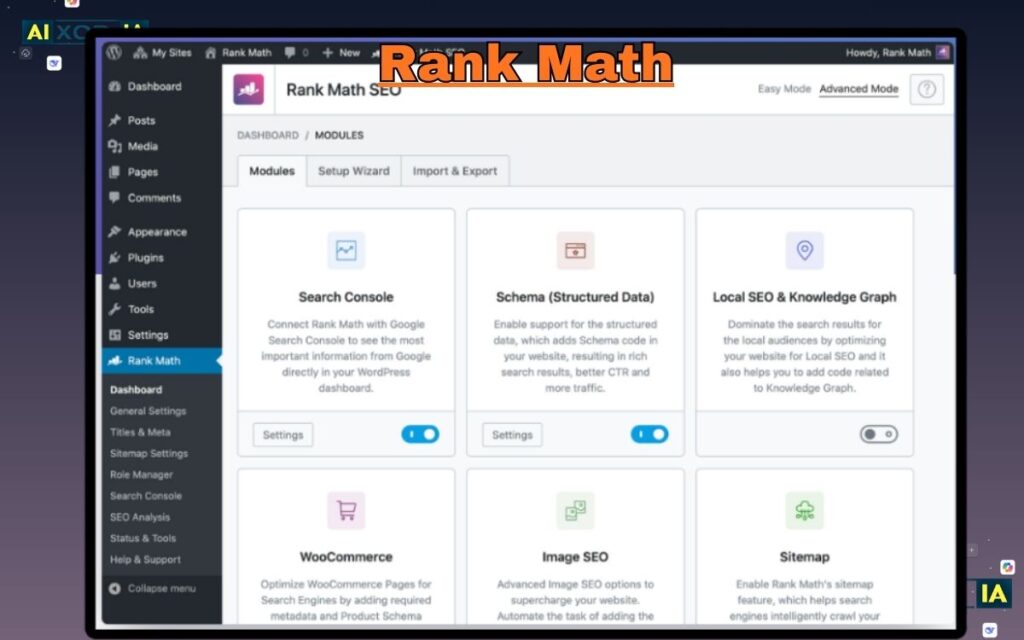
Rank Math has quickly become a strong alternative to traditional SEO plugins.
It includes advanced features such as built-in schema markup, keyword tracking, and automated optimization suggestions.
One reason many website owners prefer Rank Math is the extensive functionality available in the free version.
My workflow
When publishing tutorials or reviews, I often use Rank Math’s schema options to add structured data such as:
- article schema
- FAQ sections
- review snippets
This structured information helps search engines better understand page content and can enhance how results appear in search listings.
Rank Math essentially acts as a control center for on-page optimization.
12. PageSpeed Insights
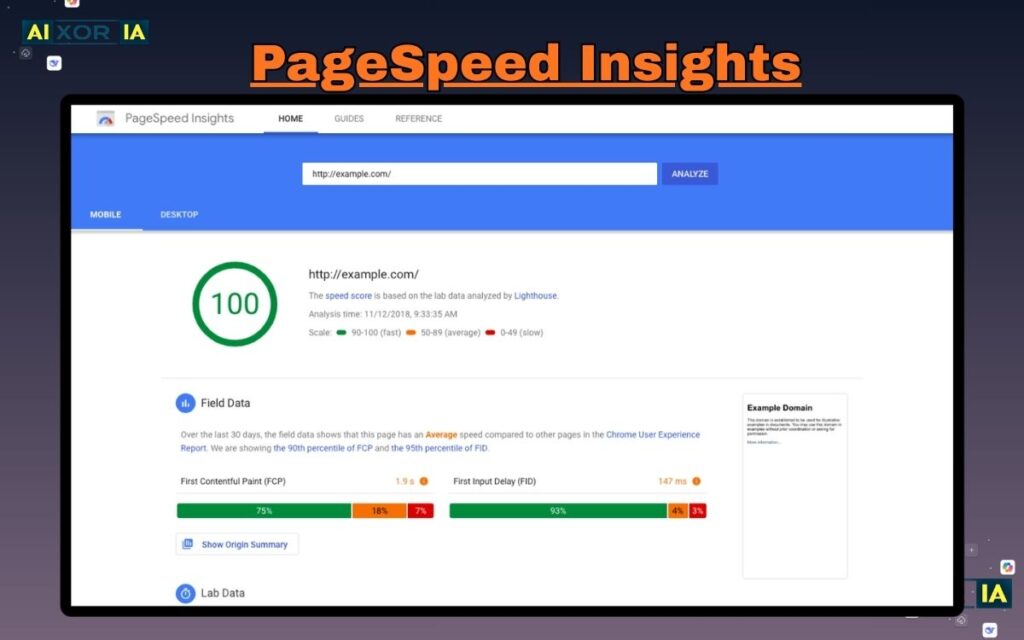
Website speed directly affects both user experience and search performance.
Google PageSpeed Insights analyzes pages and measures their performance across several metrics known as Core Web Vitals.
The tool identifies issues such as:
- slow loading images
- blocking scripts
- inefficient code
Improving these factors can significantly reduce load times.
My experience
When testing a content site recently, PageSpeed Insights revealed that large images were slowing down the page.
After compressing the images and enabling lazy loading, the loading time dropped dramatically.
Visitors stayed longer and bounce rates improved.
PageSpeed Insights acts as a diagnostic tool that highlights where performance improvements are needed.
13. GTmetrix
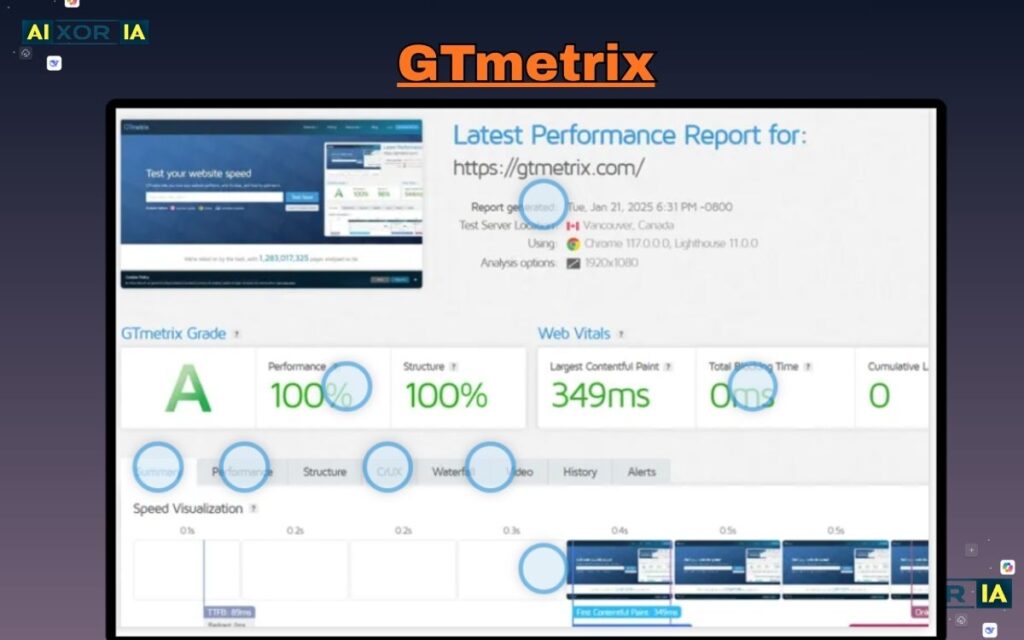
GTmetrix is another powerful performance analysis platform.
While PageSpeed Insights focuses on scoring metrics, GTmetrix provides a detailed waterfall report that shows exactly how each resource loads.
This makes it easier to pinpoint specific issues like:
- large scripts
- slow server responses
- unnecessary requests
My workflow
When troubleshooting performance problems, I compare results from GTmetrix and PageSpeed Insights.
If both tools highlight similar bottlenecks, it confirms where optimization efforts should focus.
Understanding how pages load step-by-step helps ensure a website delivers a smooth experience for visitors.
14. BuzzSumo
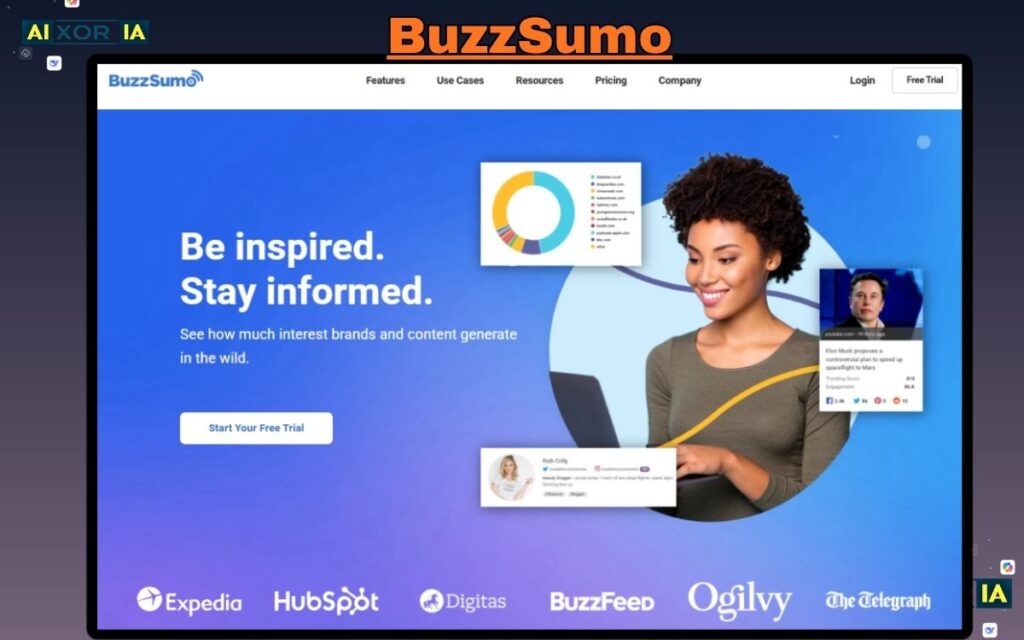
BuzzSumo focuses on discovering content trends and social engagement.
By searching a topic, you can see which articles receive the most shares across platforms.
This insight helps identify themes that resonate with audiences.
My experience
When researching digital marketing topics, BuzzSumo revealed that comparison guides and tool lists often receive strong engagement.
This insight influenced the structure of several successful articles.
BuzzSumo also helps identify influencers and websites that frequently publish in specific niches.
Understanding the content ecosystem can inspire more relevant and timely topics.
15. KWFinder
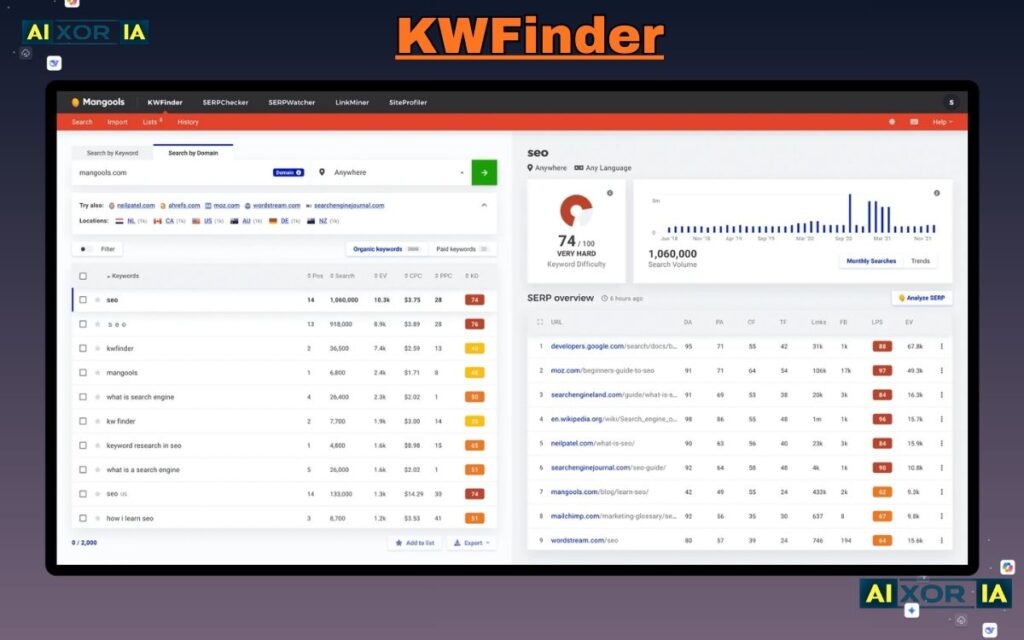
KWFinder specializes in identifying low competition keywords.
Its interface makes it easy to evaluate search results and determine whether ranking is realistic.
Each keyword includes metrics such as:
- search volume
- difficulty score
- SERP overview
My workflow
When building niche websites, I often search for keywords with moderate search demand but relatively weak competition.
Analyzing the first page results often reveals whether existing articles are outdated or incomplete.
If the current content lacks depth, creating a more detailed and updated guide can outperform it.
KWFinder simplifies the process of discovering those opportunities.
16. SE Ranking
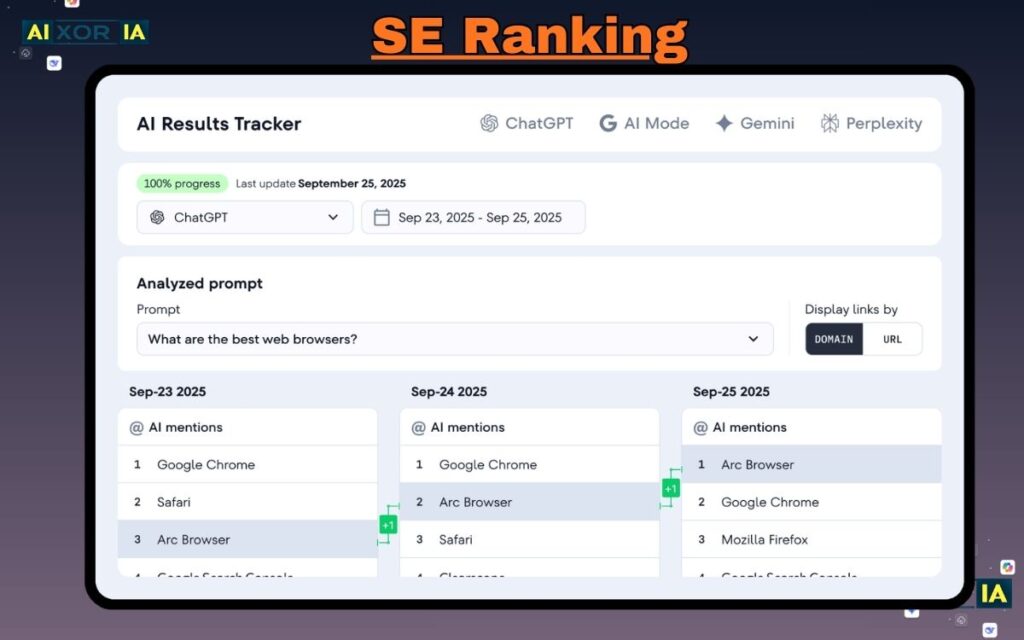
SE Ranking provides a complete set of SEO tools including rank tracking, site audits, and competitor monitoring.
One advantage of this platform is its affordability compared to some enterprise tools.
My workflow
For ongoing projects, I use SE Ranking to monitor keyword positions over time.
Seeing ranking fluctuations helps determine whether optimization efforts are working.
If rankings suddenly drop, it signals that competitors may have updated their content or that algorithm changes affected the page.
Tracking performance trends helps guide future improvements.
17. Mangools
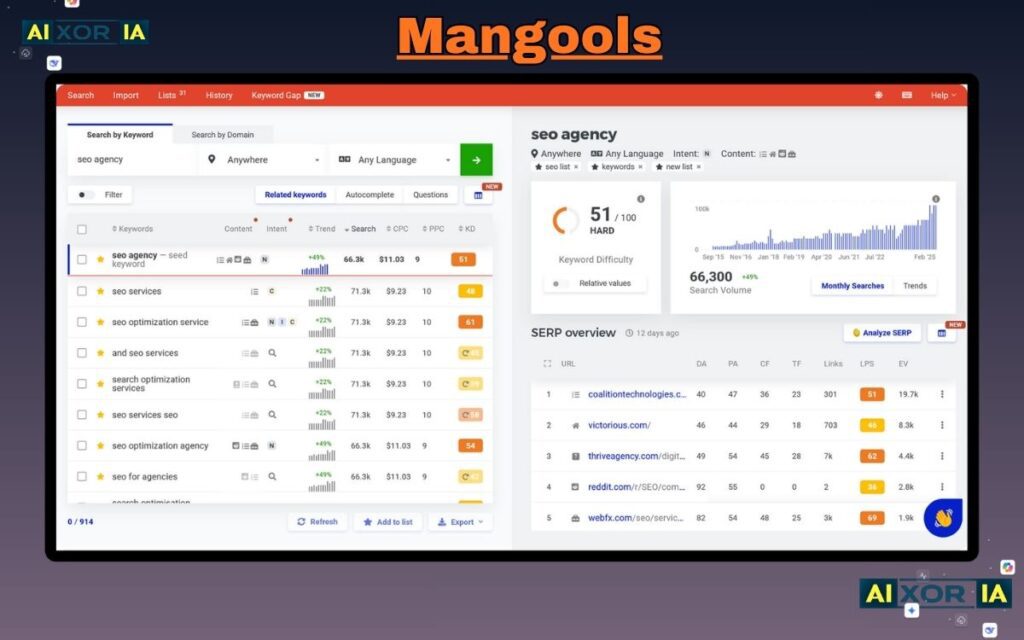
Mangools is a suite of SEO tools designed with simplicity in mind.
The platform includes several components:
- KWFinder for keywords
- SERPChecker for result analysis
- LinkMiner for backlink research
What makes Mangools appealing is its clean interface and intuitive design.
My experience
When teaching beginners about SEO research, Mangools is often easier to explain than complex enterprise platforms.
The SERPChecker tool visually displays metrics for each ranking page, making competitive analysis straightforward.
Mangools demonstrates that effective SEO tools don’t always need complicated dashboards.
18. Clearscope
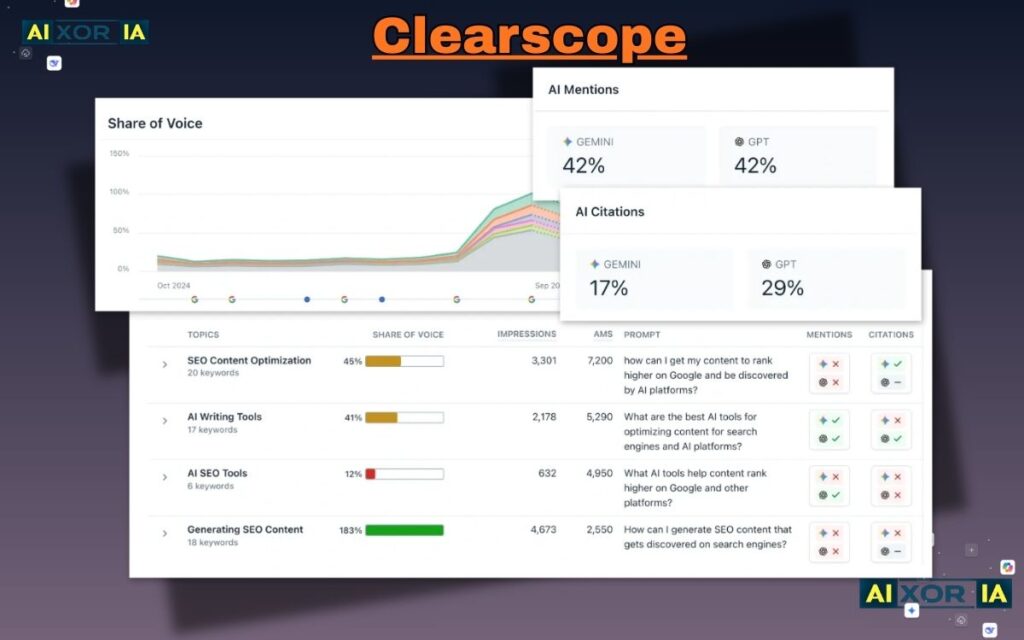
Clearscope focuses on improving the quality and topical depth of content.
It analyzes top ranking pages and identifies important terms and concepts related to a topic.
The goal is not keyword stuffing but topic completeness.
My workflow
When optimizing cornerstone guides, I use Clearscope to ensure the article addresses all relevant subtopics.
For example, when writing about technical SEO audits, the tool highlighted related concepts such as crawlability, indexation, and site architecture.
Including those topics improved the article’s usefulness and authority.
Clearscope essentially ensures that content answers the full scope of a user’s search intent.
19. ChatGPT
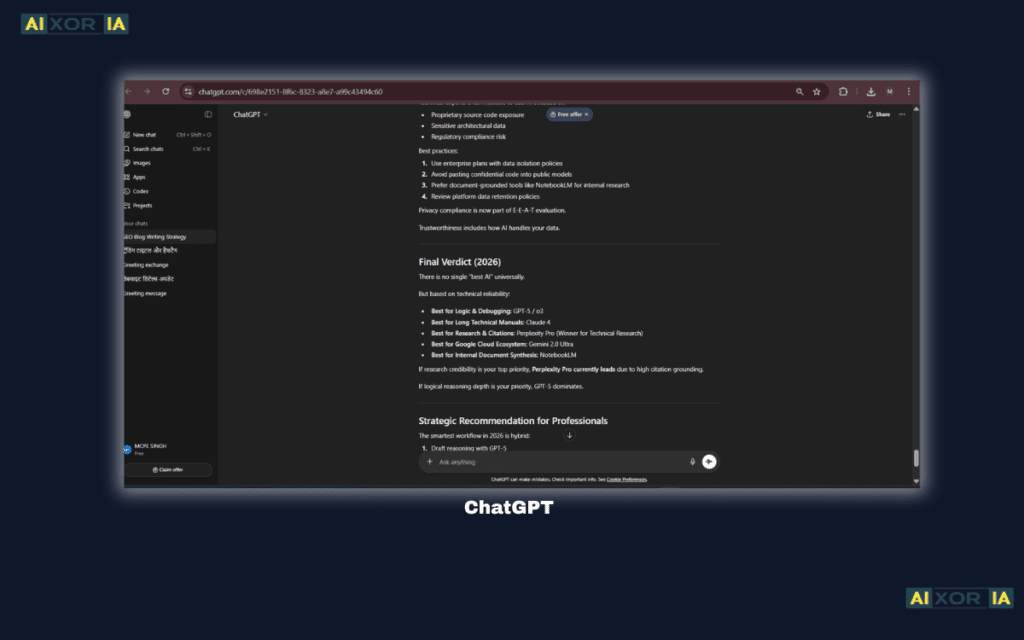
AI tools have become part of modern SEO workflows.
ChatGPT is useful for brainstorming ideas, organizing research, and drafting outlines.
However, the best results come when AI is used as a collaboration tool rather than a replacement for human expertise.
My workflow
I often use AI to generate:
- topic outlines
- keyword clusters
- headline variations
Then I expand those ideas with original insights, examples, and real experiences.
Combining AI assistance with human perspective allows faster research while maintaining authenticity.
20. Canva

Content marketing isn’t only about text.
Visual elements like infographics and diagrams help explain complex ideas and improve engagement.
**Canva makes it easy to create graphics without advanced design skills.
These visuals can include:
- blog illustrations
- comparison charts
- social media images
My experience
Adding custom graphics to tutorials often increases the time readers spend on a page because visuals make explanations easier to understand.
Canva allows quick creation of professional graphics that support written content.
SEO Tools That Quietly Disappeared or Became Irrelevant in 2026
Not every tool survives long in the fast-changing SEO landscape.
Some platforms that were once popular struggled to adapt to new search behaviors and AI-driven results.
Many tools that focused purely on automated keyword generation lost relevance because search engines now prioritize deeper topic coverage rather than simple keyword targeting.
Another change came from AI-generated search summaries, which reduced the effectiveness of certain ranking tactics.
As a result, many SEO professionals shifted their tool stacks toward platforms that emphasize content quality, technical analysis, and user engagement.
The tools listed in this guide remain valuable because they help understand not just keywords, but how users interact with information.
Final Thoughts
The most effective SEO strategy in 2026 isn’t about relying on a single tool.
It’s about combining insights from multiple sources to understand:
- what people are searching for
- how competitors are ranking
- how users interact with content
Each tool in this list serves a different purpose.
Some reveal hidden keyword opportunities. Others diagnose technical issues or analyze audience behavior.
When used together, they create a powerful framework for building content that is both search-friendly and genuinely helpful to readers.
FAQ
What is the best SEO tool for beginners?
Free tools like Google Search Console and Ubersuggest are excellent starting points.
Do I need paid SEO tools?
Not always. Many beginners succeed using free tools, but paid tools can speed up research and analysis.
How many SEO tools should I use?
Most professionals use 3–5 tools regularly instead of dozens.
2 thoughts on “20 Best SEO Tools I’m Using in 2026 (Free + Paid)”