Creative work has changed dramatically over the past few years.
In 2026, the challenge isn’t a lack of creative tools — it’s too many tools. Designers create mockups in one platform, writers plan content somewhere else, AI generates visuals in another place, and video production happens in an entirely separate environment.
The result?
Endless tab switching, scattered assets, and wasted time.
The real advantage today doesn’t come from using a single powerful tool. It comes from building a connected creative ecosystem where tools work together as a workflow rather than isolated apps.
Modern creative teams are now designing integrated tool stacks where ideas move smoothly from brainstorming → design → asset production → publishing. When tools communicate with each other, productivity increases dramatically.
This guide explores the best tools for streamlined creative workflows in 2026, but more importantly, it shows how these tools connect together into a functioning creative system.
Along the way, I’ll also share short real-world experiences from using these tools in production workflows.
Creative Workflow Integration Matrix (2026)
Before diving deeper into each tool, here’s a quick overview of how they fit together in a modern creative ecosystem.
| Creative Tool (2026) | Primary Function | Best Integration Partner | Pricing Category |
|---|---|---|---|
| Figma | UI/UX Design & Prototyping | Notion (briefs, planning) | Freemium |
| Notion | Project Planning & Documentation | Figma & Slack | Freemium |
| Canva | Fast Visual Content Creation | Social media APIs | Subscription |
| Runway | AI Video Production | Adobe Premiere Pro | Credit-based |
| Midjourney | Concept Art & Ideation | Discord / APIs | Paid |
| Adobe Firefly | AI Visual Generation | Adobe Creative Cloud ecosystem | Subscription |
Each tool solves a specific problem, but their true power appears when they are connected.
What “Streamlined Creative Workflow” Actually Means
Many articles about creative tools simply list popular apps.
But a streamlined workflow is not about the tools themselves — it’s about how creative work moves between them.
A typical 2026 workflow might look like this:
- Brainstorm ideas and content strategy inside Notion
- Generate visual concepts using Midjourney
- Convert the concept into UI or design layouts inside Figma
- Produce marketing visuals quickly using Canva
- Create motion or video content using Runway
- Final edits and distribution planning inside Notion
The key principle is minimizing friction between creative steps.
When ideas and assets move smoothly between platforms, creators spend more time building and less time organizing.
1. Figma — Where Digital Design Starts
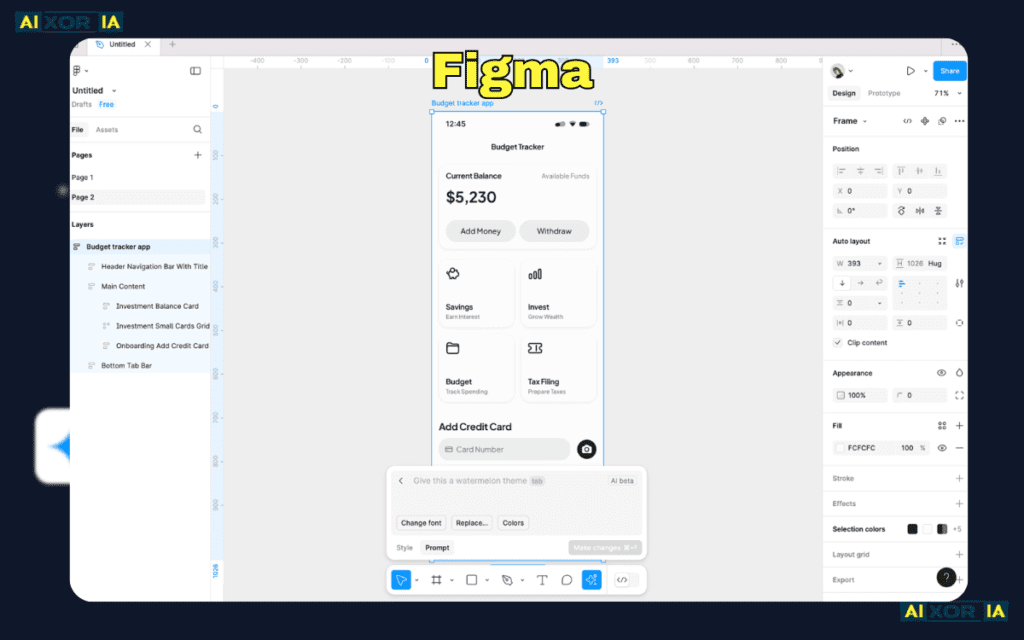
For many product designers and UI teams, Figma is the foundation of the creative workflow.
What makes it powerful is its real-time collaboration and cloud-based design environment.
Instead of emailing files or exporting versions, teams can work on the same design simultaneously.
Real-World Experience
In one product design sprint I worked on with a small startup team, the workflow looked like this:
- Product manager wrote feature requirements inside Notion
- The design brief was embedded directly into Figma
- Designers created UI layouts while developers watched changes in real time
This reduced our design feedback loop from two days to a few hours.
Workflow Integration
Figma integrates smoothly with:
- Notion for design documentation
- Slack for feedback notifications
- development tools for code handoff
When a Figma prototype is embedded inside Notion documentation, the entire team can track design progress without opening multiple tools.
2. Notion — The Creative Command Center
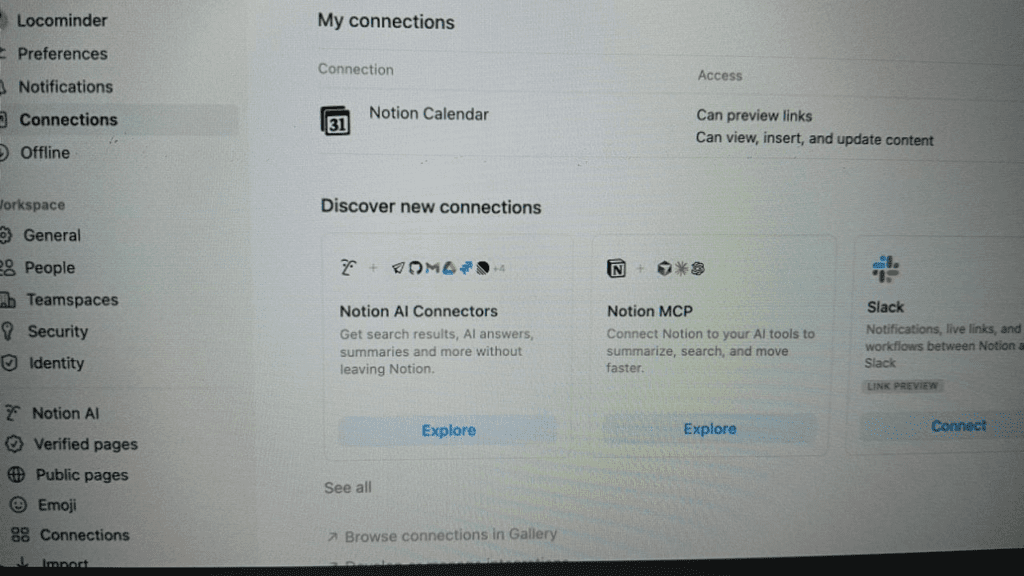
Creative ideas often fail because teams lose track of them.
Notion solves this problem by acting as the central brain of the creative workflow.
Everything from:
- creative briefs
- mood boards
- production timelines
- asset libraries
can live inside a single workspace.
Real-World Experience
During a content campaign project, we used Notion as the planning hub.
Each content piece had:
- the idea
- research notes
- design requirements
- links to Figma files
- final publishing checklist
Instead of digging through email threads or chat messages, the entire project existed in one structured document.
Workflow Integration
Notion works especially well with:
- Figma embeds
- Slack notifications
- external APIs
When connected correctly, Notion becomes the project management layer for creative work.
3. Midjourney — The Ideation Accelerator
The ideation stage is where many creative projects slow down.
Brainstorming visual concepts can take hours — sometimes days.
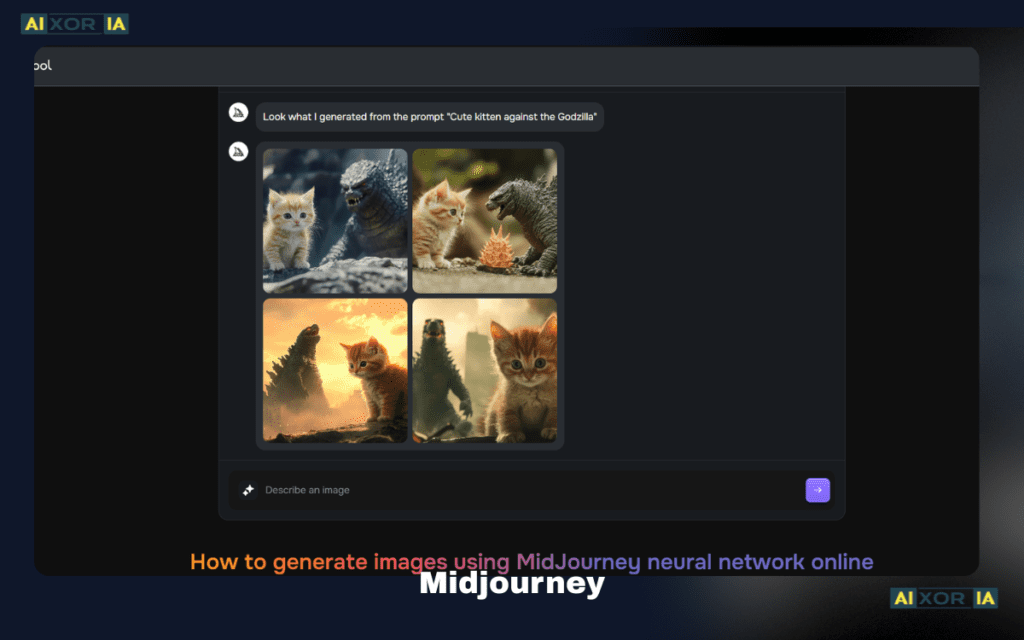
This is where Midjourney dramatically changes the process.
Instead of sketching ideas manually, designers can generate dozens of visual directions in minutes.
Real-World Experience
While developing a brand concept for a digital product, I used Midjourney to generate:
- typography styles
- visual themes
- interface mood boards
Within one hour, we had 50+ visual directions to explore.
Normally this process would take an entire day of manual sketching.
Workflow Integration
Midjourney outputs can easily become:
- concept boards for Figma designs
- visual references for Canva templates
- art inspiration for marketing visuals
It essentially acts as the creative exploration engine in the workflow.
4. Canva — Scaling Visual Content
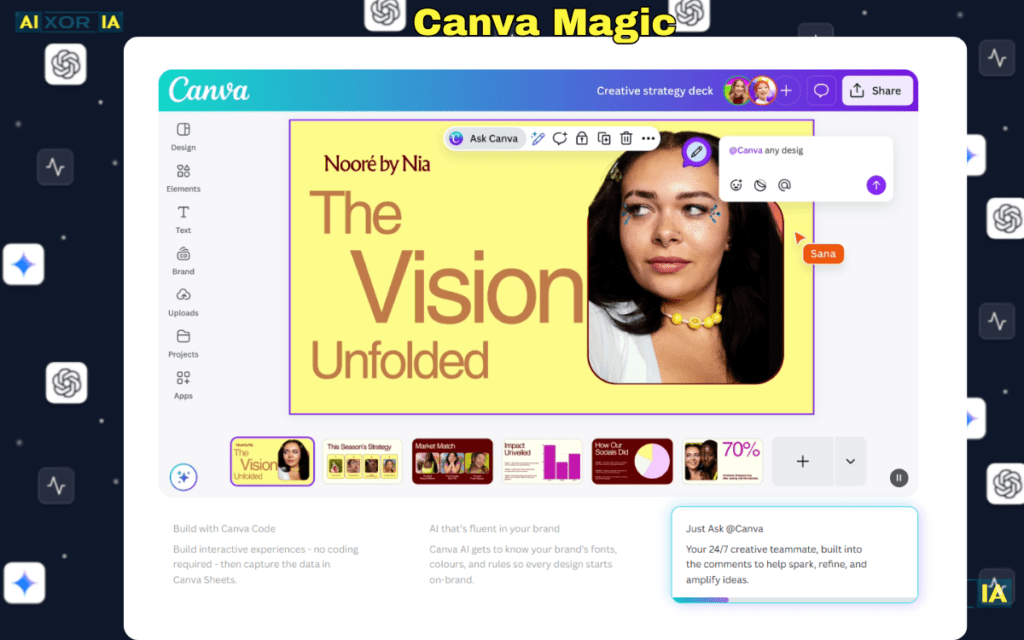
Once a design direction is established, the next challenge is scaling content production.
Marketing teams need:
- social media graphics
- blog visuals
- presentations
- advertisements
This is where Canva shines.
It allows non-designers to produce professional visuals quickly.
Real-World Experience
During a marketing campaign launch, our design team created a brand template inside Canva.
The marketing team then used that template to generate 30+ social media graphics in a single afternoon.
The designer didn’t need to manually create every variation.
Workflow Integration
Canva works well with:
- social media scheduling tools
- brand asset libraries
- marketing teams without design expertise
It becomes the content production layer of the creative system.
5. Adobe Firefly — Professional AI Visual Creation
AI-generated images have exploded in popularity.
However, many professional designers need tools that integrate with established creative software.
Adobe Firefly fills this gap.
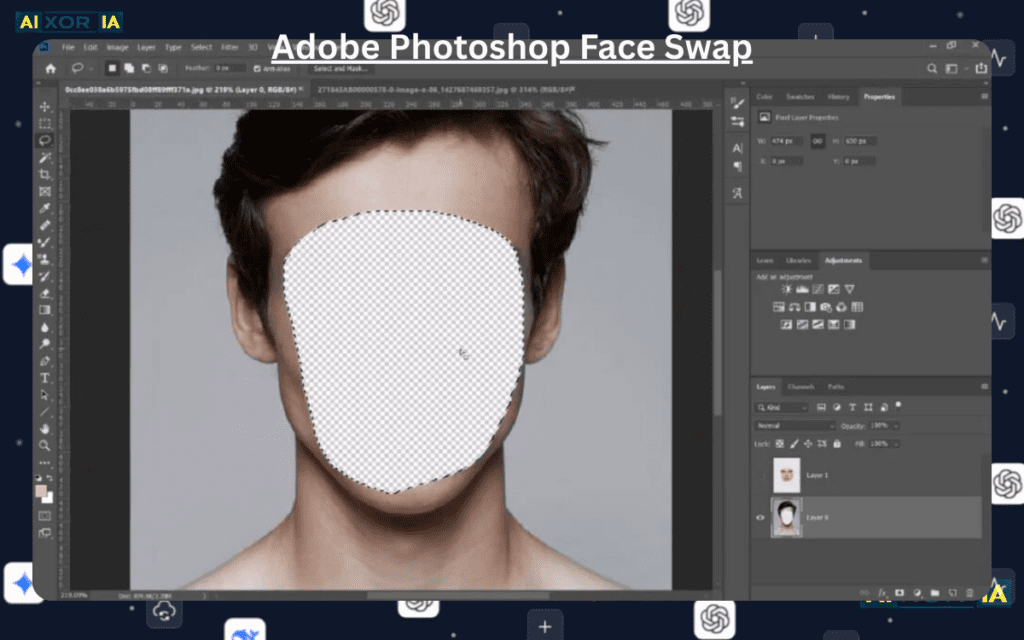
It focuses on generating professional assets directly inside the Adobe ecosystem.
Real-World Experience
In a design experiment, I used Firefly to generate custom background textures for a landing page.
Instead of searching stock libraries for hours, we created unique visuals in minutes and edited them inside Photoshop.
Workflow Integration
Firefly works best when combined with:
- Adobe Photoshop
- Illustrator
- Premiere Pro
It acts as an AI asset generator inside a professional design environment.
6. Runway — The AI Video Production Engine

Video production used to require expensive software and hours of editing.
Runway has simplified the process dramatically.
With AI-assisted video tools, creators can:
- generate scenes
- remove backgrounds
- create animations
- edit clips automatically
Real-World Experience
While producing a short promotional video, I tested Runway’s AI background removal.
Instead of manually masking objects frame by frame, the tool handled the entire task automatically.
What would normally take 30 minutes took less than 2 minutes.
Workflow Integration
Runway works well alongside:
- Adobe Premiere Pro for final editing
- AI voice generators
- motion graphics tools
This allows creators to produce video content far faster than traditional workflows.
Measuring Creative Workflow Efficiency in 2026
Modern creative teams increasingly measure productivity using data.
One emerging concept is Creative Velocity.
Creative velocity represents how quickly high-quality assets move from idea to final production.
The Creative Velocity Score
Cv=Tool Switching Latency (mins)+Render Time(Assets Produced×Quality Index)
Where:
- Assets Produced = number of completed creative outputs
- Quality Index = subjective quality rating
- Tool Switching Latency = time spent moving between tools
- Render Time = time required for processing assets
Why Integration Matters
When tools operate separately, creators waste time switching platforms.
But when integrated systems reduce tool switching latency, Creative Velocity increases significantly.
For example:
- Figma designs embedded inside Notion
- Midjourney concepts imported directly into design tools
- AI visuals generated within editing environments
These integrations reduce friction across the creative pipeline.
Cost of a Modern Creative Workflow Stack
One important factor many creators consider is cost.
A typical solo creator workflow stack might include:
| Tool | Typical Monthly Cost |
|---|---|
| Figma Professional Plan | ~$12 |
| Notion Plus | ~$10 |
| Midjourney | ~$30 |
| Canva Pro | ~$13 |
| Runway Credits | ~$15–$40 |
| Adobe Firefly / Creative Cloud | ~$20–$30 |
Total estimated cost:
$100–$150 per month
For a solo creator or small team, this stack provides a complete creative production pipeline.
Building Your Personal Creative Ecosystem
Instead of adopting every tool available, creators should focus on building a balanced ecosystem.
A simple structure might look like this:
Idea Generation
→ Midjourney
Planning & Documentation
→ Notion
Design Creation
→ Figma
Visual Production
→ Canva / Firefly
Video Production
→ Runway
Publishing & Marketing
→ external distribution tools
The goal is to create a workflow where ideas move smoothly through each stage of creation.
Final Thoughts
The creative industry in 2026 is defined by connected workflows rather than individual tools.
The most productive creators are not those who master every platform individually.
They are the ones who build integrated creative ecosystems where tools work together.
When ideation, design, content production, and video creation all operate in harmony, creativity becomes faster, smoother, and more scalable.
The future of creative work isn’t about using more tools.
It’s about building the right system of tools that amplify your ideas.
Frequently Asked Questions
What are creative workflow tools?
Creative workflow tools are software platforms that help creators manage tasks like ideation, design, collaboration, editing, and publishing.
Are AI tools replacing creative professionals?
No. AI tools are designed to assist creativity, not replace it. They automate repetitive tasks so creators can focus on ideas and storytelling.
What is the best creative workflow tool in 2026?
There isn’t one single tool. Most creators combine tools like Figma, Notion, Canva, and AI generators to create a complete workflow.
2 thoughts on “Best Tools for Streamlined Creative Workflows in 2026”