Managing documents is one of the most critical—and often overlooked—challenges for accounting firms. From tax files and financial statements to client records and compliance documents, the volume and sensitivity of data require systems that are secure, organized, and easy to access.
In 2026, document management software is no longer just about storage. Modern platforms now combine automation, AI-powered document processing, workflow management, and compliance tools to help accounting firms operate efficiently at scale.
For US-based accounting firms, the stakes are even higher. You need solutions that support regulatory compliance, audit trails, secure client collaboration, and seamless integrations with accounting tools.
This guide breaks down the best document management software for accounting firms in 2026, with detailed analysis, pricing insights, pros and cons, and AI capabilities for each platform.
Table of Contents
What Makes the Best Document Management Software for Accounting Firms?
Not all document management systems are built for accounting workflows. The best tools for accounting firms typically offer:
Security and compliance
Accounting firms handle highly sensitive financial data. Look for features like encryption, role-based access, audit trails, and compliance with standards such as SOC 2 and IRS guidelines.
Workflow automation
Document routing, approvals, and task assignments should be automated to reduce manual work and improve efficiency.
AI-powered document processing
Modern tools use AI to:
- Extract data from invoices and tax forms
- Categorize and tag documents automatically
- Reduce manual data entry
Integration with accounting software
Your DMS should integrate with tools like QuickBooks, Xero, and other financial systems.
Client collaboration
Secure portals for document sharing and communication are essential for client-facing firms.
The Best Document Management Software for Accounting Firms at a Glance
| Tool | Best For | Key Strength |
|---|---|---|
| SmartVault | Accounting-specific workflows | Deep QuickBooks integration |
| ShareFile | Secure client collaboration | Client portals + security |
| DocuWare | AI document processing | Workflow automation + OCR |
| M-Files | Intelligent information management | AI-driven organization |
| NetDocuments | Compliance-heavy firms | Enterprise-grade security |
| Zoho WorkDrive | Budget-friendly teams | Simplicity + collaboration |
| Box | Enterprise collaboration | Scalable cloud storage |
Best Document Management Software for Accounting Workflows
SmartVault

SmartVault is built specifically for accounting professionals, making it one of the most practical solutions for firms that rely heavily on structured financial workflows.
It integrates deeply with accounting tools, especially QuickBooks, allowing firms to organize documents directly within their financial processes. You can attach documents to transactions, manage client records, and maintain compliance-ready storage without switching platforms.
SmartVault also includes secure client portals, automated workflows, and granular permission controls. This makes it easier to manage sensitive data while maintaining transparency and audit readiness.
In terms of AI, SmartVault is gradually incorporating intelligent automation features such as document tagging, search optimization, and workflow suggestions. While not as advanced as some AI-first platforms, it provides enough automation to significantly reduce manual organization work.
Pricing: Starts around $20/user/month (varies by plan)
Pros:
- Built for accountants
- Strong QuickBooks integration
- Secure client portals
Cons:
- Limited advanced AI features
- UI can feel dated compared to newer tools
Best Document Management Software for Client Collaboration
ShareFile
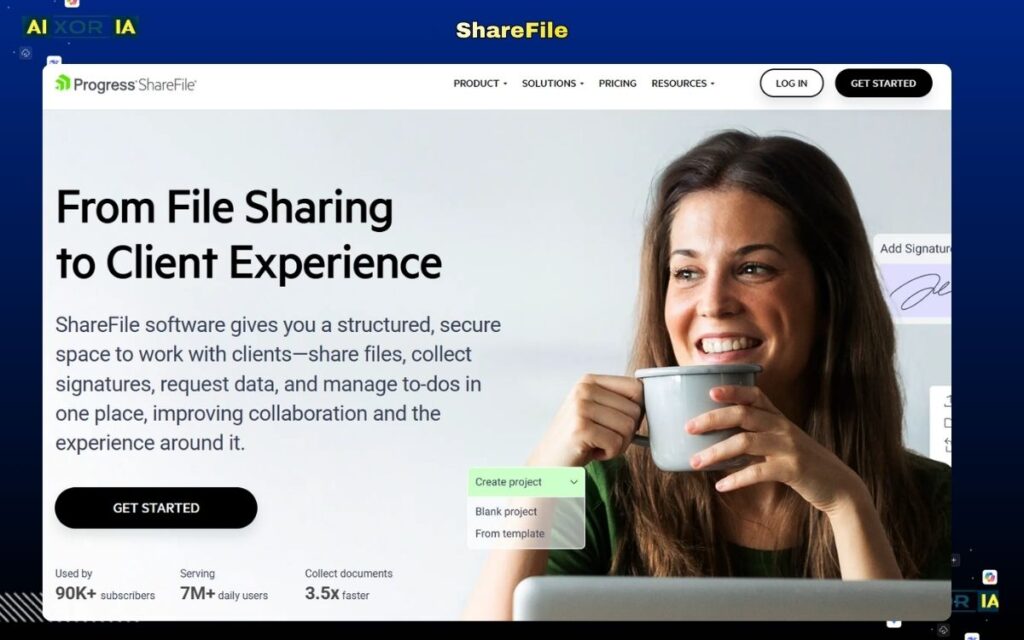
ShareFile is a widely used document management and file-sharing platform, particularly strong in secure client communication.
For accounting firms, client interaction is constant—uploading tax documents, sharing reports, and requesting signatures. ShareFile simplifies this with secure portals, encrypted file transfers, and customizable workflows.
Its AI capabilities focus on automation and efficiency. The platform uses intelligent workflows to route documents, send reminders, and manage approvals. It also includes basic AI-assisted search and document categorization, helping firms quickly locate files across large datasets.
ShareFile integrates with popular accounting and productivity tools, making it suitable for firms that prioritize communication and collaboration.
Pricing: Starts around $16/user/month
Pros:
- Excellent client portals
- Strong security features
- Easy file sharing
Cons:
- Limited deep accounting integrations
- Advanced automation requires higher plans
Best AI-Powered Document Management Software
DocuWare
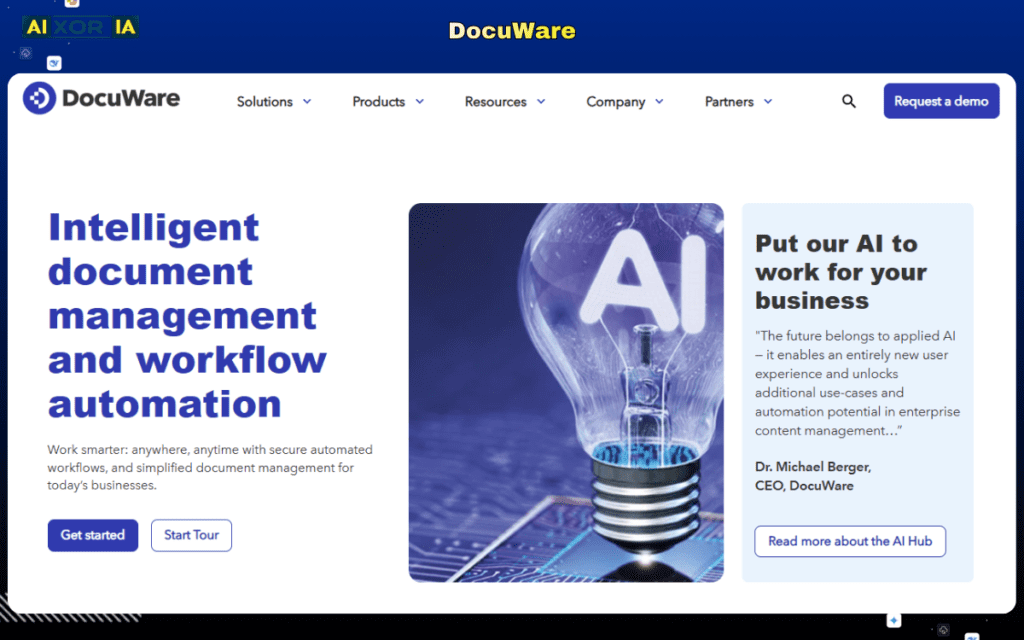
DocuWare stands out for its advanced AI-driven document processing and workflow automation.
It uses optical character recognition (OCR) and AI to extract data from invoices, receipts, and financial documents. This allows accounting firms to automate data entry, reduce errors, and speed up processing times.
DocuWare’s workflow engine enables firms to create automated approval processes, document routing, and compliance tracking. AI also helps categorize documents and suggest workflows based on usage patterns.
For US accounting firms handling large volumes of documents, DocuWare provides a scalable and intelligent solution that reduces manual workload significantly.
Pricing: Custom pricing (enterprise-focused)
Pros:
- Strong AI and OCR capabilities
- Advanced workflow automation
- Scalable for large firms
Cons:
- Higher cost
- Requires setup and training
Best Intelligent Document Management Platform
M-Files
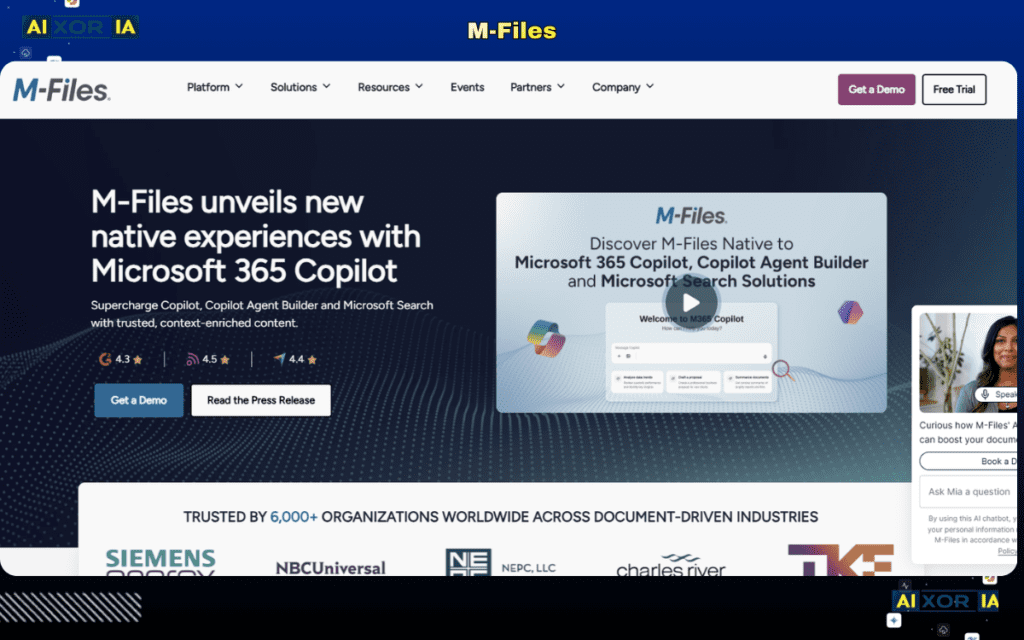
M-Files takes a unique approach by organizing documents based on what they are, rather than where they are stored.
This metadata-driven system allows accounting firms to find documents quickly without navigating complex folder structures. It’s particularly useful for firms managing large volumes of client files and financial records.
AI plays a central role in M-Files. The platform automatically classifies documents, extracts data, and enforces compliance rules. It can also suggest workflows and flag potential risks, making it a powerful tool for firms that prioritize efficiency and governance.
Pricing: Custom pricing
Pros:
- AI-driven organization
- Strong compliance features
- Reduces manual sorting
Cons:
- Learning curve
- Higher cost for small firms
Best Enterprise-Grade Document Management Software
NetDocuments
NetDocuments is designed for firms that require strict compliance, security, and scalability.
It offers enterprise-grade security features, including encryption, audit trails, and compliance certifications. This makes it particularly suitable for accounting firms dealing with regulatory requirements and audits.
AI capabilities in NetDocuments include intelligent search, document classification, and risk detection. These features help firms manage large document repositories efficiently while maintaining compliance.
Pricing: Custom enterprise pricing
Pros:
- High-level security and compliance
- Strong AI search capabilities
- Reliable for large firms
Cons:
- Expensive
- Best suited for enterprise use
Best Budget-Friendly Document Management Software
Zoho WorkDrive
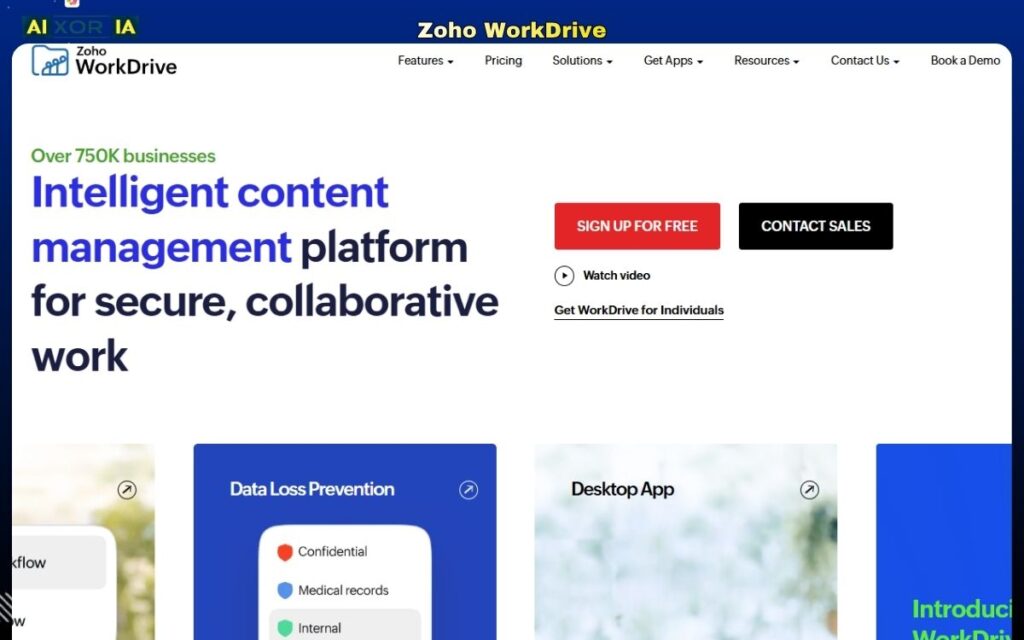
Zoho WorkDrive is a cost-effective solution for small to mid-sized accounting firms.
It offers essential document management features such as file storage, sharing, collaboration, and basic workflow automation. While it may not have the depth of enterprise tools, it provides excellent value for its price.
Zoho is also integrating AI features across its ecosystem, including smart search, document insights, and automation suggestions. These features help improve productivity without increasing complexity.
Pricing: Starts around $4/user/month
Pros:
- Affordable
- Easy to use
- Good collaboration features
Cons:
- Limited advanced features
- Not ideal for large firms
Best Scalable Document Management Platform
Box
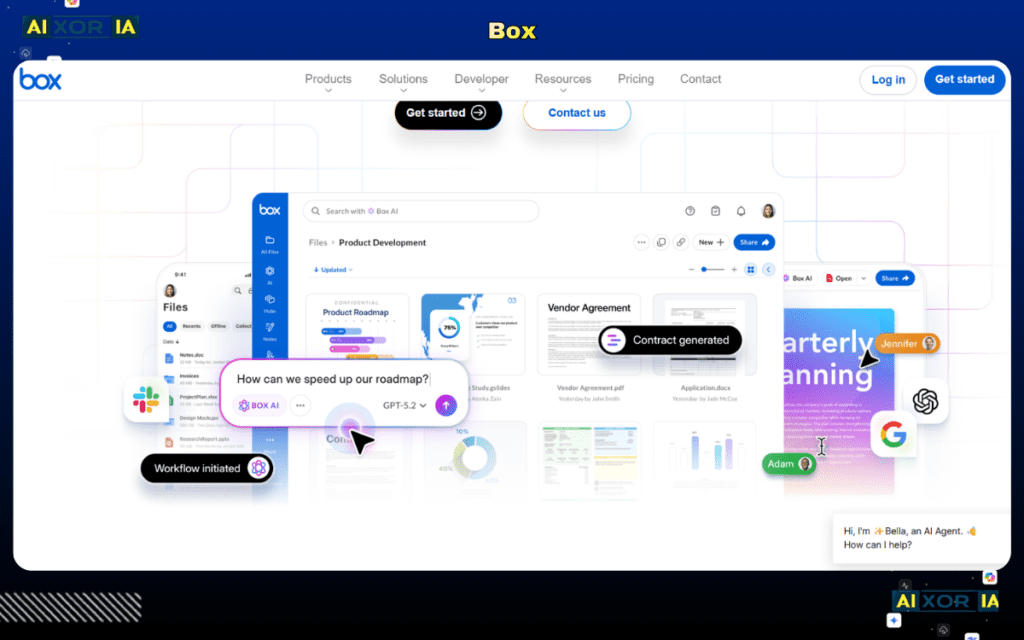
Box is a cloud-based content management platform designed for scalability and collaboration.
It offers secure storage, workflow automation, and integration with a wide range of business tools. For accounting firms, Box provides a centralized system for managing documents across teams and departments.
AI capabilities in Box include intelligent content management, automated workflows, and advanced search. These features help firms organize and retrieve documents efficiently, even at scale.
Pricing: Starts around $15/user/month
Pros:
- Highly scalable
- Strong integrations
- Enterprise-ready
Cons:
- Can be expensive
- Requires configuration for accounting-specific workflows
How to Choose the Right Document Management Software
The best choice depends on your firm’s size and needs:
- Small firms → Zoho WorkDrive
- Accounting-focused workflows → SmartVault
- Client collaboration → ShareFile
- AI automation → DocuWare or M-Files
- Enterprise compliance → NetDocuments or Box
Many firms use a combination of tools to balance cost, functionality, and scalability.
The Role of AI in Document Management for Accounting Firms
AI is transforming document management in accounting.
Modern platforms now:
- Automatically extract data from financial documents
- Categorize and organize files
- Reduce manual entry
- Improve accuracy and compliance
This allows accounting professionals to focus more on analysis and client service rather than administrative tasks.
Final Thoughts
Document management software is no longer optional for accounting firms—it’s a core part of how modern firms operate.
The best document management software for accounting firms in 2026 is not just about storage, but about automation, intelligence, and scalability.
Choose a platform that aligns with your workflows, integrates with your existing tools, and supports your growth. In many cases, combining tools can provide the best results.