In 2026, business analysts are no longer just “data interpreters.”
👉 They are decision architects
Earlier:
- Analyze past data
- Create reports
Now:
- Predict future outcomes
- Simulate business scenarios
- Recommend decisions
This shift is called Decision Intelligence.
Modern AI tools can:
- Run what-if simulations
- Suggest optimal strategies
- Detect hidden business risks
👉 Example:
“What happens if pricing increases by 10%?”
AI tools can simulate outcomes instantly.
Comparison Table (2026 Updated with Skill Gap)
| Tool | Best For | Key AI Feature (2026) | Skill Gap (Then vs Now) |
|---|---|---|---|
| Tableau | Data visualization | AI insights + scenario simulation | Earlier: SQL/VizQL → Now: Natural language |
| Power BI | Business dashboards | What-if analysis + AI insights | Earlier: DAX → Now: Ask questions in plain English |
| ChatGPT | Analysis + documentation | Insight generation + automation | Earlier: Manual writing → Now: AI-assisted |
| Notion AI | Documentation | Smart summaries + workflow AI | Earlier: Manual notes → Now: auto-structured |
| Akkio | Predictive analytics | No-code ML models | Earlier: Python → Now: drag & drop |
| Coupler.io | Data integration | Automated pipelines | Earlier: manual ETL → Now: automated |
| Miro AI | Process mapping | AI-generated workflows | Earlier: manual diagrams → Now: auto-generation |
Best AI Tools for Business Analysts
1. Tableau
Best for: Data visualization + Decision Intelligence dashboards
Tableau has evolved from a visualization tool into a decision intelligence platform. In 2026, it doesn’t just display data — it actively helps analysts explore what decisions to make.
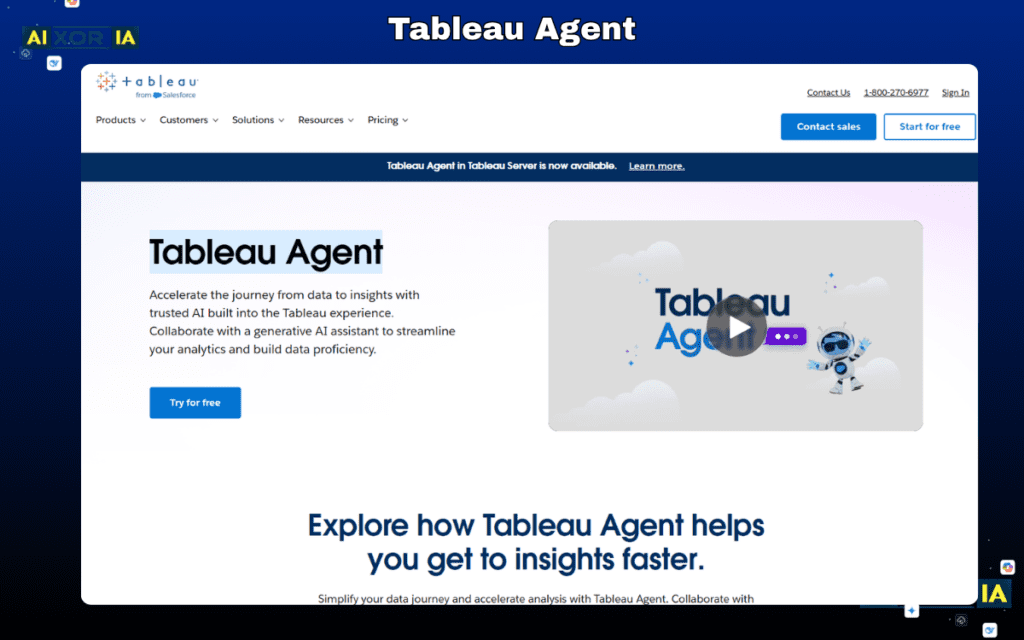
The biggest shift is the integration of AI-driven insights and scenario simulation. Tableau can now:
- Automatically detect patterns in datasets
- Highlight anomalies and trends
- Suggest insights without manual querying
But the real 2026 advantage is:
👉 What-if analysis (scenario simulation)
This allows analysts to test:
- Pricing changes
- Market demand shifts
- Revenue impact scenarios
Earlier, this required deep knowledge of SQL or VizQL. Now:
👉 You can simply ask questions in natural language
Example:
“What happens to revenue if customer churn increases by 5%?”
Tableau converts this into visual insights instantly.
Why it matters:
Business analysts are expected to provide actionable recommendations, not just reports.
Tableau helps bridge that gap by:
- Turning data into stories
- Supporting decision-making
- Making insights easy to present
💡 Best for:
- KPI dashboards
- Executive reporting
- Strategic analysis
🧪 Real Experience
Used Tableau for a sales dashboard—AI flagged a hidden drop in repeat customers. That insight helped adjust strategy before revenue impact became serious.
READ MORE – The 5 Best AI Tools for Business Strategy in 2026
2. Microsoft Power BI
Best for: Business intelligence + AI-powered decision dashboards
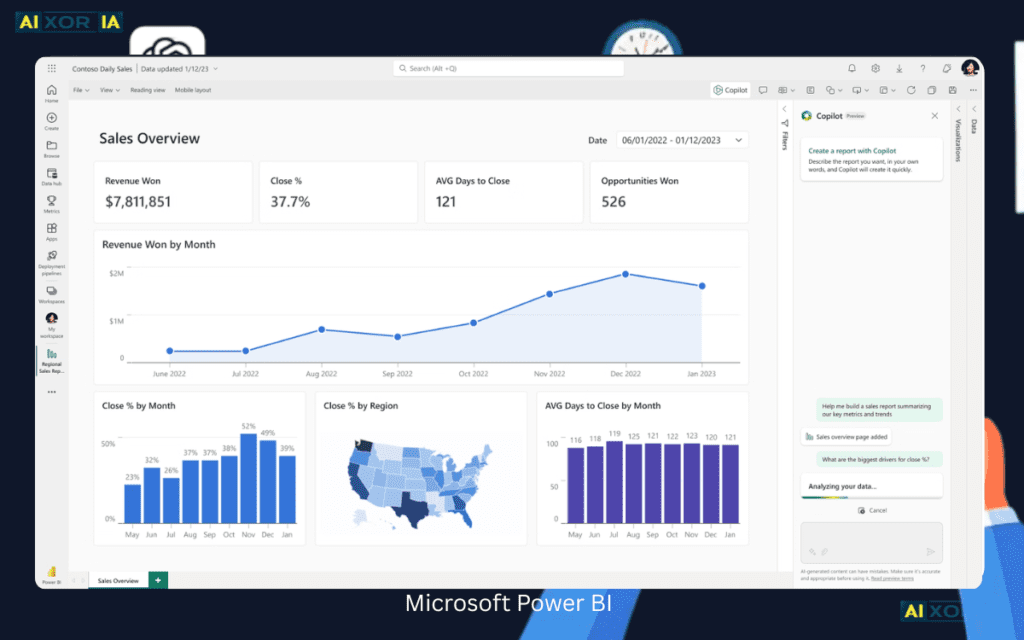
Microsoft Power BI is one of the most widely used tools for business analysts, especially in corporate environments. In 2026, it has transformed into a self-service decision intelligence system.
Earlier, analysts needed:
- DAX formulas
- Data modeling skills
Now:
👉 You can simply type:
“Show profit trends for last 6 months”
Power BI uses Natural Language Query (NLQ) to generate insights instantly.
2026 AI Features:
- AI-generated insights
- Automated anomaly detection
- Built-in what-if simulation models
The simulation feature is powerful:
👉 Analysts can test different business strategies without changing real data
Example:
- Pricing strategy
- Marketing budget allocation
- Demand forecasting
Why it matters:
Power BI reduces dependency on technical skills and increases decision speed
It integrates seamlessly with:
- Excel
- Azure
- Microsoft Teams
💡 Best for:
- Financial analysis
- Corporate dashboards
- Real-time reporting
🧪 Real Experience:
Built a profit dashboard in Power BI—AI suggested a what-if scenario that revealed a pricing issue. It helped fix margins quickly.
READ MORE – Business Intelligence Tools
3. ChatGPT
Best for: Requirement analysis + documentation + insight generation
ChatGPT has become a core productivity tool for business analysts in 2026. It is not just a chatbot — it acts as a thinking assistant.
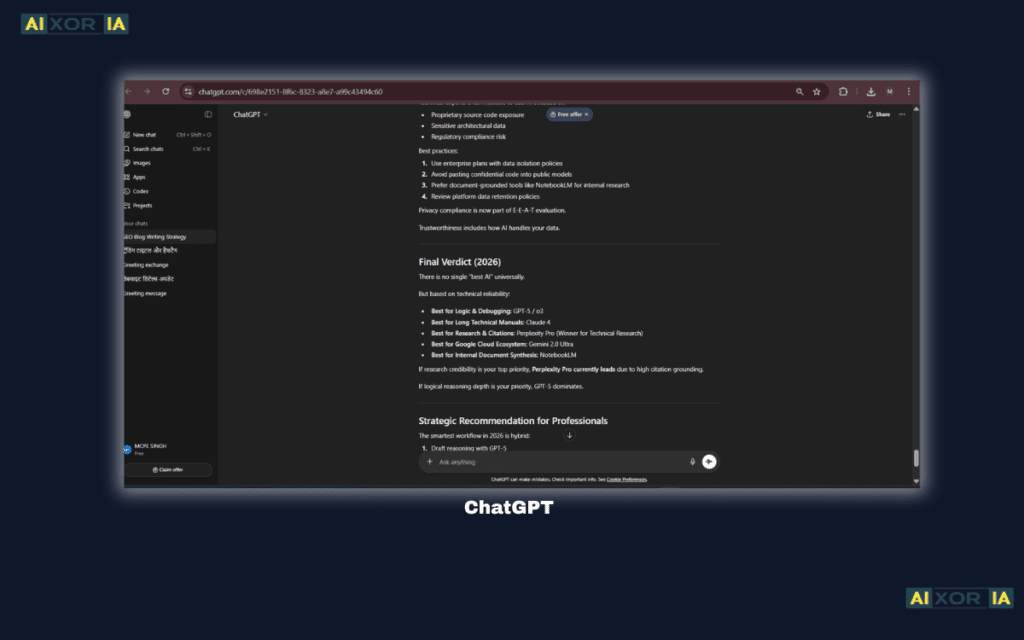
Business analysts use it for:
- Writing BRDs (Business Requirement Documents)
- Creating user stories
- Generating SQL queries
- Analyzing datasets
What makes it powerful:
It converts unstructured inputs into structured outputs.
Example:
Paste raw data →
Ask: “Give insights and recommendations”
👉 Output:
- Key trends
- Business risks
- Actionable strategies
2026 Advantage:
- Faster documentation
- Better clarity
- Reduced manual work
However, it’s important to:
👉 Validate AI-generated insights
Because AI can:
- Miss context
- Misinterpret data
Best Use Strategy:
Combine ChatGPT with:
- Power BI (visualization)
- Akkio (prediction)
👉 That creates a complete analysis system
🧪 Real Experience :
Used ChatGPT to draft a BRD in minutes. Saved hours of work and gave a clear structure, but required manual review for accuracy.
4. Notion AI
Best for: Documentation + knowledge management
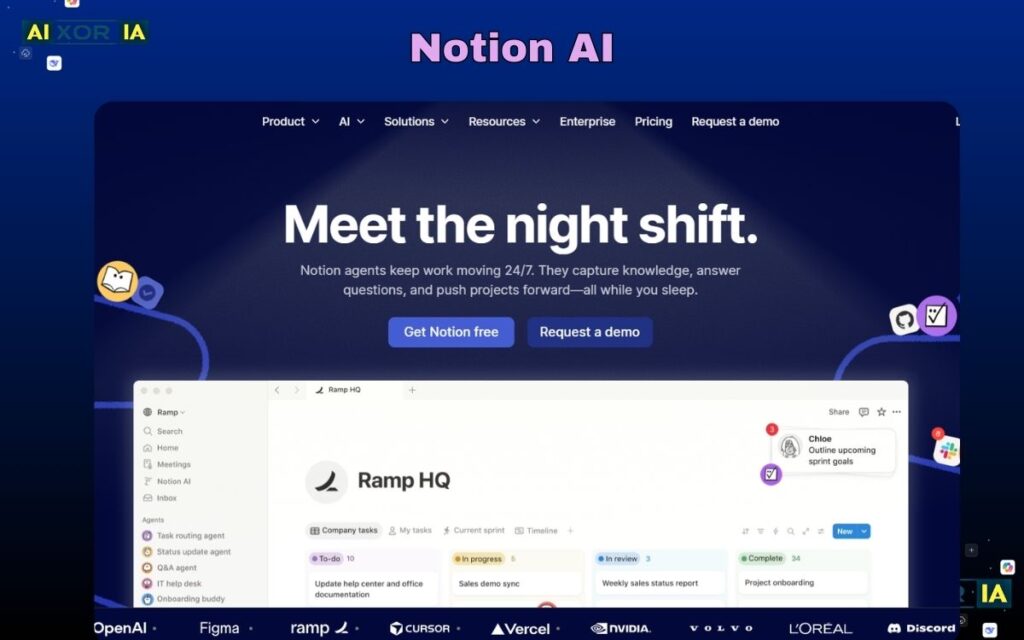
Notion AI is not just a note-taking tool — it’s a central intelligence hub for business analysts.
Analysts deal with:
- Requirements
- Meeting notes
- Stakeholder inputs
Notion AI helps organize everything into a structured format.
2026 Features:
- Auto summaries
- Smart task extraction
- AI-generated documentation
Example:
Paste meeting notes →
👉 Notion AI creates:
- Action items
- Key decisions
- Structured documentation
Why it matters:
Documentation is a huge part of a business analyst’s job.
Notion AI reduces:
- Manual writing
- Information overload
💡 Best for:
- Agile teams
- Product management
- Requirement tracking
🧪 Real Experience:
Used Notion AI to organize project notes—automatically created tasks and summaries, making stakeholder communication faster and more structured.
5. Akkio
Best for: Predictive analytics without coding
Akkio is one of the most powerful tools for analysts who want to use AI without learning programming.
In 2026, predictive analytics is essential.
Akkio allows you to:
- Upload data
- Train models
- Predict outcomes
Without writing code.
AI Capabilities:
- Customer churn prediction
- Sales forecasting
- Marketing optimization
2026 Edge:
AutoML (automatic machine learning)
👉 The system builds models for you.
This removes the need for:
- Python
- Data science expertise
Why it matters:
Business analysts are expected to:
👉 Predict future trends
Akkio makes that possible easily.
🧪 Real Experience :
Tested Akkio for churn prediction—model was built in minutes and gave useful insights, though tuning was needed for better accuracy.
6. Coupler.io
Best for: Data integration + automation
Coupler.io solves one of the biggest problems in analytics:
👉 Data collection
Business analysts spend hours:
- Extracting data
- Cleaning it
- Combining sources
Coupler.io automates this.
Features:
- Connects apps (Google Sheets, CRM, etc.)
- Automates data pipelines
- Syncs data regularly
2026 Advantage:
- No-code ETL (Extract, Transform, Load)
- Automated workflows
Why it matters:
Better data = better insights
Coupler.io ensures:
- Clean data
- Consistent updates
- Less manual effort
🧪 Real Experience:
Connected marketing data using Coupler.io—saved hours of manual work and ensured reports were always updated automatically.
7. Miro
Best for: Process mapping + business workflows
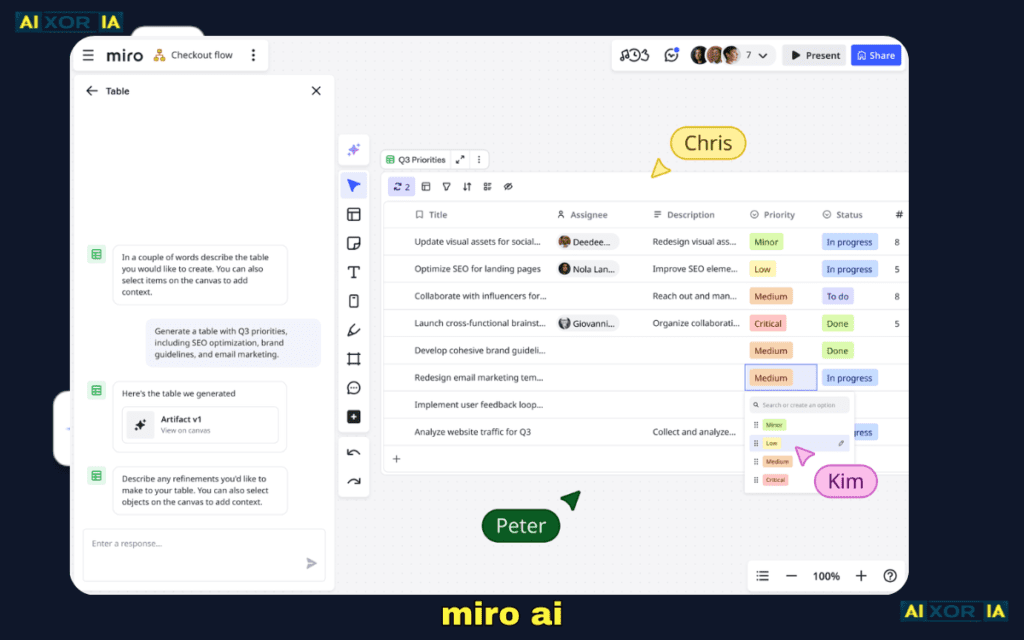
Miro AI helps analysts visualize:
- Processes
- Systems
- User journeys
AI Features:
- Auto diagram generation
- Workflow suggestions
- Brainstorming support
Why important:
Business analysts often:
👉 Design processes
Miro simplifies:
- Flowcharts
- System diagrams
- Business models
2026 Advantage:
AI turns ideas into visuals instantly
🧪 Real Experience:
Used Miro AI for process mapping—generated a full workflow from rough notes, saving time and improving clarity in team discussions.
Best AI Workflow for Business Analysts (2026)
- Data collection → Coupler.ioCoupler.io
- Data analysis → Power BI / Tableau
- Prediction → Akkio
- Documentation → Notion AI
- Insight generation → ChatGPT
👉 This creates a complete decision intelligence system
Ethical AI & Data Privacy
Business analysts handle:
- Customer data
- Financial insights
Always:
- Use secure platforms
- Avoid sharing sensitive data
- Validate outputs
👉 Trust = core of analytics
Final Thoughts
In 2026, business analysts who win are not the ones who:
❌ Just analyze data
But those who:
✔ Predict outcomes
✔ Simulate decisions
✔ Recommend strategies
👉 That’s the power of AI
Author Bio
Written for business analysts who want to upgrade from reporting to decision intelligence using modern AI tools and real-world workflows.