Voice-to-text software has entered a new phase. In 2026, dictation is no longer just about converting speech into text—it’s about ambient AI, real-time understanding, and privacy-first processing. The best tools don’t just transcribe; they listen, structure, clean, and deliver polished output with minimal effort.
For users in the US—whether you’re a professional, creator, student, or enterprise team—the expectations are higher: faster latency, better accuracy, seamless integrations, and strong data privacy controls.
This guide covers the best voice to text dictation software in 2026, updated for modern search standards, with a focus on AI capabilities, privacy, integrations, and real-world usability.
Table of Contents
How We Tested These Tools
We evaluated each tool across:
- Noisy vs quiet environments
- Different English accents (US, UK, non-native)
- Real-time latency and response speed
- Handling of technical vocabulary
- Filler word removal (umm, ahh)
- Integration with apps (Slack, Notion, CRM tools)
- Privacy (cloud vs on-device processing)
The Best AI Dictation Tools in 2026 at a Glance
| Tool | Best For | Privacy Level | Accuracy | Integrations |
|---|---|---|---|---|
| Willow | Cross-platform workflows | High (Zero retention) | ~98% | Slack, Notion, Email |
| Wispr Flow | Speed & mobile dictation | Medium | ~97% | Mobile + desktop apps |
| SuperWhisper | Privacy-first Mac users | Very High (Local) | ~99% | Limited (local focus) |
| Otter.ai | Meetings & teams | Low (Cloud-based) | ~95% | Zoom, Slack, Docs |
| Descript | Content creators | Medium | ~96% | Editing workflows |
| Serevince | Legal/enterprise dictation | High | ~98% | Enterprise systems |
| Rev | Human + AI transcription | Medium | ~99% (human) | Export tools |
The Shift to Ambient AI Scribes
The biggest change in 2026 is the move from active dictation to ambient AI.
Instead of pressing a button and speaking clearly, modern tools:
- Passively listen in the background
- Capture conversations automatically
- Convert them into structured, clean text
- Remove filler words
- Format output into emails, notes, or summaries
This shift is why newer tools like Willow and Wispr Flow are gaining traction—they reduce friction and make dictation feel invisible.
Best AI Dictation Tool for Cross-Platform Workflows
Willow
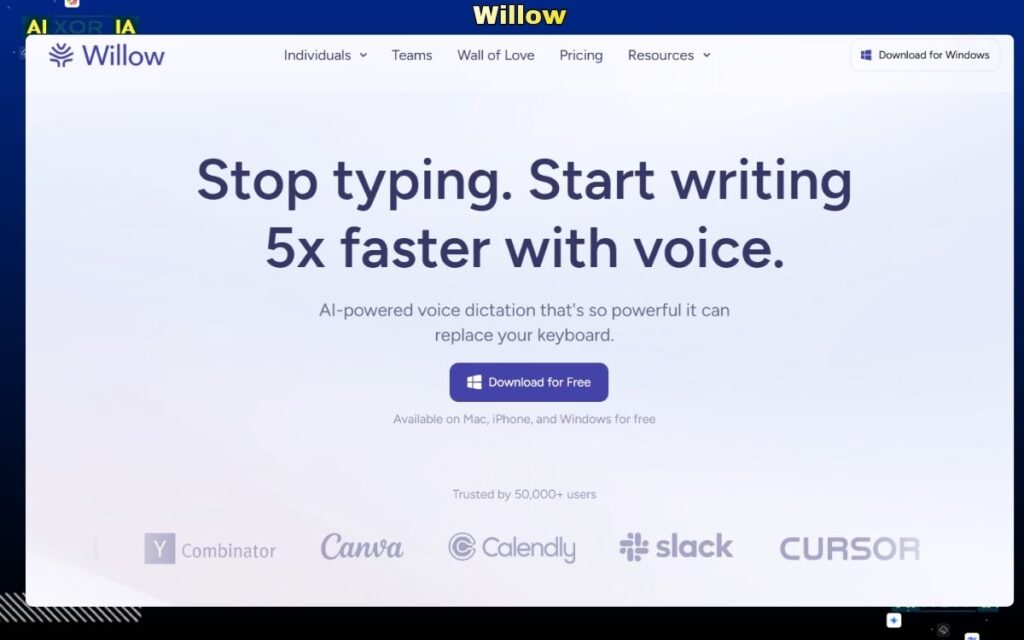
Willow has quickly emerged as one of the most advanced AI dictation tools in 2026, especially for professionals working across multiple apps and platforms.
Unlike traditional dictation software, Willow functions as a system-wide AI layer. You can dictate directly into Slack, Notion, email clients, or CRMs without switching contexts. Its ambient AI capabilities allow it to capture speech naturally and convert it into structured, polished text.
A key differentiator is its privacy-first architecture. Willow offers zero data retention modes, making it suitable for enterprise users concerned about sensitive data.
It also includes advanced AI features like:
- Automatic formatting (emails, notes, reports)
- Filler word removal
- Context-aware rewriting
Pricing: Subscription-based (varies by plan)
Pros:
- Works across multiple apps seamlessly
- Strong privacy controls
- High accuracy with clean output
Cons:
- Requires subscription
- Advanced features may take time to learn
Best Voice to Text Software for Speed and Mobile Use
Wispr Flow
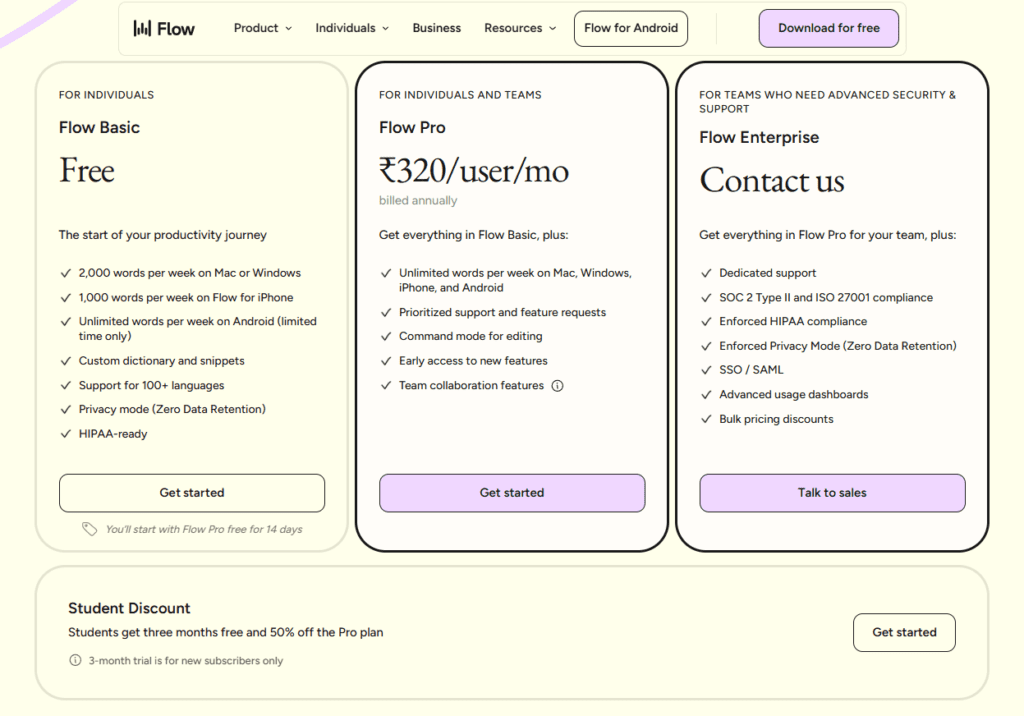
Wispr Flow is designed for users who prioritize speed and fluid dictation, particularly on mobile and hybrid devices.
Its biggest strength is low latency—speech is converted into text almost instantly, making it ideal for quick notes, messaging, and real-time writing.
The AI engine also improves readability by:
- Removing filler words
- Structuring sentences automatically
- Adjusting tone based on context
Wispr Flow is especially popular among creators and professionals who need fast, lightweight dictation without complex setup.
Pricing: Freemium model with paid tiers
Pros:
- Extremely fast transcription
- Clean, readable output
- Works well on mobile
Cons:
- Moderate privacy (cloud processing)
- Fewer enterprise integrations
Best Privacy-First Dictation Software (On-Device AI)
SuperWhisper
MacWhisper
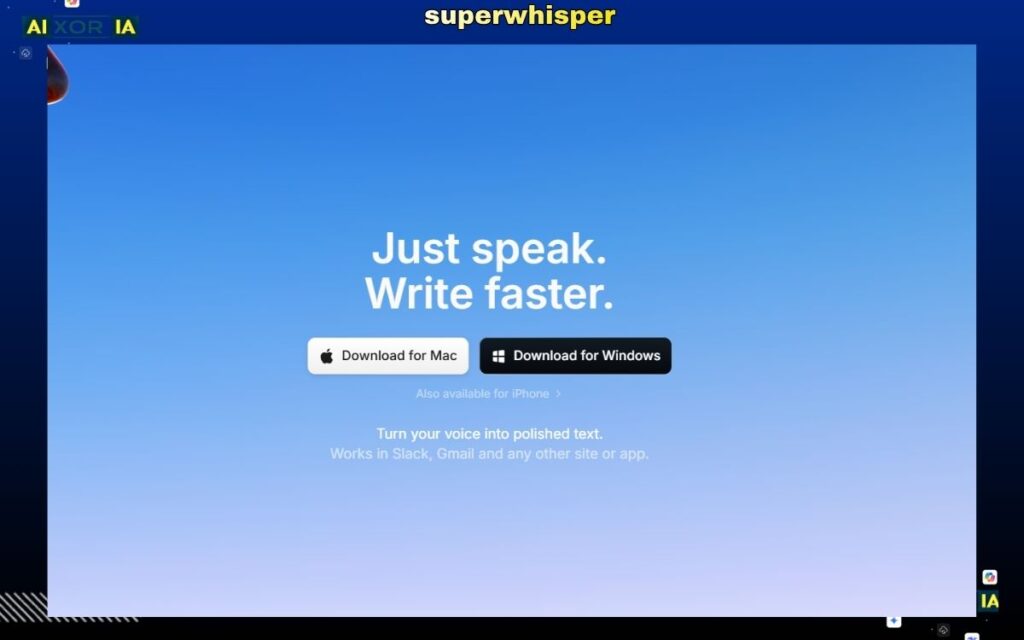
Privacy has become a major concern in 2026, and tools like SuperWhisper and MacWhisper address this by running entirely on-device.
This means:
- No audio is sent to the cloud
- No data is stored externally
- Full control remains with the user
These tools use local AI models (often based on advanced speech recognition systems) to deliver high accuracy without compromising privacy.
They are particularly useful for:
- Journalists
- Legal professionals
- Developers
- Privacy-conscious users
While they may lack deep integrations compared to cloud tools, their security and reliability make them a top choice in sensitive environments.
Pricing: One-time or low-cost license
Pros:
- Maximum privacy (offline processing)
- High accuracy
- No subscription dependency
Cons:
- Limited integrations
- Requires capable hardware
Best AI Dictation Tool for Meetings and Teams
Otter.ai
Otter.ai remains a strong choice for meeting transcription and collaboration.
Its core strength lies in real-time transcription combined with AI summaries. It automatically identifies speakers, highlights key points, and generates structured notes from conversations.
In 2026, Otter has improved its AI to better handle multi-speaker environments and generate actionable insights.
However, it is still a cloud-based tool, which means lower privacy compared to on-device solutions.
Pricing: Free plan available; paid plans from ~$10/month
Pros:
- Excellent for meetings and collaboration
- Automatic summaries and highlights
- Easy integration with conferencing tools
Cons:
- Lower privacy (cloud processing)
- Not ideal for structured writing
Best Voice to Text Tool for Content Creation
Descript
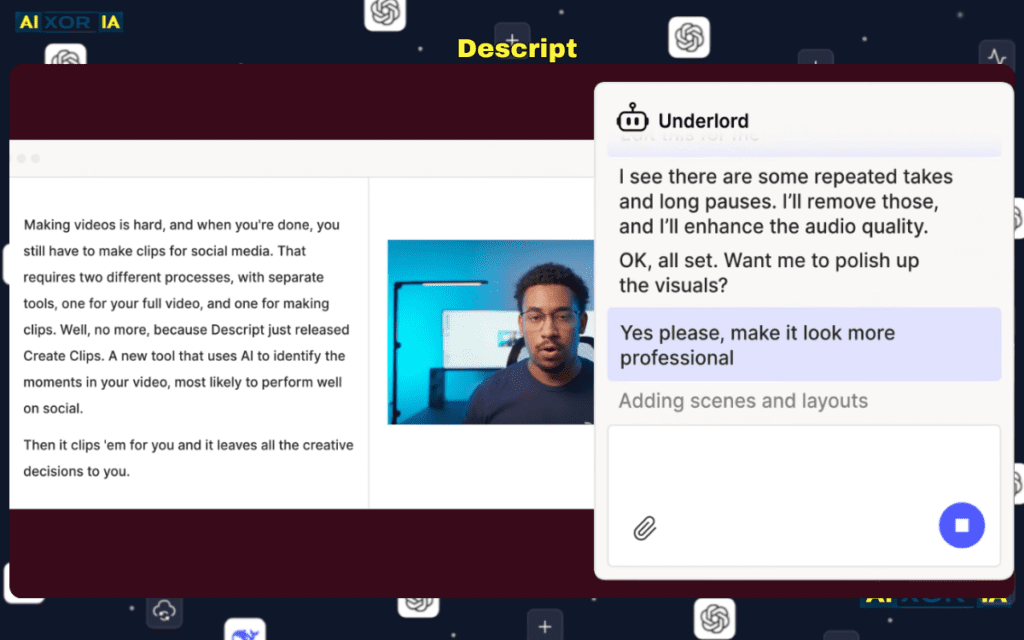
Descript is designed for creators who want to turn spoken content into polished text and media.
Its standout feature is the ability to edit audio by editing text, making it highly efficient for podcasts, videos, and written content.
AI capabilities include:
- Filler word removal
- Automatic transcription
- Voice enhancement
- Text-based editing workflows
Descript is less about raw dictation and more about end-to-end content production.
Pricing: Free plan available; paid plans from ~$12/month
Pros:
- Powerful editing capabilities
- Ideal for creators
- Strong AI features
Cons:
- Not focused on real-time dictation
- Requires internet for full functionality
Best Enterprise Dictation Software (Legal & Medical)
Serevince
Serevince is gaining traction as a modern alternative to legacy tools in professional environments.
It offers:
- High accuracy for specialized terminology
- Integration with enterprise systems
- Strong compliance and security features
Compared to older solutions, it is more aligned with modern AI workflows and cloud infrastructure.
Pricing: Enterprise pricing (custom)
Pros:
- High accuracy for professional use
- Strong compliance features
- Scalable for organizations
Cons:
- Not designed for casual users
- Higher cost
Best Hybrid AI + Human Transcription Tool
Rev
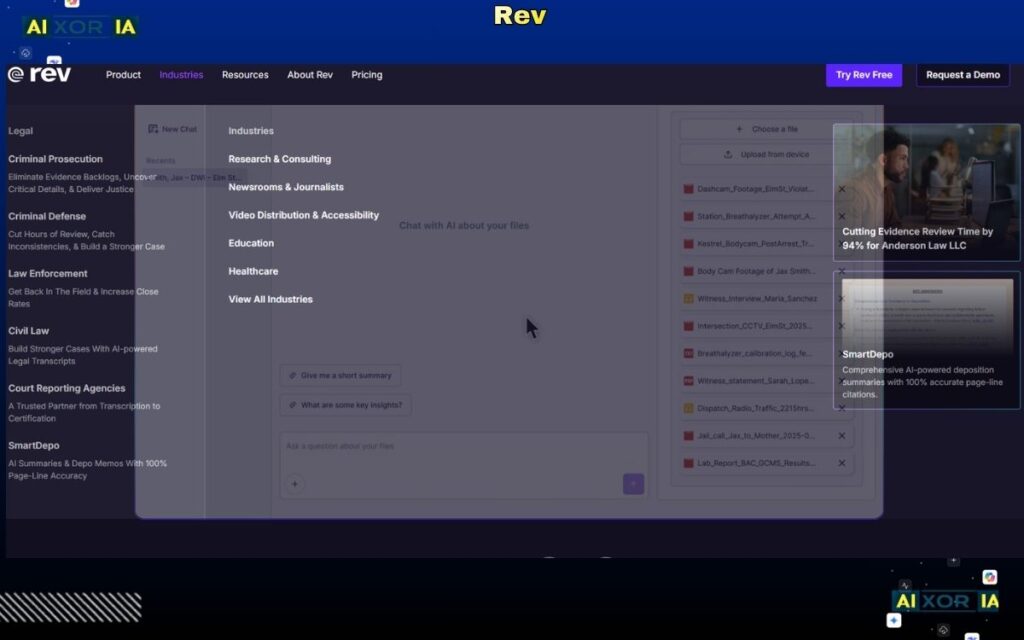
Rev combines AI transcription with human review, offering one of the highest accuracy levels available.
This is particularly useful when precision is critical, such as:
- Interviews
- Legal documentation
- Research
Users can choose between fast AI transcription or more accurate human-edited results.
Pricing: AI from ~$0.25/min; human transcription higher
Pros:
- Extremely high accuracy
- Flexible options
- Reliable for professional use
Cons:
- Cost increases with usage
- Not real-time dictation
On-Device vs Cloud Dictation (Privacy Breakdown)
In 2026, choosing between local and cloud processing is critical.
On-device tools (SuperWhisper, MacWhisper):
- Maximum privacy
- No data sharing
- Works offline
Cloud-based tools (Otter, Wispr Flow, Descript):
- Better integrations
- Faster updates
- More AI features
For enterprise or sensitive work, local processing is often preferred. For flexibility and automation, cloud tools offer more functionality.
Apple Intelligence vs Google Docs Voice Typing
Apple Intelligence
Google Docs Voice Typing
Apple’s built-in AI has significantly improved dictation across macOS and iOS, offering:
- System-wide dictation
- Context-aware text generation
- Deep integration with apps
Google Docs Voice Typing remains a simple, free option but lacks advanced AI capabilities.
Key difference:
- Apple focuses on integrated AI experiences
- Google focuses on accessibility and simplicity
How to Choose the Right Dictation Tool
- For cross-platform workflows → Willow
- For speed and mobile → Wispr Flow
- For privacy → SuperWhisper / MacWhisper
- For meetings → Otter.ai
- For content creation → Descript
- For enterprise use → Serevince
- For maximum accuracy → Rev
Final Verdict
There is no single “best” voice to text dictation software in 2026—it depends on your priorities.
- Best overall (AI + workflows): Willow
- Best for privacy: SuperWhisper
- Best for speed: Wispr Flow
- Best for meetings: Otter.ai
If you want a modern, future-proof solution, prioritize tools that combine AI automation, ambient listening, and privacy controls.
1 thought on “7 Best AI Dictation Tools in April 2026 (Tested for Accuracy & Privacy)”