Project portfolio management (PPM) software helps organizations plan, prioritize, and manage multiple projects in alignment with business goals. Instead of tracking projects individually, PPM platforms provide a centralized system to evaluate performance, allocate resources, manage risk, and ensure that every initiative contributes to strategic objectives.
In 2026, PPM software has evolved significantly. It’s no longer just about dashboards and reporting—modern tools now include AI-driven forecasting, automated prioritization, real-time collaboration, and deep integrations across enterprise systems.
For US-based enterprises and growing teams, choosing the right PPM software depends on how your organization operates: whether you prioritize agility, financial planning, resource optimization, or cross-functional visibility.
This guide breaks down the best project portfolio management software in 2026, with detailed insights, pricing, pros and cons, and how AI is shaping each platform.
Table of Contents
What Makes the Best Project Portfolio Management Software?
The best PPM tools go beyond simple project tracking. They help you manage complexity at scale.
Strategic alignment and prioritization
The ability to evaluate projects based on business impact, ROI, and resource availability is essential.
Resource and capacity planning
You need visibility into team workloads, skill allocation, and capacity forecasting across multiple projects.
Financial tracking
Budgeting, cost tracking, and forecasting ensure that projects stay within financial constraints.
AI-powered insights
Modern PPM tools use AI to predict risks, suggest priorities, automate workflows, and improve decision-making.
Integration ecosystem
Your PPM software should connect with tools like CRM, ERP, collaboration platforms, and development environments.
READ MORE – Top 10 Project Management Tools in 2026
The Best Project Portfolio Management Software in 2026 at a Glance
| Tool | Best For | Key Strength | Pricing |
|---|---|---|---|
| Monday.com | Visual portfolio management | Easy dashboards + automation | From $9/user/month |
| Asana | Work and portfolio tracking | Clean UI + strong reporting | From $10.99/user/month |
| Smartsheet | Enterprise planning | Spreadsheet-style control | From $7/user/month |
| Wrike | Scalable project management | Advanced workflows + AI | From $9.80/user/month |
| Planview | Enterprise PPM | Strategic portfolio planning | Custom pricing |
| ClickUp | All-in-one productivity | Flexible + cost-effective | Free + paid from $7/user/month |
| Jira Align | Agile enterprise teams | Scaled Agile framework | Custom pricing |
| Microsoft Project | Microsoft ecosystem | Deep enterprise integration | From $10/user/month |
Best Project Portfolio Management Software for Visual Planning
monday.com
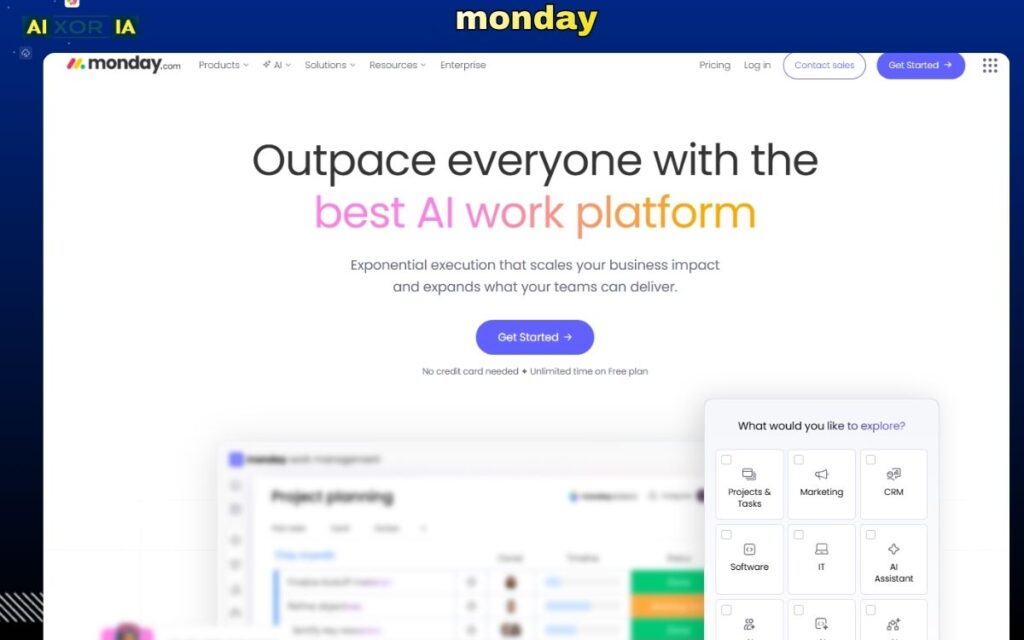
monday.com is a highly visual work management platform that extends naturally into project portfolio management. It allows teams to manage multiple projects through customizable dashboards, timelines, and workload views.
Its strength lies in simplicity. Teams can easily track project progress, align tasks with business goals, and create automated workflows without technical expertise. For portfolio management, monday.com provides high-level visibility while still allowing drill-down into individual project details.
AI plays a growing role within monday.com. The platform includes AI-powered automation suggestions, predictive insights, and workflow optimization features that help teams identify bottlenecks and improve efficiency. For example, AI can recommend task prioritization based on deadlines and dependencies, reducing manual planning effort.
Pricing: Free plan available; paid plans from $9/seat/month
Pros:
- Highly intuitive interface
- Strong visualization tools
- Easy automation setup
Cons:
- Advanced features require higher-tier plans
- Limited depth for complex enterprise financial planning
Best PPM Software for Clean Workflow and Reporting
Asana
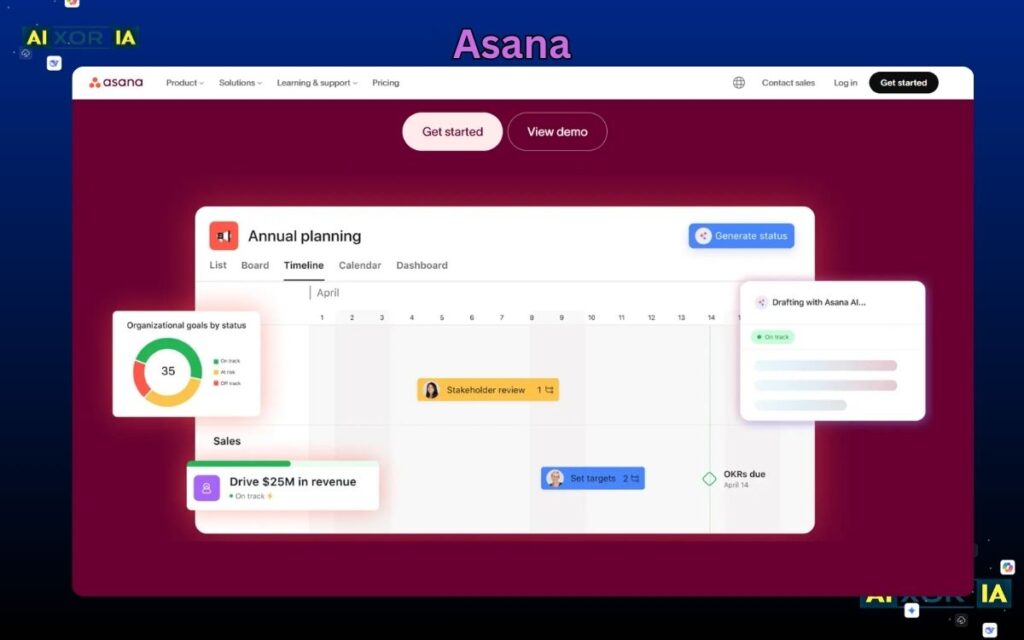
Asana is widely used for task and project management, but its portfolio features make it a strong PPM solution for teams that prioritize clarity and structure.
It offers portfolio dashboards where you can track multiple projects, monitor status, and assess risk in real time. The reporting features are clean and easy to interpret, making it ideal for stakeholders who need quick insights.
Asana’s AI capabilities include smart task suggestions, automated summaries, and workflow recommendations. AI helps reduce manual updates by generating status reports and highlighting potential delays. This makes it particularly useful for teams managing multiple ongoing projects.
Pricing: Free plan available; paid plans from $10.99/user/month
Pros:
- Clean and user-friendly interface
- Strong reporting and tracking
- Good collaboration features
Cons:
- Limited advanced financial tools
- Can feel restrictive for complex workflows
Best PPM Software for Enterprise Planning
Smartsheet
Smartsheet combines the familiarity of spreadsheets with powerful project and portfolio management capabilities. It’s particularly popular among enterprises that need structured planning and detailed tracking.
It allows users to manage portfolios, track budgets, and monitor resource allocation across multiple projects. The spreadsheet-style interface makes it accessible while still offering advanced functionality.
AI in Smartsheet focuses on automation and insights. It can identify trends, forecast outcomes, and automate repetitive tasks. For example, AI can flag projects at risk based on historical data and current performance.
Pricing: From $7/user/month
Pros:
- Familiar spreadsheet interface
- Strong enterprise features
- Good reporting and automation
Cons:
- Less visually appealing than modern tools
- Learning curve for advanced features
Best PPM Software for Scalable Teams
Wrike
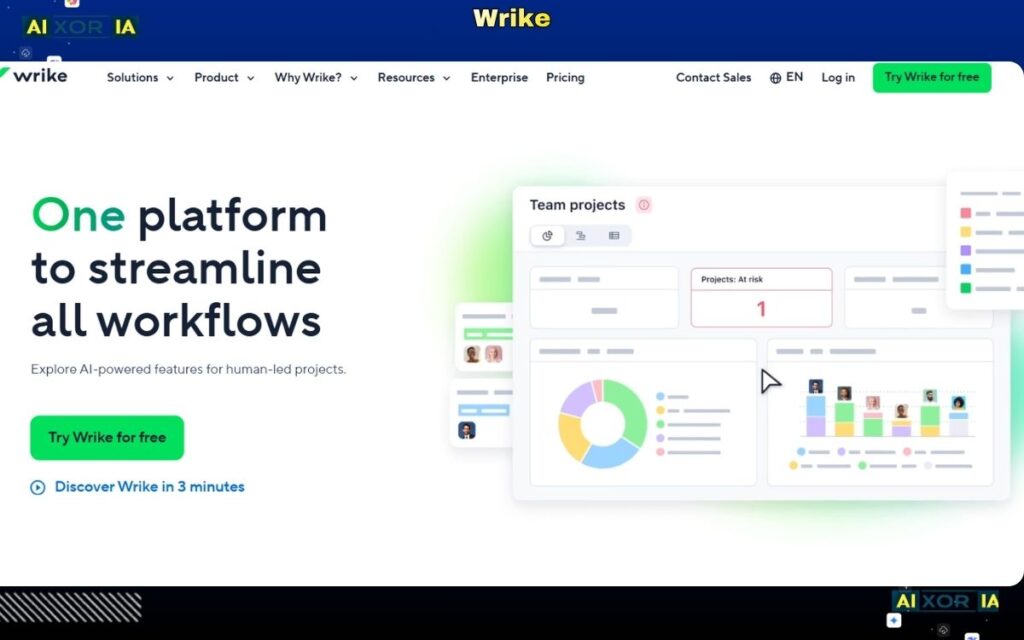
Wrike is designed for teams that need scalability and advanced workflow customization. It supports complex project structures, making it suitable for large organizations.
Its portfolio management features include resource planning, workload balancing, and performance tracking. Wrike’s dashboards provide detailed insights into project health and progress.
Wrike integrates AI to enhance productivity. Its AI features include risk prediction, task prioritization, and automated workflow suggestions. This helps teams proactively manage issues instead of reacting to them.
Pricing: Free plan available; paid plans from $9.80/user/month
Pros:
- Highly customizable workflows
- Strong scalability
- Advanced reporting
Cons:
- Interface can feel complex
- Requires setup time
Best Enterprise-Grade PPM Software
Planview
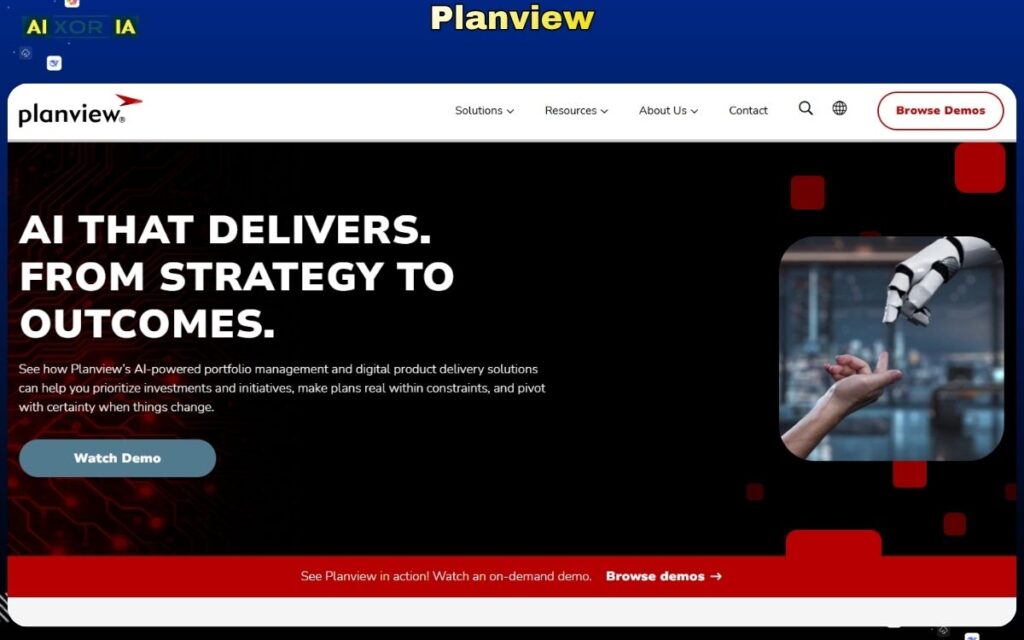
Planview is a dedicated project portfolio management platform built for large enterprises. It focuses heavily on strategic planning, financial management, and resource optimization.
It enables organizations to align projects with business goals, track ROI, and manage investments across portfolios. Planview is often used in industries where precision and governance are critical.
AI capabilities in Planview include predictive analytics, scenario planning, and decision support. These features help organizations simulate outcomes and choose the best strategic direction.
Pricing: Custom pricing
Pros:
- Strong strategic planning tools
- Advanced financial tracking
- Enterprise-level scalability
Cons:
- High cost
- Requires training and implementation time
Best All-in-One PPM Software
ClickUp
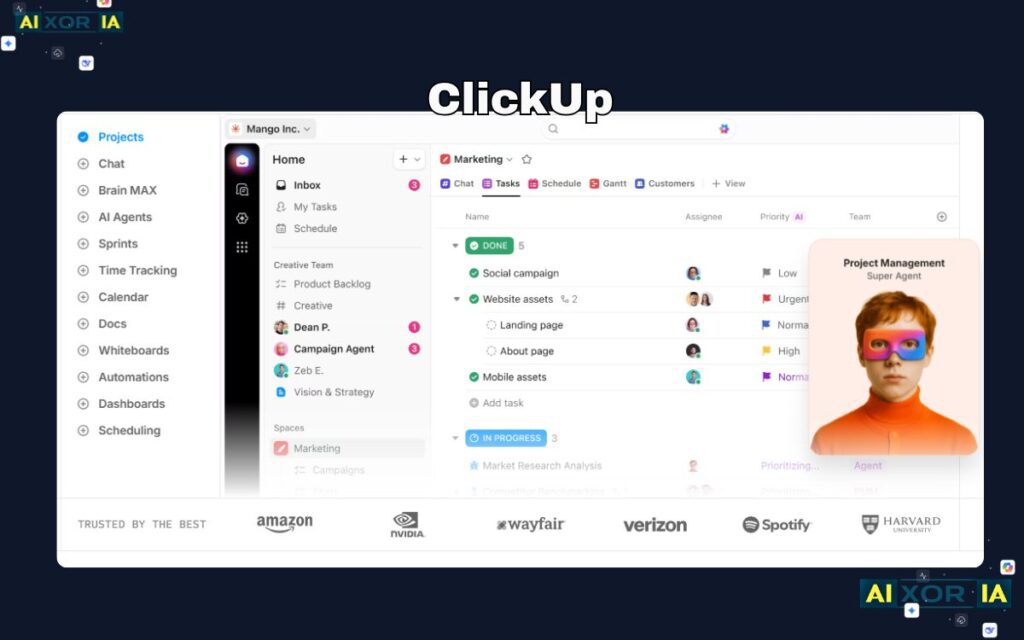
ClickUp positions itself as an all-in-one productivity platform, combining task management, documents, goals, and portfolio tracking.
It offers flexible views, automation, and integrations, making it suitable for teams of all sizes. Portfolio features allow users to manage multiple projects and track performance in one place.
ClickUp’s AI features are extensive. It includes AI writing tools, task automation, and smart suggestions. AI can generate project updates, summarize tasks, and assist in planning workflows.
Pricing: Free plan available; paid plans from $7/user/month
Pros:
- Highly flexible
- Cost-effective
- Wide feature set
Cons:
- Can feel overwhelming
- Performance issues in large setups
Best PPM Software for Agile Enterprises
Jira Align
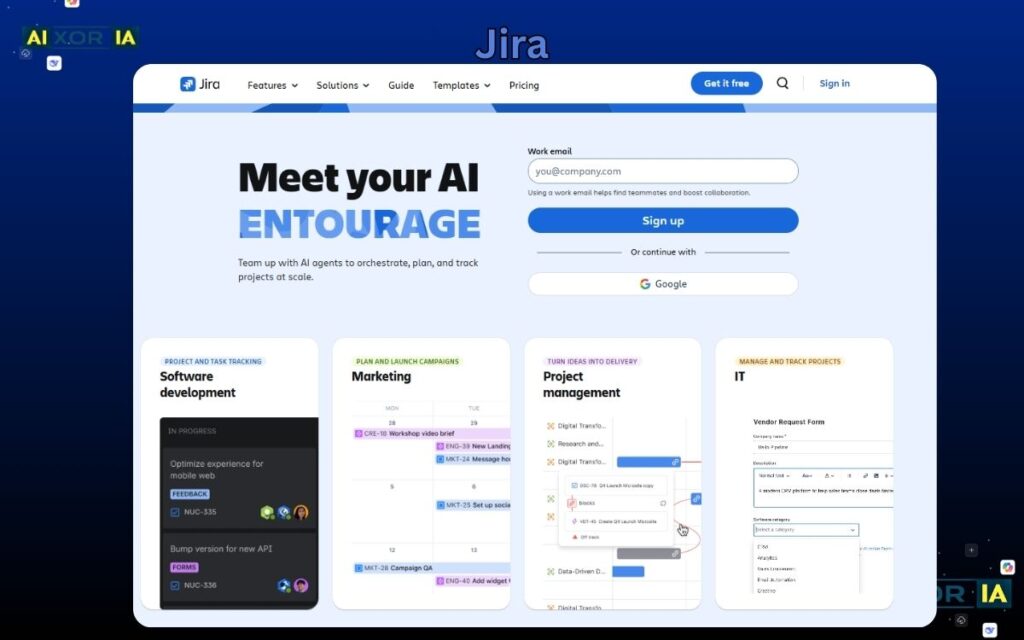
Jira Align is designed for organizations using Agile at scale. It connects strategy with execution, allowing teams to align work across departments.
It provides visibility into roadmaps, dependencies, and performance metrics. This makes it ideal for enterprises managing complex development workflows.
AI features in Jira Align help with forecasting, planning, and risk analysis. It can analyze historical data to improve sprint planning and predict delivery timelines.
Pricing: Custom pricing
Pros:
- Strong Agile support
- Enterprise-level visibility
- Integration with development tools
Cons:
- Complex setup
- Best suited for technical teams
Best PPM Software for Microsoft Ecosystem
Microsoft Project
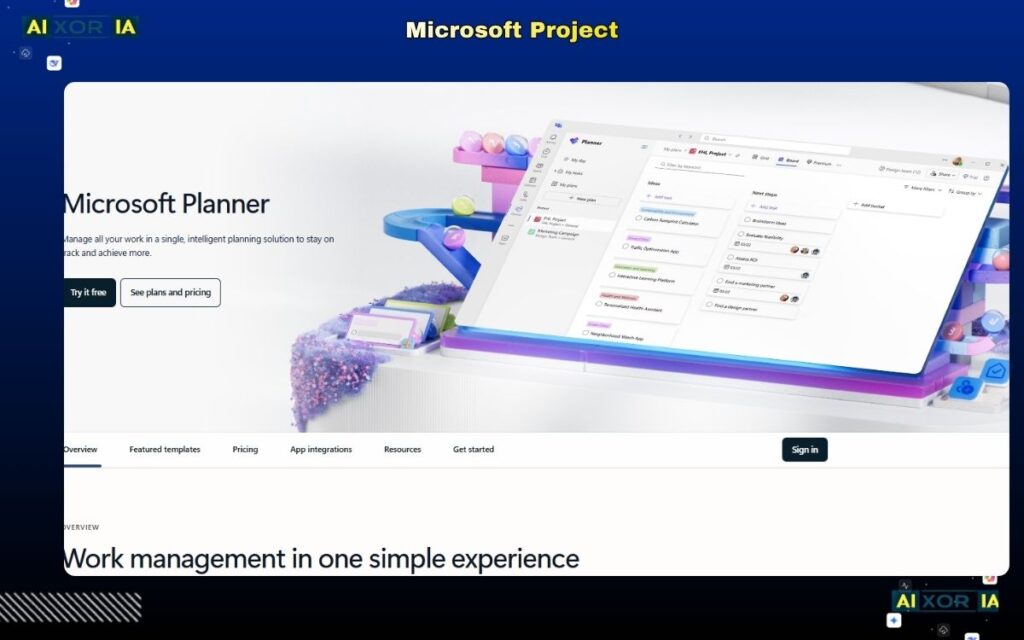
Microsoft Project remains a powerful solution for organizations already using Microsoft tools. It integrates deeply with Microsoft 365, Teams, and other enterprise systems.
It offers robust planning, scheduling, and portfolio management capabilities. Users can track resources, budgets, and timelines in detail.
AI in Microsoft Project includes forecasting, scheduling optimization, and integration with AI assistants. These features help automate planning and improve decision-making.
Pricing: From $10/user/month
Pros:
- Strong Microsoft integration
- Advanced planning tools
- Reliable for enterprise use
Cons:
- Outdated interface compared to newer tools
- Limited flexibility outside Microsoft ecosystem
How to Choose the Best PPM Software
The right choice depends on your needs:
- For visual and easy management → monday.com
- For clean workflows → Asana
- For structured enterprise planning → Smartsheet
- For scalability → Wrike
- For full enterprise control → Planview
- For all-in-one flexibility → ClickUp
- For Agile environments → Jira Align
- For Microsoft users → Microsoft Project
The Role of AI in Project Portfolio Management
AI is transforming PPM software in 2026.
Modern platforms now use AI to:
- Predict project risks
- Automate task prioritization
- Optimize resource allocation
- Generate reports and summaries
- Improve decision-making
This shift allows organizations to move from reactive management to proactive strategy.
Final Thoughts
There is no single “best” project portfolio management software for every organization. The right tool depends on your workflow, team size, and strategic priorities.
However, the trend is clear: AI-driven, integrated, and scalable platforms are leading the future of PPM.