Redesigning a room used to require hiring an interior designer, sketching layouts, and experimenting with furniture placements for days. Today, AI room design generators can transform a plain room into a fully styled interior concept in seconds.
But after testing dozens of tools, I discovered something surprising:
Not all AI room design generators actually understand rooms.
Some tools simply apply visual filters. Others rebuild the entire space in 3D. Only a few truly analyze the spatial structure, lighting conditions, and furniture placement before generating a design.
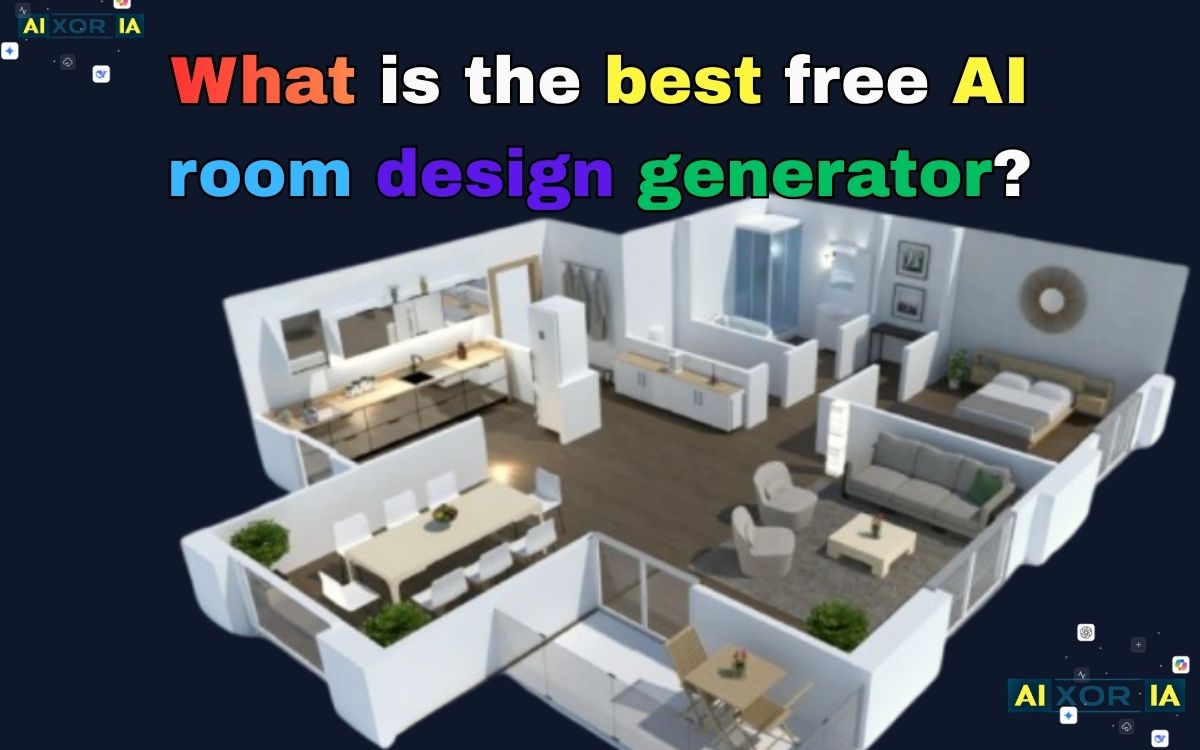
In this guide, I tested the most popular free AI room design tools to answer one simple question:
Which free AI room design generator produces the most realistic and useful results?
Below you’ll find real usage insights, prompt examples, and a deep comparison of the best tools available right now.
Quick Overview: Best Free AI Room Design Generators
| AI Tool | Best For | Free Limit | Unique Feature |
|---|---|---|---|
| RoomGPT | Instant room redesign | Unlimited (with queue) | High structural preservation |
| Homestyler | Professional 3D design | 5 renders/day | 360° walkthrough mode |
| Planner 5D | Floor plan creation | Basic free access | AI floor plan scanner |
| DecorAI | Photorealistic renders | Limited daily renders | Real furniture sync |
Each tool approaches room design differently, so the best option depends on whether you want quick inspiration, detailed layouts, or photorealistic interior concepts.
How AI Room Design Actually Works
Many people think AI interior design tools simply replace furniture in an image. In reality, modern AI models use spatial analysis to understand the room before generating designs.
The system evaluates things like:
- Wall structure
- Floor area
- Window placement
- Lighting direction
- Object spacing
One way to think about design accuracy is through a simplified design fidelity concept:Df=Object Overlap ErrorStructural Retention×Lighting Consistency
Where:
- Structural Retention = how well the tool preserves the original room layout
- Lighting Consistency = how natural the lighting looks after redesign
- Object Overlap Error = how often furniture appears unrealistically placed
Tools with a higher design fidelity score tend to produce more believable interiors.
READ MORE – Best AI Room Design Free
1. RoomGPT – Best for Instant AI Room Makeovers

RoomGPT is one of the simplest tools for generating AI room designs. Instead of building a layout from scratch, it focuses on transforming an existing room photo into a new design style.
My Real Experience Testing It
I uploaded a photo of a basic living room with white walls, a sofa, and a coffee table. Within about 10 seconds the tool produced a redesigned version in a Scandinavian style.
The result surprised me because:
- The walls stayed in the same position
- Window placement was preserved
- Furniture changed realistically
The sofa became a modern beige couch, and the coffee table switched to a minimalist wooden design.
The biggest advantage was how well it respected the original room layout.
Many AI tools distort walls or windows, but RoomGPT kept the structural elements intact.
Prompt Example
Instead of selecting only a style, you can guide the AI with a more detailed prompt.
Example:
“Minimalist Scandinavian living room, soft daylight from window, light oak wood flooring, neutral color palette, modern furniture.”
This produces more realistic results than simply selecting a preset.
Strengths
- Extremely fast design generation
- Works well with simple room photos
- Good structural accuracy
Limitations
- Not ideal for floor plan design
- Sometimes struggles with cluttered rooms
If you want quick room makeover ideas, this tool is one of the easiest to use.
2. Homestyler – Best for Detailed 3D Interior Design
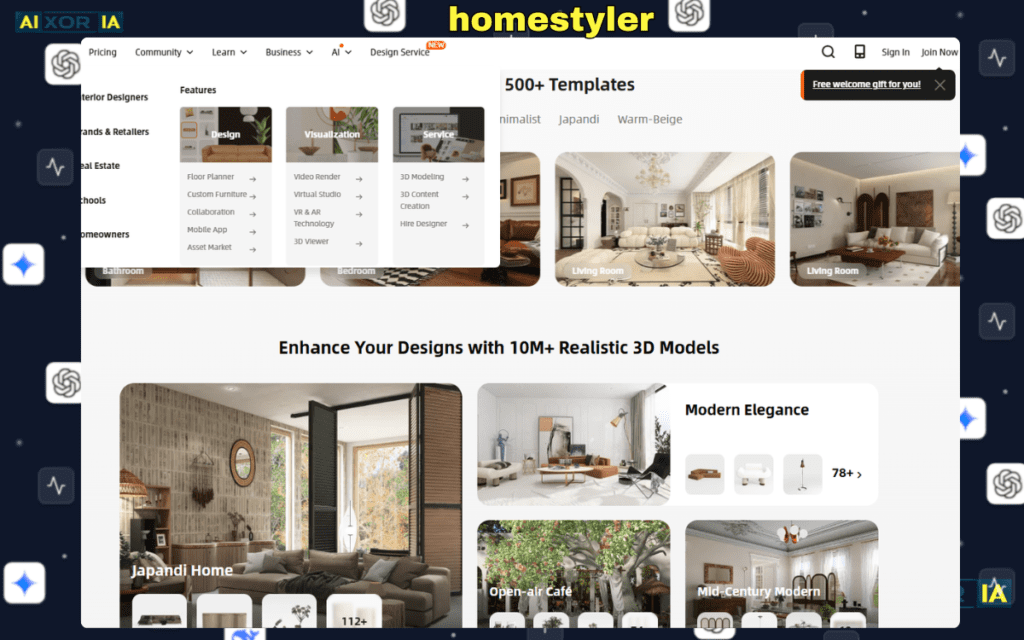
Homestyler approaches interior design very differently.
Instead of modifying an image, it creates a fully interactive 3D room environment where you can place furniture and experiment with layouts.
My Real Experience Testing It
I tested Homestyler by recreating a small bedroom.
First I entered the room dimensions. Then I placed walls, windows, and doors using the editor.
After that I added furniture from their library:
- Bed
- Nightstand
- Wardrobe
- Desk
The 3D rendering looked surprisingly realistic.
The most interesting feature was the 360-degree walkthrough mode, which lets you virtually move around the room.
Prompt Example
Homestyler includes AI assistance for style suggestions.
Example prompt:
“Japandi bedroom design with warm lighting, natural wood furniture, and minimalist decor.”
The system then suggests furniture combinations and layout ideas.
Strengths
- Extremely detailed design tools
- Large library of furniture models
- Realistic 3D rendering
Limitations
- Takes time to learn
- Requires manual room setup
For people planning a complete interior design project, this tool offers far more control than simple AI generators.
3. Planner 5D – Best for Floor Plan Design
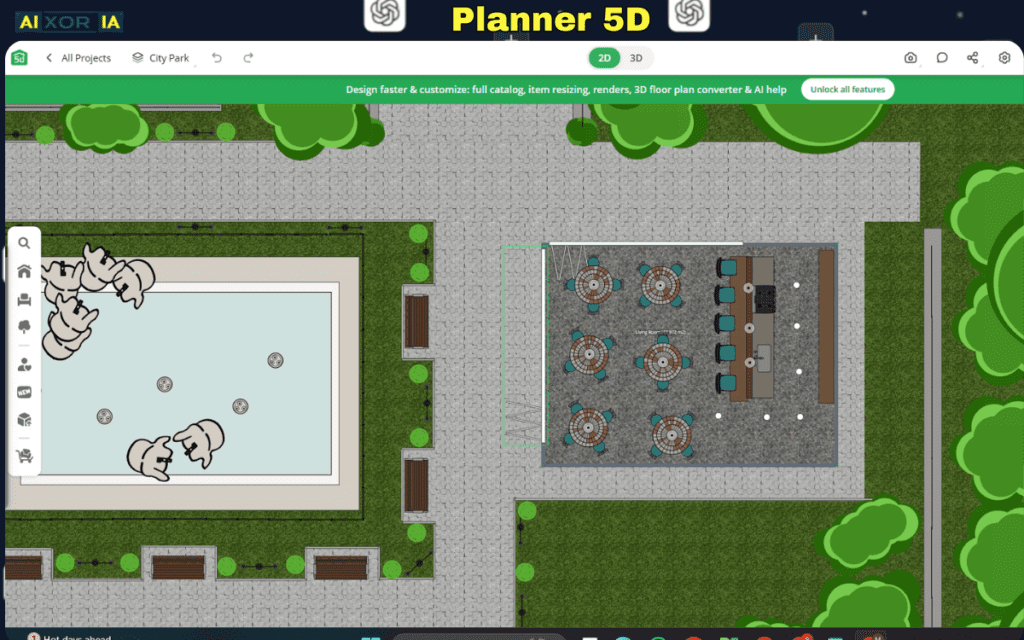
Planner 5D is one of the most widely used home design platforms. It focuses on layout planning rather than visual redesign.
My Real Experience Testing It
The most impressive feature was the AI floor plan scanner.
I uploaded a photo of a simple hand-drawn floor plan, and the system automatically converted it into a digital layout.
After that I could place furniture and adjust room sizes.
The interface is very intuitive.
You can switch between:
- 2D floor plan view
- 3D room visualization
This makes it useful for both beginners and professionals.
Prompt Example
Planner 5D also allows AI layout suggestions.
Example prompt:
“Small apartment living room layout optimized for natural light and minimal furniture.”
The system rearranges furniture to improve space efficiency.
Strengths
- Excellent layout planning
- Easy drag-and-drop interface
- Good visualization tools
Limitations
- Some assets locked behind premium version
- AI design suggestions limited compared to other tools
If you’re planning a new room layout or renovation, Planner 5D is extremely useful.
4. DecorAI – Best for Photorealistic Interior Concepts
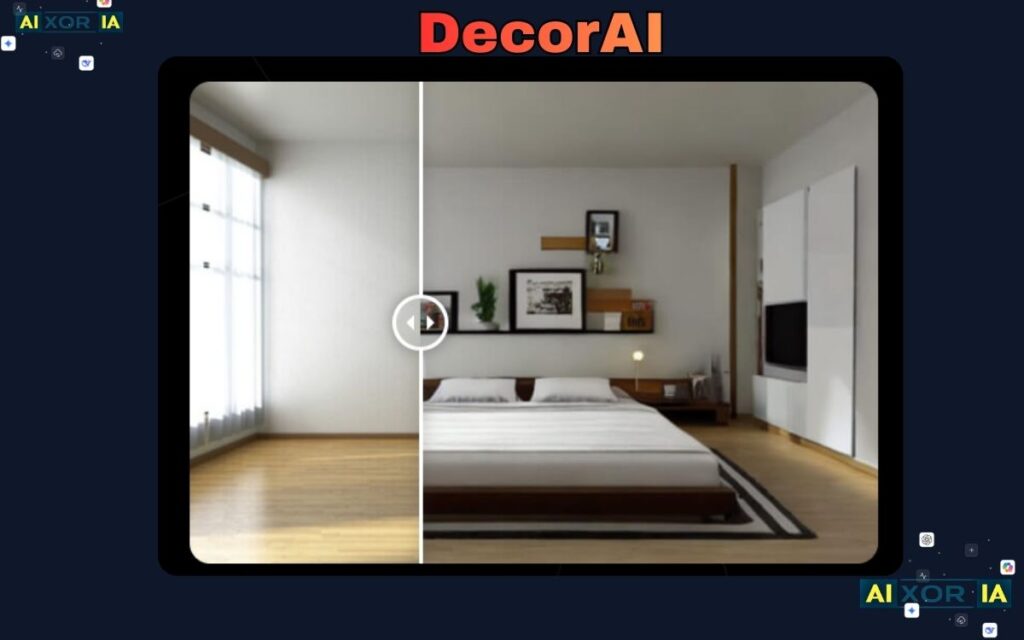
DecorAI focuses on generating highly realistic interior design images.
Instead of building layouts, it produces visually impressive room concepts that look like professional design renders.
My Real Experience Testing It
I tested DecorAI using a photo of a small dining room.
After selecting a “modern luxury” style, the tool generated a design with:
- marble dining table
- pendant lighting
- warm ambient lighting
The realism was impressive.
The lighting and reflections looked like a professional architectural render.
However, I noticed that sometimes the AI changes the room layout slightly, which can reduce realism.
Prompt Example
A detailed prompt significantly improves the output.
Example:
“Modern luxury dining room, marble table, warm ambient lighting, neutral color palette, soft shadows, high-end interior design.”
Strengths
- Very realistic visual designs
- Excellent lighting simulation
- Great inspiration for decor styles
Limitations
- Limited free generations
- Less accurate spatial consistency
DecorAI works best for visual inspiration rather than precise room planning.
READ MORE – What Is the Best Way to Use AI for Interior Design
Top 3 Prompts for Realistic AI Room Designs
After testing multiple tools, these prompts consistently produced the best results.
Prompt 1 – Minimalist Living Room
“Minimalist living room, natural morning light, light wood textures, neutral colors, modern furniture, high resolution interior render.”
Prompt 2 – Japandi Bedroom
“Japandi style bedroom, warm wood furniture, soft linen bedding, natural lighting from large window, calm and minimal aesthetic.”
Prompt 3 – Modern Kitchen
“Modern kitchen interior, marble countertop, matte black cabinets, natural lighting, photorealistic architectural render.”
These prompts guide the AI toward better lighting, materials, and furniture balance.
New AI Interior Design Features Emerging in 2026
AI room design tools are evolving rapidly. Several new capabilities are starting to appear.
AR and VR Visualization
Some platforms now allow room designs to be exported into virtual environments, where users can walk through the design using VR headsets.
Sustainability Filters
Modern tools can suggest:
- eco-friendly materials
- energy-efficient lighting
- sustainable furniture options
This helps homeowners design environmentally responsible spaces.
Real-Time Furniture Pricing
A few platforms now connect to online furniture catalogs, allowing users to see real product prices while designing a room.
This bridges the gap between inspiration and actual purchasing.
Choosing the Right AI Room Design Tool
The best tool depends on what you want to achieve.
Choose RoomGPT if you want quick room makeover ideas.
Choose Homestyler if you want detailed interior design control.
Choose Planner 5D if you’re planning a new room layout.
Choose DecorAI if you want photorealistic design inspiration.
Each tool serves a different purpose, and many designers actually use multiple tools together during the design process.
Final Thoughts
AI interior design tools are changing how people approach home design.
What once required hours of sketching and expensive consultations can now be done in minutes.
However, the most useful approach is not relying on a single AI tool but experimenting with different platforms to explore styles, layouts, and furniture ideas.
When used creatively, AI room design generators become powerful brainstorming tools that help transform empty rooms into fully realized living spaces.