Custom AI tools for documents are quickly becoming essential for enterprises that deal with large volumes of contracts, reports, forms, and internal knowledge. These tools go beyond basic automation. They can read, understand, extract, summarize, and even generate documents based on your business logic.
But not all tools are built the same. Some are designed for workflow automation across apps, while others specialize in document intelligence, data extraction, or enterprise knowledge management.
This guide breaks down the best custom AI tools for documents in 2026, how they work, and which one fits your specific use case.
Table of Contents
What Are Custom AI Tools for Documents?
Custom AI document tools are platforms that use artificial intelligence to automate document-heavy workflows. This includes:
- Extracting data from PDFs, invoices, and forms
- Summarizing long documents
- Classifying and organizing files
- Generating documents based on inputs
- Automating approval workflows
- Enabling semantic search across internal files
Unlike generic AI tools, these systems can be customized to your workflows, document types, and business rules.
What Makes the Best Custom AI Tool for Documents?
When evaluating tools for enterprise or professional use, the best platforms typically offer:
1. Document Understanding Capabilities
The tool should handle:
- Unstructured data (PDFs, scanned files)
- Structured documents (forms, invoices)
- Context-aware extraction (not just OCR)
2. Customization and Flexibility
- Ability to train models on your data
- Custom workflows and logic
- API access for deeper integration
3. Integration Ecosystem
- CRM, ERP, cloud storage, email, and internal tools
- Ability to move data across systems automatically
4. Security and Compliance
- SOC 2, GDPR, HIPAA (if needed)
- Role-based access and audit logs
5. Ease of Use
- No-code or low-code interface
- Business users can operate without heavy engineering
The Best Custom AI Tools for Documents
1. Zapier — Best for AI Workflow Automation Across Document Systems
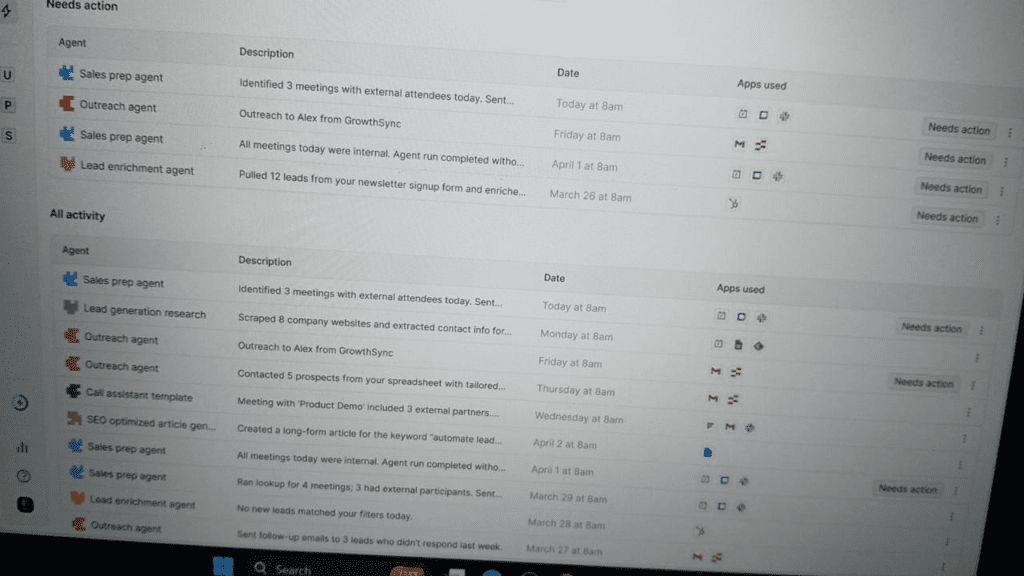
Zapier is not a traditional document AI tool, but it becomes extremely powerful when used to automate document workflows across thousands of apps.
Key Features:
- 8,000+ app integrations
- AI-powered workflows and agents
- No-code automation builder
- Built-in tools like forms, tables, and chatbots
How It Works for Documents:
You can create workflows such as:
- Upload PDF → Extract data → Save to database → Notify team
- Form submission → Generate document → Send for approval
Pros:
- Highly flexible across tools
- No coding required
- Scales easily across teams
Cons:
- Not a native document processing engine
- Requires integrations for advanced document parsing
Best For:
Enterprises that want to connect multiple tools and automate document flows across systems.
READ MORE – 5 Best Free AI Tools for Students
2. UiPath Document Understanding — Best for Enterprise Document Processing
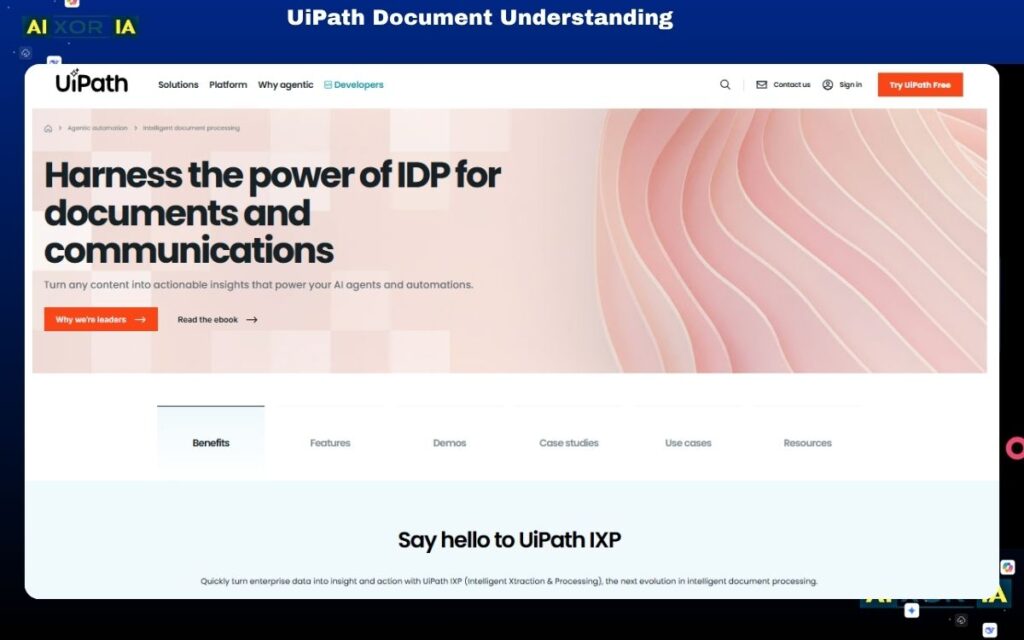
UiPath is one of the most advanced platforms for document AI, especially when combined with robotic process automation (RPA).
Key Features:
- AI-based document classification
- Data extraction from invoices, contracts, and forms
- Human-in-the-loop validation
- Integration with RPA bots
How It Works:
It reads documents, extracts structured data, validates it, and triggers workflows like approvals or database updates.
Pros:
- Highly accurate for complex documents
- Enterprise-grade automation
- Strong compliance and governance
Cons:
- Requires technical setup
- Higher cost for full implementation
Best For:
Large enterprises with complex document workflows and high-volume processing.
READ MORE – Best AI Tools for Proposal Writing in 2026
3. Google Document AI — Best for Scalable Cloud-Based Document Intelligence
Google Document AI is designed for enterprises that need scalable, AI-driven document processing.
Key Features:
- Pre-trained models for invoices, receipts, contracts
- Custom model training
- Strong OCR and NLP capabilities
- Integration with Google Cloud
How It Works:
Upload documents → AI extracts structured data → Output integrates with your systems.
Pros:
- High accuracy
- Scalable infrastructure
- Custom training support
Cons:
- Requires technical expertise
- Works best within Google Cloud ecosystem
Best For:
Businesses already using Google Cloud and needing scalable document AI.
4. Microsoft Syntex — Best for Microsoft 365-Based Document Automation
Microsoft Syntex is built into the Microsoft ecosystem and focuses on automating document understanding within SharePoint and Microsoft 365.
Key Features:
- AI document processing inside SharePoint
- Content classification and tagging
- Integration with Microsoft 365 tools
- Automation of document lifecycle
Pros:
- Seamless integration with Microsoft tools
- Easy adoption for existing users
- Strong governance
Cons:
- Limited outside Microsoft ecosystem
- Less flexible for multi-platform environments
Best For:
Organizations heavily using Microsoft 365.
5. Amazon Textract — Best for Data Extraction from Scanned Documents
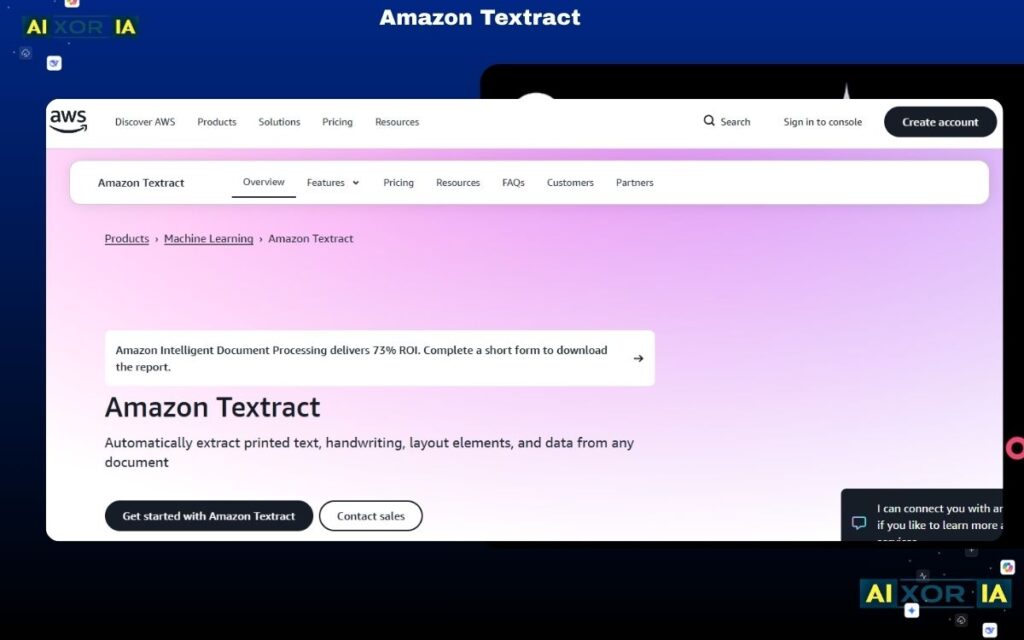
Amazon Textract specializes in extracting text and structured data from scanned documents.
Key Features:
- Extracts tables and forms
- Works with scanned PDFs and images
- Integrates with AWS services
How It Works:
It uses machine learning to identify text, tables, and relationships in documents.
Pros:
- Excellent OCR accuracy
- Strong for structured extraction
- Scalable via AWS
Cons:
- Requires development setup
- Limited workflow automation out of the box
Best For:
Developers and teams building custom document processing pipelines.
READ MORE – AI Tools for Academic Research
6. DocuWare — Best for Document Management + Automation
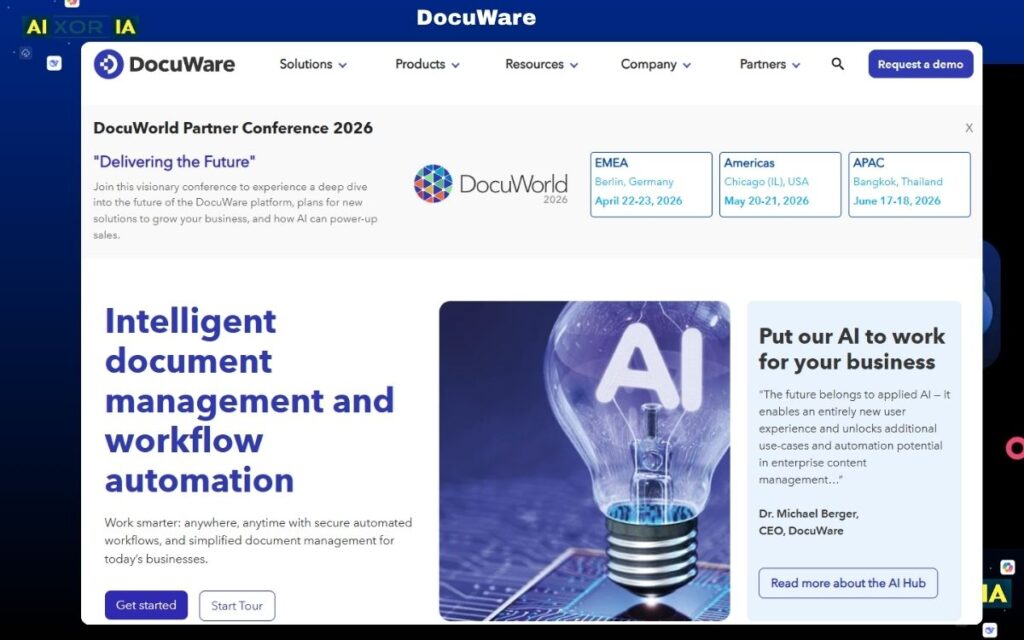
DocuWare combines document storage, workflow automation, and AI-powered indexing.
Key Features:
- Secure document storage
- Workflow automation
- Intelligent indexing
- Cloud and on-premise options
Pros:
- All-in-one solution
- Strong compliance features
- Easy document retrieval
Cons:
- Less advanced AI compared to pure AI tools
- UI can feel dated
Best For:
Organizations needing both document management and automation.
7. Notion AI — Best for Knowledge Documents and Internal Content
Notion AI is ideal for working with internal documents, notes, and knowledge bases.
Key Features:
- AI writing and summarization
- Knowledge organization
- Database-driven documents
- Collaboration features
Pros:
- Easy to use
- Great for teams
- Strong content generation
Cons:
- Not designed for heavy document processing
- Limited enterprise automation
Best For:
Startups and teams managing internal documentation.
How to Choose the Right Tool
The best tool depends on your use case:
- For automation across tools: Zapier
- For enterprise document processing: UiPath Document Understanding
- For cloud-scale AI: Google Document AI
- For Microsoft environments: Microsoft Syntex
- For OCR and extraction: Amazon Textract
- For document management: DocuWare
- For internal knowledge: Notion AI
Do You Need One Tool or a Stack?
Most enterprises do not rely on a single tool.
A common approach:
- Core document AI (e.g., extraction or classification)
- Workflow automation layer
- Storage or knowledge management system
Combining tools often gives better flexibility and scalability.
Final Answer: What Is the Best Custom AI Tool for Documents?
There is no one-size-fits-all answer.
If you need a single orchestration layer that connects documents, workflows, and apps, Zapier is one of the most flexible solutions.
If your focus is deep document processing and enterprise automation, UiPath Document Understanding or Google Document AI are stronger choices.
For most organizations, the best approach is a combination of tools that match your workflows, scale, and technical capabilities.
Conclusion
Custom AI tools for documents are no longer optional for businesses that rely on data-heavy workflows. The right platform can reduce manual work, improve accuracy, and create fully automated systems that scale across teams.