User-generated content (UGC) has become one of the most effective formats for driving engagement, trust, and conversions—especially in the US market, where audiences respond strongly to authentic, short-form video. But producing UGC at scale is difficult. It requires creators, scripts, editing, and constant iteration.
This is where AI changes the equation.
AI-powered UGC video tools now allow brands and marketers to generate realistic, conversion-focused content without relying entirely on creators. From AI avatars and voiceovers to automated editing and scripting, these tools can replicate the feel of native, creator-style videos at scale.
This guide breaks down the top AI tools for generating UGC video content in 2026, based on real capabilities, use cases, strengths, and limitations—so you can choose the right platform for your workflow.
Table of Contents
What Is AI-Generated UGC Video Content?
AI-generated UGC video content refers to videos that simulate the look and feel of authentic, user-created content using artificial intelligence.
Instead of hiring creators for every video, brands can:
- Generate AI avatars that speak naturally
- Convert scripts into talking videos
- Automate editing for TikTok, Instagram Reels, and YouTube Shorts
- Localize content for different audiences instantly
The goal is not to replace real creators entirely, but to scale production, test variations, and reduce costs while maintaining a native, platform-friendly style.
What Makes a Great AI UGC Video Tool?
Before choosing a tool, it’s important to understand what actually matters for performance:
1. Realism and Authenticity
UGC works because it feels real. The best tools produce:
- Natural facial expressions
- Human-like voiceovers
- Non-corporate, creator-style delivery
2. Ease of Use
Marketing teams need fast output. Look for:
- Script-to-video workflows
- Drag-and-drop editors
- Minimal technical setup
3. Customization
You should be able to:
- Control tone, style, and pacing
- Add branding elements
- Adjust scripts easily
4. Platform Optimization
UGC videos must fit platforms like:
- TikTok
- Instagram Reels
- YouTube Shorts
5. Scalability
For serious campaigns, you need:
- Bulk video generation
- A/B testing variations
- Multi-language support
The Best AI Tools for Generating UGC Video Content
1. Synthesia — Best for AI Avatar-Based UGC Videos
Synthesia is one of the most advanced AI video platforms, known for creating highly realistic AI avatar videos from text.

Key Features
- 140+ AI avatars with natural expressions
- Text-to-video generation
- Multi-language voice support
- Custom avatar creation (enterprise level)
Why It Works for UGC
Synthesia allows you to simulate creator-style videos without filming. You can write a script and generate a talking-head video that mimics a real person delivering a message.
Use Cases
- Product demos
- Explainer-style UGC ads
- Localization for US and global audiences
Limitations
- Can feel slightly formal compared to real influencers
- Limited “raw UGC” aesthetic unless edited externally
2. HeyGen — Best for Realistic AI Spokesperson Videos
HeyGen has quickly become a top choice for brands that want more natural-looking AI spokesperson videos.
Key Features
- Highly realistic avatars
- Voice cloning capabilities
- Script-based video generation
- Face swap and personalization features
Why It Stands Out
HeyGen produces videos that feel closer to real UGC creators compared to traditional AI tools. The delivery is more conversational and less robotic.
Use Cases
- UGC-style ads for TikTok and Instagram
- Personalized marketing videos
- Creator-style testimonials
Limitations
- Premium features can be expensive
- Requires careful scripting for best results
3. pictory— Best for Script-to-UGC Video Conversion
Pictory focuses on turning text content into engaging videos using stock footage and AI editing.

Key Features
- Script-to-video automation
- AI voiceovers
- Stock video library integration
- Auto-captioning
Why It Works
If you already have blog content or scripts, Pictory can convert them into UGC-style videos quickly.
Use Cases
- Repurposing blog posts into videos
- Educational short-form content
- YouTube Shorts automation
Limitations
- Less “creator personality”
- Relies heavily on stock visuals
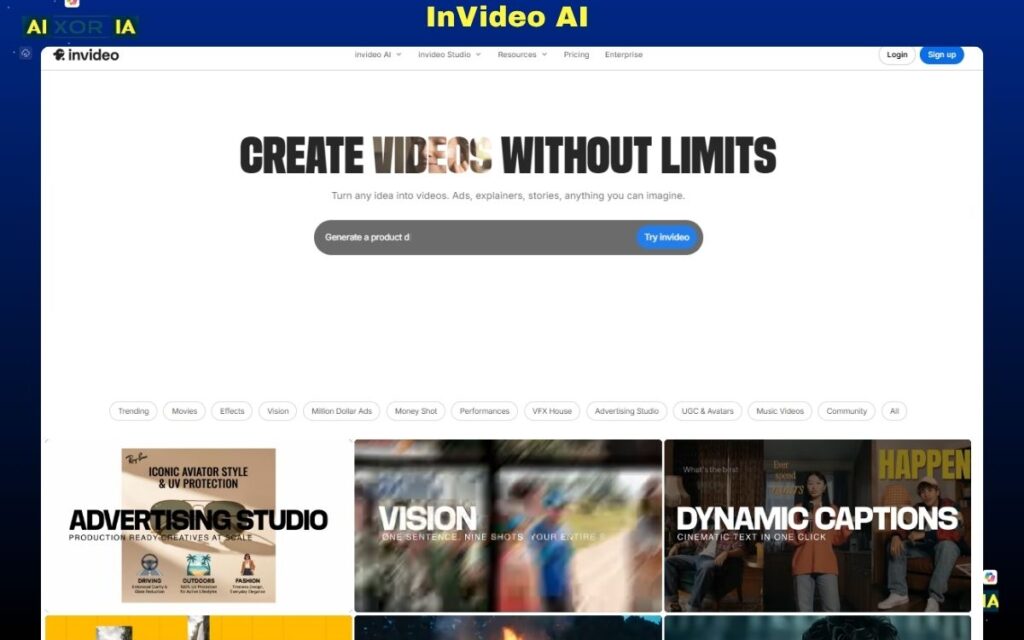
4. InVideo AI — Best for Fast UGC Video Production
InVideo AI is designed for speed and volume, making it ideal for marketers producing multiple videos daily.
Key Features
- AI script generation
- Automated video creation
- Pre-built templates for social platforms
- Voiceover and media suggestions
Strengths
It simplifies the entire workflow—from idea to finished video—in minutes.
Use Cases
- High-volume ad creatives
- Social media content batches
- Quick testing campaigns
Limitations
- Templates can feel repetitive
- Less control over fine details
5. Runway — Best for Advanced AI Video Creation
Runway is more advanced and suited for creators who want deeper control over video generation.
Key Features
- AI video generation and editing
- Background removal and scene editing
- Text-to-video capabilities
- Generative video tools
Why It’s Powerful
Runway goes beyond simple UGC—it allows you to create unique, high-quality visuals that stand out.
Use Cases
- Creative UGC campaigns
- High-end branded content
- Experimental video marketing
Limitations
- Learning curve
- Not purely focused on UGC style
6. Descript — Best for Editing UGC Videos with AI
Descript is not a generator in the traditional sense, but it’s essential for editing UGC videos efficiently.
Key Features
- Edit video by editing text
- AI voice cloning
- Automatic transcription
- Screen recording
Why It Matters
UGC content often needs fast editing. Descript allows you to refine videos quickly without traditional editing complexity.
Use Cases
- Podcast-style UGC
- Talking-head edits
- Voiceover corrections
Limitations
- Not a full video generation tool
- Requires source footage
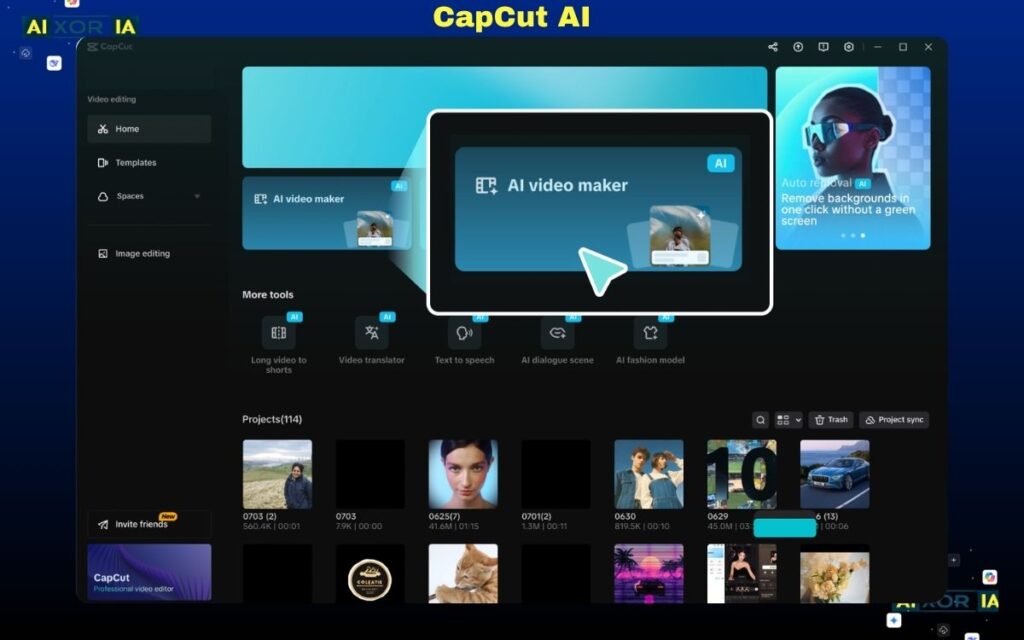
7. CapCut AI — Best for Social Media UGC Editing
CapCut has become a dominant tool for short-form video editing, especially for TikTok-style content.
Key Features
- AI captions and effects
- Templates for viral formats
- Auto-editing tools
- Mobile-first design
Why It’s Important
Even AI-generated videos need editing to feel native. CapCut helps make content look organic and platform-ready.
Use Cases
- TikTok UGC videos
- Instagram Reels
- Trend-based editing
Limitations
- Limited advanced AI generation features
- More editing-focused than creation-focused
How to Choose the Right AI UGC Tool
The best tool depends on your workflow and goals:
- If you want AI avatars → Synthesia or HeyGen
- If you want fast content at scale → InVideo AI
- If you want blog-to-video → Pictory
- If you want creative control → Runway
- If you want editing power → Descript or CapCut
In many cases, high-performing teams use a combination of tools rather than relying on just one.
AI UGC vs Real UGC: What Actually Works?
AI UGC is powerful, but it doesn’t fully replace real creators.
AI UGC Strengths
- Scalable
- Cost-effective
- Fast production
- Easy testing
Real UGC Strengths
- Higher authenticity
- Stronger emotional connection
- Better for influencer-driven campaigns
Best Strategy
Use AI for:
- Testing
- Scaling
- Iteration
Use real creators for:
- Brand trust
- High-impact campaigns
Final Thoughts
AI tools for generating UGC video content are no longer experimental—they are a core part of modern content strategy.
The key is not just choosing a tool, but understanding how to use it effectively:
- Focus on authenticity
- Optimize for platform behavior
- Test multiple variations
- Combine AI with human creativity
For most businesses, the winning approach is hybrid: use AI to scale production and real creators to build trust.