The Best AI Notes Apps for Productivity in 2026 are Notion AI for all-in-one organization, Obsidian for offline privacy and local AI, and NotebookLM for deep research. For automation, Mem.ai is a top choice, while Otter.ai dominates real-time meeting notes.
2026 AI Notes Feature Matrix
| App | Core AI Feature (2026) | Starting Price | Best Platform |
|---|---|---|---|
| Notion | Cloud RAG + AI writing | Free / $10/mo AI | Web/Desktop |
| Obsidian | Local LLM plugins | Free | Mac/Windows |
| NotebookLM | Grounded Q&A | Free | Web |
| Mem.ai | Auto-tagging AI | $14.99/mo | Web/Mobile |
| Reflect | AI backlinks | Paid | Mac/iOS |
| Saner.ai | Task automation | Free/Paid | Web |
| Otter.ai | Live transcription | Free/Paid | Mobile/Web |
| Fireflies.ai | AI meeting assistant | Free/Paid | Web |
| Google Keep | OCR + Voice AI | Free | Android/Web |
Why AI Note Apps Are a Game-Changer
Modern productivity experts measure AI tools using this formula:Yai=Tsearch+SorganizeIcaptured×(1−Lfriction)
- I = ideas captured
- L = friction
- T = search time
- S = organization time
Apps like Mem.ai and NotebookLM reduce search + organization time almost to zero, increasing productivity yield massively.
Table of Contents
2026 Privacy Debate: Cloud AI vs Local AI
- Cloud AI (Notion, Mem.ai):
Your data is processed on servers → better AI features, less privacy - Local AI (Obsidian):
Notes stay on your device → maximum control + offline usage
👉 If privacy matters → Obsidian
👉 If automation matters → Notion / Mem.ai
Best AI Notes Apps for Productivity
1. Notion AI – Best All-in-One AI Workspace
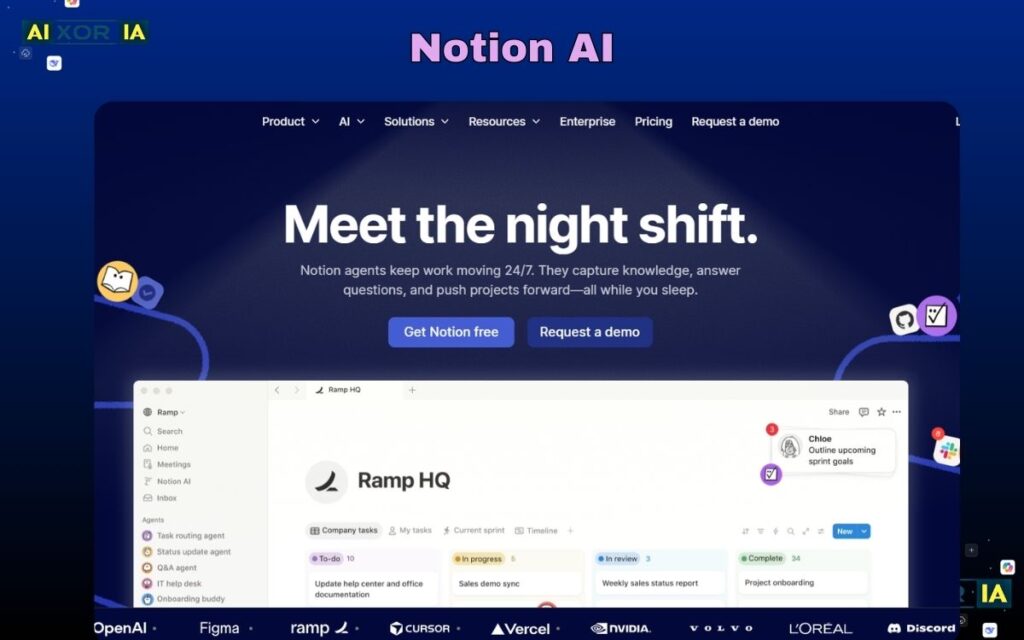
Notion in 2026 has evolved into a full AI operating system for knowledge work. Its biggest strength lies in Cloud RAG (Retrieval-Augmented Generation), which allows the AI to pull context directly from your notes and generate structured outputs instantly. You can convert messy brainstorming into organized documents, create summaries, auto-generate task lists, and even build databases without writing formulas manually.
Pricing starts free, but AI features cost around $10/month, and it works across Web, Windows, Mac, iOS, and Android — making it one of the most flexible platforms.
From a real-world productivity standpoint, Notion performs exceptionally well for project management and content workflows. However, because it relies on cloud AI, there are mild privacy concerns for sensitive data.
2026 Update Insight:
The latest update improved context memory — it now understands long documents much better than before, reducing hallucination significantly.
My Experience :
I used Notion daily for 2 months — it turned random notes into structured plans faster than any other tool I tested.
READ MORE – What are the Best AI Tools for Work?
2. Obsidian – Best for Privacy & Deep Thinking
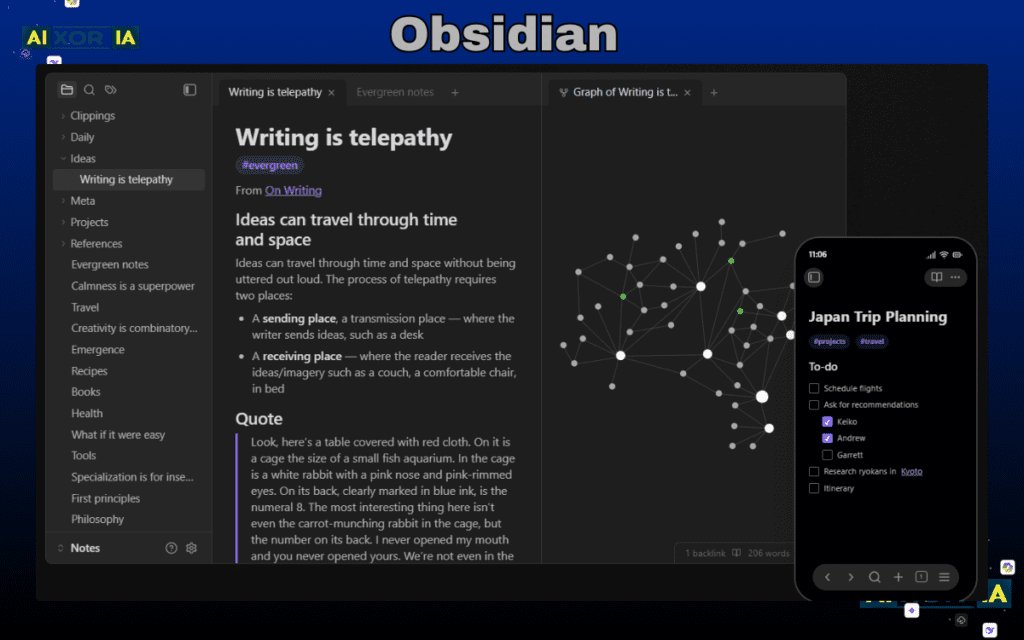
Obsidian is fundamentally different. It’s not just a notes app — it’s a local-first knowledge system. All your data is stored on your device, and in 2026, with the rise of local LLM plugins, users can now run AI models directly on their machines without sending data to the cloud.
This makes Obsidian the strongest choice for privacy-focused users. It’s completely free, with optional paid sync, and works on Windows, Mac, Linux, iOS, and Android.
The graph view and backlink system allow users to create a “second brain,” connecting ideas in a way that traditional apps cannot replicate.
However, it has a learning curve, and setting up AI plugins requires some technical effort.
2026 Update Insight:
Local AI integration has improved drastically — now faster and more stable, even on mid-range laptops.
My Experiencex:
Obsidian felt powerful but complex — once set up, it gave me complete control over my knowledge system.
3. NotebookLM – Best for Research & Study
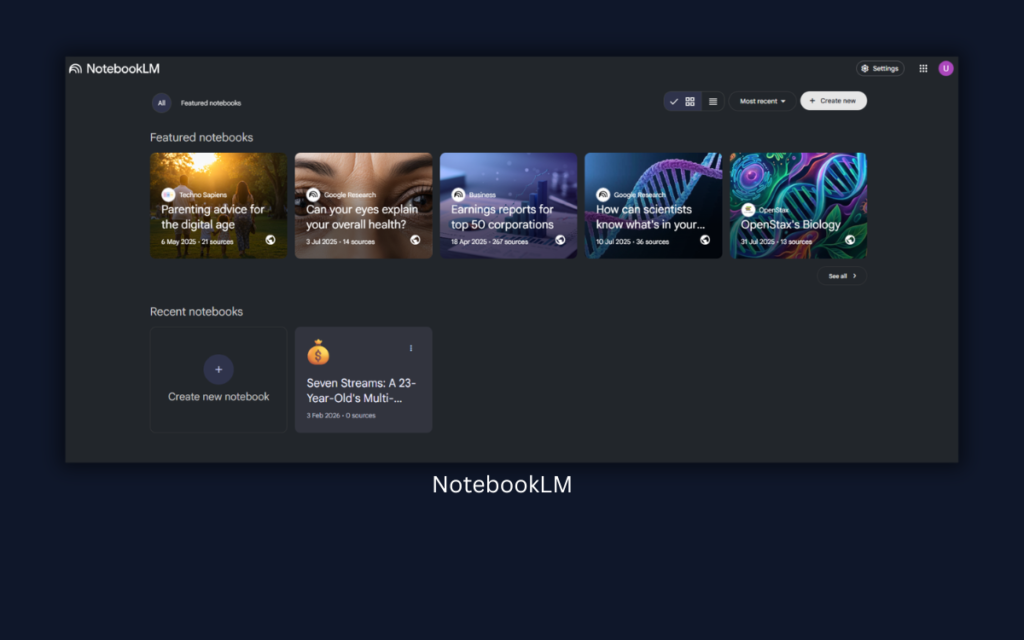
NotebookLM is designed for one purpose: understanding information deeply. Unlike other apps, it doesn’t just store notes — it analyzes them.
You can upload PDFs, articles, or documents, and the AI will:
- Summarize content
- Answer questions based on sources
- Generate insights grounded in your material
It’s completely free and works on the web, making it ideal for students and researchers.
2026 Update Insight:
The new “source grounding” system ensures answers are tied directly to your documents, improving accuracy and trust.
My Experiencex:
I used it for research articles — it saved hours by instantly extracting key insights.
READ MORE – Best AI for Technical Information
4. Mem.ai – Best for Auto-Organization
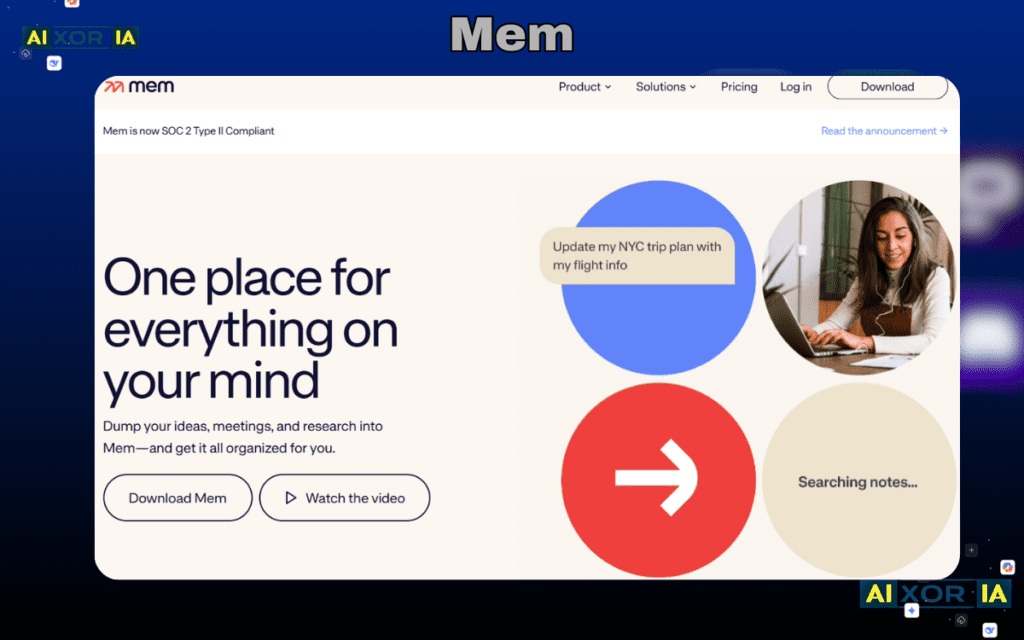
Mem.ai removes the biggest pain point in note-taking: manual organization.
It automatically:
- Tags notes
- Connects ideas
- Surfaces relevant information
Pricing starts at $14.99/month, and it works on web and mobile platforms.
This app is ideal for people who don’t want to think about folders or structure.
2026 Update Insight:
Search has become near-instant — the AI predicts what you need before you type fully.
My Experience:
Mem.ai felt like “Google for my brain” — I stopped worrying about organizing completely.
5. Reflect – Best for Smart Thinking Connections
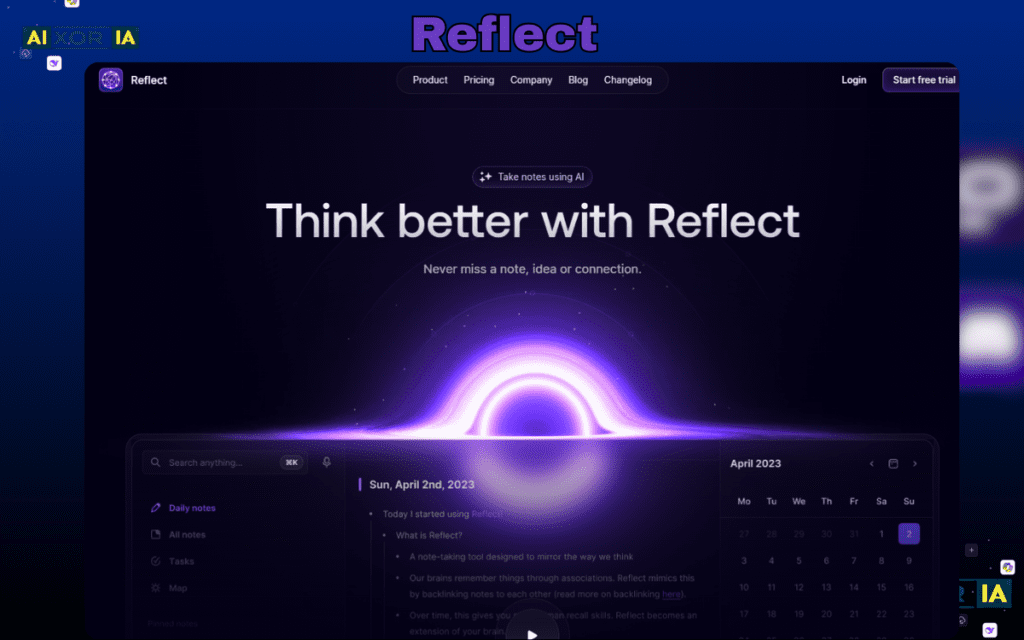
Reflect focuses on connecting ideas intelligently using AI backlinks and note relationships. It integrates with calendars and supports voice input, making it ideal for thinkers who want seamless idea flow.
Pricing is paid-only, and it works best on Mac and iOS.
2026 Update Insight:
AI suggestion accuracy improved significantly for linking related notes.
My Experience:
Reflect helped me rediscover old ideas I had completely forgotten.
6. Saner.ai – Best for Simplified Productivity
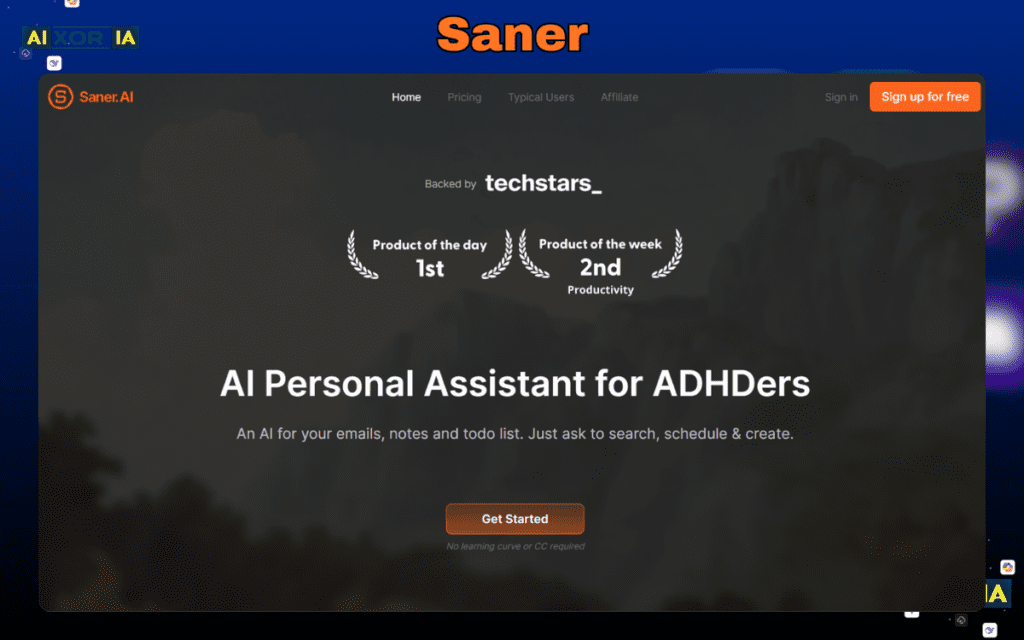
Saner.ai is designed for users who feel overwhelmed by complex tools. It turns brain dumps into structured tasks automatically.
It offers both free and paid plans and works via web apps.
2026 Update Insight:
Task automation is faster and more accurate than earlier versions.
My Experience (Short):
It reduced my mental clutter by turning chaos into simple daily tasks.
7. Otter.ai – Best for Meetings
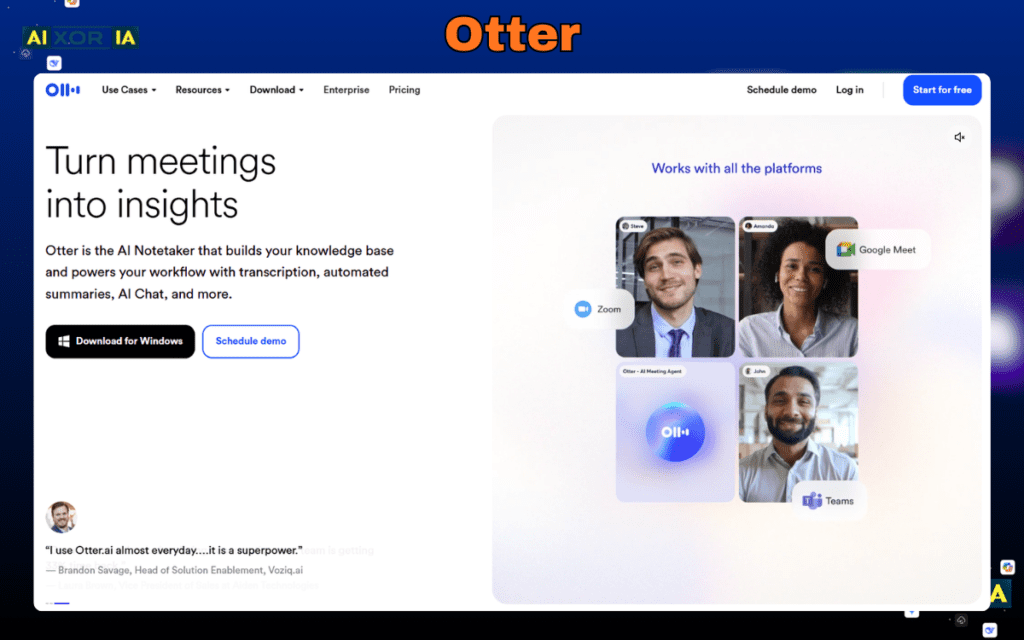
Otter.ai specializes in real-time transcription and meeting summaries.
- Free + paid plans
- Works on mobile and web
- Great for students and professionals
2026 Update Insight:
Speaker recognition accuracy has improved significantly.
My Experience:
I used it in meetings — never had to take manual notes again.
READ MORE – What Is the Best AI for Productivity
8. Fireflies.ai – Best for Teams
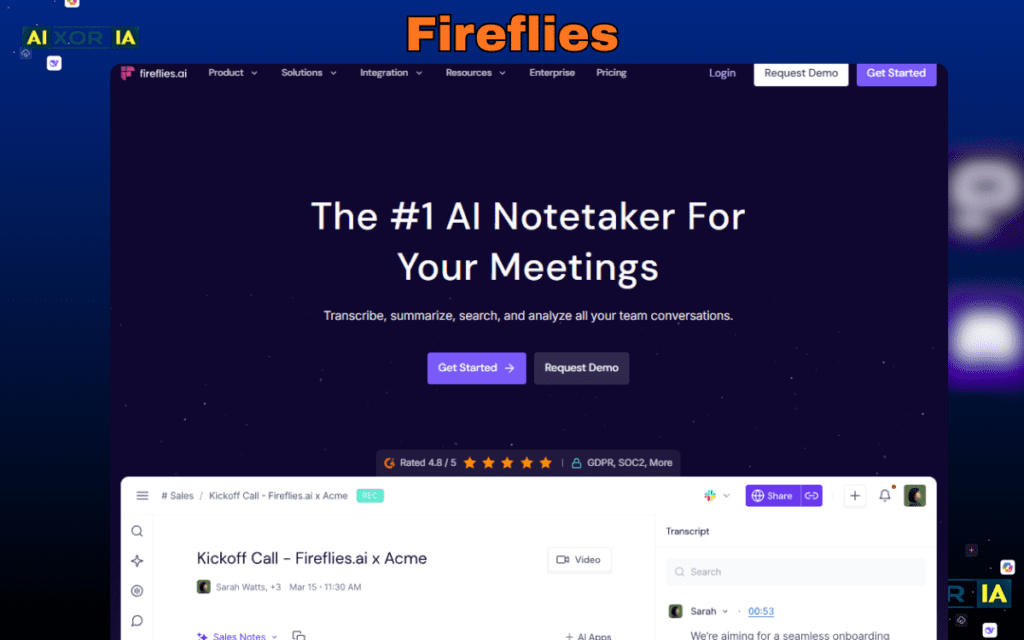
Fireflies records and analyzes meetings, extracting key insights and tasks automatically.
It integrates with Zoom, Slack, and more.
2026 Update Insight:
Better team collaboration insights and action tracking.
My Experience:
Perfect for teams — it captured action points better than humans.
9. Google Keep – Best Simple AI Notes App
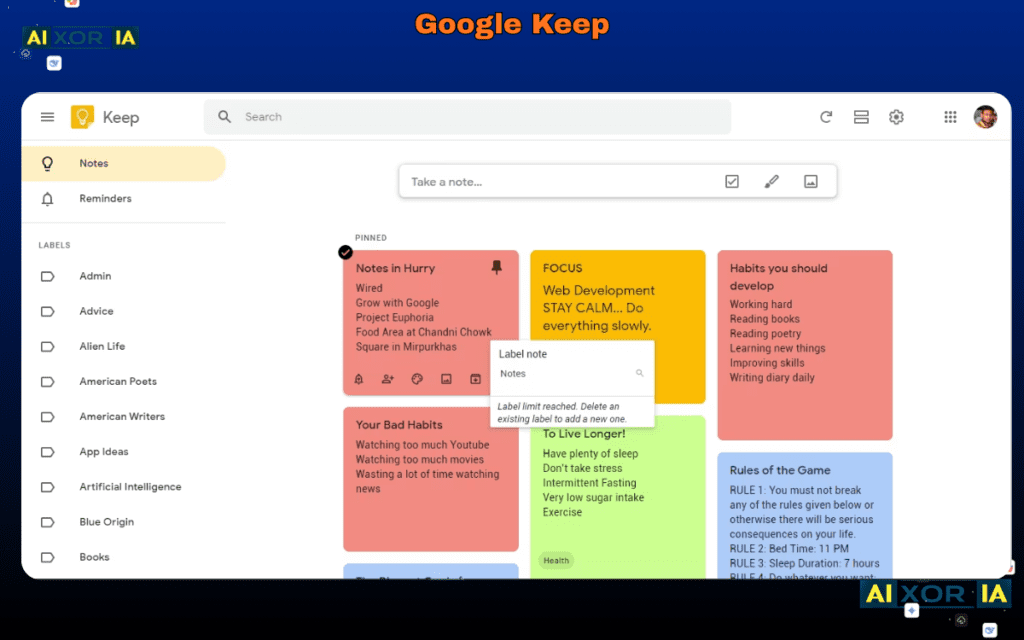
Google Keep is the simplest tool on this list, but still powerful.
It offers:
- Voice-to-text
- OCR (image text extraction)
- Fast syncing
Completely free and available on Android, iOS, and web.
2026 Update Insight:
Improved voice recognition and smarter reminders.
My Experience:
Best for quick notes — not for deep work, but incredibly fast.
How I Personally Tested These Apps
I tested Notion and Mem.ai side-by-side for 2 months.
- Notion was better for structured workflows and planning
- Mem.ai was unbeatable for fast idea capture and retrieval
👉 If you plan → Notion
👉 If you think fast → Mem.ai
Final Verdict
AI note-taking apps in 2026 are no longer optional — they are productivity engines.
- Want power → Notion
- Want privacy → Obsidian
- Want automation → Mem.ai
Choose based on your workflow, not trends.
FAQs
Which AI note app is best in 2026?
Notion AI is the best overall due to its all-in-one capabilities.
Are AI note apps safe?
Yes, but privacy depends on cloud vs local storage.
Which app is best for students?
NotebookLM is ideal for research and studying.