In 2022, I used to open a whiteboard tool, drag 20 boxes, connect arrows, export PNG, and send it to the team.
In 2024, that PNG was outdated within two sprints.
In 2026, serious development teams don’t just draw architecture — they version it, automate it, and generate it from code.
That shift changes the answer to the question:
What is the best tool to create software architecture diagram?
The real answer today depends on one thing:
Do you want a picture… or a living architectural system?

This guide goes deep into modern architecture tooling — including AI-driven diagramming, Architecture-as-Code (AaC), Git-native workflows, and emerging tools like Mermaid.js and D2.
You’ll also see a technical evaluation formula used to measure diagram efficiency for high-velocity engineering teams.
The 2026 Shift: From Diagrams to Architecture-as-Code (AaC)
Developers are increasingly moving away from static drag-and-drop diagrams.
Why?
Because:
- Static diagrams go stale
- They live outside version control
- They don’t scale with CI/CD
- They require manual updates
Architecture-as-Code (AaC) solves this by:
- Storing diagrams in Git
- Generating them from text or infrastructure definitions
- Updating them automatically
- Keeping architecture documentation synchronized with deployments
Tools like PlantUML, Mermaid.js, and D2 represent this evolution.
Meanwhile, AI-driven tools like Lucidchart and Miro are embedding intelligent layout engines and automated architecture suggestions.
The question is no longer “Which tool looks good?”
It’s:
Which tool integrates into modern engineering velocity?
How We Evaluate Architecture Tools in 2026

To move beyond opinions, let’s introduce a measurable framework.
Diagram Efficiency Score ($D_e$)
In high-performance teams, tool utility can be evaluated using:De=Learning Curve Time (Hours)Component Versatility×Version Control Compatibility
Where:
- Component Versatility = Number of architecture styles supported (microservices, serverless, event-driven, monolith, hybrid cloud, etc.)
- Version Control Compatibility = Native Git friendliness (code-based = high score)
- Learning Curve Time = Time required for a mid-level engineer to become productive
If:
- $D_e > 10$ → Ideal for high-velocity engineering teams
- $D_e 5–10$ → Balanced team environments
- $D_e < 5$ → Visual-only documentation tools
This framework helps remove bias from selection.
Updated 2026 Comparison Matrix
| Tool (2026) | Primary Logic | Version Control (Git) | AI-Assisted Layout |
|---|---|---|---|
| Lucidchart | Drag-and-Drop | 🟡 Integration Only | ✅ Yes |
| Draw.io | Grid-based Visual | ✅ Direct XML/Git | ❌ Limited |
| PlantUML | Text-to-UML | ✅ Native (Code) | ✅ Via AI Plugins |
| Mermaid.js | Markdown-based | ✅ Native (Git) | ✅ AI-assisted generation |
| D2 | Declarative Diagram Script | ✅ Native (Code) | 🟡 Emerging |
| Miro | Infinite Whiteboard | ❌ No | ✅ Smart Shapes |
Now let’s break them down properly.
1. Lucidchart – Best Balanced Tool for Teams
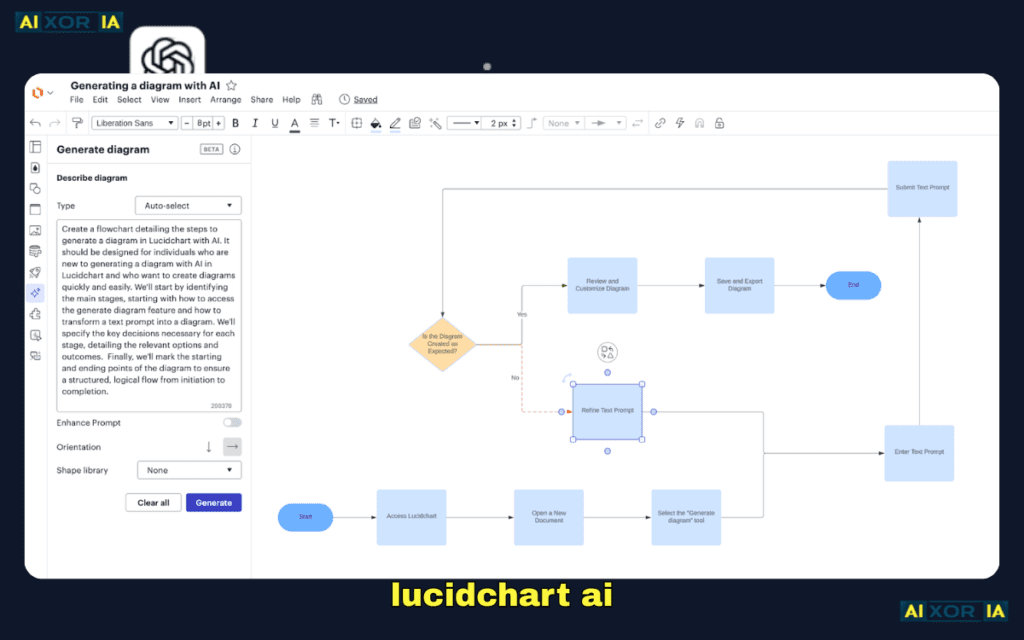
Lucidchart remains the most balanced choice for mixed technical + non-technical teams.
Real Experience
I used Lucidchart while consulting for a fintech startup. The backend team used Terraform; product managers needed architecture clarity. Lucidchart allowed collaborative reviews while exporting clean diagrams for investor decks.
Strengths
- Massive cloud icon libraries (AWS, Azure, GCP)
- AI-driven auto-layout
- Clean UI for stakeholders
- Integrations with Jira, Confluence
Weakness
- Not Git-native
- Manual updates required unless integrated with automation pipelines
Best For
Cross-functional teams where communication clarity matters as much as engineering precision.
2. Draw.io – Best Free Hybrid Option
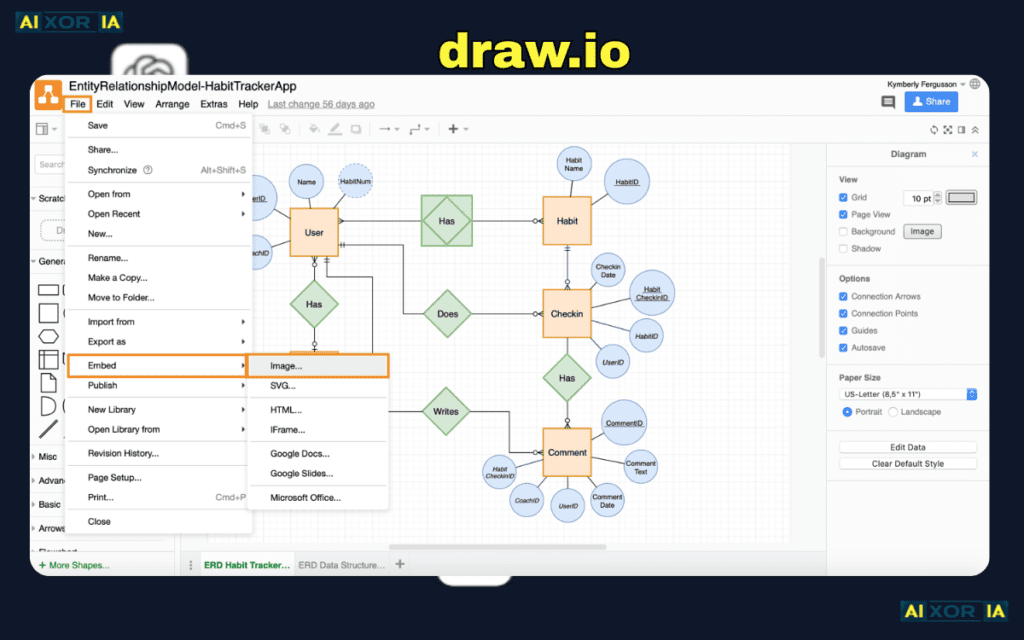
Draw.io (diagrams.net) is still the strongest free option.
Real Experience
I’ve used it inside GitHub repositories by storing XML diagram files. While not fully code-native, versioning works surprisingly well for small projects.
Strengths
- Free and open-source
- Cloud library support
- XML export compatible with Git
Limitations
- No advanced AI layout
- Collaboration less fluid than paid tools
Ideal For
Students, indie hackers, and early-stage startups.
3. PlantUML – The Dev-First Architecture Tool
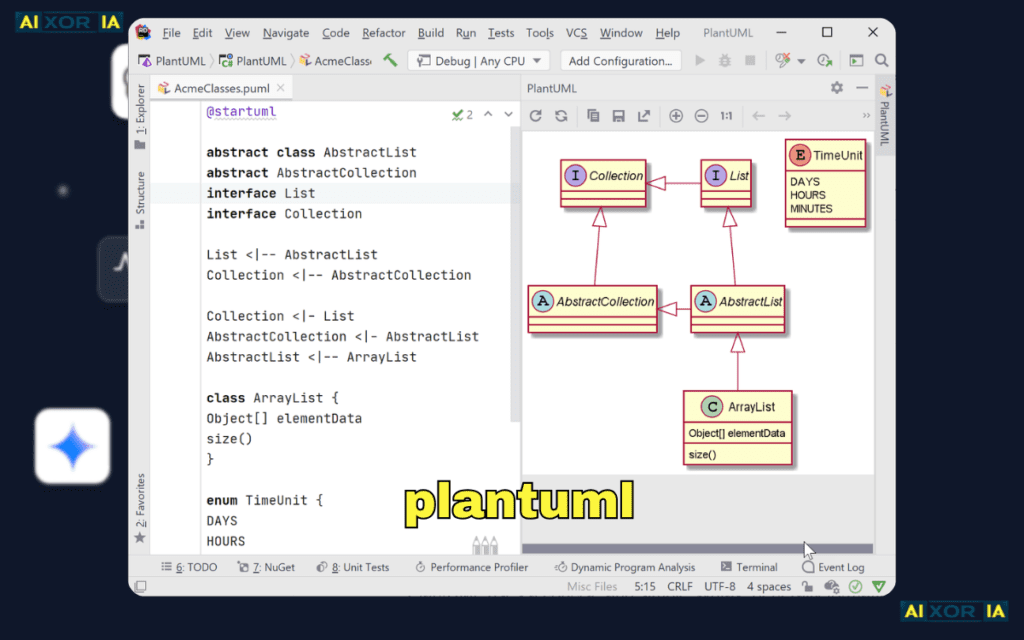
PlantUML is where Architecture-as-Code truly shines.
Instead of dragging shapes, you define structure in code:
@startuml
User -> API
API -> Database
Database --> Response
@enduml
It generates sequence, component, and deployment diagrams instantly.
Real Experience
In one backend-heavy SaaS project, we embedded PlantUML inside our documentation pipeline. Every PR that modified service structure updated diagrams automatically.
That eliminated outdated documentation completely.
Why It Scores High on $D_e$
- High component versatility
- Native Git compatibility
- Low runtime overhead
- CI/CD friendly
Best For
Backend engineers, DevOps teams, infrastructure-heavy systems.
4. Mermaid.js – The Markdown-Native Powerhouse

Mermaid.js is now heavily adopted in documentation platforms.
It works inside Markdown and renders diagrams automatically.
Example:
graph TD
A[Client] --> B[API Gateway]
B --> C[Auth Service]
B --> D[Microservices]
D --> E[(Database)]
Why It’s Trending in 2026
- Native GitHub support
- Markdown compatibility
- AI tools generate Mermaid syntax automatically
- Ideal for documentation-driven development
Real Experience
While documenting a distributed microservice platform, we used Mermaid inside internal docs. Engineers updated architecture diagrams alongside README updates.
No external tool required.
5. D2 – The Emerging Declarative Diagram Language
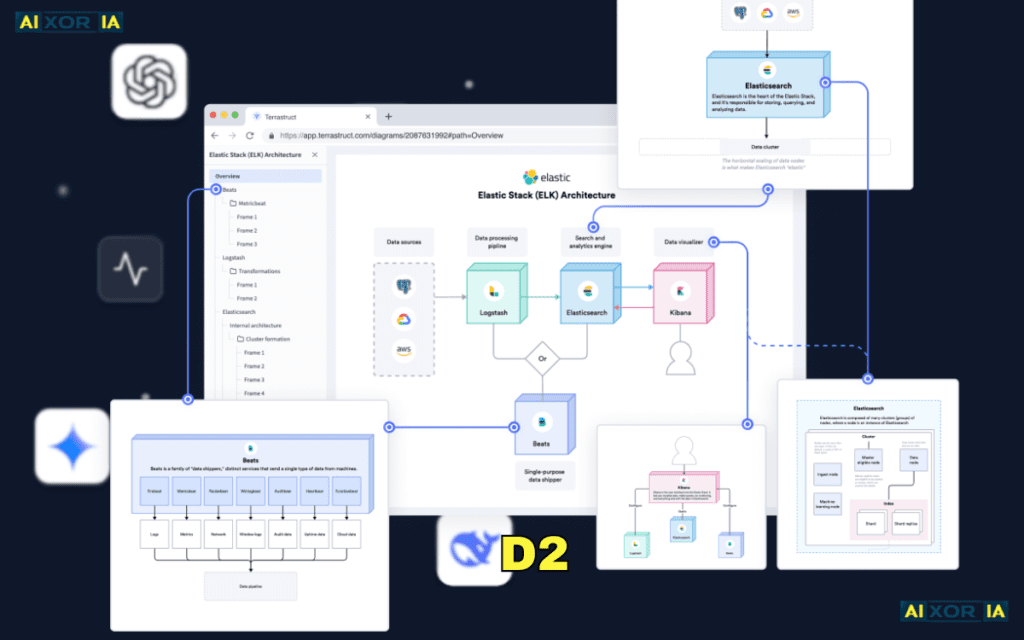
D2 is designed specifically for developer ergonomics.
It simplifies diagram syntax while producing structured visual outputs.
Example:
Client -> API
API -> Database
Unlike traditional UML tools, D2 focuses on clean declarative flows.
Why It Matters
- Code-based
- Git-friendly
- Designed for scalability
- Ideal for large engineering orgs
Early Limitation
Ecosystem still maturing compared to Mermaid or PlantUML.
6. Miro – Brainstorming + AI Visual Assistance
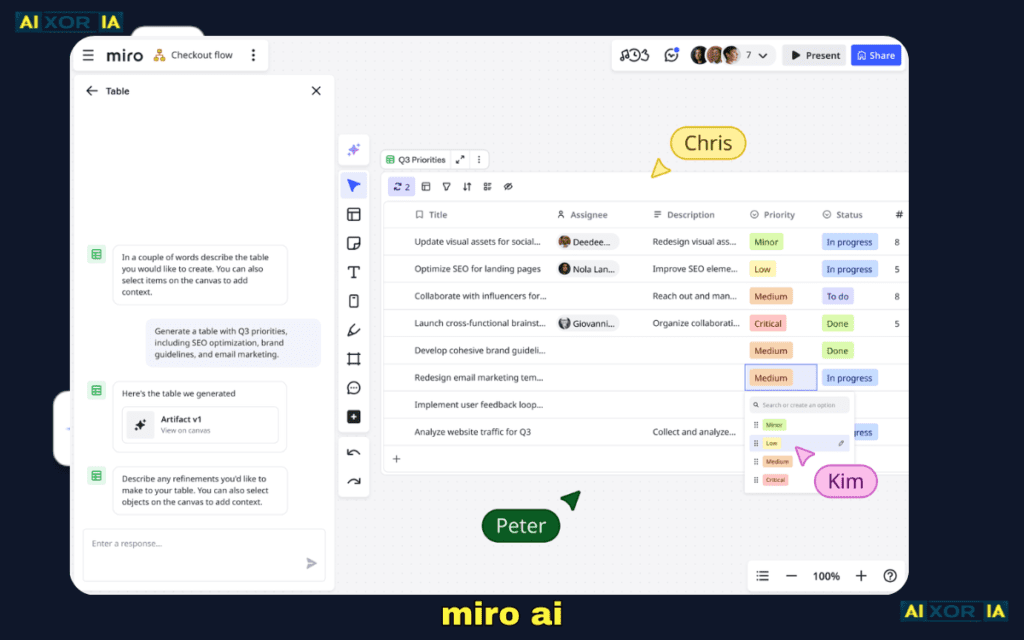
Miro is not architecture-first, but idea-first.
Real Experience
During remote architecture planning workshops, Miro enabled real-time diagramming sessions with product, engineering, and design teams.
Its AI Smart Shapes reduce layout friction.
Not Ideal For
Long-term architecture documentation.
7. Figma – The Product Architecture Bridge
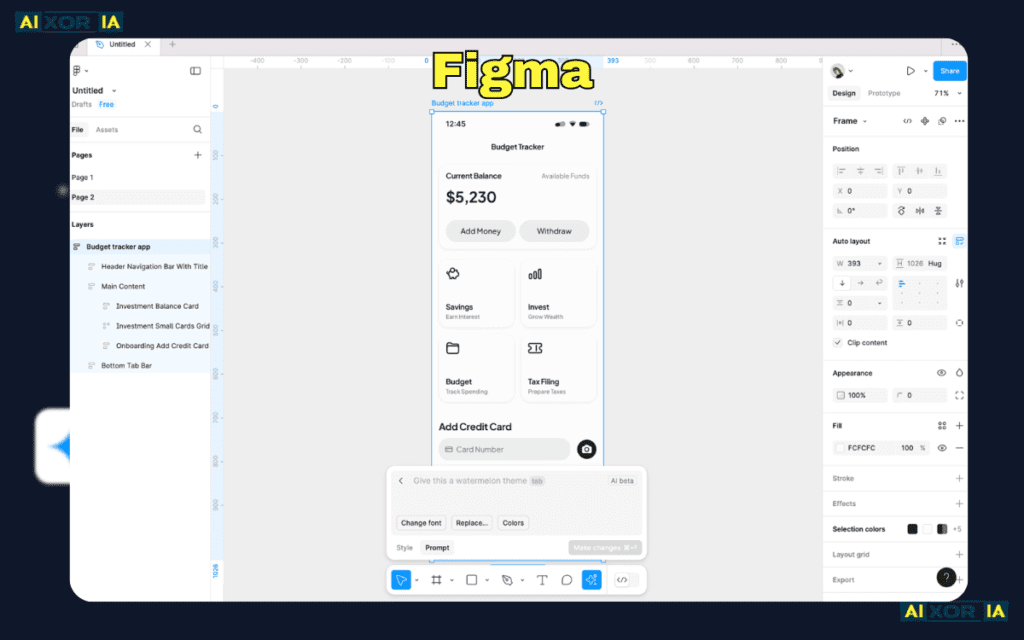
Figma has become surprisingly popular for architecture + UI crossover teams.
Designers and engineers collaborate in the same environment.
Real Experience
In a product-led startup, Figma was used to align UI flows with backend service diagrams.
It worked well for early planning phases.
Visual Example: Typical Microservice Architecture
A standard architecture diagram created in Lucidchart or Draw.io may include:
- Client Layer
- CDN
- API Gateway
- Authentication Service
- Microservices Layer
- Message Queue
- Database Cluster
- Monitoring Stack
In Architecture-as-Code tools, this same structure is represented as code and auto-rendered.
That shift — from static image to reproducible code — defines modern architectural maturity.
How AI Is Changing Architecture Diagrams in 2026
AI-driven diagramming is no longer experimental.
Modern tools now:
- Convert infrastructure files (Terraform, YAML) into diagrams
- Suggest optimized service layouts
- Auto-detect redundant connections
- Generate Mermaid syntax from natural language
Example workflow:
Engineer writes:
“Create a scalable microservice system with load balancer and PostgreSQL cluster.”
AI outputs full Mermaid architecture code.
That drastically reduces documentation friction.
In large teams, this improves:
- Onboarding speed
- Audit readiness
- Incident analysis clarity
AI is not replacing architecture thinking — it’s accelerating visualization.
So… What Is the Best Tool in 2026?
It depends on your engineering maturity level.
If You Want Stakeholder Clarity
Lucidchart
If You Want Free Visual Diagrams
Draw.io
If You Want Git-Native Architecture
PlantUML or Mermaid.js
If You Want Declarative Modern Syntax
D2
If You Want Brainstorming + AI
Miro
My Personal Stack (After Testing All)
For production-grade documentation:
- Mermaid.js inside Git repos
- PlantUML for complex UML
- Lucidchart for client presentations
This hybrid workflow ensures:
- Technical accuracy
- Version control safety
- Stakeholder communication clarity
Final Thought
In 2026, the best tool to create software architecture diagrams is not just about drawing shapes.
It’s about:
- Automation
- Version control
- AI assistance
- Team velocity
- Documentation longevity
If your diagrams live outside Git, they are already aging.
If your diagrams are generated from code, they evolve with your system.
Architecture is no longer static documentation.
It’s executable knowledge.