Flowcharts are one of the most effective ways to visualize processes, map workflows, and communicate complex ideas clearly. Whether you’re documenting business operations, designing systems, or planning projects, the right software can significantly improve how efficiently you work.
In 2026, flowchart tools have evolved beyond simple diagramming. Many platforms now include real-time collaboration, integrations, and AI-powered automation that can generate diagrams from text or data. But with so many options available, choosing the best software to create a flowchart depends on your specific use case, team size, and technical requirements.
This guide breaks down the best flowchart software available today, including AI-powered tools, enterprise-grade platforms, and beginner-friendly solutions.
Table of Contents
What Makes the Best Flowchart Software?
Not all flowchart tools are built the same. The best software should help you create, edit, and manage diagrams efficiently while scaling with your needs.
Here are the key factors to consider:
Ease of Use
A good flowchart tool should offer a clean interface with drag-and-drop functionality. Beginners should be able to create diagrams quickly, while advanced users should still have access to customization options.
Collaboration Features
Modern teams need real-time collaboration. Look for tools that allow multiple users to edit, comment, and share diagrams simultaneously.
Templates and Components
Pre-built templates save time and ensure consistency. The best tools offer a wide range of flowchart symbols, diagrams, and industry-specific templates.
AI Capabilities
Many tools now include AI features that can generate flowcharts from text prompts, suggest improvements, or automate repetitive tasks.
Integrations
Your flowchart tool should connect with apps like Slack, Google Workspace, Microsoft 365, or project management tools.
Export and Sharing Options
You should be able to export diagrams in formats like PNG, PDF, or SVG and embed them easily into documents or websites.
READ MORE – Best Email Marketing Tools for CRM Software
The Best Software to Create a Flowchart
1. Lucidchart — Best Overall Flowchart Software
Lucidchart is one of the most widely used diagramming tools for individuals and teams. It combines ease of use with powerful collaboration features.

Key features:
- Drag-and-drop editor
- Real-time collaboration
- Extensive template library
- Integration with Google Drive, Slack, and Microsoft Office
- Data linking and automation features
AI capabilities:
Lucidchart includes intelligent diagramming features that can auto-format diagrams and suggest layouts based on your structure.
Best for:
Teams that need a balance between simplicity and advanced functionality.
Limitations:
Some advanced features are locked behind higher-tier plans.
2. Microsoft Visio — Best for Enterprise and Windows Users
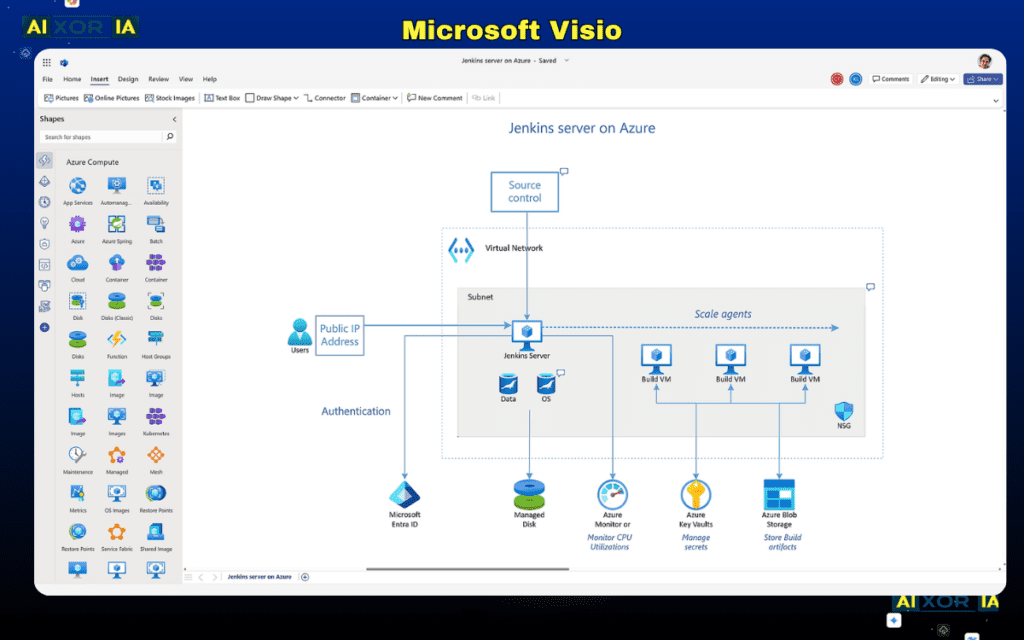
Microsoft Visio is a long-standing solution used by enterprises for professional diagramming and process mapping.
Key features:
- Advanced diagramming tools
- Integration with Microsoft 365
- Extensive shape libraries
- Data-driven diagrams
AI capabilities:
Visio integrates with Microsoft Copilot, allowing users to generate diagrams using natural language prompts.
Best for:
Enterprises already using the Microsoft ecosystem.
Limitations:
Higher cost and a steeper learning curve compared to modern tools.
3. Miro — Best for Collaborative Flowcharts and Whiteboarding
Miro is a collaborative whiteboard platform that supports flowcharts alongside brainstorming and planning.
Key features:
- Infinite canvas
- Real-time team collaboration
- Visual workspace for diagrams and ideas
- Integration with tools like Jira and Notion
AI capabilities:
Miro AI can generate diagrams, summarize content, and assist in structuring workflows.
Best for:
Remote teams and collaborative environments.
Limitations:
Not as specialized for technical diagrams as some alternatives.
4. Creately — Best for Visual Database-Driven Diagrams
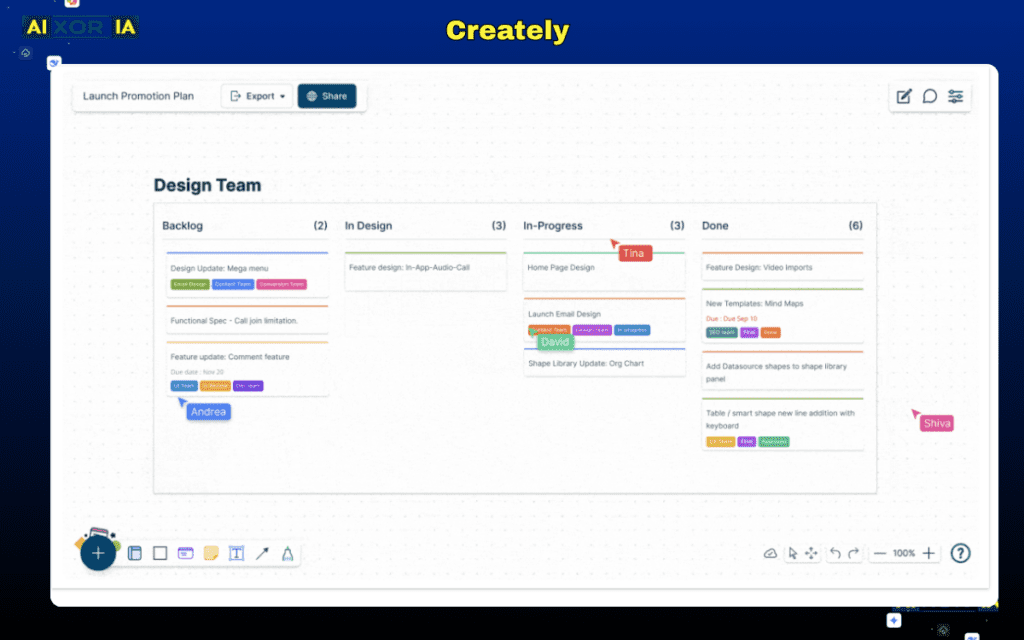
Creately combines diagramming with data management, making it useful for complex workflows.
Key features:
- Smart shapes and connectors
- Real-time collaboration
- Database-style diagram linking
- Multiple diagram types
AI capabilities:
Creately includes AI-assisted diagram generation and suggestions based on input.
Best for:
Teams working with structured data and interconnected processes.
Limitations:
Interface may feel complex for beginners.
READ MORE – 9 Best Finance Automation Software Tools
5. SmartDraw — Best for Automation and Templates
SmartDraw focuses on automation and ease of use, especially for business users.
Key features:
- Automatic formatting
- Thousands of templates
- Integration with Microsoft tools
- Easy export options
AI capabilities:
SmartDraw uses intelligent formatting rather than full AI generation but still speeds up workflow creation.
Best for:
Users who want fast, structured diagrams with minimal effort.
Limitations:
Limited real-time collaboration compared to competitors.
6. Draw.io (Diagrams.net) — Best Free Flowchart Software
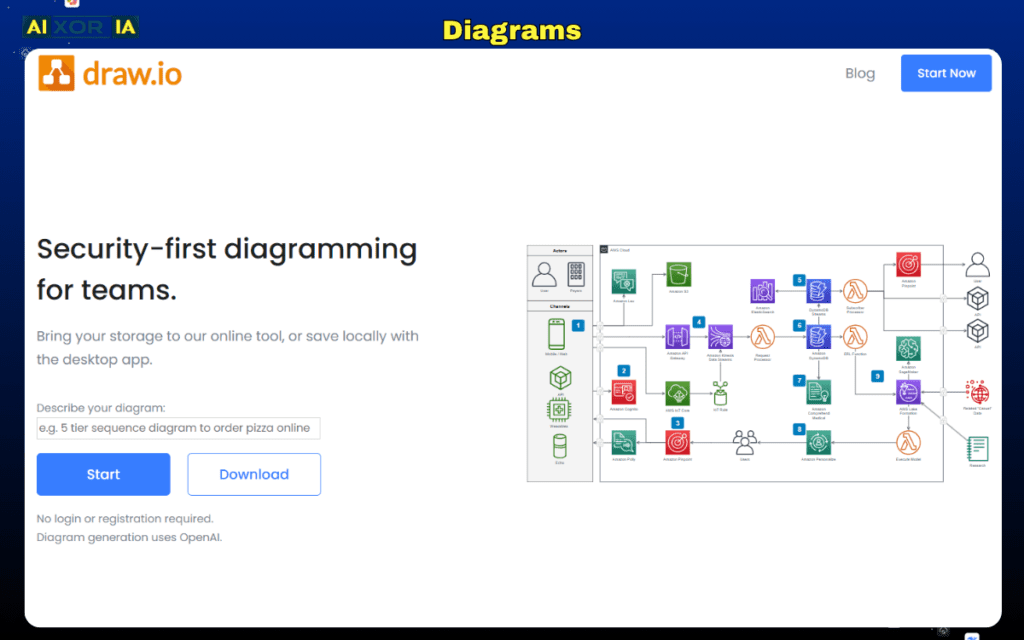
Draw.io is a completely free, open-source diagramming tool widely used by individuals and teams.
Key features:
- Free and open-source
- Works online and offline
- Integration with Google Drive and Dropbox
- Simple interface
AI capabilities:
No built-in AI features.
Best for:
Users who need a free, reliable solution.
Limitations:
Lacks advanced automation and AI features.
7. Whimsical — Best for Simple and Fast Flowcharts
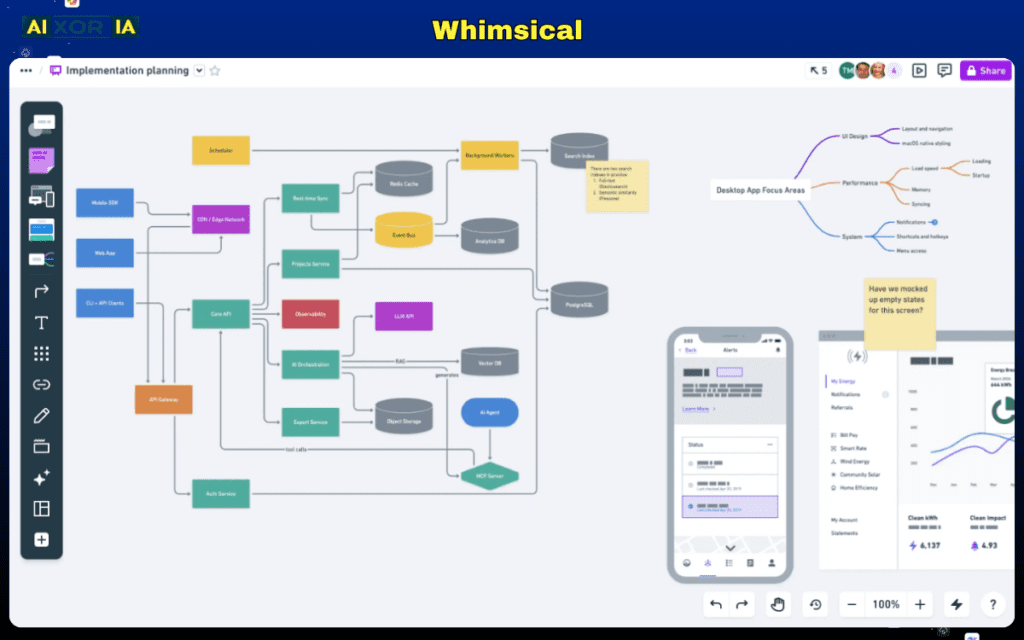
Whimsical is known for its clean interface and speed.
Key features:
- Minimalist design
- Fast diagram creation
- Collaboration tools
- Multiple diagram formats
AI capabilities:
Includes basic AI features for idea generation and structuring.
Best for:
Startups and individuals who prefer simplicity.
Limitations:
Not ideal for complex or enterprise-level diagrams.
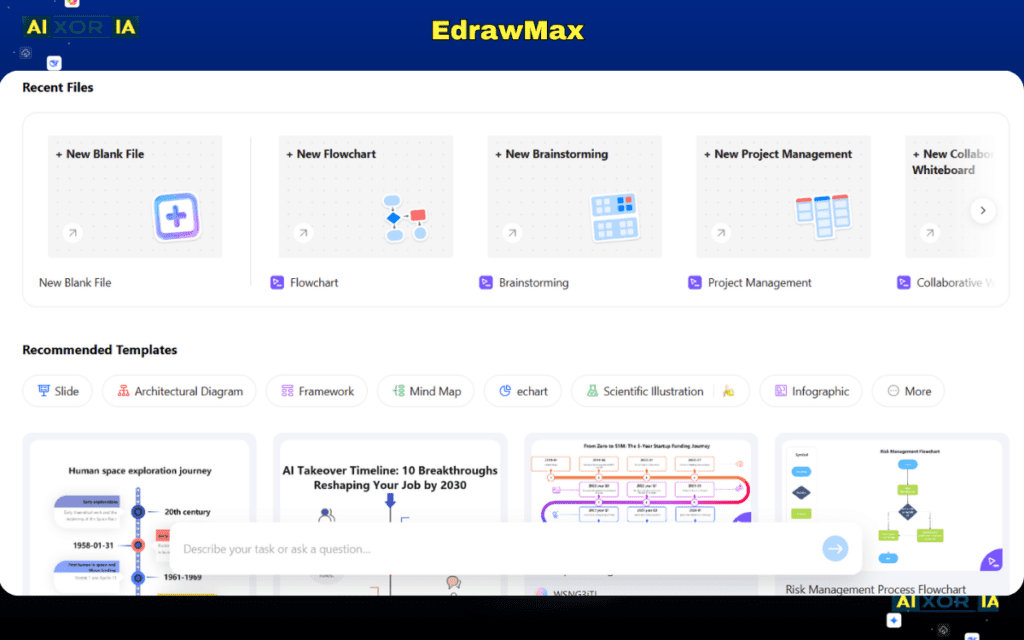
8. EdrawMax — Best All-in-One Diagramming Tool
EdrawMax supports a wide range of diagram types, including flowcharts, mind maps, and technical diagrams.
Key features:
- Large template library
- Cross-platform support
- Offline functionality
- Advanced diagram customization
AI capabilities:
Includes AI diagram generation and template suggestions.
Best for:
Users who need multiple diagram types in one tool.
Limitations:
Interface can feel overwhelming for new users.
READ MORE – The 20 Best AI Software Development Tools
AI Flowchart Tools: What’s Changing in 2026?
AI is transforming how flowcharts are created. Instead of manually building diagrams, users can now describe a process in plain English and generate a complete flowchart instantly.
Common AI features include:
- Text-to-diagram generation
- Auto-layout and formatting
- Workflow suggestions
- Process optimization insights
This significantly reduces the time required to create diagrams and makes flowchart tools more accessible to non-technical users.
How to Choose the Right Flowchart Software
The best software depends on your needs:
- For beginners: Whimsical or Draw.io
- For teams: Lucidchart or Miro
- For enterprises: Microsoft Visio
- For AI-powered workflows: Miro or Creately
- For budget users: Draw.io
If your work involves multiple systems and complex workflows, choose a tool with strong integrations and automation features.
Final Thoughts
The best software to create a flowchart in 2026 is not a one-size-fits-all solution. Each tool offers different strengths depending on how you work and what you need.
If you want a balanced, all-around solution, Lucidchart is a strong choice. For enterprise environments, Microsoft Visio remains a reliable option. And for AI-driven workflows, tools like Miro and Creately are leading the way.
Before choosing a tool, evaluate your workflow complexity, team requirements, and whether AI automation can improve your efficiency. The right choice will not only help you create flowcharts faster but also improve how your entire process is designed and executed.
1 thought on “Best Software to Create a Flowchart in 2026”