In 2026, the best free project management software for small businesses is ClickUp (best for features), Trello (best for ease of use), and Zoho Projects (best for client-facing tasks).
While Asana is still powerful for collaboration, its free plan is now limited to 2 users in many regions, making tools like Freedcamp a better option for growing teams that need unlimited access.
Table of Contents
Why Small Businesses Still Struggle
From my experience working with small teams, the biggest issue is not tools — it’s time leakage.
Teams lose hours in:
- Manual coordination
- Repeated communication
- Spreadsheet confusion
To measure this, we use a simple efficiency formula:
Small Business Efficiency Formula
Ebiz=TtotalTmanual−T tool×100
In real scenarios, switching to tools like ClickUp or Asana reduces coordination effort by up to 25%.
That’s the difference between chaos and growth.
Free Plan Reality Check (2026 Updated)
| Tool | User Limit (Free) | Best Power Feature | Biggest Limitation |
|---|---|---|---|
| ClickUp | Unlimited | AI + dashboards | Complex UI |
| Trello | Up to 10 | Visual Kanban | No Gantt view |
| Asana | 2 Users | Clean UX | No automation |
| Notion | Unlimited (solo) | All-in-one workspace | Manual setup |
| Zoho Projects | 2–3 Users | Gantt charts | Project limits |
Best Free Project Management Software for Small Business (Detailed)
1. ClickUp — Best Feature-Rich Free Tool
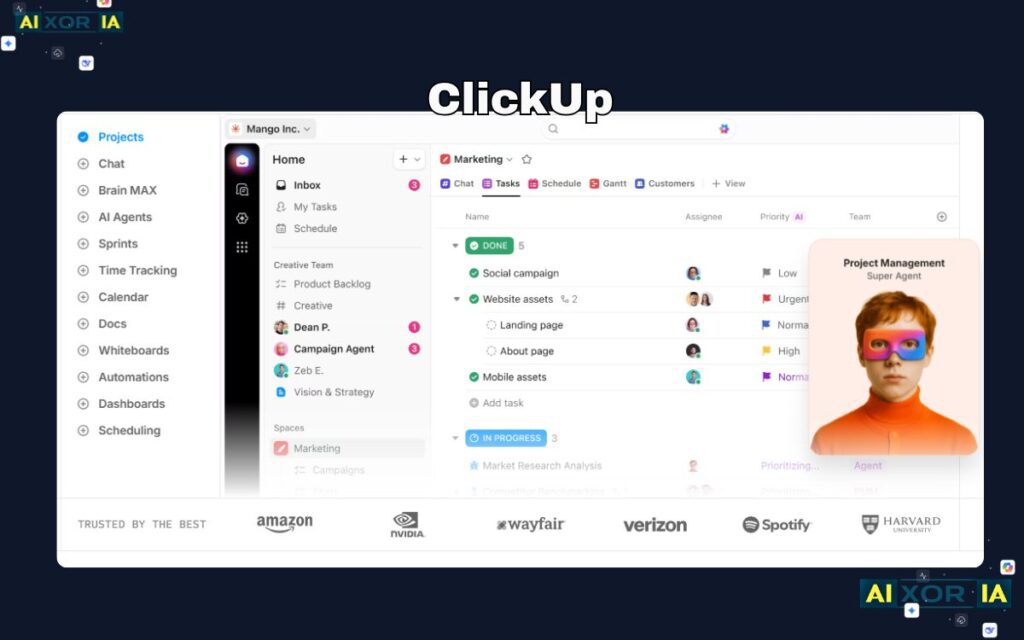
ClickUp is the most powerful free project management tool available right now. It combines tasks, docs, goals, dashboards, and even chat — which means small businesses can replace multiple tools with just one platform.
The free version offers unlimited users, which is rare. However, in 2026, there are some hidden limits — like 60 uses of custom fields and Gantt charts, which most beginners don’t notice initially.
Key Features:
- Multiple views (List, Board, Calendar, Gantt)
- Built-in docs and team collaboration
- Time tracking and dashboards
Best For:
Teams that want an all-in-one system
Real Experience:
I’ve personally seen teams feel overwhelmed in the first week, but once workflows are set, ClickUp becomes a complete business operating system.
READ MORE – What Tools to Use for Project Management
2. Trello — Best for Simplicity & Beginners
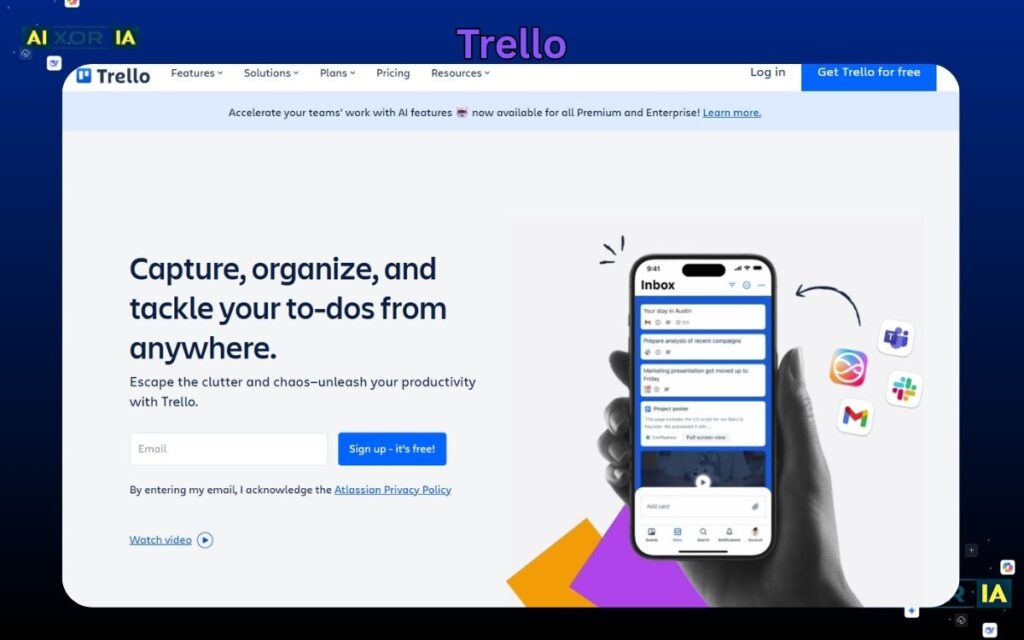
Trello is perfect if you hate complexity. It uses a Kanban board system where tasks move from “To Do” → “Doing” → “Done”.
The biggest strength is its simplicity. Anyone can learn it in under 10 minutes.
However, the free plan is limited to 10 boards per workspace, and it lacks advanced features like timelines or detailed reporting.
Key Features:
- Drag-and-drop task system
- Automation (basic)
- Clean UI
Best For:
Small teams who want quick setup without learning curve
Real Experience:
In my early projects, Trello helped me organize freelance work instantly — but I had to switch later when projects became complex.
3. Asana — Best for Structured Workflows
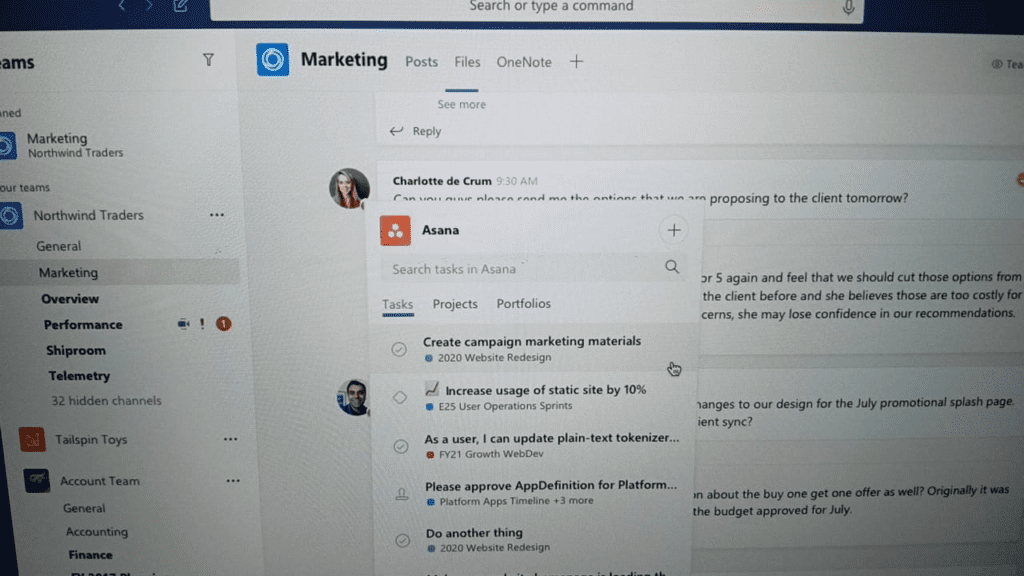
Asana is known for its clean interface and structured task management system. It works extremely well for teams that follow step-by-step processes.
However, 2026 update:
👉 Free plan is now limited to 2 users in many regions, which makes it less useful for growing teams.
Key Features:
- Task dependencies
- Project timelines
- Clean UI
Best For:
Small teams needing clarity and accountability
Real Experience:
Asana works beautifully for process-driven work, but the new user limit makes it restrictive unless you upgrade.
4. Notion — Best All-in-One Workspace
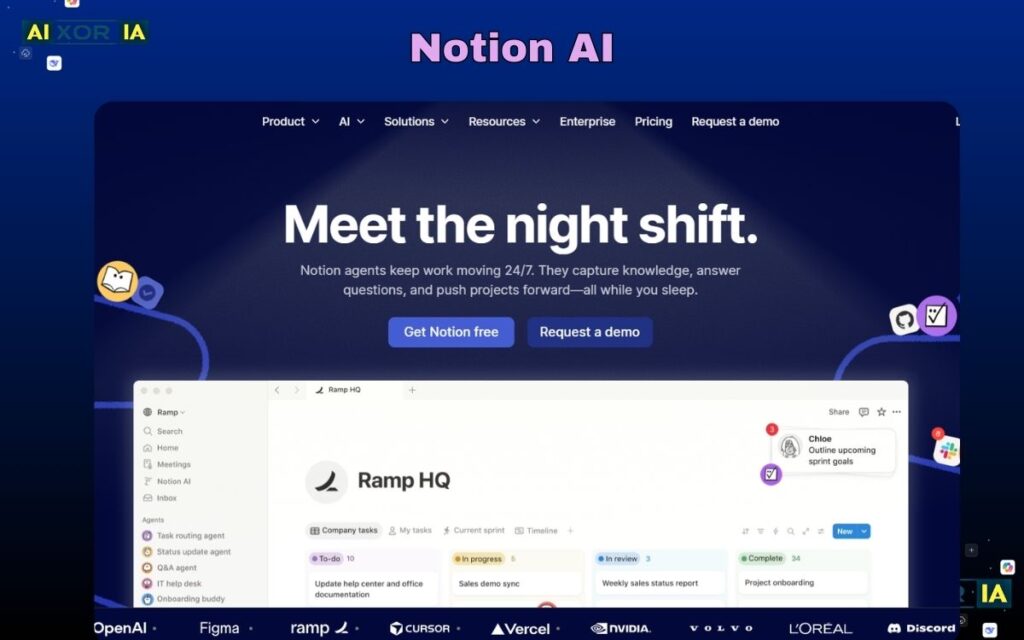
Notion is not just a project management tool — it’s a full workspace where you can manage notes, databases, and tasks.
The flexibility is unmatched, but it comes with a trade-off:
👉 You have to build everything manually.
Key Features:
- Databases + notes + tasks
- Custom workflows
- Templates
Best For:
Solo founders and consultants
Real Experience:
I use Notion for planning and documentation — but for team execution, it can feel slow without proper setup.
READ MORE – What Are Productivity Tools in Project Management?
5. Airtable — Best for Data & Marketing Teams
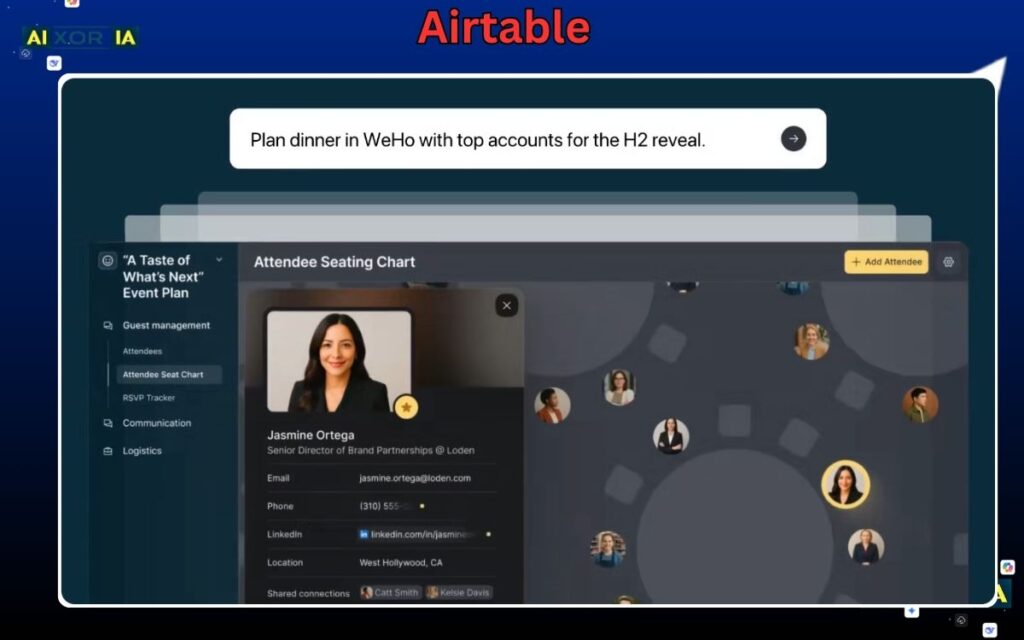
Airtable combines spreadsheets with database power. It’s ideal for content planning, CRM, and marketing workflows.
However, the 2026 update introduced a strict limit of 1,000 records per base, which can be a big restriction.
Key Features:
- Spreadsheet-style interface
- Advanced filtering
- Multiple views
Best For:
Teams managing content or structured data
Real Experience:
Airtable is amazing for content calendars — but once you hit record limits, scaling becomes difficult.
6. Zoho Projects — Best for Client Work
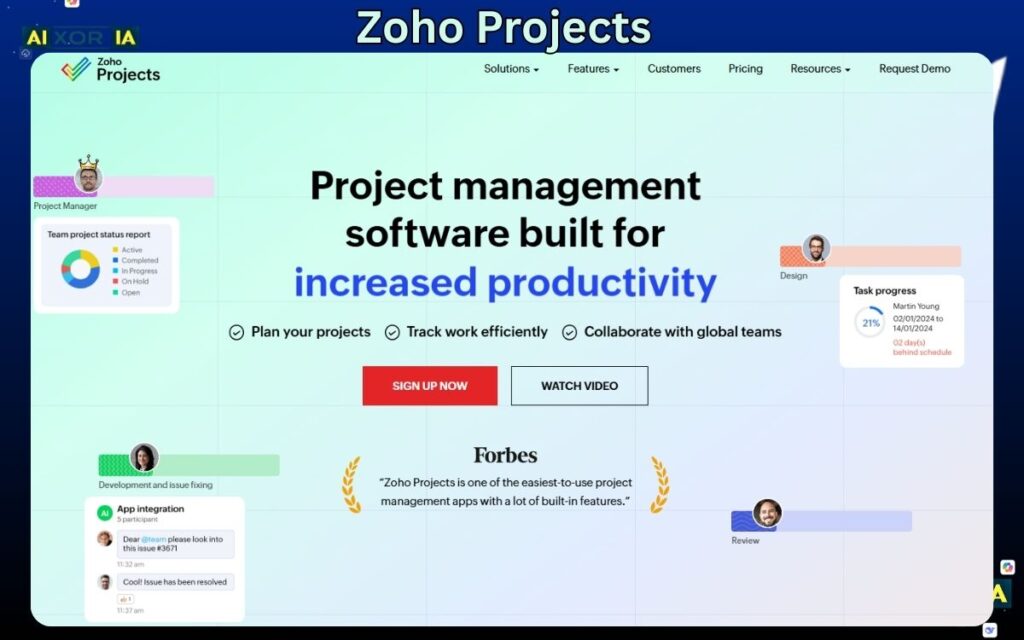
Zoho Projects is one of the most underrated tools. It offers features like Gantt charts and time tracking even in the free plan.
However, it limits users and projects, so it’s better for small teams.
Key Features:
- Gantt charts
- Time tracking
- Task automation
Best For:
Client-based businesses
Real Experience:
I’ve seen agencies use Zoho for client delivery — it feels more “professional” compared to Trello.
7. Freedcamp — Best for Unlimited Free Usage
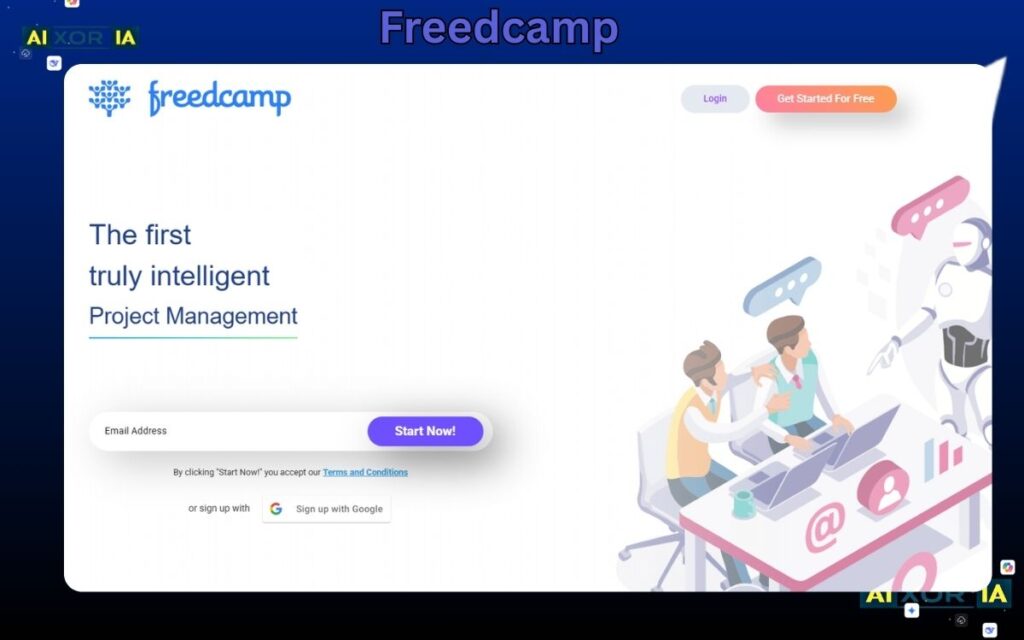
Freedcamp is the hidden gem for startups. It offers unlimited users and projects, which is rare in free tools.
Key Features:
- Task management
- File sharing
- Collaboration tools
Best For:
Growing teams with zero budget
Real Experience:
Freedcamp is not flashy, but it gets the job done reliably — especially for startups scaling fast.
Use-Case Based Recommendations
Instead of features, choose based on your situation:
- 👉 Marketing agency → Airtable
- 👉 Software startup → Jira Free
- 👉 Solo consultant → Notion
- 👉 Beginner team → Trello
- 👉 Growing startup → ClickUp
- 👉 Client projects → Zoho Projects
How to Choose (Expert Advice)
Ask yourself:
- Do I need simplicity or power?
- How many team members?
- Do I need automation?
Start simple → then upgrade when needed.
FAQ
Is free software enough for small business?
Yes, for most small teams, free tools are more than enough.
Which tool is best overall?
ClickUp — due to features and flexibility.
Which tool is easiest?
Trello — best for beginners.
Final Conclusion
There is no “perfect” tool.
But there is a perfect tool for your situation.
👉 Want simplicity → Trello
👉 Want power → ClickUp
👉 Want flexibility → Notion
Final Insight
The biggest mistake small businesses make is not choosing the wrong tool —
it’s not using the tool consistently.
The real growth comes from:
- Clear workflows
- Daily usage
- Team discipline