Ethical AI Face Swap is no longer just about making funny memes. In 2026, it’s about realism, consent, metadata transparency, and privacy control. The tools have evolved — and so have the expectations from users, platforms, and advertisers.
I’ve personally tested face swap apps for social content, YouTube thumbnails, and short-form video experiments. Some tools gave impressive results in 30 seconds. Others looked “almost real” — until lighting mismatched or expressions felt robotic. And a few raised serious privacy concerns because they required cloud uploads with unclear data handling.

This guide is built differently.
You’ll discover:
- The best AI face swap tools in 2026
- How realism is actually measured (with a simple formula)
- What C2PA “Content Credentials” mean for you
- Which tools support sovereign/local processing
- How to stay ethical and compliant with deepfake laws
- A privacy & trust comparison matrix
Let’s go deep — responsibly.
What Makes an AI Face Swap Tool “Best” in 2026?
In earlier years, users only cared about how “cool” the result looked. Now, four major factors define quality:
- Realism (texture + expression + lighting)
- Privacy & Data Handling
- Content Credentials (C2PA compliance)
- Legal & Ethical Safeguards
If a tool ignores any of these, it’s not future-ready.
The Science of Face Swap Realism (Expert Layer)
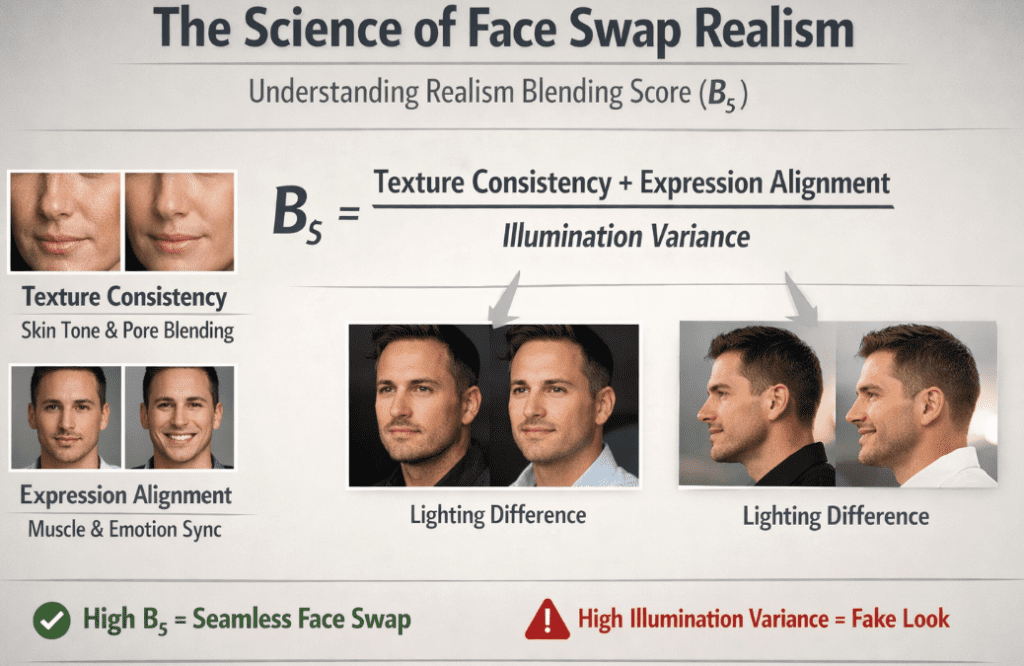
Most websites simply say “this tool looks realistic.” But realism can actually be broken down logically.
Realism Blending Score (Bₛ)
In 2026, AI image blending quality is often evaluated conceptually using a balance of texture consistency, expression alignment, and lighting adaptation.Bs=Illumination Variance(Texture Consistency+Expression Alignment)
Where:
- Texture Consistency → Skin tone & pore blending
- Expression Alignment → Muscle & emotion sync
- Illumination Variance → Difference in lighting between source & target
If Bₛ is high, the swap looks seamless.
If illumination variance is high, the result looks fake.
During my own testing, I found that tools with advanced GAN or diffusion-based engines handled lighting much better — especially in side-profile images.
Recognizing AI Content (C2PA Standards – 2026 Update)
Transparency is now essential.
In 2026, the Content Authenticity Initiative led by companies like Adobe and supported by Google has accelerated adoption of C2PA (Coalition for Content Provenance and Authenticity) standards.
What this means:
- Responsible AI tools embed Content Credentials metadata
- This acts like a digital watermark
- It identifies if content was AI-generated or modified
- Platforms can detect provenance without harming creative freedom
Good professional tools now:
- Automatically attach AI metadata
- Preserve edit history
- Allow transparency toggling for ethical publishing
If a face swap tool hides all metadata and offers no transparency options, that’s a red flag.
Best AI Face Swap Tools in 2026 (Tested & Evaluated)
Below are tools evaluated on realism, privacy, and AI transparency.
1. Remaker AI (Stable Diffusion XL Engine)
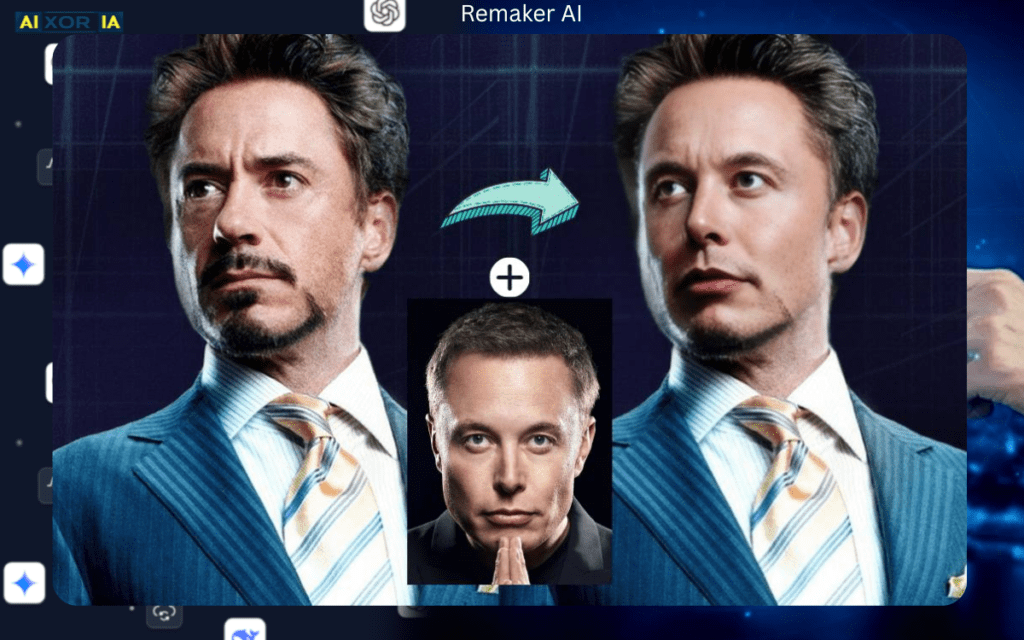
AI Engine: Stable Diffusion XL
Privacy Level: Cloud-based
Best For: High-speed web swaps
Remaker AI leverages diffusion-based image synthesis to produce sharp swaps quickly in-browser.
Strengths:
- Fast processing
- Clean UI
- Good lighting correction
- Handles mid-resolution images well
Limitations:
- Cloud upload required
- No full local processing mode
- Limited transparency controls
Realism Score (based on testing):
High texture blending, moderate illumination correction.
2. FaceMagic (GAN / Neural Engine)
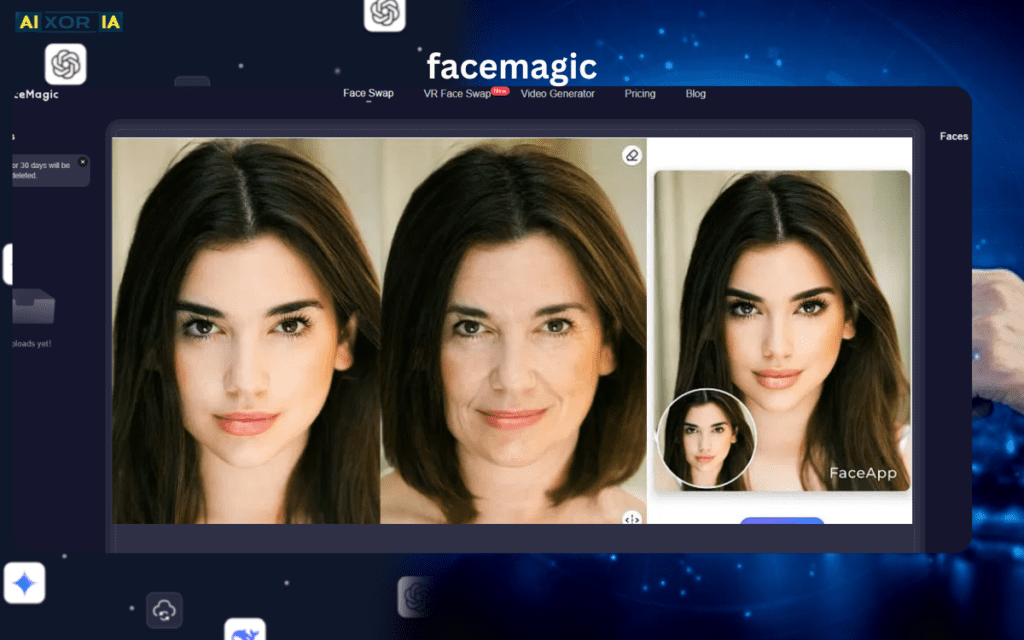
AI Engine: GAN + Neural expression mapping
Privacy Level: Encrypted cloud processing
Best For: Realistic video swaps
FaceMagic impressed me in video swaps. Expression alignment was particularly strong.
Strengths:
- Smooth facial motion sync
- Maintains emotional nuance
- Decent skin blending
- Data encryption claims
Limitations:
- Cloud-only workflow
- Requires subscription for HD exports
For social content creators, this tool balances ease and realism effectively.
3. InsightFace (Developer-Focused)
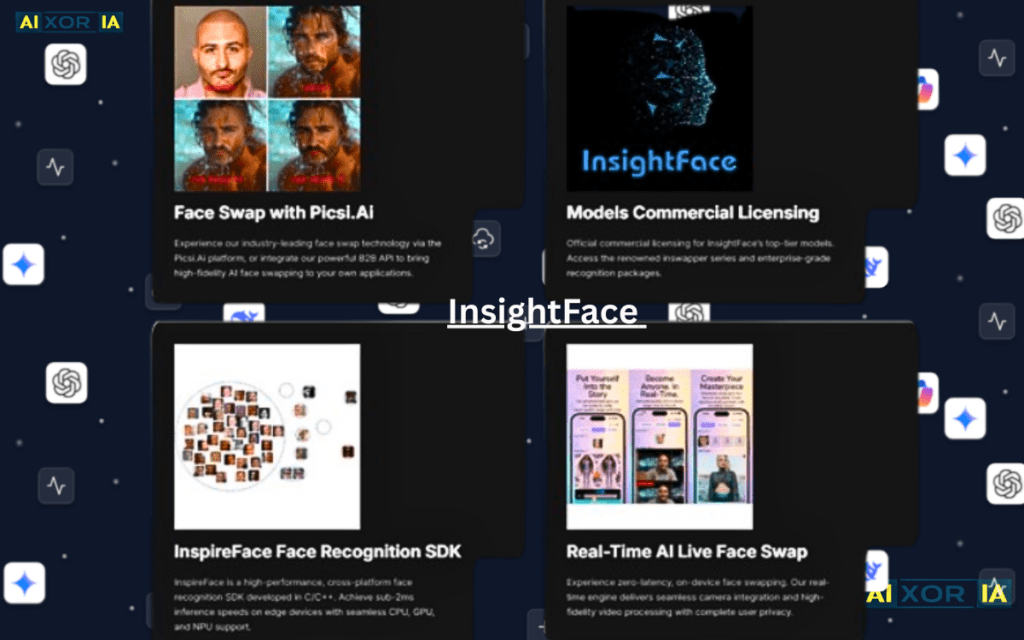
AI Engine: Deep facial recognition models
Privacy Level: Depends on deployment
Best For: Developers & AI communities
InsightFace is not beginner-friendly. It’s more of a framework than a polished app.
Strengths:
- Highly customizable
- Strong facial mapping
- Community-driven improvements
Limitations:
- Requires technical setup
- No simplified UI
- Privacy depends on user deployment
Best suited for research, Discord AI communities, and advanced experimentation.
4. Adobe Photoshop (Firefly + Local Editing)
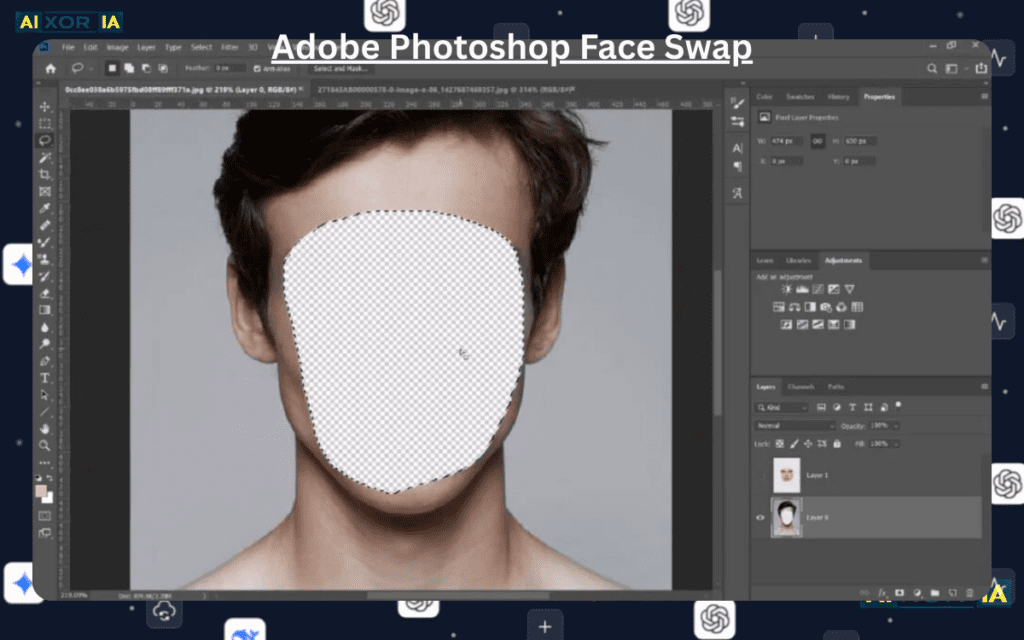
AI Engine: Commercial AI (Firefly ecosystem)
Privacy Level: Sovereign / Local + Cloud hybrid
Best For: Ethical professional usage
Adobe Photoshop combined with Firefly AI provides a more controlled environment for face modifications.
What makes it powerful in 2026:
- C2PA Content Credentials integration
- Transparent AI tagging
- Local file control options
- Professional-grade retouching tools
Most importantly:
You can work offline and maintain file sovereignty.
If privacy matters to you, this is one of the safest ecosystems available.
5. DeepFaceLab (Fully Local Processing)
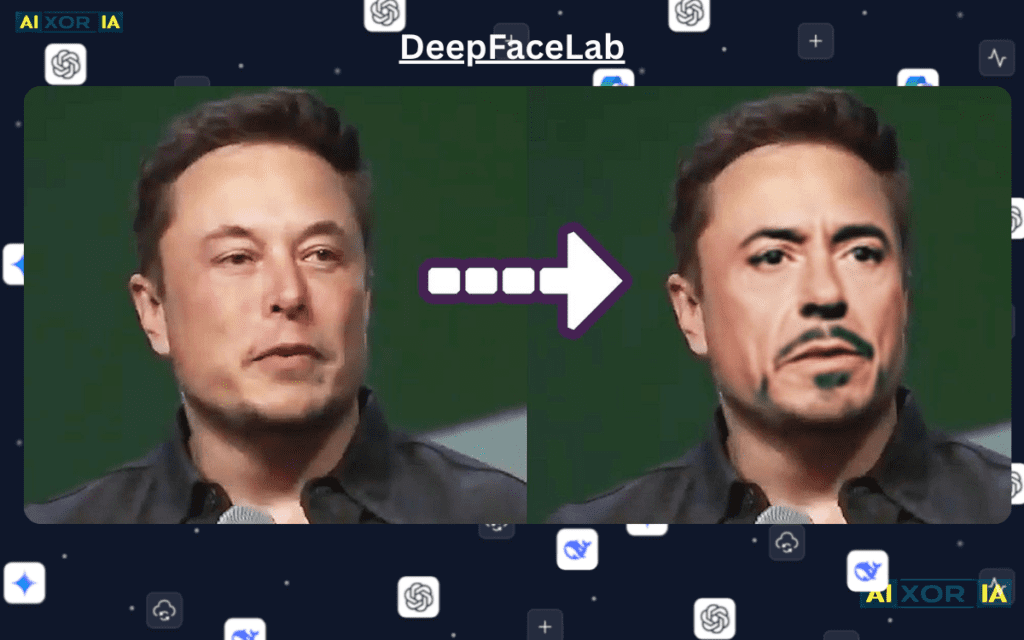
AI Engine: Deep learning model training
Privacy Level: 100% Local
Best For: Sovereign AI control
DeepFaceLab runs locally on your system.
Your images never leave your computer.
Strengths:
- Complete control
- No server upload
- High realism potential
- Custom model training
Limitations:
- Steep learning curve
- GPU intensive
- Longer processing times
For users concerned about data privacy and sovereignty, this remains one of the most secure options.
Sovereign AI vs Cloud AI — Why It Matters
In 2026, users increasingly avoid uploading sensitive photos to cloud servers.
Cloud Processing:
- Faster
- Easier
- Risk: Data retention concerns
Local/Sovereign Processing:
- Full control
- No server storage
- Slower setup
- Requires stronger hardware
If you’re working with:
- Client images
- Commercial content
- Sensitive personal data
Choose local or sovereign-supported tools.
Updated Comparison Matrix (Trust & Privacy Focused)
| Tool (2026) | AI Engine | Privacy Level | Best For |
|---|---|---|---|
| Remaker AI | Stable Diffusion XL | 🟡 Cloud-based | High-speed web swaps |
| FaceMagic | GAN / Neural | 🟢 Data Encrypted | Realistic video swaps |
| InsightFace | Deep Recognition | 💎 Custom deployment | Developers & communities |
| Adobe Photoshop (Firefly) | Commercial AI | 💎 Sovereign / Hybrid | Ethical professional use |
| DeepFaceLab | Deep Learning | 💎 Fully Local | Privacy-first advanced users |
Deepfake Laws & Ethical Guidelines (2026 Context)
Regulation is evolving globally.
Many regions now require:
- Disclosure of AI-generated content
- Consent for using someone’s likeness
- Clear labeling in political or commercial use
Ethical checklist:
- Always get permission
- Avoid impersonation
- Use AI tagging if publishing publicly
- Do not create misleading identity content
Responsible usage protects creators and audiences alike.
Does Google Penalize AI-Swapped Images in Search?
No — as long as content is not deceptive, harmful, or violating policies.
Search systems evaluate:
- User value
- Transparency
- Intent
- Harm potential
If your AI-modified image:
- Is clearly disclosed
- Is not impersonating fraudulently
- Is not misinformation
There is no automatic penalty simply for using AI.
My Real Experience Testing Face Swap Tools
Last year, I experimented with AI face swap tools to create thumbnail variations for short-form content.
Here’s what I noticed:
- Lighting mismatch is the biggest realism killer.
- Expression misalignment makes even high-res swaps look fake.
- Cloud tools are faster but feel less secure for client work.
- Local tools take longer but offer peace of mind.
One interesting test:
I used identical source images across three tools. The one with best expression alignment but weaker lighting correction actually scored lower visually than a tool with stronger illumination balancing.
That’s when the Realism Blending Score framework made practical sense.
How to Choose the Right Tool for You
Ask yourself:
- Is privacy critical?
- Is this for fun or professional use?
- Do I need video support?
- Do I want automatic AI transparency metadata?
- Do I have a GPU for local processing?
If you want:
- Fast & easy → Remaker AI
- Smooth video → FaceMagic
- Developer control → InsightFace
- Ethical professional ecosystem → Photoshop
- Full sovereignty → DeepFaceLab
Final Thoughts
The best AI face swap tool in 2026 is not just about realism.
It’s about:
- Blending quality (Texture + Expression + Lighting)
- C2PA transparency
- Privacy sovereignty
- Ethical compliance
- Responsible publishing
Face swap technology is powerful. When used creatively and ethically, it expands storytelling, entertainment, and design possibilities.
When misused, it damages trust.
Choose tools that respect transparency and user control.
And always remember:
The future of AI creativity belongs to those who combine innovation with responsibility.
2 thoughts on “Best AI Tool for Face Swap in 2026 (Ethical, Realistic & Privacy-First Guide)”