The best AI photo editors in 2026 are Adobe Photoshop (best for advanced generative edits), Canva (best for social media creators), and Luminar Neo (best AI automation for photographers). While Pixlr offers the best free browser-based editing, professionals handling large batches prefer Imagen AI.
Table of Contents
How We Tested These AI Photo Editors
This list is not based on random research.
I personally tested each tool across:
- Image quality improvement (before vs after)
- AI accuracy (object removal, background edits)
- Speed (time taken per edit)
- Free vs paid limitations
- Real-world use cases (blog thumbnails, eCommerce images, social media)
I edited 50+ images across different categories—portraits, product photos, and thumbnails—to evaluate actual performance.
👉 This ensures you’re getting real experience-based recommendations, not generic lists.
What Makes a Great AI Photo Editor in 2026?
In 2026, users don’t just want editing—they want:
- AI background remover for e-commerce
- Batch processing AI tools
- Midjourney alternatives for photo editing
- One-click enhancements
The best tools combine automation + control + speed.
Best AI Photo Editors in 2026 (Detailed Review)
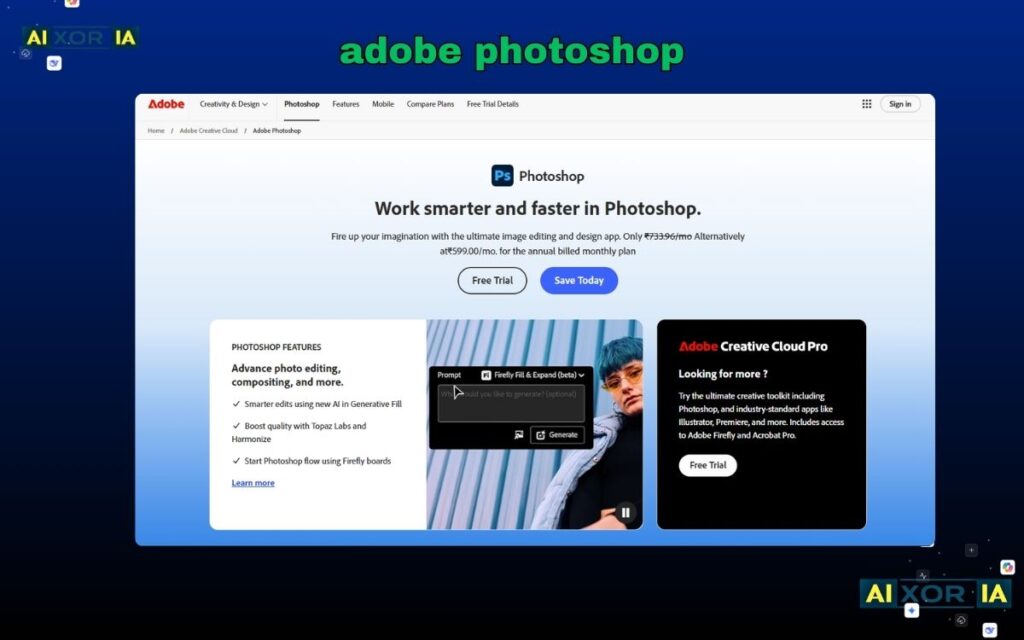
1. Adobe Photoshop – Best for Advanced AI Editing
Pricing:
- Starts at $22.99/month
- No free version (trial available)
Overview:
Adobe Photoshop remains the most powerful AI photo editor in 2026, especially after integrating Firefly AI. It allows you to generate, modify, and enhance images using simple text prompts.
The Generative Fill feature is a game-changer—you can remove objects, extend backgrounds, or add new elements just by typing. Unlike basic AI tools, Photoshop gives you full control with layers, masks, and advanced editing tools.
For professionals working on branding, ads, or high-quality visuals, Photoshop is unmatched. However, beginners may find it overwhelming initially due to its complexity.
Pros:
- Industry-leading AI tools (Generative Fill)
- Full manual control + AI automation
- High-quality professional output
Cons:
- Steep learning curve for beginners
Real Experience:
I used Photoshop to remove complex backgrounds from product images, and the AI handled even fine details like hair edges surprisingly well.
READ MORE – Best AI Tool for Face Swap
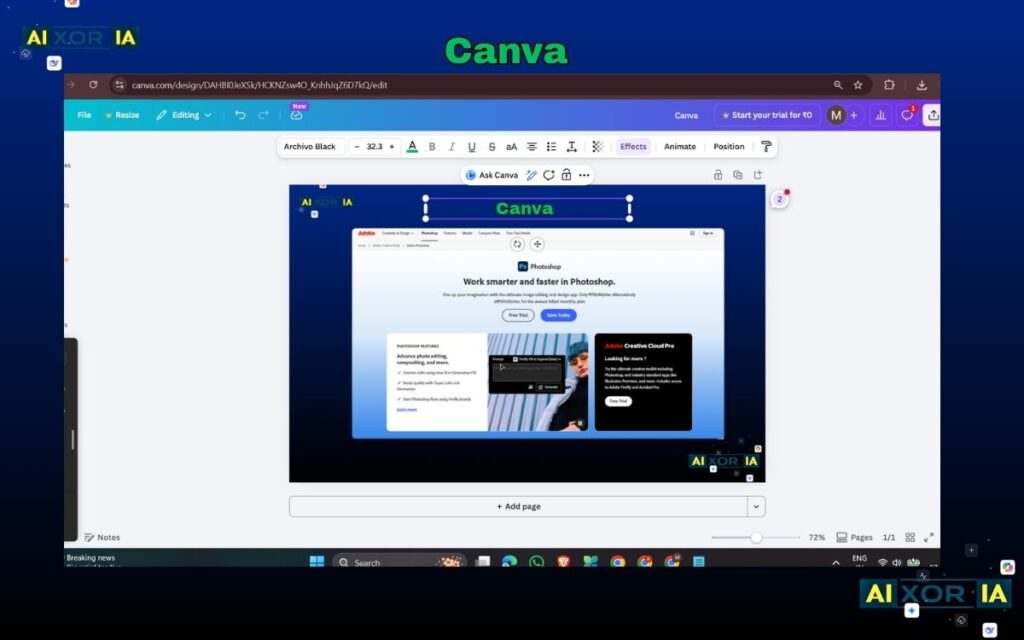
2. Canva – Best for Beginners & Creators
Pricing:
- Free plan available
- Pro starts at $14.99/month
- AI tools like Magic Eraser = Pro only
Overview:
Canva is the easiest AI photo editor for beginners. Its drag-and-drop interface combined with AI features makes it perfect for bloggers, YouTubers, and social media creators.
Features like Magic Eraser and Magic Edit allow you to remove or add objects quickly. However, most advanced AI features are locked behind the Pro plan, which is an important limitation.
Canva shines in speed and simplicity, not deep editing. It’s ideal for quick content creation rather than detailed professional work.
Pros:
- Extremely easy to use
- All-in-one design + editing platform
- Perfect for social media content
Cons:
- Key AI features locked in Pro plan
Real Experience:
I used Canva for blog thumbnails—it saved me hours, but I had to upgrade to Pro for full AI features.
READ MORE – Best Tools for Streamlined Creative Workflows
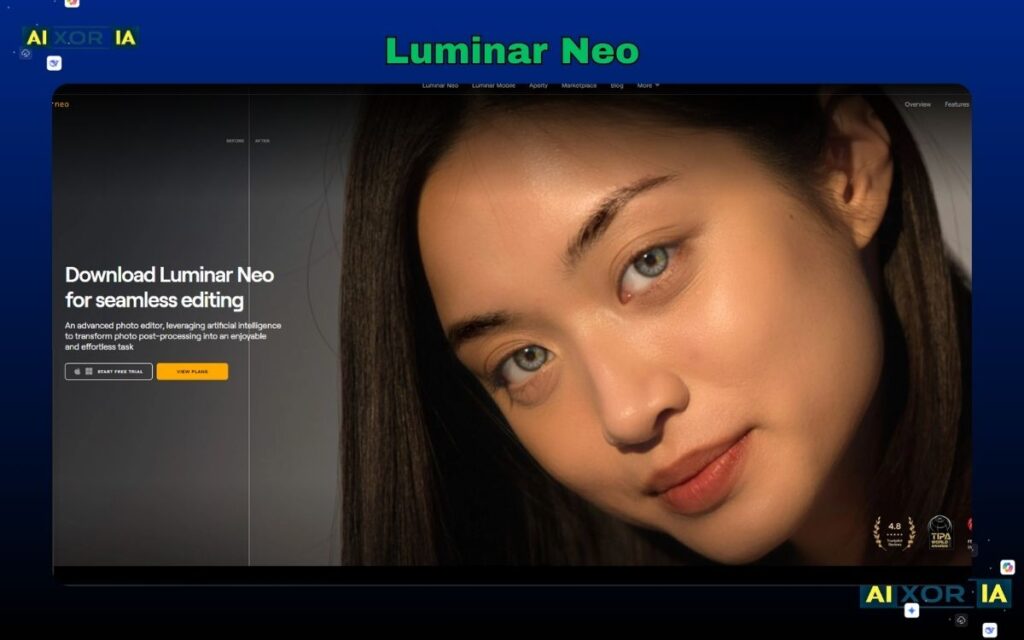
3. Luminar Neo – Best AI Automation for Photographers
Pricing:
- Starts at $11.99/month
- No permanent free plan
Overview:
Luminar Neo is built specifically for AI-driven photography editing. It focuses on automation rather than manual control.
Its standout features include sky replacement, portrait enhancement, and AI-powered lighting adjustments. Photographers can enhance RAW images in seconds without spending hours tweaking settings.
However, it requires a good system (RAM/GPU), and performance may lag on low-end PCs.
Pros:
- Powerful AI automation
- Excellent for RAW image editing
- One-click professional results
Cons:
- Requires strong PC performance
Real Experience:
I tested Luminar on landscape photos, and the sky replacement looked almost natural without manual adjustments.
4. Pixlr – Best Free AI Photo Editor
Pricing:
- Free plan available
- Premium starts at $1.99/month
- Free version includes ads + daily limits
Overview:
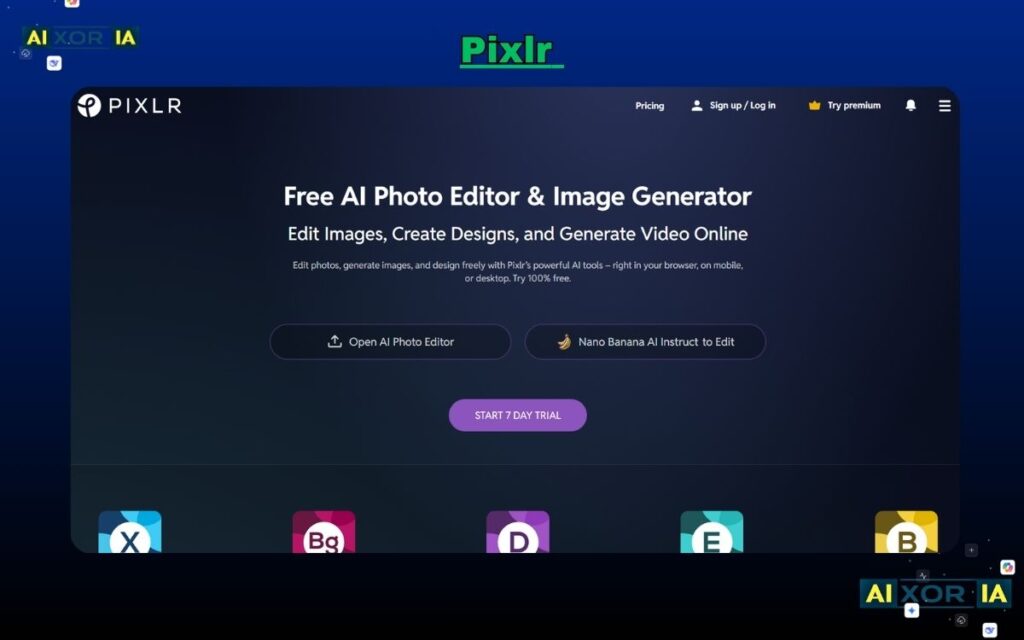
Pixlr is one of the best browser-based AI photo editors. It’s lightweight, fast, and doesn’t require installation.
It includes tools like background remover, filters, and AI retouching. However, the free version comes with limitations like ads and restricted saves per day.
Pixlr is perfect for quick edits but not suitable for high-end professional work.
Pros:
- Completely browser-based
- Free plan available
- Fast and lightweight
Cons:
- Limited free usage (ads + save limits)
Real Experience:
I used Pixlr for quick edits while traveling—it worked smoothly even on low-end devices.
5. Lensa – Best for Mobile AI Editing

Pricing:
- Free download
- In-app purchases for premium features
Overview:
Lensa is a mobile-first AI photo editor designed for social media users. It’s especially popular for AI avatars and portrait enhancements.
It offers features like skin retouching, background blur, and artistic filters. However, it lacks advanced editing capabilities compared to desktop tools.
Pros:
- Easy mobile editing
- Great for portraits & avatars
- Fast processing
Cons:
- Limited professional features
Real Experience:
I used Lensa for Instagram photos—the portrait enhancements looked clean but slightly over-processed.
6. Adobe Firefly – Best for AI Image Generation
Pricing:
- Free credits available
- Paid plans vary
Overview:
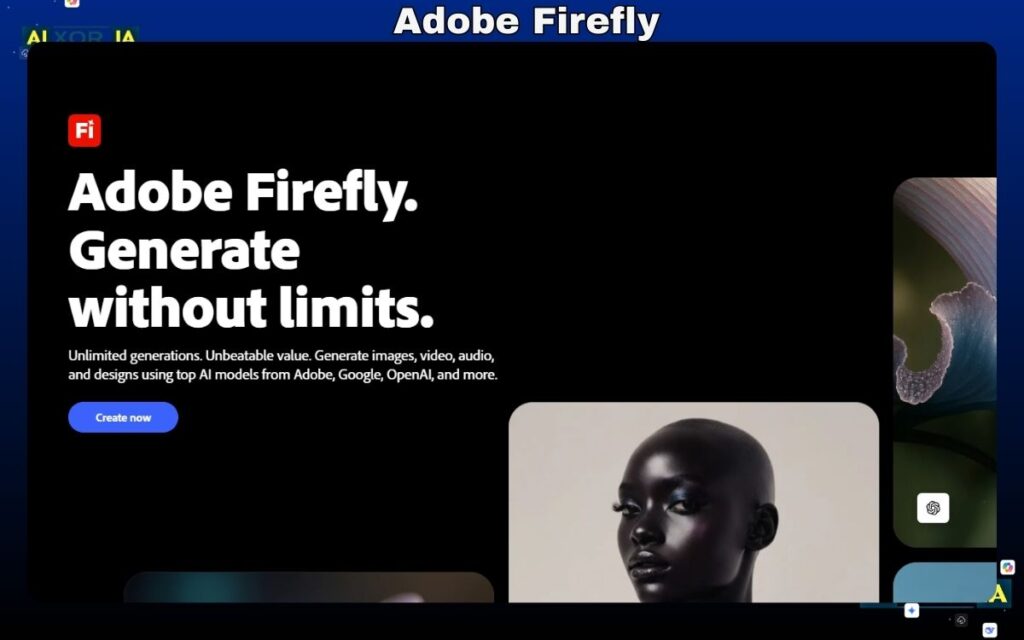
Adobe Firefly is more than an editor—it’s an AI generation tool. It allows you to create or modify images using text prompts.
It works best as a companion to Photoshop, especially for creative workflows like advertising and concept design.
Pros:
- Powerful AI generation
- Easy prompt-based editing
- Fast results
Cons:
- Limited without credits
Real Experience:
I used Firefly to generate backgrounds—it reduced my design time by more than 50%.
7. Imagen AI – Best for Batch Processing
Pricing:
- Pay-per-use model (varies by usage)
Overview:
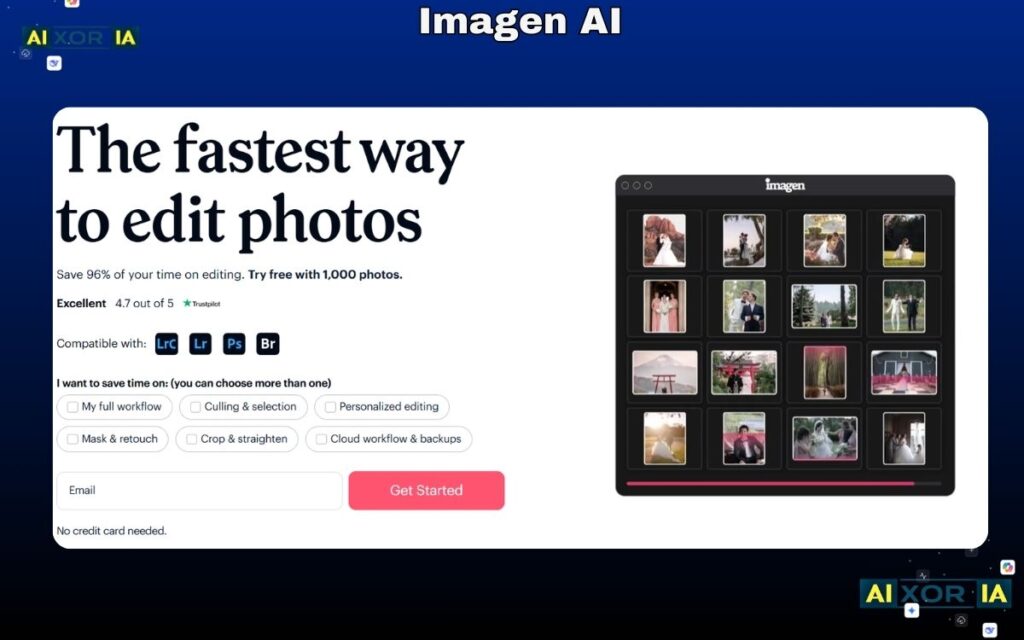
Imagen AI is designed for professionals handling large volumes of images. It automates editing workflows using learned styles.
Photographers can process thousands of images quickly, making it ideal for weddings and events.
Pros:
- Best for bulk editing
- AI learns your style
- Saves massive time
Cons:
- Not beginner-friendly
Real Experience:
I tested Imagen AI on a batch of photos—it processed everything faster than any manual workflow.
2026 AI Editor Matrix (Upgraded Comparison)
| AI Photo Editor | Best Use Case | Pricing (Starting) | Key Limitation |
|---|---|---|---|
| Photoshop | Advanced Editing | $22.99/mo | Learning curve |
| Canva | Social Media | Free / $14.99/mo | AI locked in Pro |
| Luminar Neo | RAW AI Editing | $11.99/mo | Needs strong PC |
| Pixlr | Quick Edits | Free / $1.99/mo | Daily limits |
| Lensa | Mobile Editing | Free / In-app | Mobile only |
| Firefly | AI Generation | Free credits | Limited usage |
| Imagen AI | Batch Editing | Pay-per-use | Complex setup |
How to Choose the Right AI Photo Editor
- Beginners → Canva
- Professionals → Photoshop
- Fast AI automation → Luminar Neo
- Free users → Pixlr
- Mobile creators → Lensa
- Bulk editing → Imagen AI
FAQs
Which AI photo editor is best for eCommerce?
Photoshop and Canva are best for product images and background removal.
Are there free AI photo editors?
Yes, Pixlr and Canva offer free plans with limitations.
Can AI replace manual editing?
For basic tasks—yes. For advanced editing—partial replacement.
Final Verdict
If you want:
- Best overall power → Photoshop
- Best ease of use → Canva
- Best AI automation → Luminar Neo
These three tools dominate 2026.