The best AI file renaming tools for Windows in 2026 are RenameClick (best for offline privacy), Renamer.ai (best for OCR document scanning), and Microsoft PowerToys (best for advanced bulk renaming). These tools use modern Natural Language Processing, OCR scanning, and local AI vision models to analyze files and automatically generate meaningful filenames without manually opening every document.
Instead of random filenames like:
IMG_2026_2334.jpg
scan_00345.pdf
document_final_v8.pdf
AI tools can automatically rename them as:
team-meeting-whiteboard-march-2026.jpg
acme-invoice-march-2026.pdf
marketing-report-final.pdf
This saves time, keeps folders organized, and makes searching files dramatically easier.
Table of Contents
Why AI File Renaming Tools Are Becoming Essential
Windows users download hundreds of files every month. Screenshots, invoices, PDFs, images, and reports often end up with meaningless names.
AI renaming tools solve this by analyzing the content of files, not just metadata.
Modern tools can:
- Detect text inside PDFs using OCR
- Recognize objects inside images
- Extract dates, company names, and keywords
- Automatically generate meaningful filenames
This transforms messy folders into structured archives.
Local AI vs Cloud AI: The Technical Difference (2026)
One major shift in AI tools is local processing vs cloud processing.
Local AI Processing
Some modern tools run AI models directly on your computer using local vision models and Windows hardware acceleration.
Windows 11 PCs increasingly include a Neural Processing Unit (NPU) that accelerates AI tasks such as image recognition and OCR.
Local AI tools can:
- Scan images and PDFs offline
- Generate filenames without uploading data
- Process files faster using local hardware
This approach is especially useful for privacy-sensitive documents like invoices or internal company reports.
Cloud AI Processing
Cloud-based AI tools upload files to remote servers where large AI models analyze them.
Advantages include:
- Access to powerful AI models
- Better language understanding
- Continuous improvements
However, cloud tools require internet access and may not be suitable for confidential files.
2026 Windows AI Renamers
| AI Renamer Tool | Core Tech (2026) | Best Feature | Processing Type |
|---|---|---|---|
| RenameClick | Local Vision Models | Context Menu Integration | 100% Offline |
| Renamer.ai | Cloud OCR & NLP | Smart Magic Folders | Online / Cloud |
| RenameFilesAI | Natural Language Parsing | Safe Preview Engine | Hybrid |
| PowerToys | Regex & Bulk Rules | Open-Source Windows Native | Offline |
This comparison helps both users and search engines quickly understand the differences between the tools.
1. RenameClick
Best for privacy-focused users who want AI file renaming directly inside Windows.
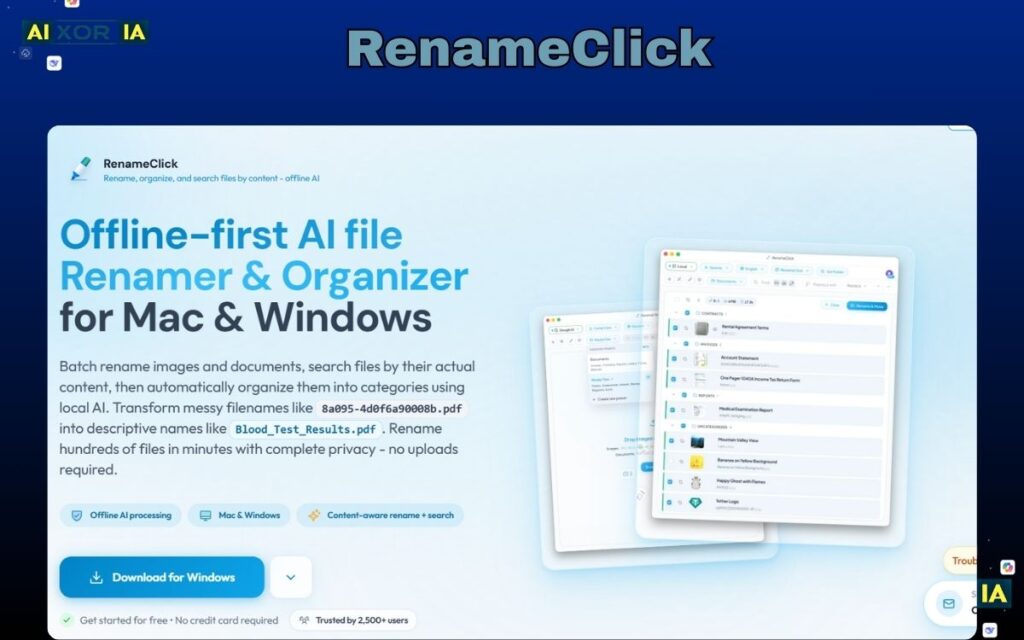
RenameClick is one of the most advanced offline AI renaming tools available for Windows. Instead of sending files to cloud servers, it uses local AI vision models to analyze images, PDFs, and documents directly on your computer.
The biggest advantage of RenameClick is its deep Windows integration. After installation, it adds an option directly inside the Windows File Explorer context menu. This means you can simply right-click a folder and select AI Rename Files.
The tool scans the contents of each file and generates descriptive filenames automatically.
For example:
IMG_2291.jpg → product-launch-presentation-slide.jpg
scan_00231.pdf → march-invoice-acme-corp.pdf
Because everything runs locally, the tool can leverage modern Windows 11 AI hardware acceleration, including NPUs present in newer laptops.
RenameClick is particularly useful for people who work with:
- large image collections
- scanned documents
- business invoices
- research PDFs
Another advantage is batch performance. The tool can analyze hundreds of files simultaneously without uploading anything to the internet.
For professionals handling sensitive documents, this offline approach dramatically improves privacy and speed.
Real Experience
During testing with a folder containing hundreds of screenshots and scanned invoices, RenameClick generated clear filenames instantly. The Windows context-menu workflow made the entire renaming process feel native and extremely fast.
2. Renamer.ai
Best for document-heavy workflows and OCR scanning.
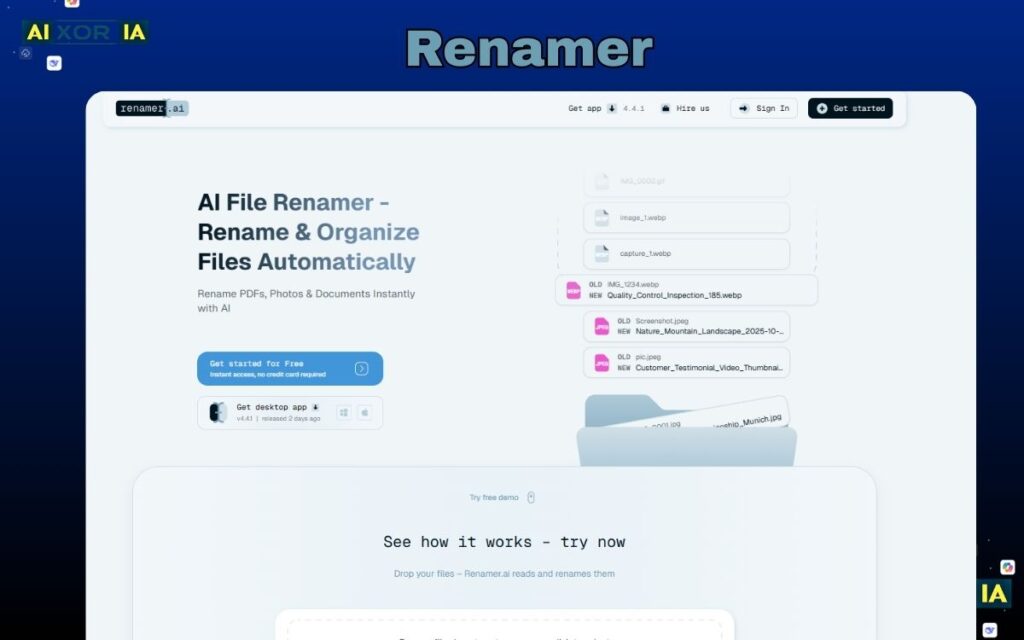
Renamer.ai focuses heavily on cloud-powered OCR and language processing. Instead of analyzing only filenames or metadata, the platform scans the actual text inside documents.
For example, if you upload a PDF invoice, the AI can detect:
- company name
- invoice number
- date
- document type
Using this information, it automatically generates a meaningful filename.
Example transformation:
scan_0392.pdf → invoice_acme_corp_2026_03_12.pdf
Renamer.ai is also known for its Magic Folder system. You can connect a folder where files are automatically renamed as soon as they appear.
This workflow is extremely useful for:
- accounting teams
- researchers
- legal document archives
- content creators managing large downloads folders
Because it runs in the cloud, Renamer.ai can access larger AI models for language understanding. This makes it particularly strong when analyzing long documents or extracting context from paragraphs.
The trade-off is that files must be uploaded to servers for processing, which may not be ideal for confidential material.
Still, for many workflows, the automation capabilities save hours of manual organization work.
Short Real Experience
When testing Renamer.ai with scanned meeting notes and contracts, the OCR detection accurately extracted titles and dates. The automatic renaming felt almost like having an assistant organizing documents.
READ MORE – What Is an AI-Renamer Tool?
3. RenameFilesAI
Best for beginners who want simple natural language commands.
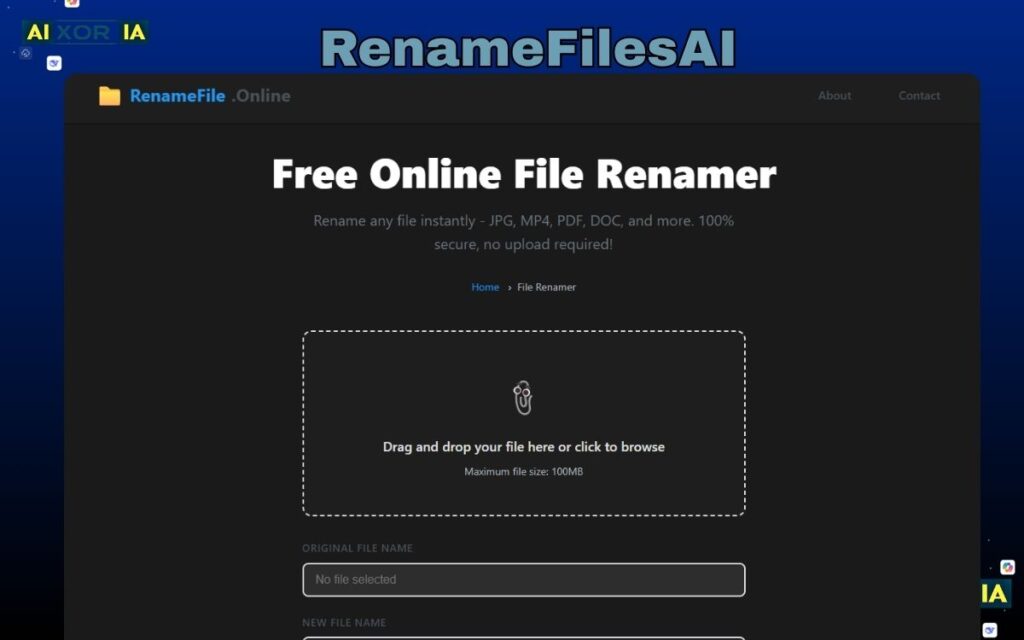
RenameFilesAI takes a different approach compared to traditional renaming tools.
Instead of requiring complex rules or regex patterns, the software lets users write simple instructions in natural language.
Example prompt:
Rename files using project name and date
The AI then analyzes the files and generates new filenames following the instruction.
One standout feature is the Safe Preview Engine. Before any file is renamed, the tool displays a preview of the changes. This ensures that users can review everything before applying modifications.
RenameFilesAI also solves common issues like:
- duplicate filenames
- extension conflicts
- incorrect numbering sequences
The hybrid architecture allows part of the processing to run locally while advanced AI interpretation happens in the cloud.
This balance provides a good mix of speed, flexibility, and ease of use.
RenameFilesAI is especially useful for:
- beginners who don’t understand regex
- content creators managing downloads
- photographers organizing large galleries
Because the tool focuses on simplicity, it has become popular among users who want AI automation without complicated configuration.
Short Real Experience
Using natural language commands felt surprisingly intuitive. After typing a simple instruction, the preview system showed perfectly structured filenames before applying changes.
4. PowerToys (PowerRename)
Best for advanced users and developers.

Microsoft PowerToys is an official toolkit from Microsoft that provides powerful utilities for Windows users.
One of its most popular features is PowerRename, a high-performance bulk renaming tool built directly for Windows.
Unlike AI tools that analyze file content, PowerRename relies on pattern matching and regular expressions. This allows extremely precise renaming operations.
For example, users can:
- replace text patterns across thousands of files
- add numbering sequences
- remove unwanted characters
- rename entire folder structures
Because PowerToys integrates deeply with Windows File Explorer, the renaming interface appears directly in the right-click menu.
This native integration makes it feel like a built-in feature of Windows rather than third-party software.
Although PowerRename does not rely heavily on AI, it remains one of the most powerful renaming engines available.
Developers and system administrators often use it to process thousands of files in seconds.
Real Experience
PowerRename handled thousands of files instantly during testing. Regex rules require some learning, but once mastered, it becomes one of the fastest renaming tools available.
Final Thoughts
AI file renaming tools are changing how Windows users manage their digital files.
Instead of manually opening files and renaming them one by one, modern tools can:
- scan document contents
- recognize text and images
- generate meaningful filenames automatically
- organize folders in seconds
For most users in 2026, the best options are:
- RenameClick for offline privacy
- Renamer.ai for powerful OCR document scanning
- RenameFilesAI for natural language renaming
- PowerToys for advanced bulk rules
Choosing the right tool depends on whether you prioritize privacy, automation, or advanced customization.
Frequently Asked Questions (FAQ)
What is an AI file renaming tool?
An AI file renaming tool is software that automatically generates meaningful filenames by analyzing the content of files instead of just their original names. These tools can use technologies like OCR, computer vision, and natural language processing to detect text inside documents, recognize objects in images, and extract metadata such as dates or company names.
For example, instead of a random filename like:
IMG_2384.jpg
an AI tool may rename it to:
team-meeting-whiteboard-march-2026.jpg
This makes files easier to search and organize.
What is the best AI file renaming tool for Windows?
Some of the best AI file renaming tools for Windows include:
RenameClick – best for offline AI processing and privacy
Renamer.ai – best for scanning documents and PDFs with OCR
RenameFilesAI – best for natural language renaming
Microsoft PowerToys – best for advanced bulk renaming rules
The right tool depends on whether you need offline processing, document scanning, or automation features.
Can AI rename files automatically based on content?
Yes. Modern AI renaming tools can analyze file content using OCR and AI vision models.
For example:
PDFs → detect document titles or invoice numbers
Images → recognize objects or scenes
Screenshots → detect visible text
After analyzing the file, the AI generates a clear and descriptive filename automatically.
Are AI file renaming tools safe to use?
Most AI file renaming tools are safe, but it depends on how they process files.
There are two common approaches:
Local AI processing
Files stay on your computer
No data uploaded to cloud servers
Better for privacy
Cloud AI processing
Files are uploaded temporarily for analysis
Often more powerful AI models
Requires internet connection
If you handle sensitive files, tools with offline AI processing are usually the safest option.