Animated presentations have moved far beyond simple slide transitions. Today, they combine motion design, storytelling, AI-assisted content generation, and real-time collaboration. Whether you’re building investor decks, marketing pitches, training modules, or YouTube explainers, the right tool can dramatically improve clarity, engagement, and conversion.
But with dozens of platforms available, choosing the best tool for animated presentations depends on how you create, who you collaborate with, and how advanced your animation needs are.
This guide breaks down the 7 best tools for animated presentations in 2026, with a detailed analysis of features, strengths, limitations, and ideal use cases—so you can choose the right platform based on your workflow.
Table of Contents
What Makes the Best Tool for Animated Presentations?
Before comparing tools, it’s important to understand what actually matters in a modern animation platform.
1. Ease of Use vs. Control
Some tools prioritize simplicity with drag-and-drop interfaces, while others offer timeline-based animation for precise control. The best choice depends on whether you’re a beginner or a professional designer.
2. AI Capabilities
Modern tools now include AI for:
- Script generation
- Auto-slide creation
- Voiceovers and avatars
- Scene suggestions
AI reduces production time significantly, especially for non-designers.
3. Animation Depth
Not all “animated presentation tools” are equal:
- Basic tools: transitions and simple motion
- Advanced tools: character animation, timelines, motion paths
4. Templates and Assets
Pre-built templates, icons, characters, and scenes help speed up production and maintain consistency.
5. Collaboration and Export Options
For teams, features like real-time editing, commenting, and cloud storage are critical. Export formats (video, GIF, HTML, PPT) also matter depending on your distribution channel.
READ MORE – The best AI tools for creating presentations?
7 Best Tools for Animated Presentations in 2026
1. Canva — Best for Beginners and Fast Visual Content
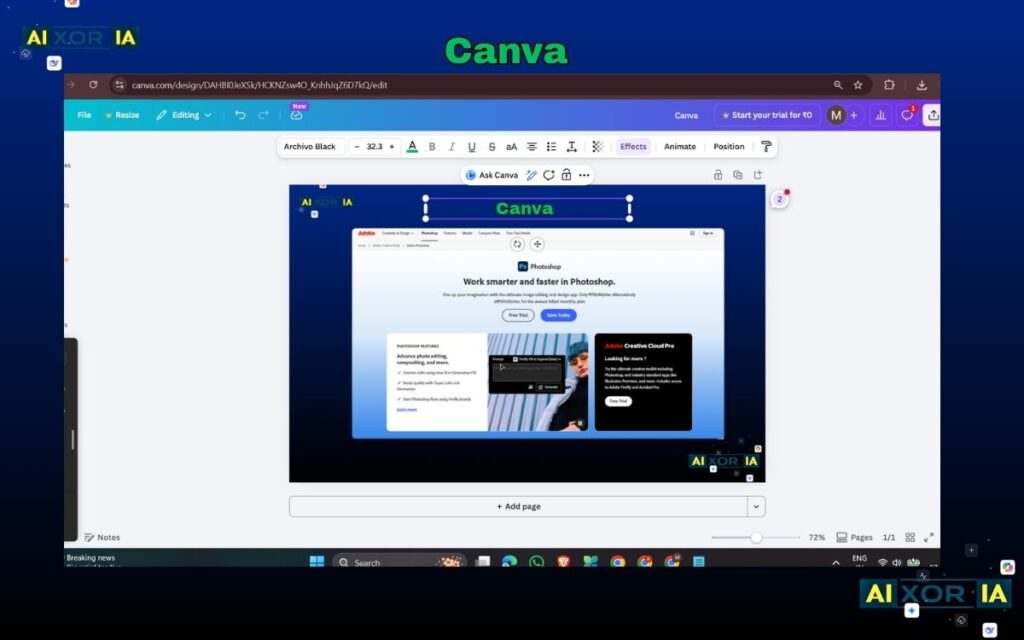
Canva has evolved into one of the most accessible platforms for animated presentations, especially for users who want quick results without a steep learning curve.
Key Features
- Drag-and-drop editor with animation presets
- AI-powered design suggestions and Magic Design
- Large template and asset library
- Basic timeline-style animation controls
Pros
- Extremely easy to use
- Fast content creation
- Suitable for social media, marketing, and business presentations
Cons
- Limited advanced animation control
- Not ideal for complex storytelling or character animation
Best For
- Marketers, students, small businesses, and non-designers
2. Vyond — Best for Business and Training Videos
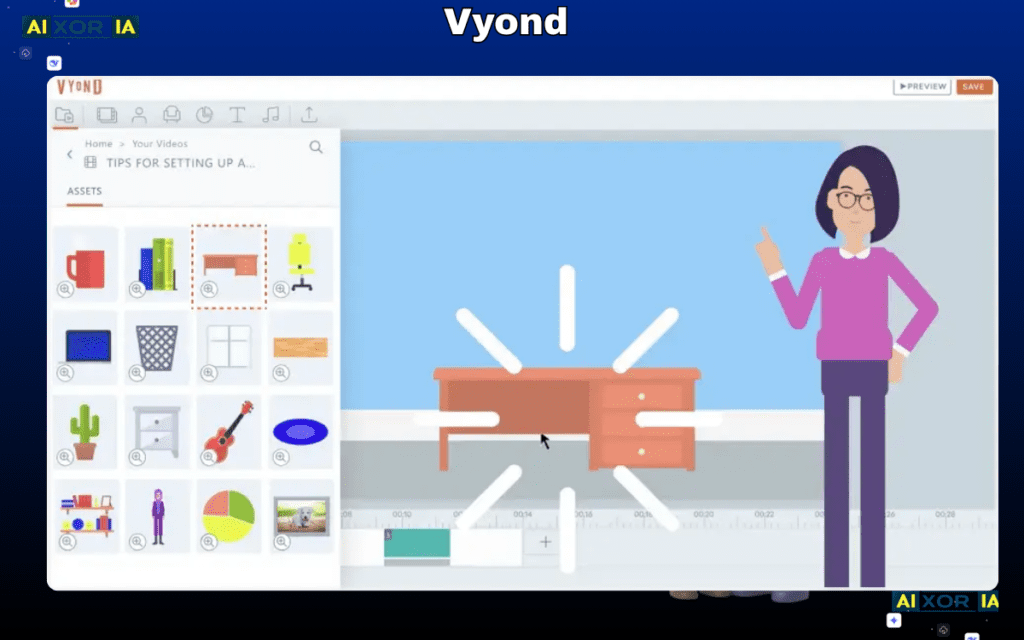
Vyond is designed specifically for animated storytelling in corporate environments, including training, HR communication, and internal presentations.
Key Features
- Character-based animation
- Pre-built business scenarios
- Lip-sync voiceover support
- Timeline-based editing
Pros
- Strong storytelling capabilities
- Professional output for corporate use
- Consistent brand-style animations
Cons
- Higher pricing
- Limited flexibility beyond its built-in style
Best For
- Enterprises, HR teams, training departments
3. Powtoon — Best for Marketing and Explainer Content
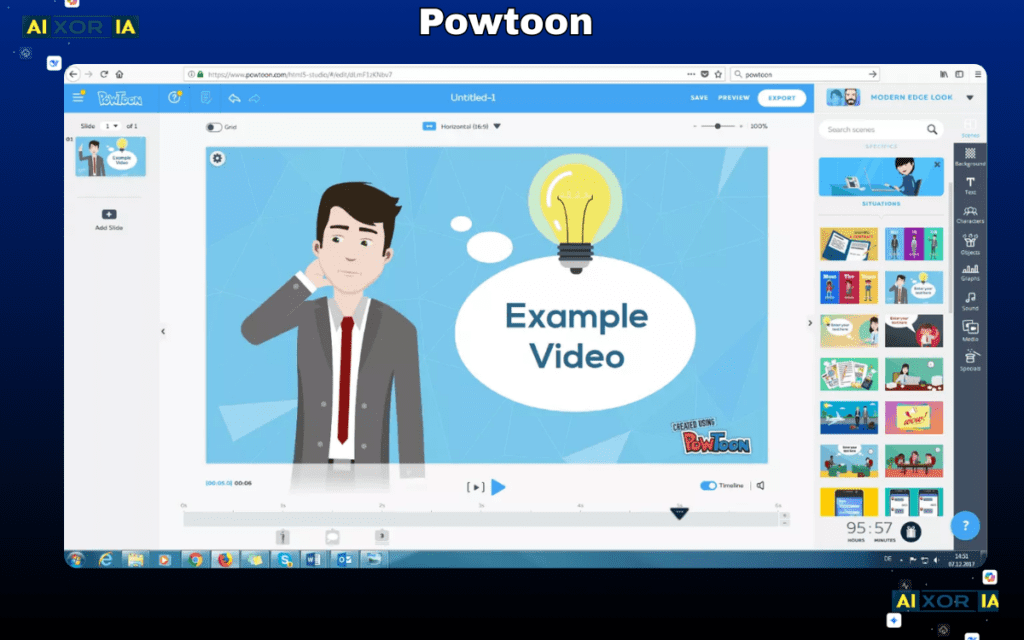
Powtoon sits between simplicity and advanced animation, making it a strong option for marketing teams and educators.
Key Features
- Animated templates and characters
- Voiceover and music integration
- Timeline control with simple interface
- Ready-to-use explainer formats
Pros
- Balanced ease and functionality
- Good for storytelling and presentations
- Faster than traditional animation tools
Cons
- Limited customization compared to high-end tools
- Some templates can feel repetitive
Best For
- Marketing presentations, educational content, startups
READ MORE – What Tool Works Best for Investor Presentations
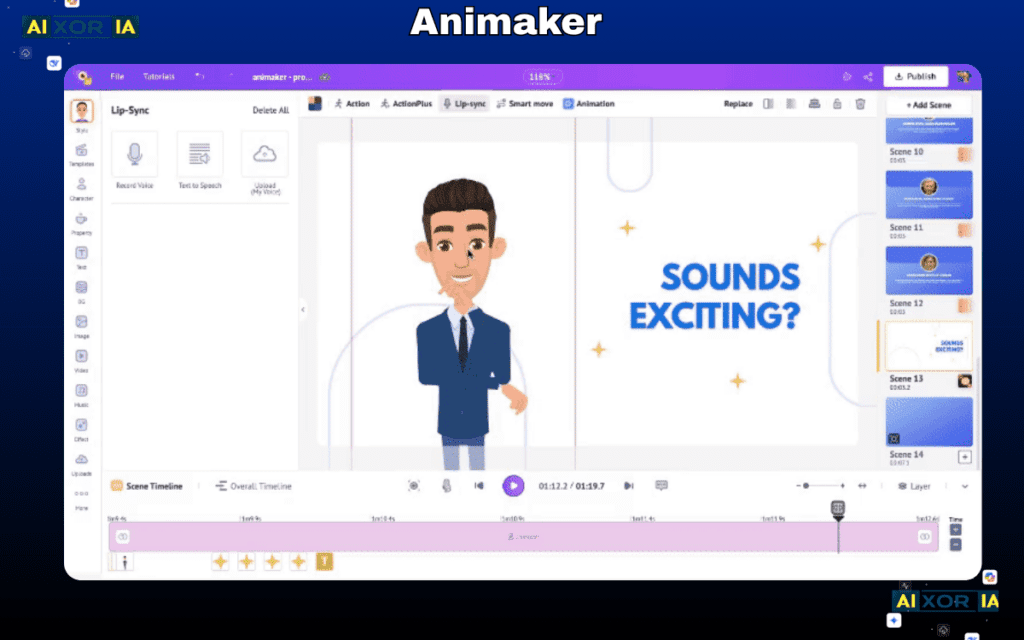
4. Animaker — Best for AI-Powered Animation
Animaker is one of the most AI-driven tools in this category, focusing on automation and speed.
Key Features
- AI video generator from text
- Auto lip-sync and voiceovers
- Drag-and-drop scene builder
- Large asset library
Pros
- Strong AI features for quick creation
- Beginner-friendly
- Good for YouTube and online content
Cons
- Limited fine-tuned animation control
- Output quality depends on template usage
Best For
- Content creators, YouTubers, beginners using AI
5. Prezi — Best for Dynamic, Non-Linear Presentations
Prezi stands out with its zoom-based presentation style, offering a more dynamic alternative to traditional slides.
Key Features
- Zooming canvas instead of slides
- Motion-based storytelling
- AI-assisted presentation creation
- Cloud-based collaboration
Pros
- Unique visual experience
- Strong for storytelling and engagement
- Good for live presentations
Cons
- Less control over detailed animations
- Learning curve for new users
Best For
- Public speakers, educators, business presentations
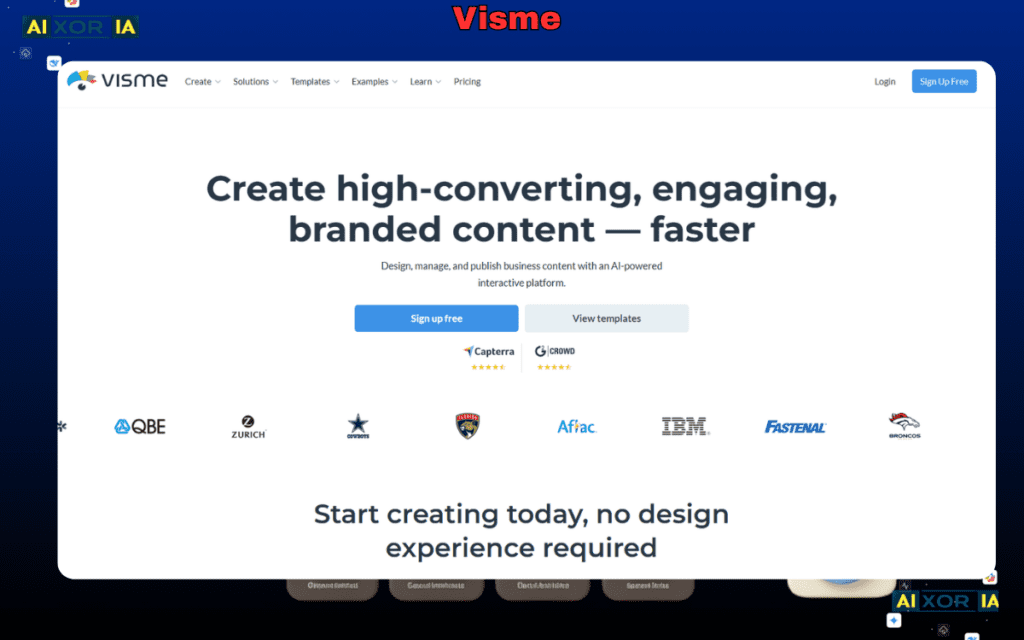
6. Visme — Best for Data-Driven Presentations
Visme focuses on combining animation with data visualization, making it ideal for reports and business presentations.
Key Features
- Animated charts and infographics
- Interactive content support
- Branding tools
- Presentation and video export
Pros
- Strong data visualization
- Professional templates
- Suitable for reports and analytics
Cons
- Animation capabilities are moderate
- Interface can feel complex initially
Best For
- Analysts, marketers, business reporting
READ MORE – Can I Use AI to Create PowerPoint Presentations?
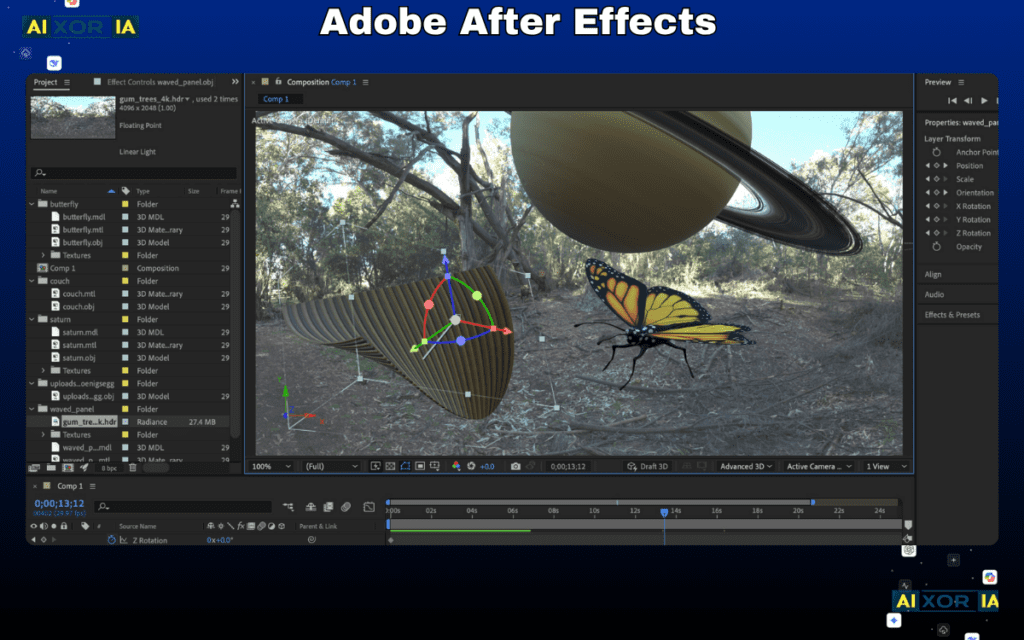
7. Adobe After Effects — Best for Professional Motion Design
For full creative control, After Effects remains the industry standard for animation.
Key Features
- Advanced timeline and keyframe animation
- Motion graphics and visual effects
- Plugin ecosystem
- Integration with other Adobe tools
Pros
- Unlimited creative possibilities
- High-end professional output
- Industry-standard tool
Cons
- Steep learning curve
- Time-intensive workflow
Best For
- Designers, animators, production teams
AI in Animated Presentation Tools
AI is now a defining factor in choosing the best tool for animated presentations. Most modern platforms include at least some level of automation.
Common AI Capabilities
- Text-to-presentation generation
- Script writing assistance
- Voice synthesis
- Auto scene generation
- Smart design suggestions
When AI Helps Most
- Rapid content creation
- Non-designers building presentations
- Scaling content production
Limitations of AI Tools
- Generic outputs without customization
- Limited storytelling nuance
- Dependence on templates
For high-quality results, AI should be used as a starting point—not the final output.
How to Choose the Right Tool
The best tool depends on your use case:
- For fast and simple presentations: Canva
- For business storytelling: Vyond
- For marketing explainers: Powtoon
- For AI-driven automation: Animaker
- For interactive presentations: Prezi
- For data visualization: Visme
- For professional animation: Adobe After Effects
In many cases, teams use more than one tool—for example, a design tool for slides and an advanced tool for video production.
Final Verdict
There is no single “best tool” for animated presentations. The right choice depends on your level of expertise, type of content, and production goals.
If you need speed and simplicity, beginner-friendly tools with AI support are the most efficient option. If you require advanced storytelling or brand-level production, professional tools offer greater control.
For most users in 2026, the best approach is a hybrid workflow—using AI-powered tools for speed and specialized platforms for refinement and quality.
1 thought on “7 Best Tool for Animated Presentations in 2026”