Discover real AI tools like ChatGPT — without paying a dime.
If you’ve used ChatGPT and enjoyed its conversational AI, you’ve probably wondered:
👉 “Are there free alternatives to ChatGPT?”
👉 “Which apps are actually useful — not just flashy?”
👉 “Can I use them for real work like writing, learning, coding, and productivity?”
You’re in the right place.
In this article, I’ll walk you through the most useful free apps like ChatGPT, explain what each one is best for, and help you choose the right one for your needs.
What “ChatGPT-like App” Really Means
When we say apps similar to ChatGPT, we mean tools that:
✔ Use AI to have conversations
✔ Answer questions in natural language
✔ Help with writing, brainstorming, learning, or coding
✔ Are free (or have a genuinely free tier)
Some might not be as powerful as ChatGPT, but they’re still very practical.
13 Free AI Apps Like ChatGPT (2026)
🥇 1. Gemini
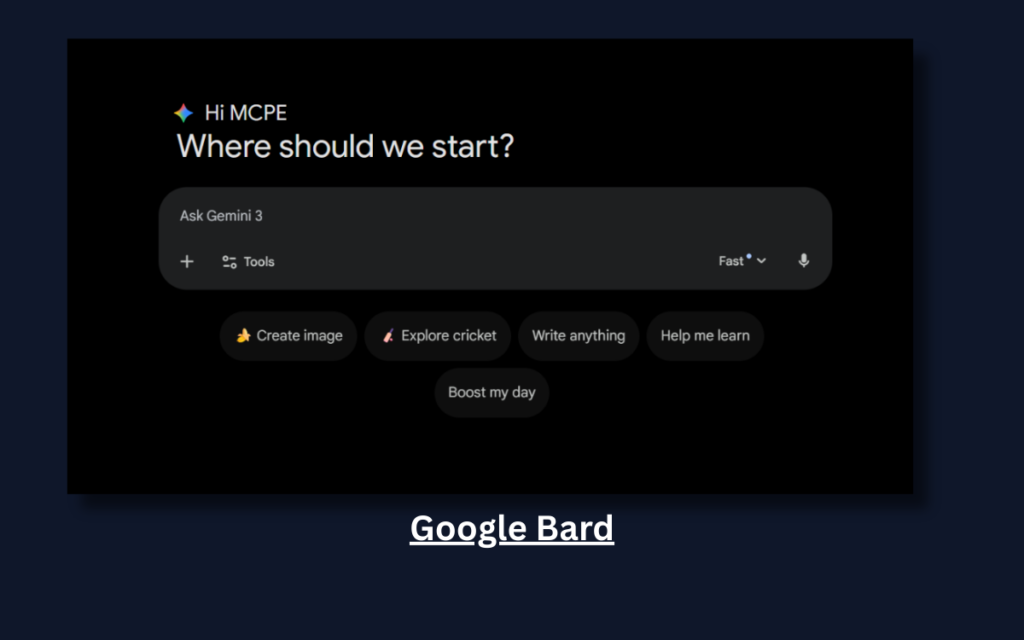
- Best for: Quick answers + Google-style search insights
- What it does: Can answer questions, summarize articles, explain complex concepts, and brainstorm ideas.
- Why it’s great: Completely free and backed by Google’s knowledge graph.
Perfect for: Students, writers, and everyday users who want fast, accurate answers.
Why I Liked It
I liked Bard because it feels fast and clean. If you’re already used to Google Search, the interface feels familiar. It’s especially helpful when you want quick summaries without too much technical complexity.
2. Microsoft Bing Chat
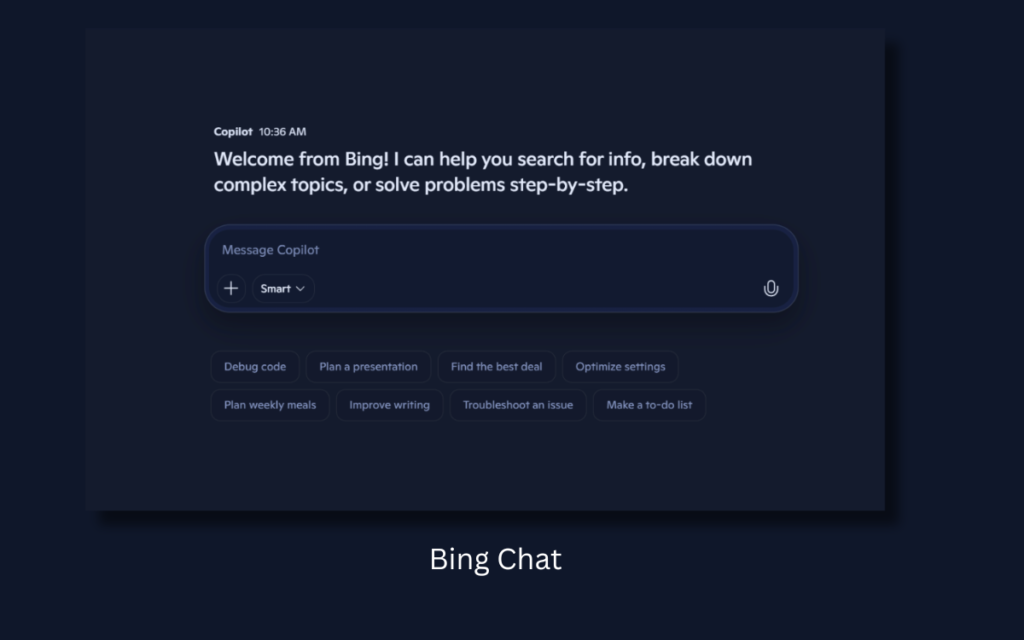
- Best for: Live web-connected responses
- What it does: Uses AI to answer in conversational form while pulling info from the live web.
- Why it’s great: It can cite sources and give up-to-date answers.
Perfect for: Research, current events, news summaries.
Why I Liked It
What impressed me most is the live citations. When researching trending topics, seeing actual sources builds confidence. It feels more like a research assistant than just a chatbot.
3. YouChat
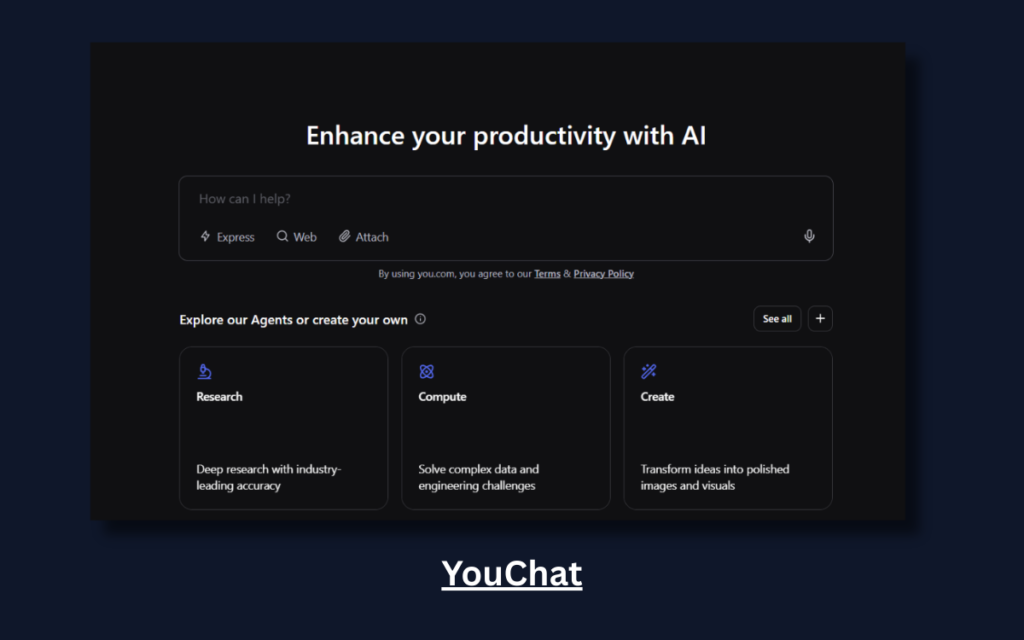
- Best for: Search + AI Chat combined
- What it does: Combines search engine results with AI responses.
- Why it’s great: You see answers and relevant search links.
Perfect for: People who like to verify information.
Why I Liked It
I liked the transparency. You don’t just get an answer — you also see where it might come from. It’s good for people who don’t blindly trust AI.
4. Perplexity.ai
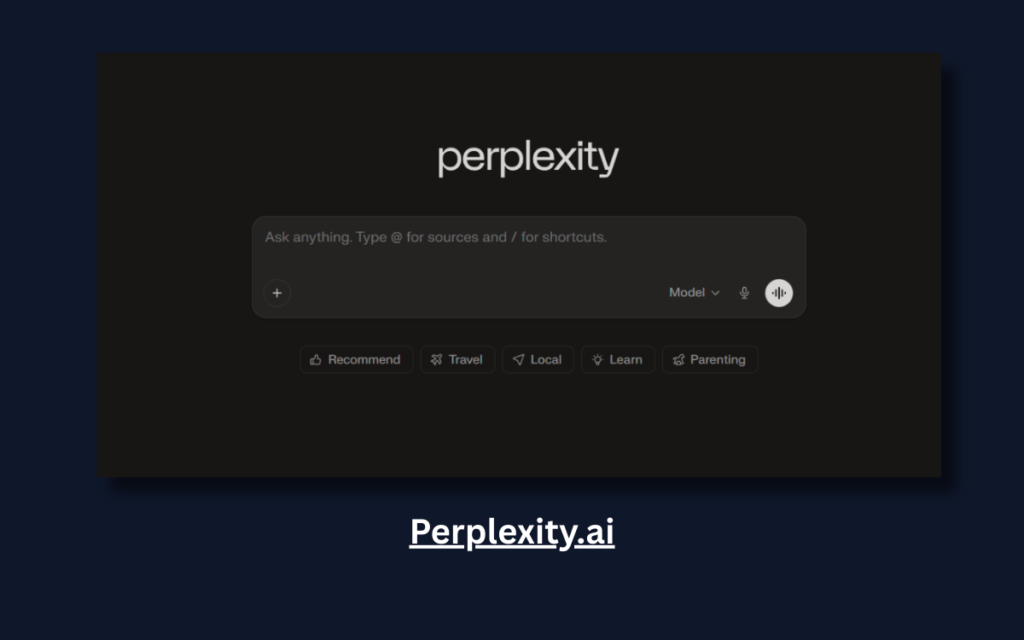
- Best for: Fact-checked answers
- What it does: AI search assistant that cites sources and shows evidence.
- Why it’s great: Transparent output with reference links.
Perfect for: Students, researchers, and writers.
Why I Liked It
It feels reliable. If you’re writing academic or serious content, having sources right below the answer makes your workflow faster and safer.
5. Claude (Free Tier)
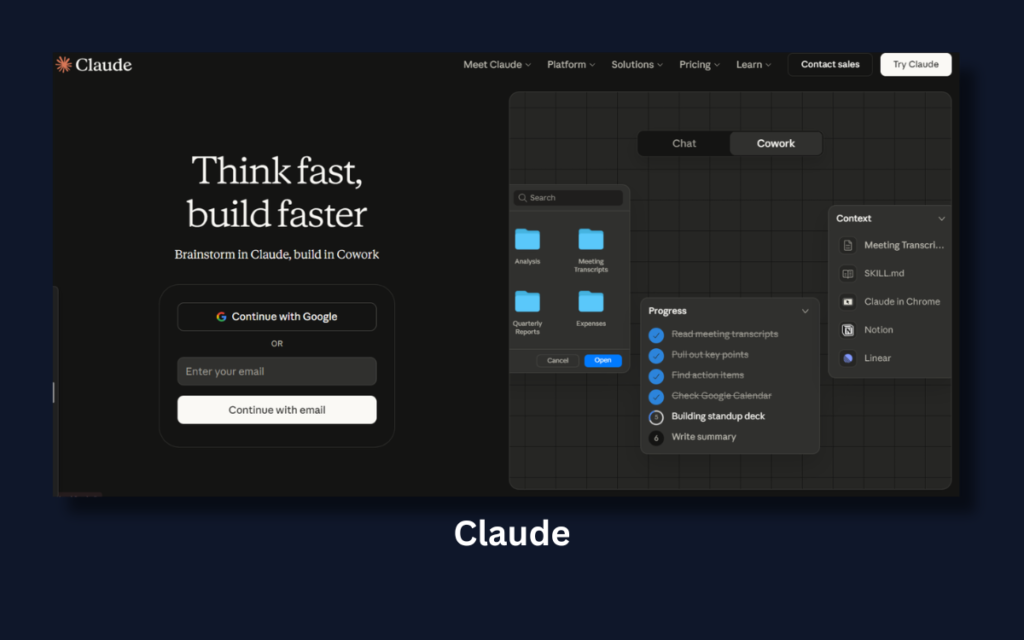
- Best for: Natural, empathetic conversations
- What it does: A conversational AI that feels human and helpful.
- Why it’s great: Good for rewriting, brainstorming, and creative help.
Perfect for: Creatives and writers.
Why I Liked It
Claude feels less robotic. The tone is calm and structured. For rewriting or brainstorming, it often gives more organized answers.
6.ChatSonic (Free Plan)
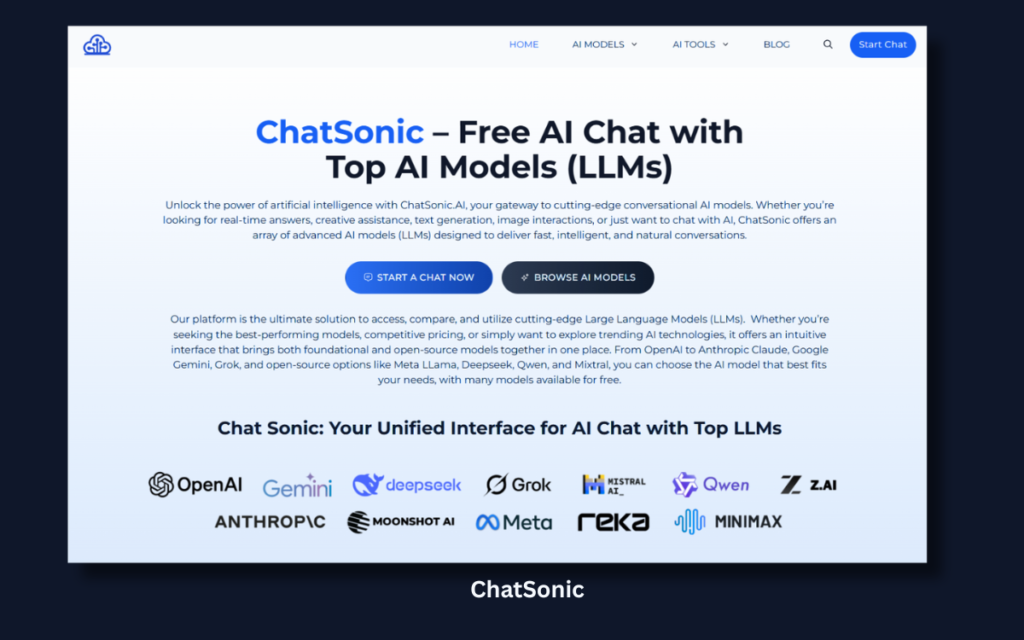
- Best for: ChatGPT-style chat with web access
- What it does: Answers questions while pulling live web info.
- Why it’s great: Better for current events than plain GPT.
Perfect for: Daily tasks + real-time info.
Why I Liked It
It’s useful when you need updated information but still want a conversational style. It bridges the gap between chatbot and search engine.
7. Replika (Free)
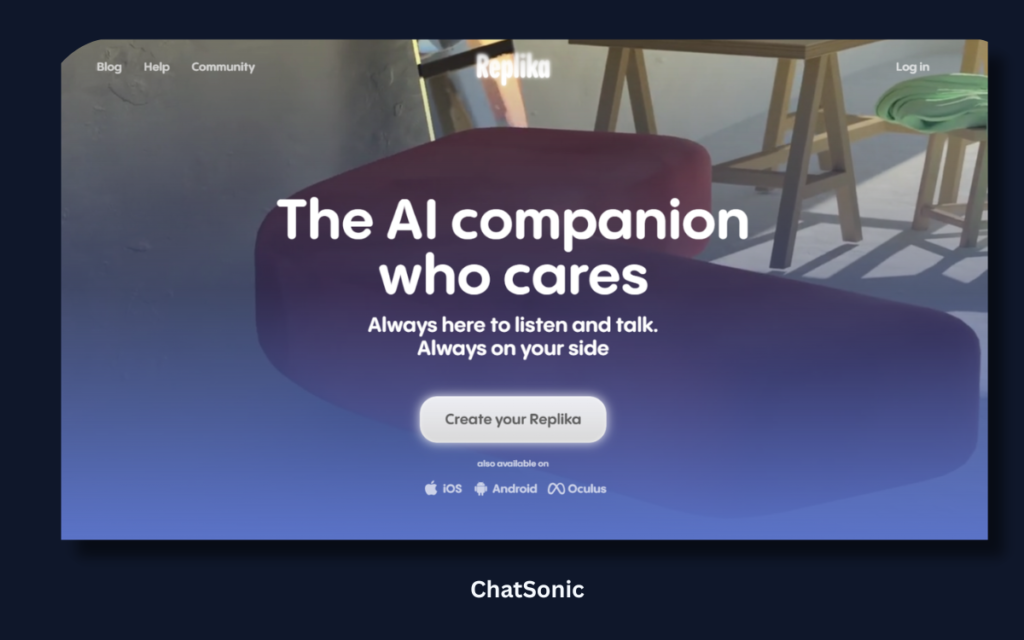
- Best for: AI companionship
- What it does: Chatbot focused on emotional support and conversations.
- Why it’s great: Feels personal and engaging.
Perfect for: People who want meaningful chat.
Why I Liked It
It feels personal. While it’s not ideal for productivity tasks, it creates a different type of engagement compared to typical AI tools.
8. Character.ai
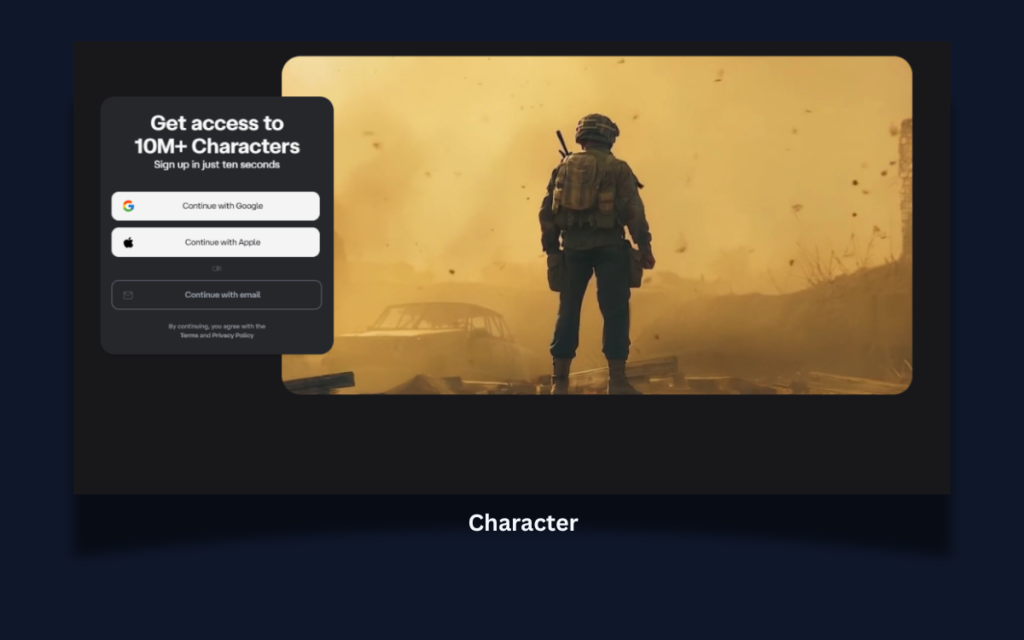
- Best for: Chat with fictional characters
- What it does: Lets you talk to AI personas with unique personalities.
- Why it’s great: Fun, interactive, and creative.
Perfect for: Writers, role-play, entertainment.
Why I Liked It
It’s creative and fun. Especially useful if you’re into storytelling or role-playing. It adds a playful angle to AI usage.
9. OpenAI’s Playground (Free Tier)
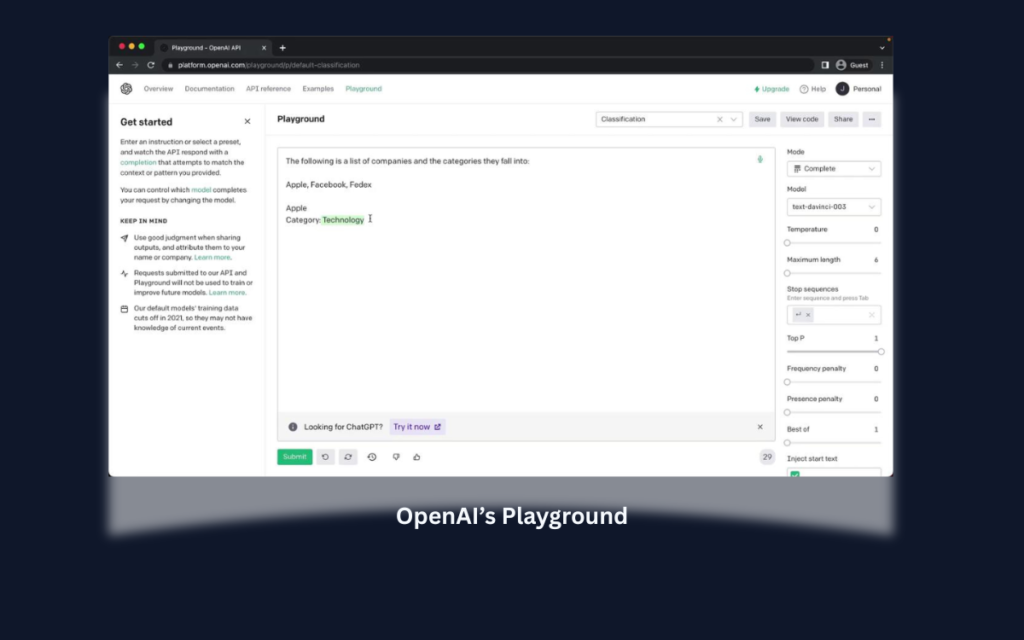
- Best for: Experimenting with language models
- What it does: Lets you run prompts on various models manually.
- Why it’s great: Good learning tool for prompt experimentation.
Perfect for: Developers and AI learners.
Why I Liked It
It gives more control. If you want to understand how prompts affect output, this is where you really learn.
10.Tidio AI (Free Plan)
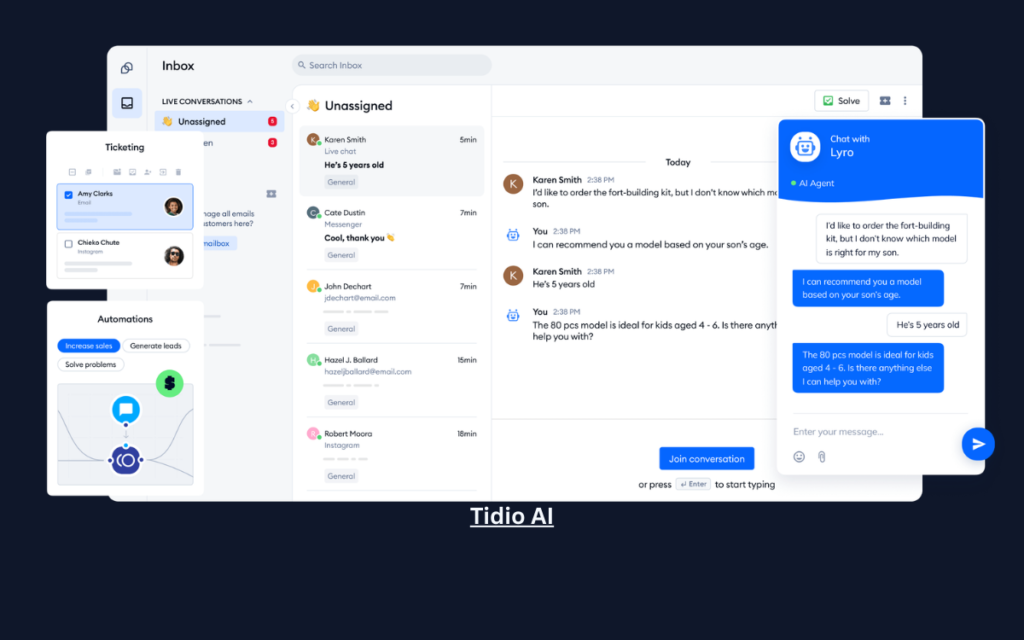
- Best for: AI chatbot assistant for websites
- What it does: Automated chat support with AI-generated responses.
- Why it’s great: Helps small businesses with customer support.
Perfect for: Website owners.
Why I Liked It
If you own a website, this feels practical. It’s not just chat — it solves real business problems.
11. Simplified AI Writer
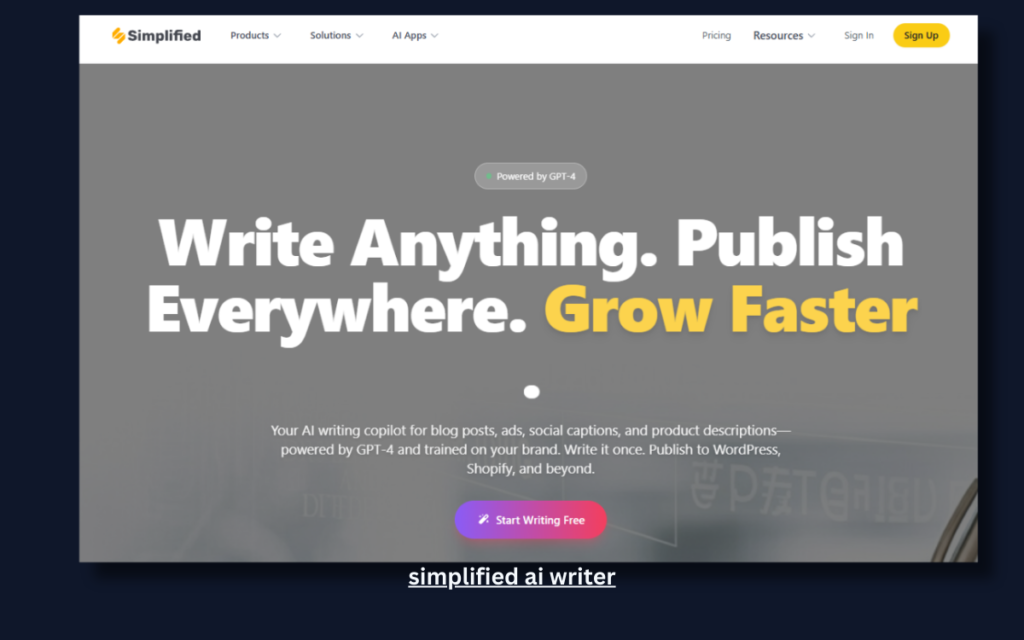
- Best for: Fast content generation
- What it does: Helps generate text, captions, blogs, and outlines.
- Why it’s great: Simple and beginner-friendly.
Perfect for: Content creators.
Why I Liked It
Beginner-friendly. The templates make it easy even if you’re new to AI writing tools.
12.Writer.com (Free Tier)
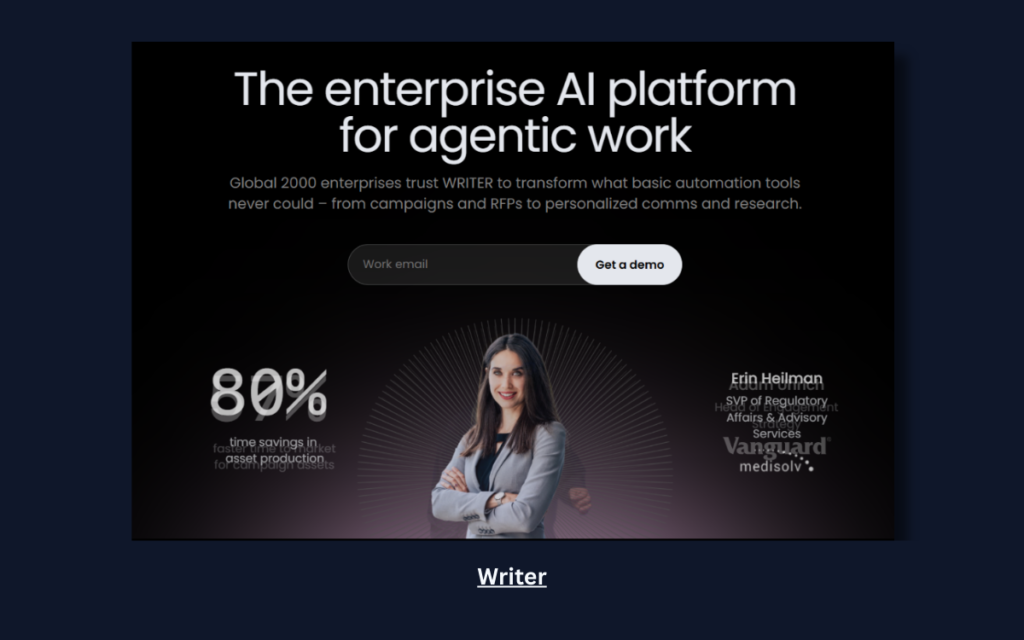
- Best for: Professional writing help
- What it does: Suggestions for grammar, clarity, tone, and style.
- Why it’s great: Improves writing quality quickly.
Perfect for: Business writing and professionals.
Why I Liked It
It feels structured and business-focused. Good if you write formal emails or reports.
13. Quillbot (Free Plan)
- Best for: Paraphrasing & rewriting
- What it does: Rewrites text clearly, improves tone, and summarizes.
- Why it’s great: Excellent for editing and clarity.
Perfect for: Students, writers, editors.
Why I Liked It
It saves time. Especially useful for students who want to improve clarity without changing meaning.
Quick Comparison — Which One Should You Use?
| App | Best For | Free Level | Has Web Access |
|---|---|---|---|
| Gemini | Quick answers | Free | Yes |
| Bing Chat | Current info | Free | Yes |
| YouChat | Search + AI | Free | Yes |
| Perplexity | Fact checks | Free | Yes |
| Claude | Natural convo | Free Tier | Limited |
| ChatSonic | Live web answers | Free Tier | Yes |
| Replika | Companionship | Free | AI Only |
| Character.ai | Fun chat | Free | AI Only |
| OpenAI Playground | Prompt experiment | Free Tier | No |
| Tidio AI | Business chatbot | Free Plan | Yes |
| Simplified AI | Content help | Free Plan | No |
| Writer.com | Writing support | Free Tier | No |
| Quillbot | Paraphrasing | Free Plan | No |
How to Choose the Right App for You
Ask yourself:
👉 Do I want answers or conversations?
👉 Do I need real-time info or creative output?
👉 Am I using it for work, school, or fun?
Here’s a quick guide:
- Best all-rounder: Gemini
- Best for research: Perplexity, Bing Chat
- Best for creative writing: Claude, Character.ai
- Best for editing content: Quillbot, Writer.com
- Best for business use: Tidio AI
Tips for Using AI Chat Apps Effectively
- Use specific prompts:
👉 “Draft a blog outline about AI tools” - Ask follow-up questions:
👉 “Explain like I’m 10” - Combine tools:
👉 Research in Perplexity → Rewrite in Quillbot - Avoid sensitive data:
Most free AI apps store your data for training.
Make each tool work for your workflow.
FAQ — Free Alternatives to ChatGPT
Q: Are these apps truly free?
Some have free tiers with limitations (daily limits or restricted features), but all can be used without paying.
Q: Are they as good as ChatGPT?
Some are close, some are different — but they’re all useful depending on your needs.
Q: Can these tools replace ChatGPT completely?
Not always, but you can mix and match to cover most tasks.
🏁 Final Thoughts
You don’t need to pay to use powerful AI conversational tools.
From Gemini to Perplexity.ai and Quillbot, there are plenty of free apps that can help you with writing, learning, research, creativity, and productivity.
Pick the one that fits your purpose — and start exploring AI today!
2 thoughts on “13 Best Free Apps Similar to ChatGPT”